Package Name:com.hsv.freeadblockerbrowser
SHA-256:15da330fd3cb3c7aafb54a4e0ffa41c30db5b55e04effd1ce1e41c82839df9e3
Show More

Partner Developer

Free Adblocker Browser - Adblock & Popup Blocker is designed for users who deal with intrusive ads, slower pages, and constant tracking on mobile. It focuses on clean pages and stronger privacy during everyday browsing at home, work, or on public Wi Fi. Additionally, it aims to reduce page clutter so content loads with fewer interruptions. If you prefer simple controls with quick setup, Free Adblocker Browser - Adblock & Popup Blocker APK provides a straightforward way to browse with fewer distractions.
Native ad blocking engine
To keep pages clear, Free Adblocker Browser - Adblock & Popup Blocker blocks banners, popups, video ads, sponsored sections, and harmful ad scripts using a built in filter engine. The engine is tuned to remove known ad resources while keeping site layouts intact, which helps pages render normally. It also applies script techniques and frequent rule updates to handle common anti adblock checks that appear on popular sites.
Privacy protections and anti tracking
For privacy focused sessions, private mode does not save history or cookies. The browser blocks known trackers, cleans tracking parameters from URLs, and can lock private pages with a password. It also limits third party storage beyond cookies, including LocalStorage and IndexedDB, to reduce persistent tracking. Fingerprint protections randomize elements such as user agent, screen size, fonts, and canvas, which makes cross site identification harder.
One tap VPN and firewall
When you need extra protection, you can enable a built in VPN that encrypts traffic and hides your IP, which is especially helpful on public Wi Fi. The connection uses AES 256 encryption with a zero log policy and DNS leak protection for added integrity. You can pick servers in the United States, Germany, or Japan to match your preferred balance of speed and privacy. A simple firewall layer also restricts unwanted connections from the browser itself.
Faster pages with lower data use
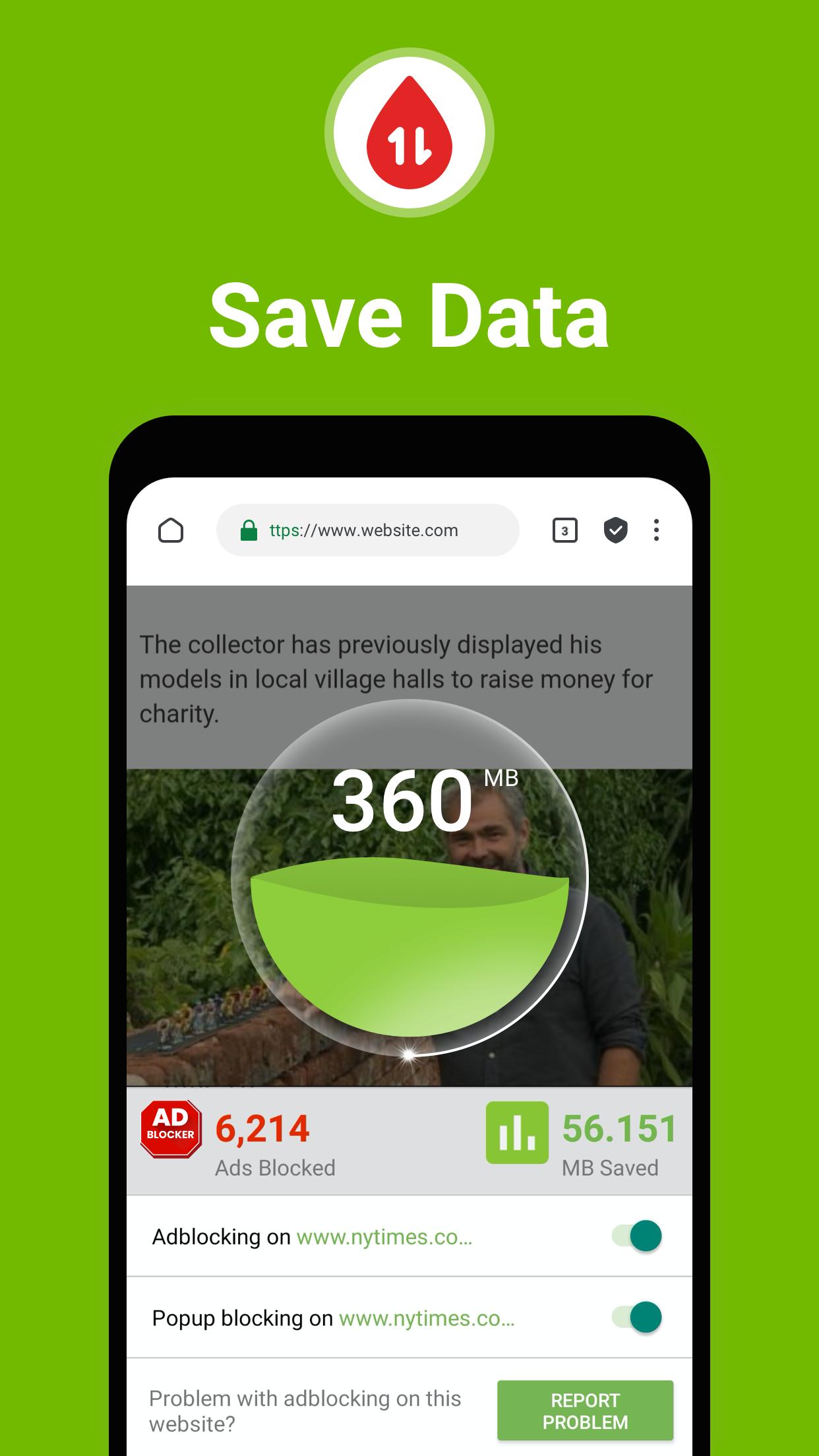
To improve speed, smart resource controls stop heavy scripts, trackers, and known ad domains before they load, which reduces page weight. This can help lower data usage and battery drain during long browsing sessions. The same optimizations can also improve responsiveness on older or busy devices.
Controls, customization, and sync
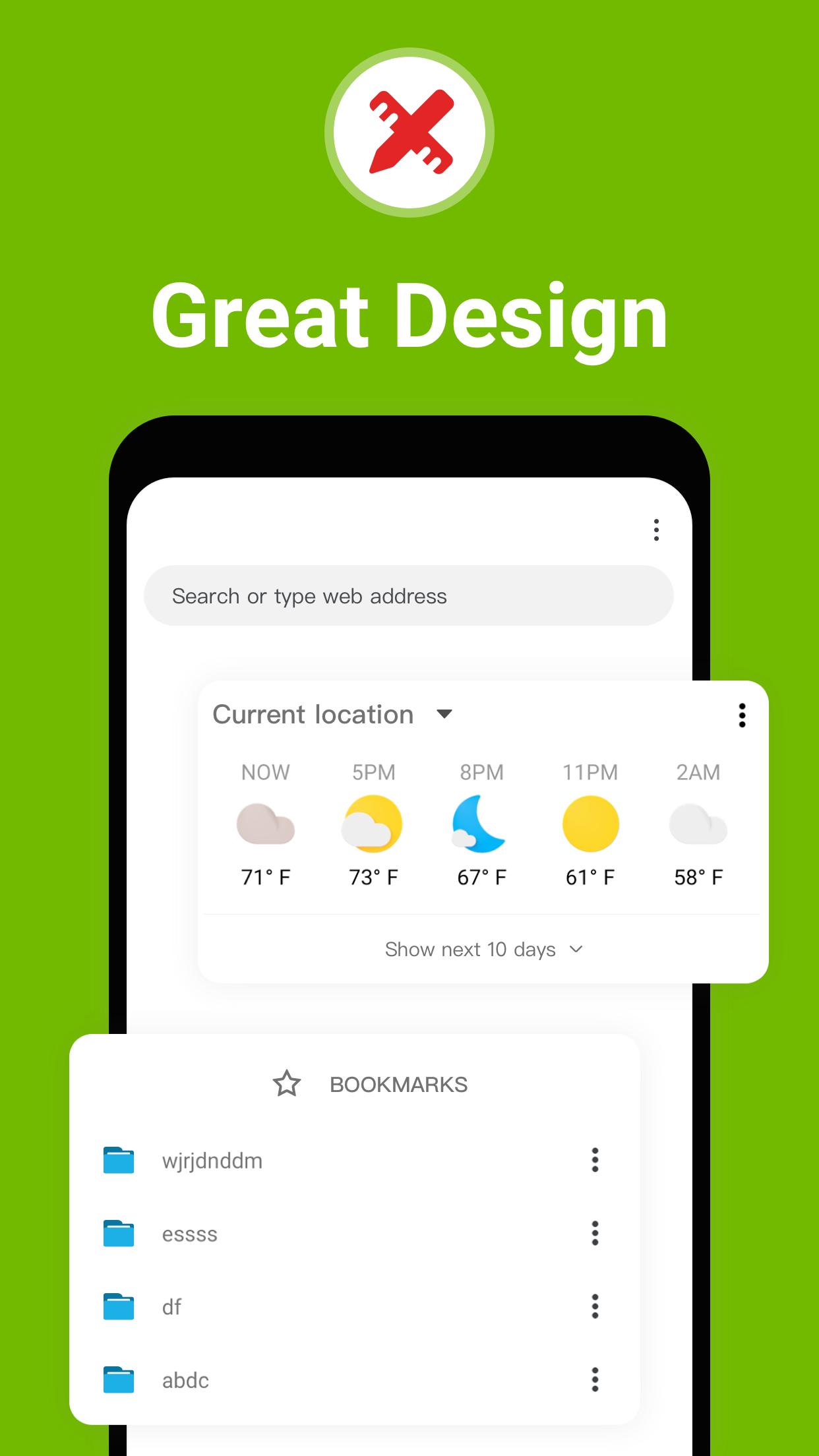
For fine control, you can choose between Standard and Aggressive shield modes to match site behavior. Acceptable Ads support, per site whitelisting, and custom rule lists including regional filters let you decide what displays and what does not. Bookmarks and history can sync across devices so your setup stays consistent when you switch phones or tablets. The app supports multiple languages and lets you switch default search engines, for example Google or DuckDuckGo, based on your preference.
Getting started takes only a few taps. The steps below show how to set up protections and browse comfortably on Android. For the newest tools and fixes, download Free Adblocker Browser - Adblock & Popup Blocker latest version before you begin.
Free Adblocker Browser - Adblock & Popup Blocker combines ad blocking, privacy safeguards, and a one tap VPN for everyday browsing. It keeps pages clear while giving you control over trackers, data usage, and site behavior. To begin, download Free Adblocker Browser - Adblock & Popup Blocker to your Android device.
For official support and more details, use the links below.
Latest Version
139.1.4068Uploaded by
Janar Bainekova
Requires Android
Android 10.0+
Category
Free Communication AppContent Rating
Everyone
Security Report
Check Now
Report
Flag as inappropriateLast updated on May 20, 2026
Minor bug fixes and improvements. Install or update to the newest version to check it out!






APKPure - A multi-platform app store primarily focused on Android, providing extensive app-related content. Discover the app you want easier, faster, and safer, with quick and efficient downloads and installations.