


Package Name:com.samapp.xcalendar
SHA-256:aef9dbac3ceefc6d50ddb2bd6e0d95df50cbd2614f78489ef573501ff8c5bb3b
Show More

Use xCalendar for calendar import, calendar export, backup and reports. Bring events from Excel, CSV or ICS files into a calendar, export selected events, and review calendar data before sharing or archiving it.
Excel to calendar
Import events from Excel (.xlsx) spreadsheets. Preview records, map spreadsheet columns to event fields, choose a destination calendar, and review issues before importing.
CSV and ICS import
For CSV calendar import, map your columns and review the records before adding events. You can also import events from ICS files.
Calendar to Excel, CSV or ICS
Export events from selected calendars and date ranges to Excel, CSV or ICS files. Choose the events you want to share or archive.
Check duplicate calendar events
Review possible duplicate calendar events, overlapping times, invalid start or end times, and sensitive fields. Look through the results before you change or share anything.
Calendar backup and restore
Save selected calendars as backup files. Preview a backup before restoring, and choose how to restore events into calendars you can edit.
Create calendar reports
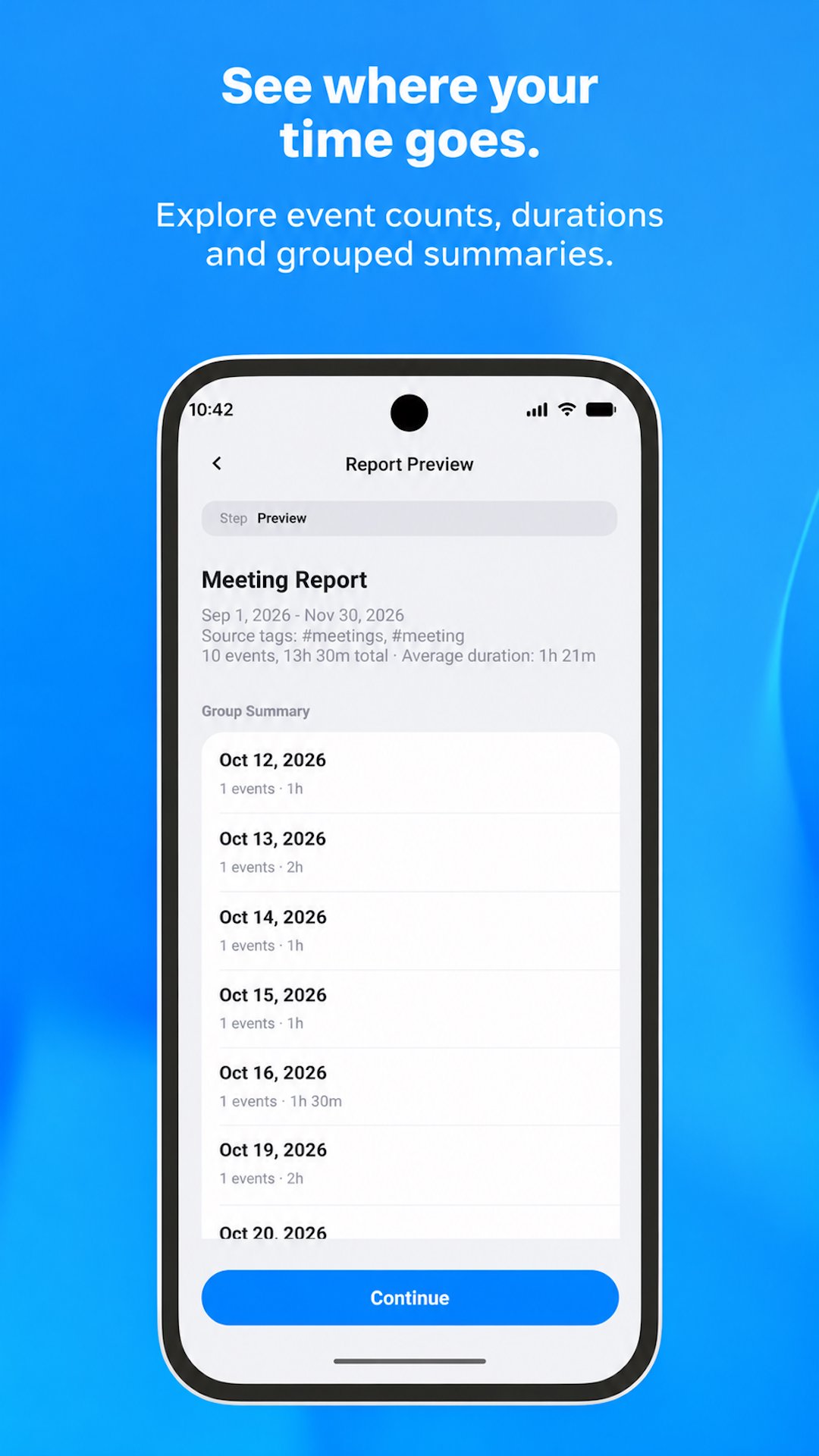
Review event counts, scheduled time, and grouped summaries. With Pro, generate PDF and Excel reports for sharing or archiving. Reports summarize calendar entries. They do not confirm attendance or finished work.
Start with Excel import templates
Generate Excel import templates with a field guide and optional sample rows. Fill in your events, then return to import and write them to a calendar.
Included features and Pro
Each import or export can include up to 50 events before you buy Pro. Calendar checks, backup and restore, templates, and report previews are included.
Pro is an optional one-time in-app purchase. It removes the 50-event limit on each import and export, and it unlocks PDF and Excel report files. There is no subscription. Restore Pro with the same Google account.
You do not need an xCalendar account. Calendar files are processed on your device. A calendar account on the device may sync events, and you choose when to share exported files.
Latest Version
1.0.0Uploaded by
Basem Ndaf
Requires Android
Android 8.0+
Category
Free Productivity AppContent Rating
Everyone
Security Report
Check Now
Report
Flag as inappropriateLast updated on Nov 10, 2026
Welcome to xCalendar.
• Import and export events with Excel (.xlsx), CSV, and ICS.
• Preview records and issues before adding them to a calendar.
• Check for duplicates, overlapping or invalid times, and sensitive fields.
• Back up calendars, and preview a backup before restoring.
• Preview reports. Pro generates PDF and Excel reports.
• Create Excel import templates with sample rows.
• Buy Pro once, and restore it with the same Google account.





APKPure - A multi-platform app store primarily focused on Android, providing extensive app-related content. Discover the app you want easier, faster, and safer, with quick and efficient downloads and installations.






