
Shutdown Click app can be used to turn off and lock the screen of any Android device, in a way that it can be unlocked without violating the security policy that requires a PIN to unlock.
That means that you can use your fingerprint to unlock your device, as you would normally do if the screen was turned of by pressing the hardware power key.
Shutdown Click can also be assigned to be the Assist App of your device and thus it can be activated by long-pressing the Home key.
Other features:
1. Screen off animation (including the most famous Old TV style)
2. Screen lock/unlock sound effect
3. Screen off vibration
4. Notification
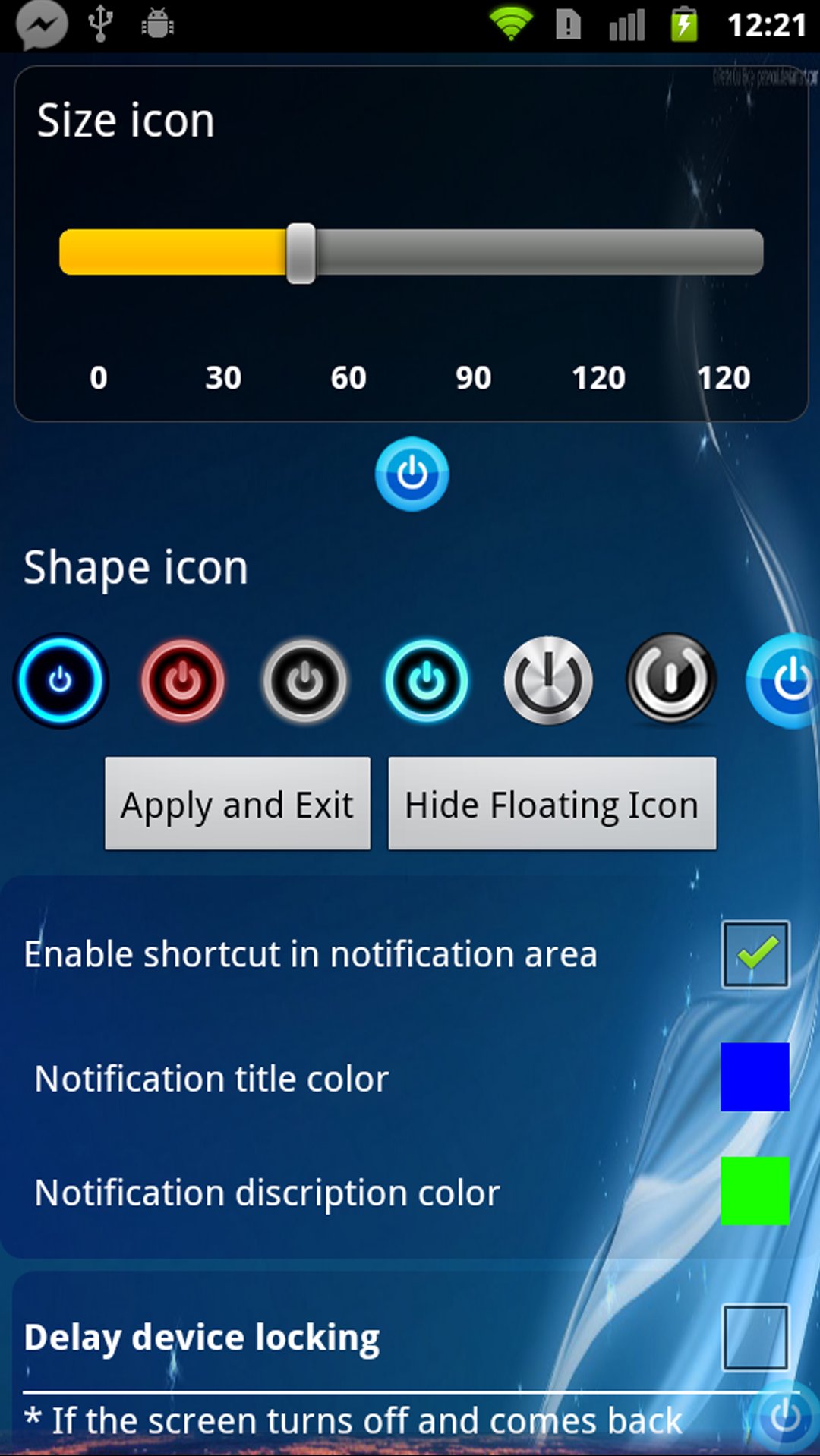
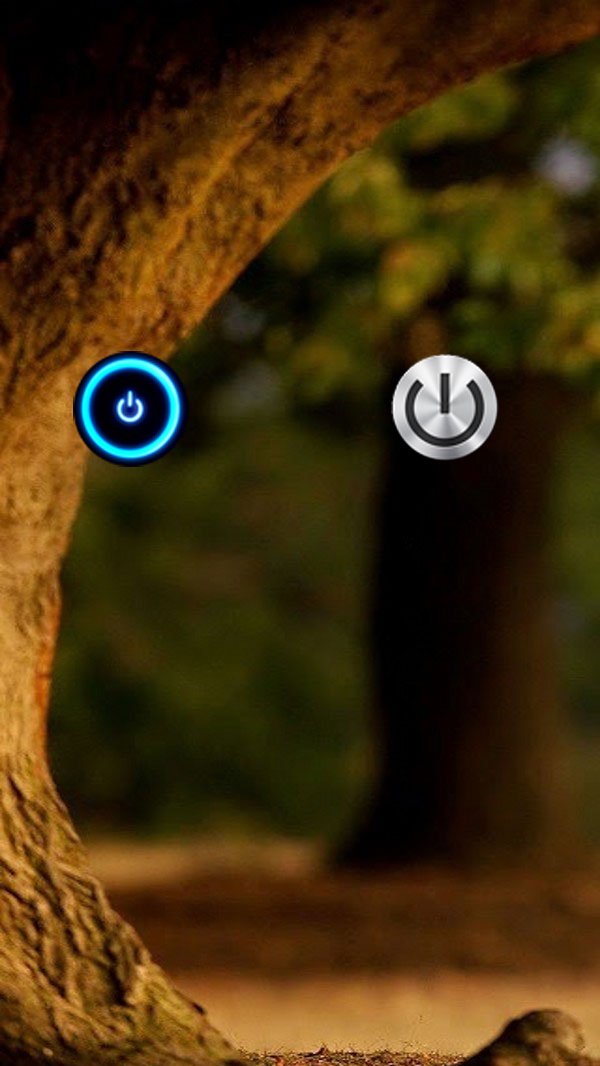
5. Floating button over all apps! Like facebook you can turn off screen anywhere.
6. Search button (if your device has it)
Notes:
For those who cannot see the screen off animation even the app is reinstalled, please follow the procedures below:
Android 4.x: Go to "Setting > Developer options > Transition animation", and then select 1x for this option.
Android 2.x, Make sure you selected the option "All animations" under "Settings > Display > Animation".
This app uses the Device Administrator permission
آخرین نسخه
1.0.5بارگذاری شده توسط
Igor Popovic
نیاز به اندروید
Android 4.0.3+
دسته بندی
رایگان برنامه شخصی سازیرتبهبندی محتوا
Everyone
گزارش
گزارش محتوای نامناسبLast updated on 28/11/2020
Shutdown Click app can be used to turn off and lock the screen of any Android device






APKPure - یک فروشگاه برنامه چند پلتفرمی که در درجه اول روی Android متمرکز شده و محتوای گسترده مربوط به برنامه را ارائه می دهد. برنامه مورد نظر خود را آسانتر ، سریعتر و ایمن تر با بارگیری و نصب سریع و کارآمد کشف کنید.