
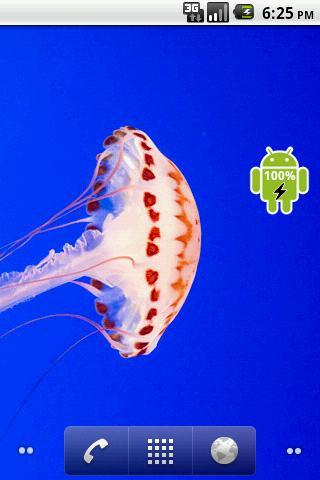
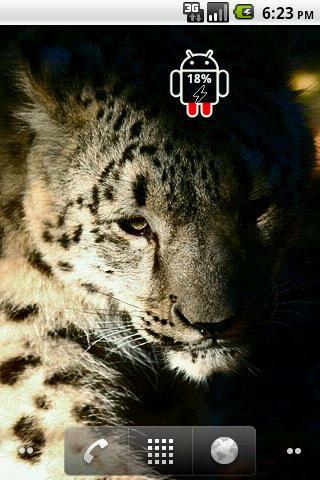
Robot Battery Widget indicates the battery charge level of your device.
Battery is a small, sleek and elegant app that will help you follow the current battery percentage on your Android device.
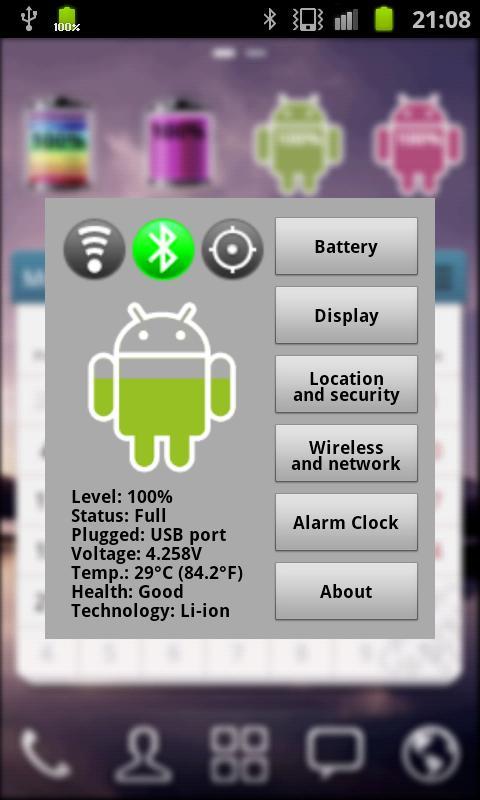
Robot Battery Widget shows the exact battery level. Pressing this widget allows to change Battery, Display, WiFi, GPS, Bluetooth Settings and display advanced battery info (voltage, temperature, status, etc.). Also allows to set Alarm clock.
After installation, you must manually add the widget to the home screen.
How to add widget to the home screen:
1.On your home screen of your Android device, tap any blank or "empty" area and hold down your finger.
2.The "Add to Home screen" window will appear. Tap on "Widgets".
3.List of all the installed Widgets on your Android device will appear.
4.Select the widget to add to your home screen.
Note: On Android 4.0 add widget by selecting icon widgets menu near apps menu.
آخرین نسخه
1.7بارگذاری شده توسط
علي الملك
نیاز به اندروید
Android 2.1+
دسته بندی
رایگان برنامه ابزاررتبهبندی محتوا
Everyone
گزارش
گزارش محتوای نامناسبLast updated on 20/11/2015
App name changed from Android Battery to Robot Battery



APKPure - یک فروشگاه برنامه چند پلتفرمی که در درجه اول روی Android متمرکز شده و محتوای گسترده مربوط به برنامه را ارائه می دهد. برنامه مورد نظر خود را آسانتر ، سریعتر و ایمن تر با بارگیری و نصب سریع و کارآمد کشف کنید.