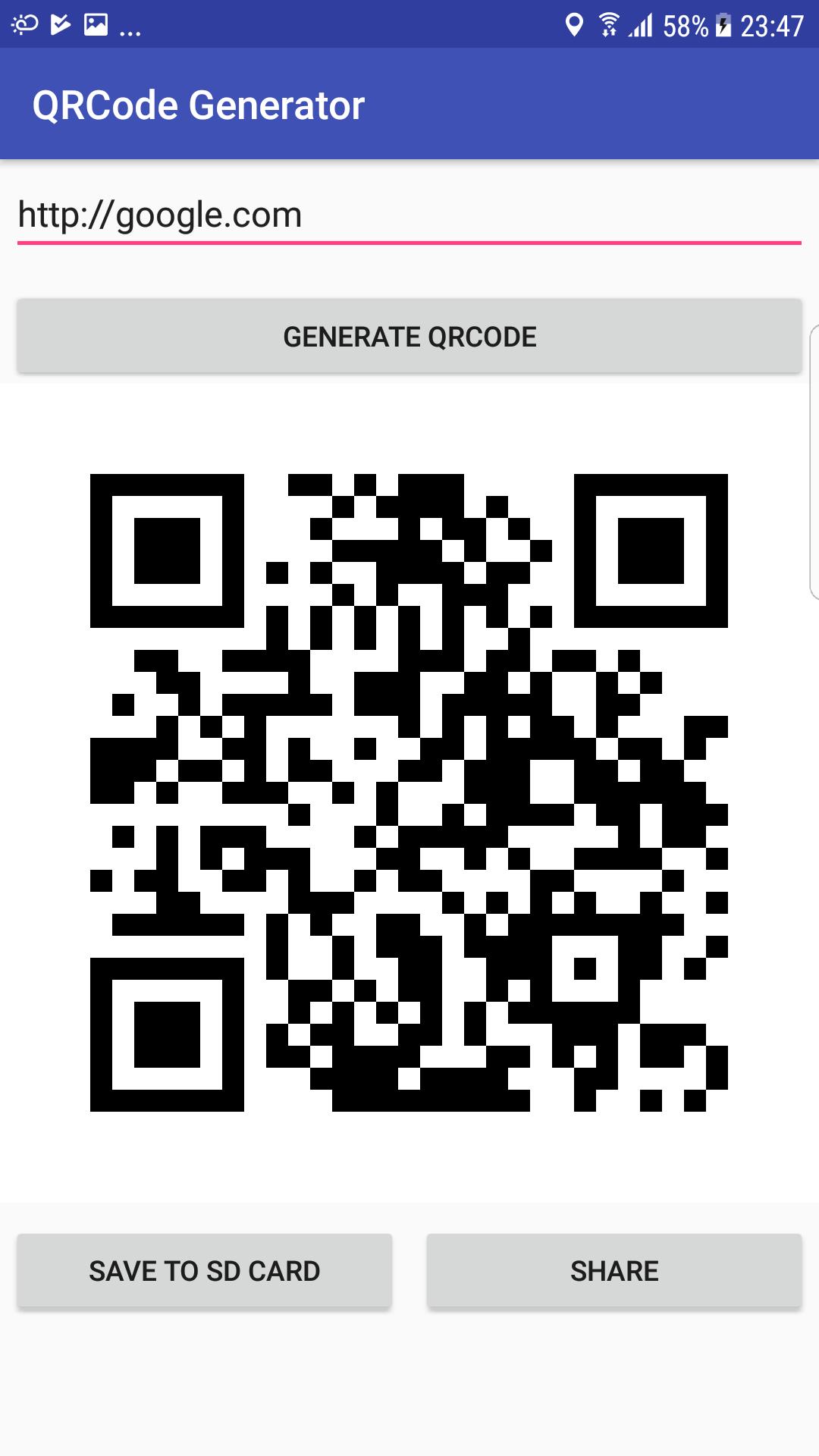
QR Code Generator was a tool which can generate QR code by an URL or any content.then you can save the QR Code to SD card or share with someone.
How to use QR Code Generator:
1.Enter QR Code Generator.
2.Input URL or content that you want to generate.
3.Click "Generate" button to generate a QR Code.
4.Click "Save" button to save the QR code to SD card.
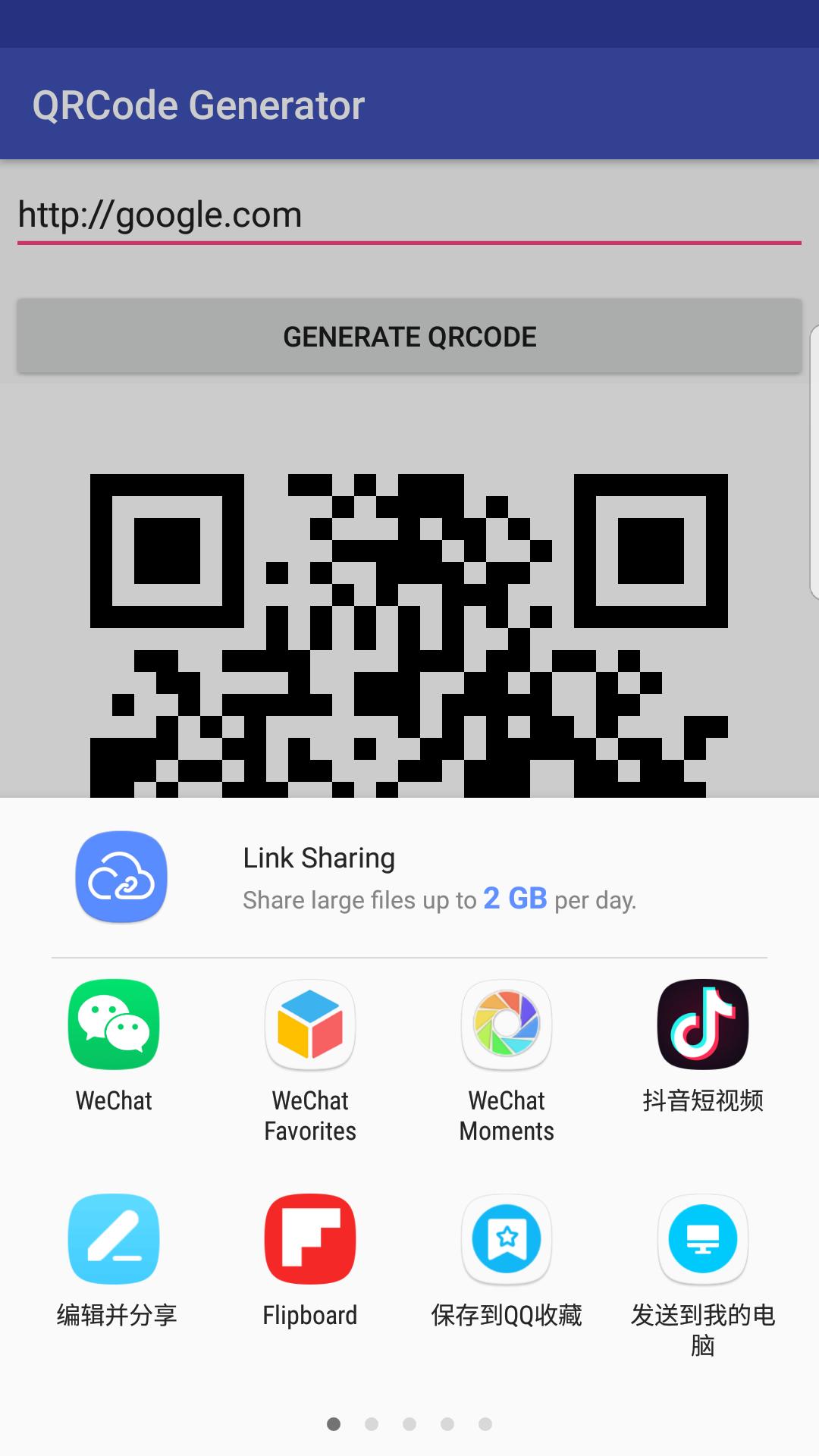
5.Click "Share" button to share the QR code to someone.
QR Code Generator feature:
1.simple and useful.
2.Powerful.
3.Easy to operate.
Thank you for use QR Code Generator, if you find any question please contact me to resolve.
آخرین نسخه
1.6.0بارگذاری شده توسط
Bā Twîst Ghãt Çhîmûlølø
نیاز به اندروید
Android 4.0.3+
دسته بندی
رایگان برنامه ابزاررتبهبندی محتوا
Everyone
گزارش
گزارش محتوای نامناسبLast updated on 15/06/2020
it can generate QR code by an URL or any content.


APKPure - یک فروشگاه برنامه چند پلتفرمی که در درجه اول روی Android متمرکز شده و محتوای گسترده مربوط به برنامه را ارائه می دهد. برنامه مورد نظر خود را آسانتر ، سریعتر و ایمن تر با بارگیری و نصب سریع و کارآمد کشف کنید.