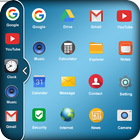
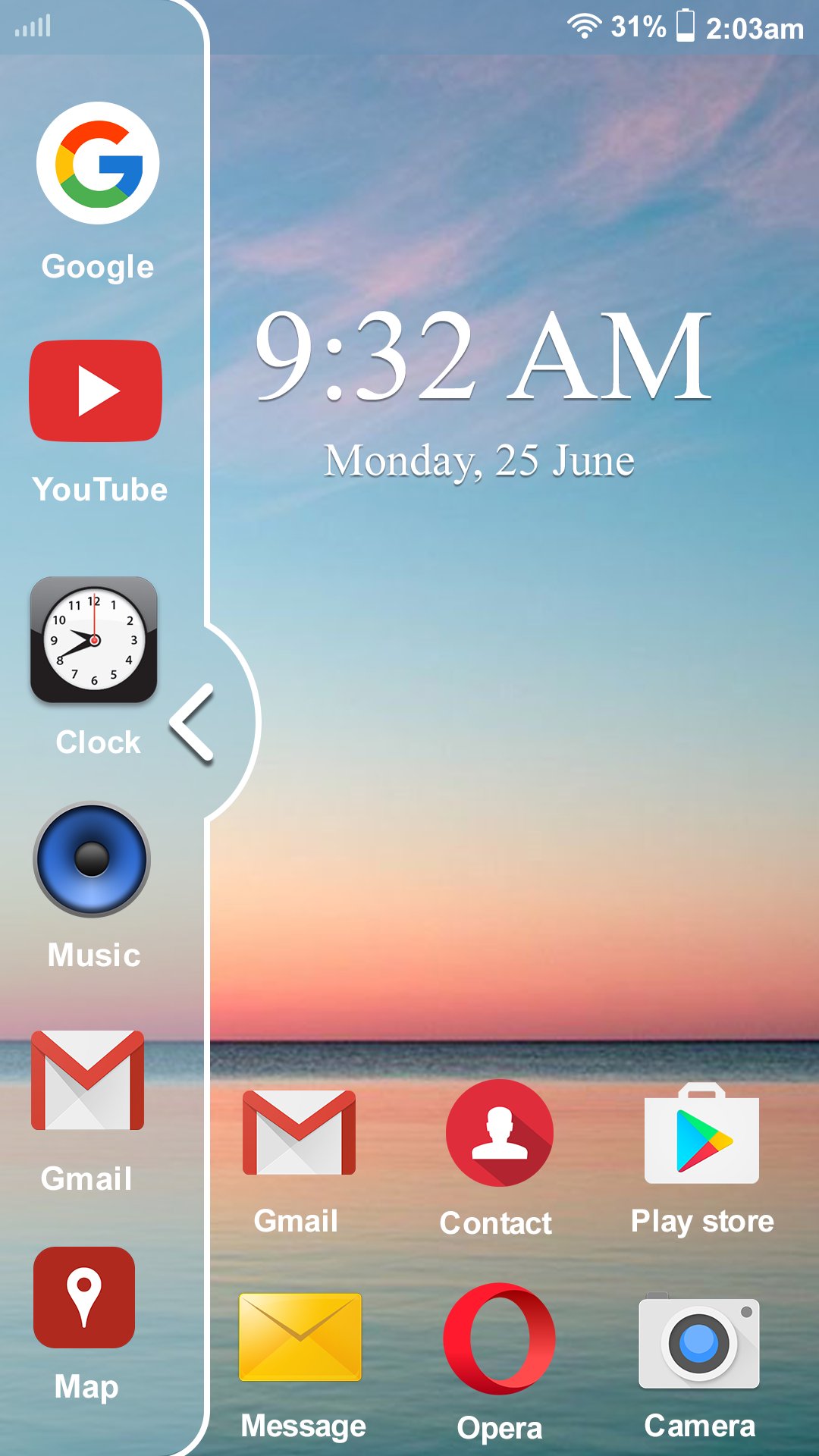
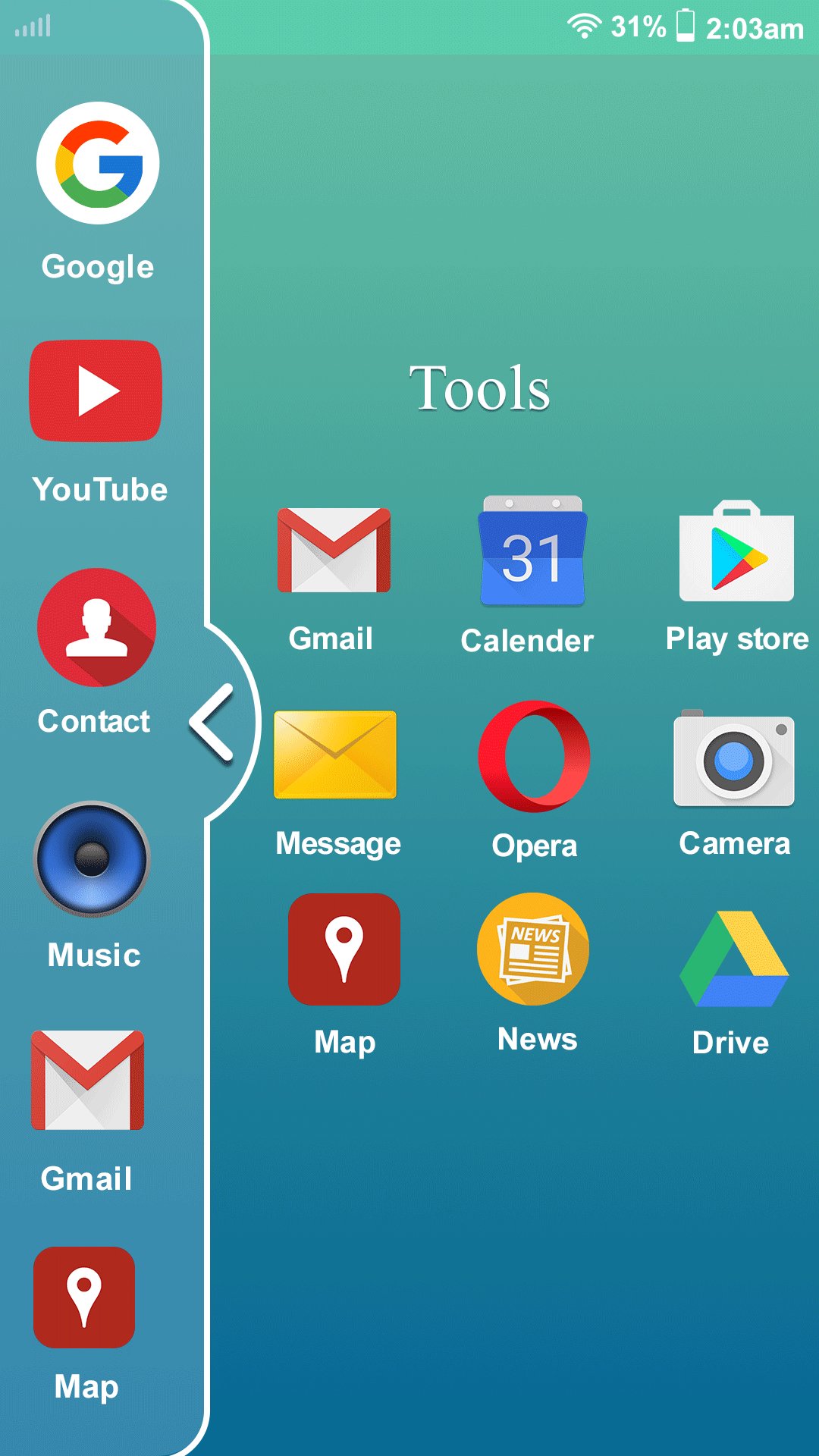
Multi Window Is the app by which we can An App By Which You Can Create Shortcuts Of Your Installed Apps Icon Into Multiple Window Tray. And By Clicking On These Shortcuts, You Can Easily Switch From One Task To Another During Your Current Task.
You Can Also Create Shortcuts Of Your Installed System Apps Icon Into Multi Window Tray.
And By Clicking On These Shortcuts Icons, You Can Easily Switch From One Task To Another During.
Multi Window Is the app by which You Can Create Shortcuts Of Your Installed Apps Icon Into Multiple Window Tray.
Each floating app is a small application that opens in a window and floats over all other applications allowing real multitasking on your android phone or tablet. Just open floating app and experience multitasking like on your Windows or Mac.
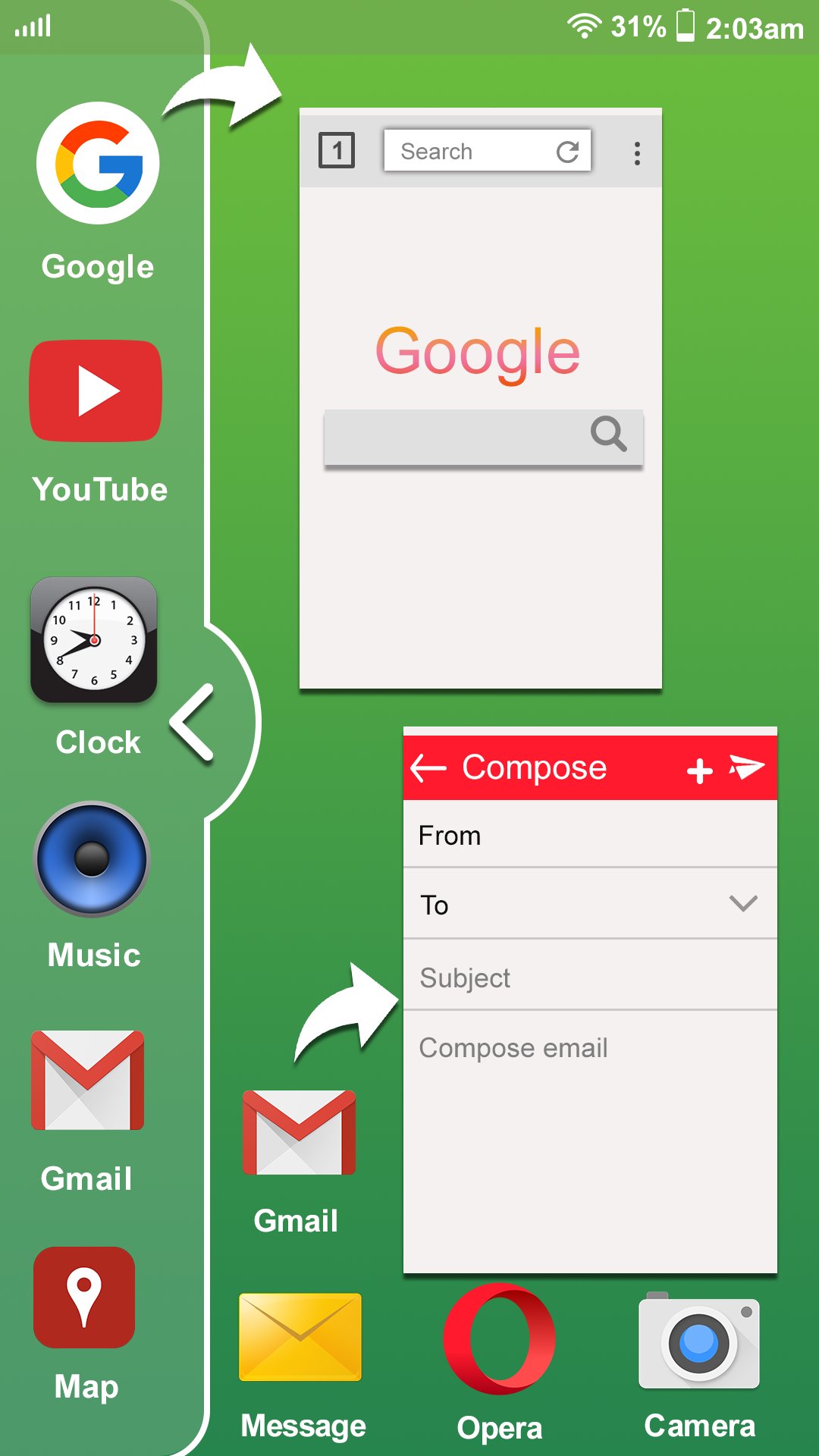
Multi Window : Split Screen app makes all apps multi window capable, but only adds the ones you specify to the launch tray. This means you can drag an app from the launch bar onto ANY app and it will launch in split screen...even apps that aren't explicitly selected to be enabled for multi window.
Multi Window : Split Screen Is the app by which we can An App By Which You Can Create Shortcuts Of Your Installed Apps Icon Into Multiple Window Tray. And By Clicking On These Shortcuts, You Can Easily Switch From One Task To Another During Your Current Task.
Features ::
# No root required
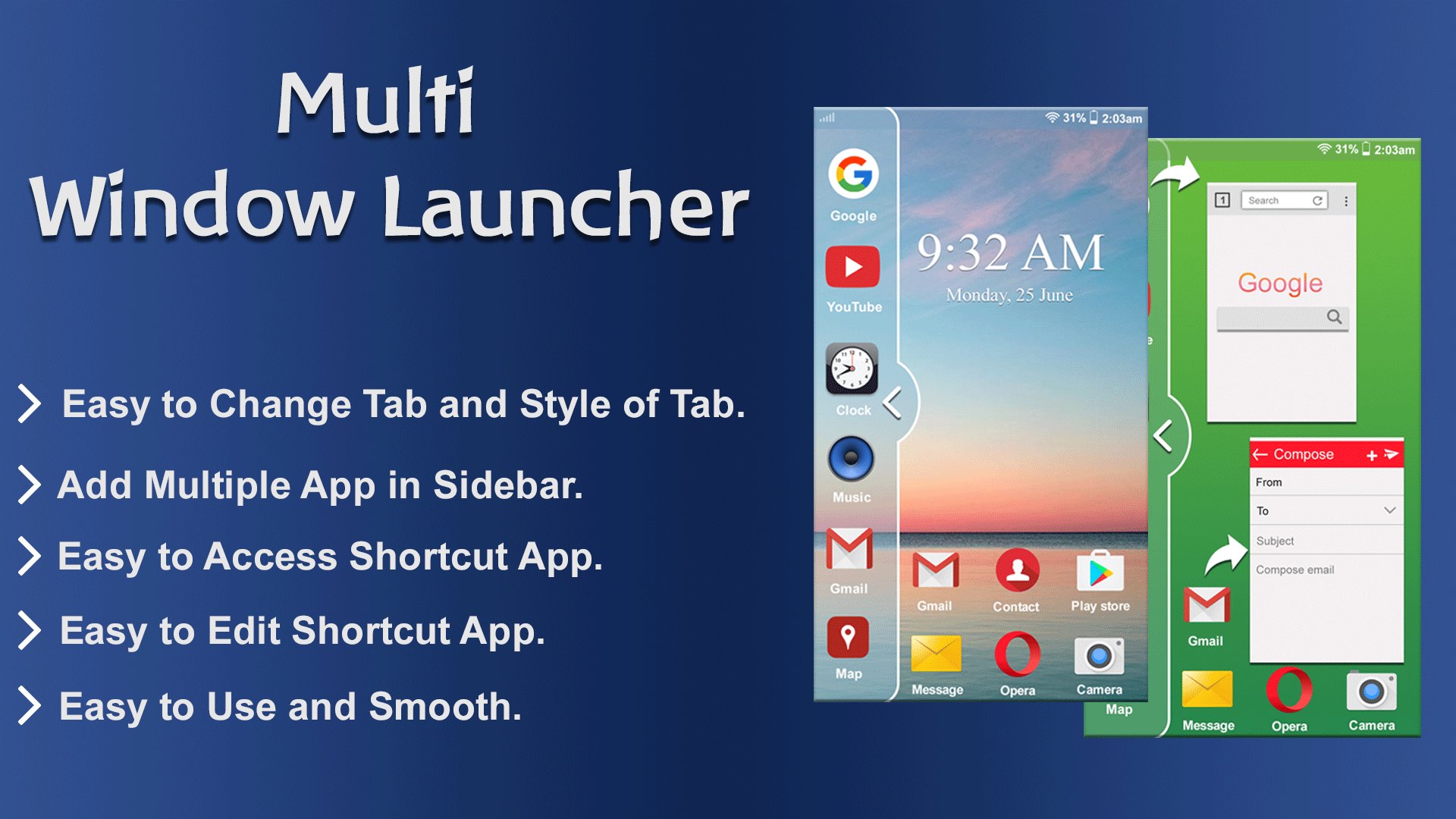
# Long press and Drag Drop Icons On Screen For Open App.
# You Can Increase And Decrease Speed Of Multi Window Tray.
# You Can Arrange Icons.
Types: Most used app, Recently used app and Alphabetical Order.
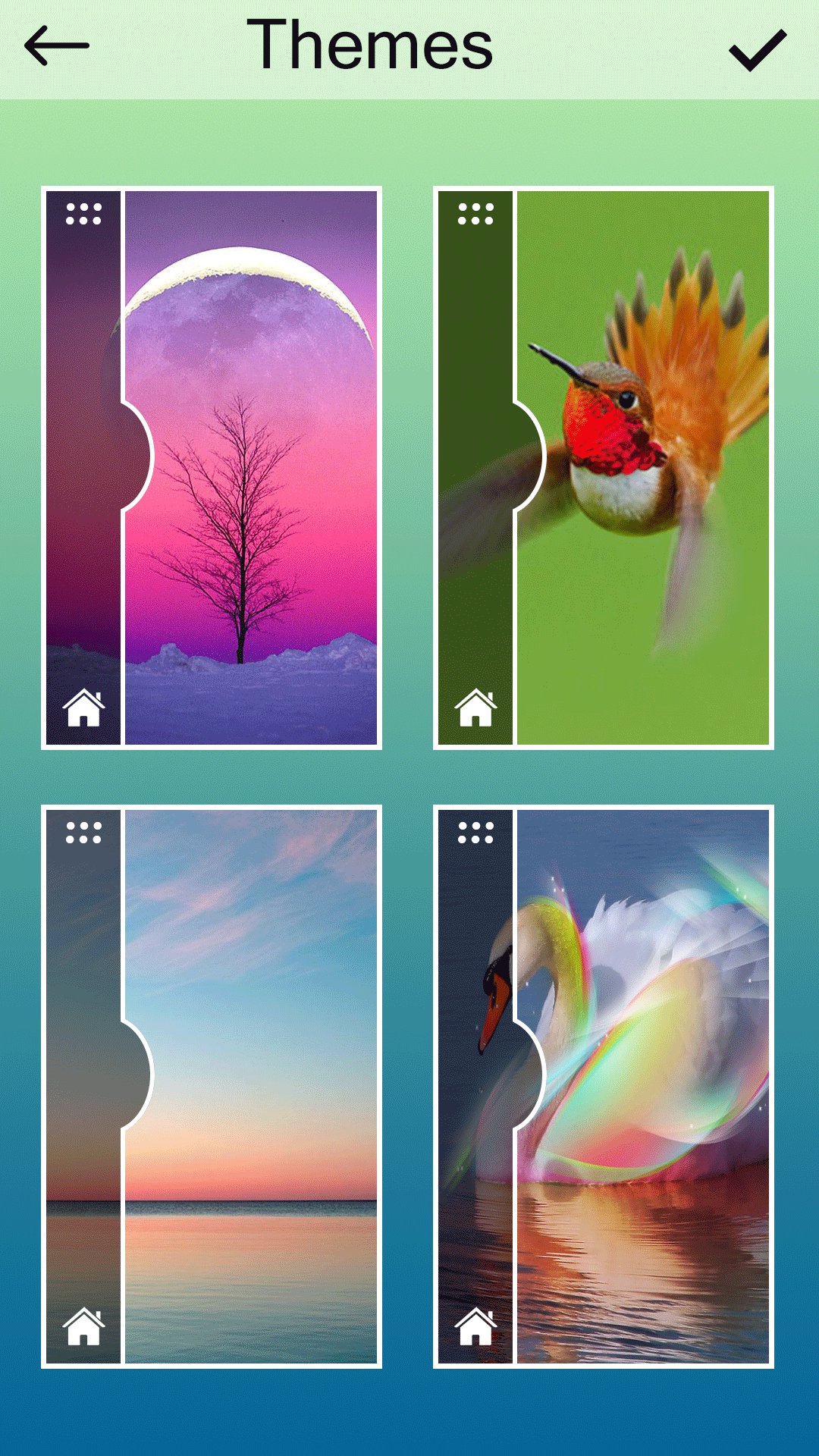
# You Can Select Many Different Default Themes.
# You can hide and unhide On long pressing multi window Sidebar icon. (Follow Help )
# You can change transparency of slide bar.
# Customize color, animation speed,order and opacity.
# Service start automatically when phone restart Fix.
Thank you.
آخرین نسخه
1.0نیاز به اندروید
4.0.3 and up
دسته بندی
رایگان برنامه ابزاررتبهبندی محتوا
Everyone
گزارش
گزارش محتوای نامناسبLast updated on 27/06/2017
این نسخه شامل رفع اشکالات جزئی و بهبودهای عمومی است. برای بهترین تجربه، برنامه را به جدیدترین نسخه به


APKPure - یک فروشگاه برنامه چند پلتفرمی که در درجه اول روی Android متمرکز شده و محتوای گسترده مربوط به برنامه را ارائه می دهد. برنامه مورد نظر خود را آسانتر ، سریعتر و ایمن تر با بارگیری و نصب سریع و کارآمد کشف کنید.