-How to apply-
1.Install this Theme engine
2.Go to apps screen,and find app "themes" and start it.
3.fine "M9" theme and enter.
4.Check the box that you want to apply and click apply
5. Done!
If you want a special icon, then I will add it with updates.
Just feedback to me!
and your feedback makes app to more better ;D
Thank you for using this theme engine.
This theme engine is compatible for Cm12+ devices,and Cm13+ devices~!
Made by Designloper Picture by Youngho Ko
Source by Cyanogenmod,Google Opensource Icon project.
Thanks.
آخرین نسخه
r31بارگذاری شده توسط
Zan Ye
نیاز به اندروید
Android 5.0+
دسته بندی
رایگان برنامه شخصی سازیرتبهبندی محتوا
Everyone
گزارش
گزارش محتوای نامناسبLast updated on 24/05/2017
R31~~!
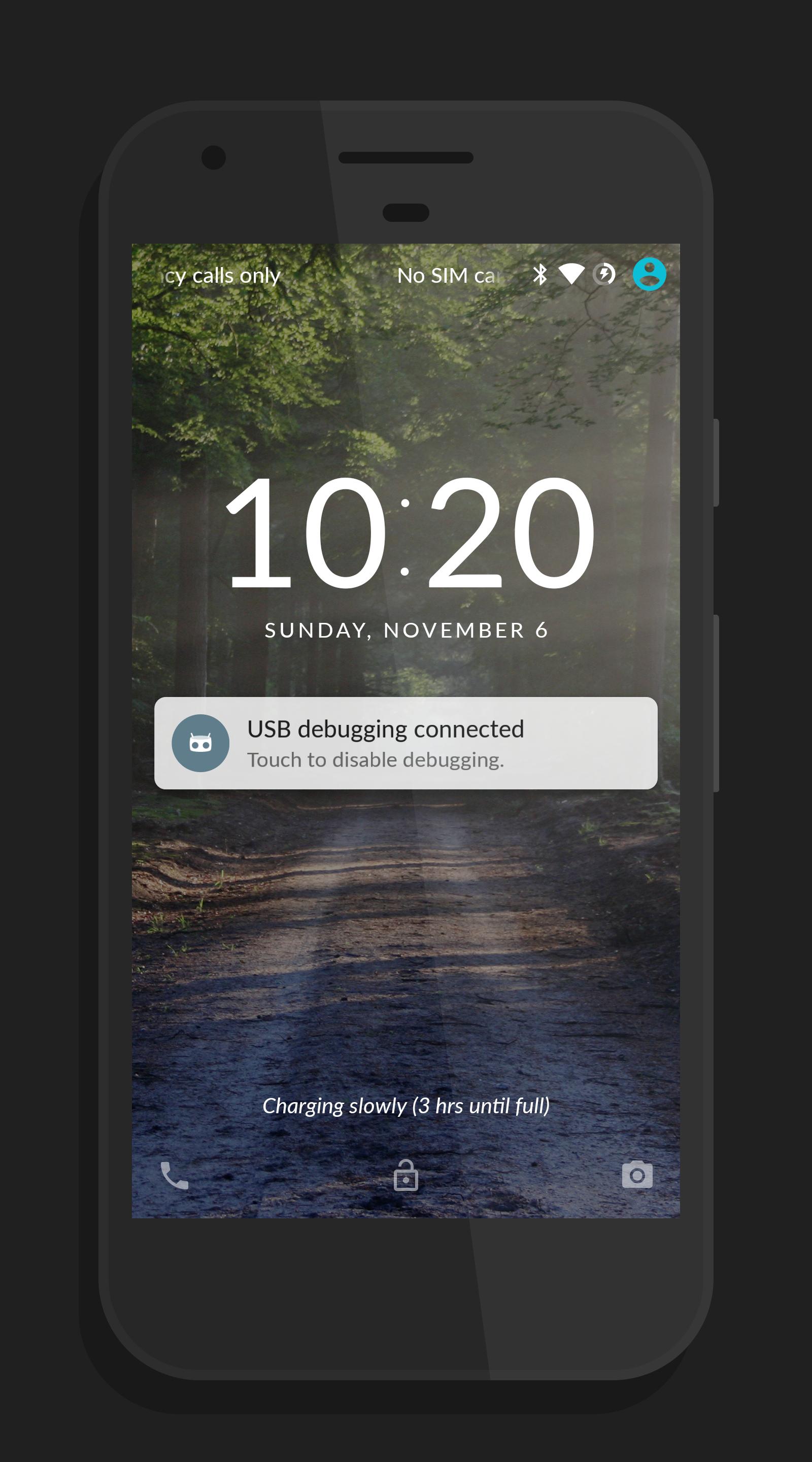
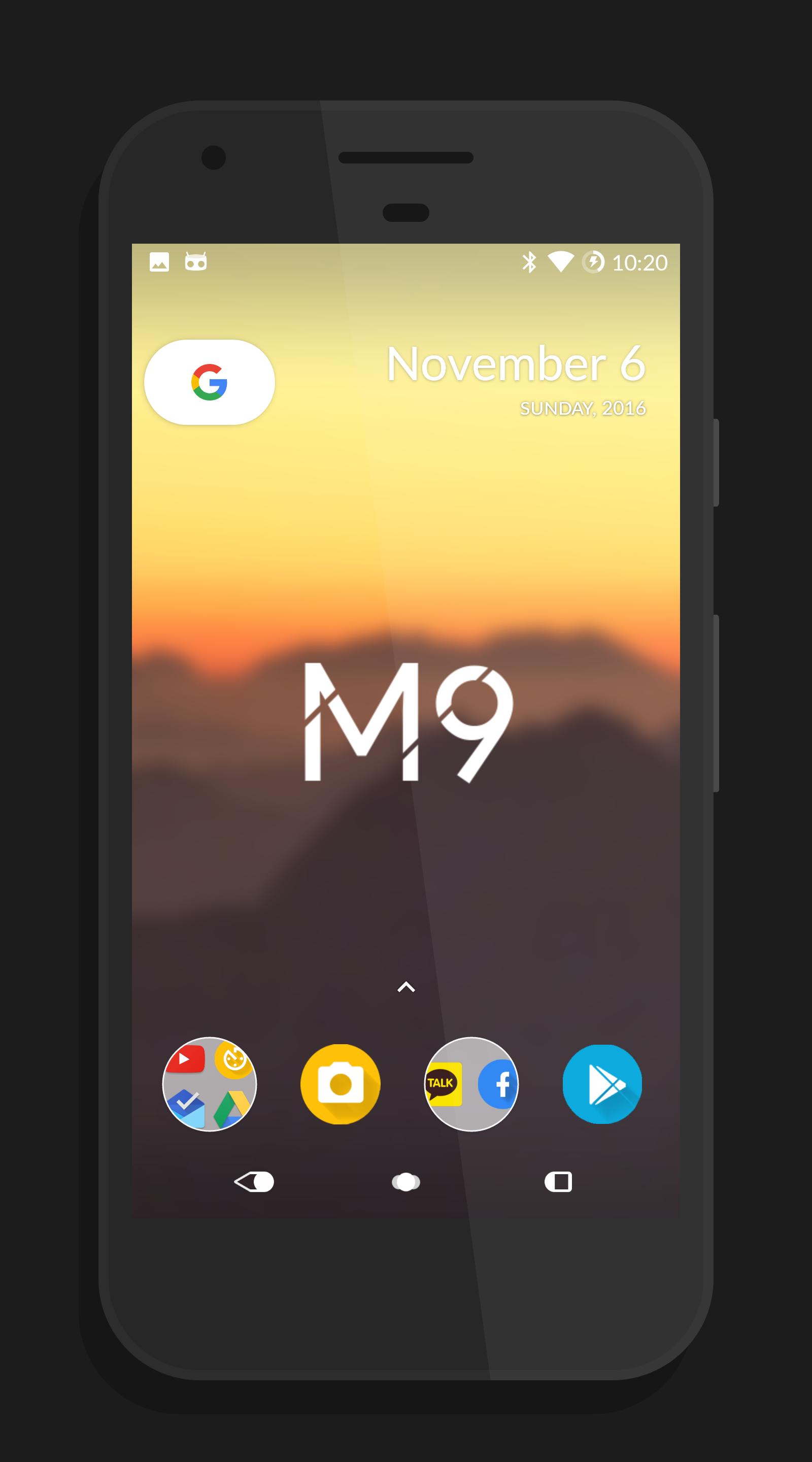
#-New Simple Wallpaper and lockscreen~
#-New Fonts!!!!!!
(Feedback by Евгений Грушевский , Javier Astorga Acuña)
Thanks!!
Always thanks for using this app ;)
If you like it, Then give me 5 Stars! ;D



APKPure - یک فروشگاه برنامه چند پلتفرمی که در درجه اول روی Android متمرکز شده و محتوای گسترده مربوط به برنامه را ارائه می دهد. برنامه مورد نظر خود را آسانتر ، سریعتر و ایمن تر با بارگیری و نصب سریع و کارآمد کشف کنید.