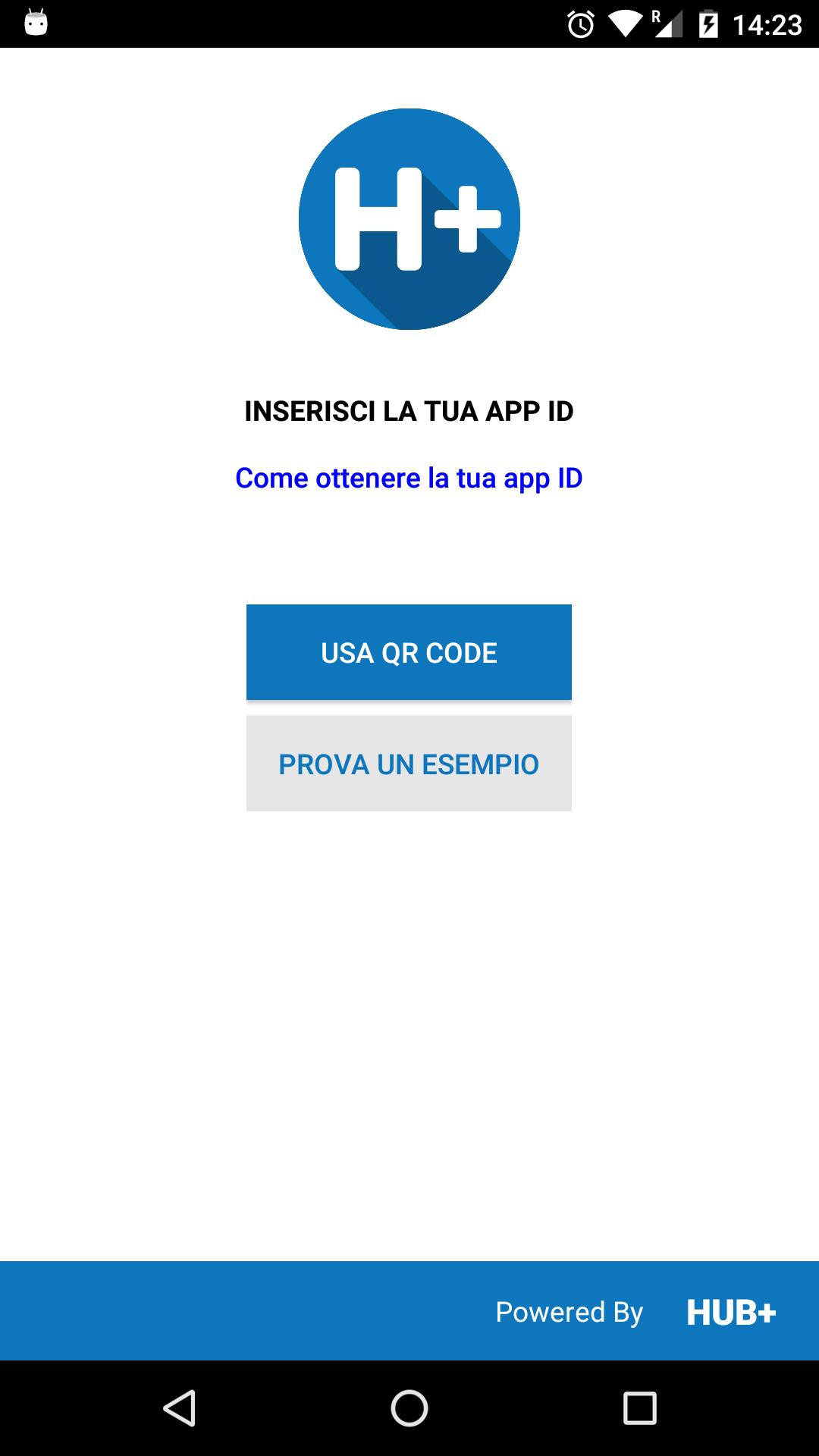
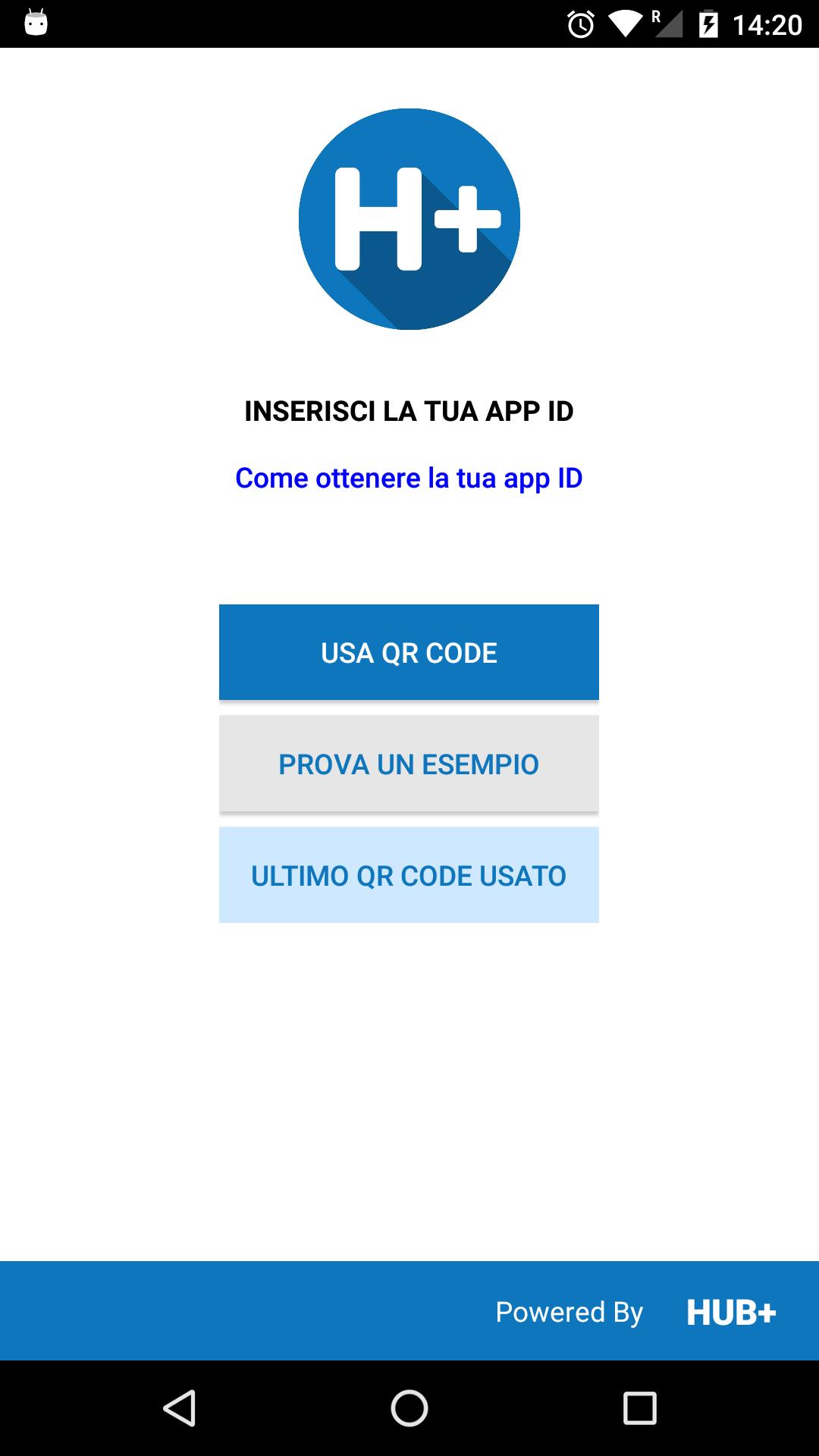
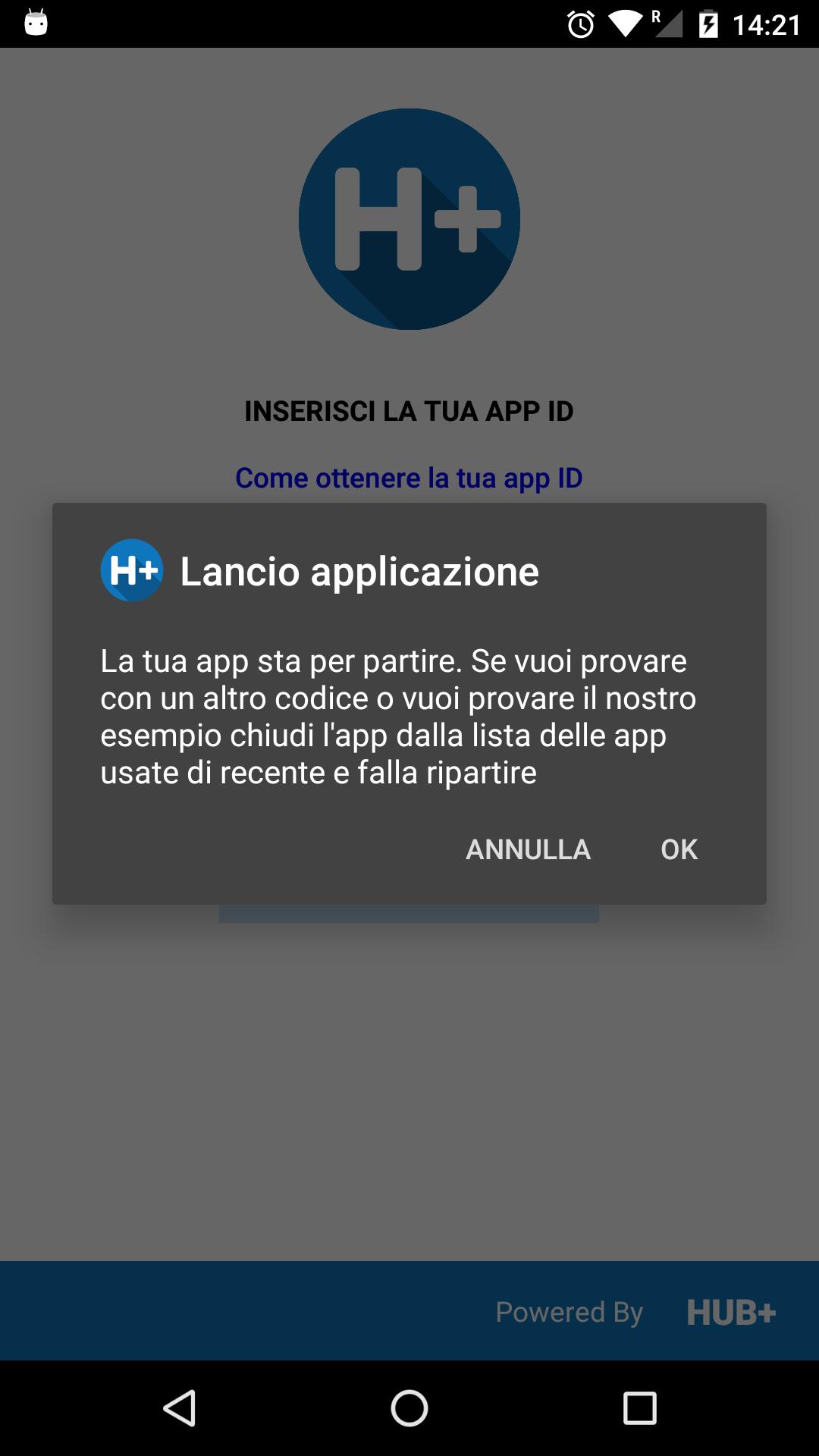
The HUB plus application test tool.
Use this tool to simply debug and test your application built with HUB plus content management system (http://www.hub.plus).
How to create your applications with HUB plus:
1 - register your HUB plus account on http://admin.hub.plus
2 - create your app container
3 - fill your app container with sections and contents
4 - get your app QR Code from http://admin.hub.plus
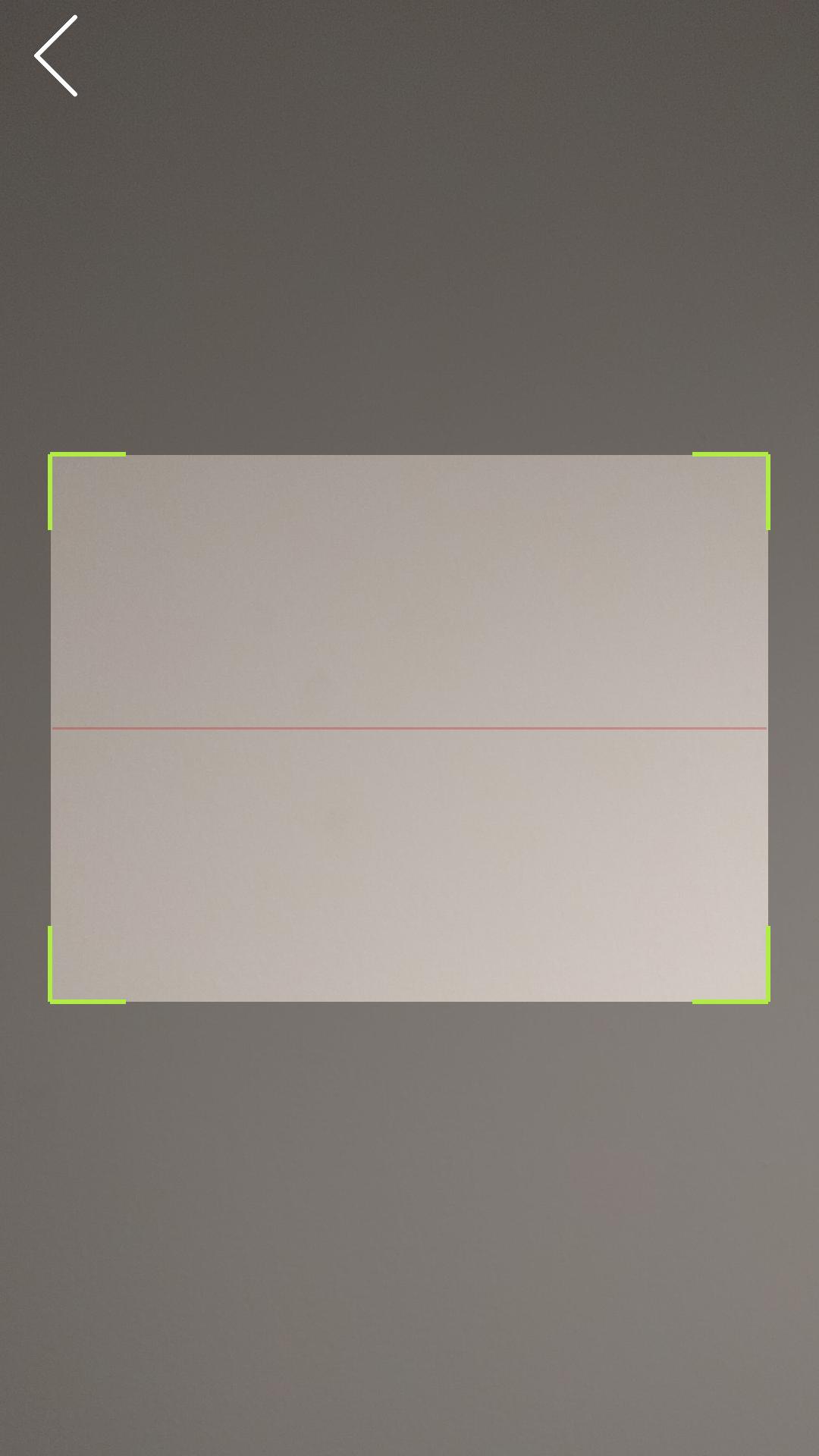
5 - click "SCAN QR CODE" button in this app and scan the QR Code shown on your PC
You will get a real time preview of your application.
آخرین نسخه
1.2.4بارگذاری شده توسط
Nguyễn Thanh.Sang
نیاز به اندروید
Android 4.3+
دسته بندی
رایگان برنامه ابزاررتبهبندی محتوا
Everyone
گزارش
گزارش محتوای نامناسبLast updated on 10/07/2019
QR Code scanner bug fix

APKPure - یک فروشگاه برنامه چند پلتفرمی که در درجه اول روی Android متمرکز شده و محتوای گسترده مربوط به برنامه را ارائه می دهد. برنامه مورد نظر خود را آسانتر ، سریعتر و ایمن تر با بارگیری و نصب سریع و کارآمد کشف کنید.