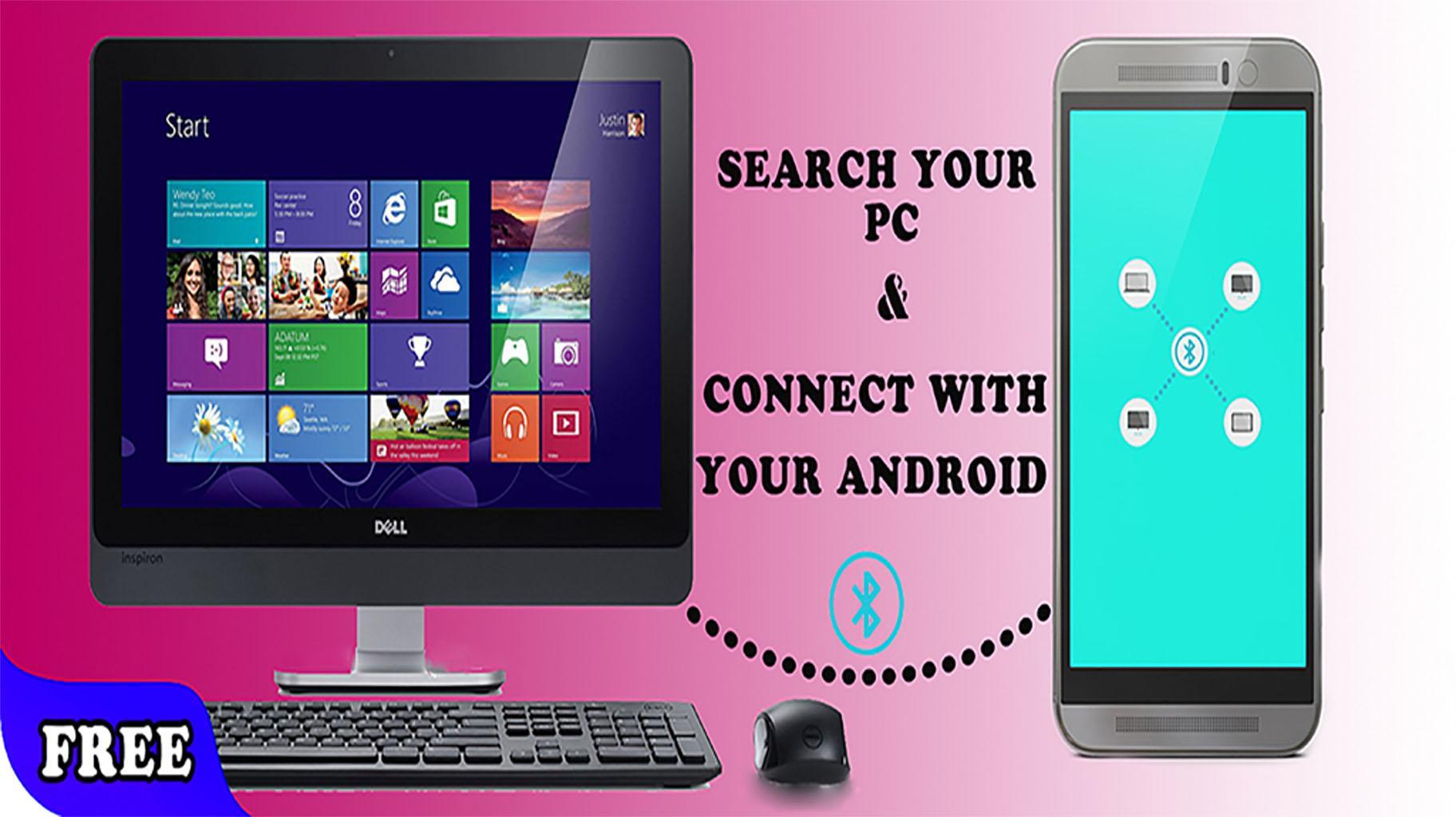
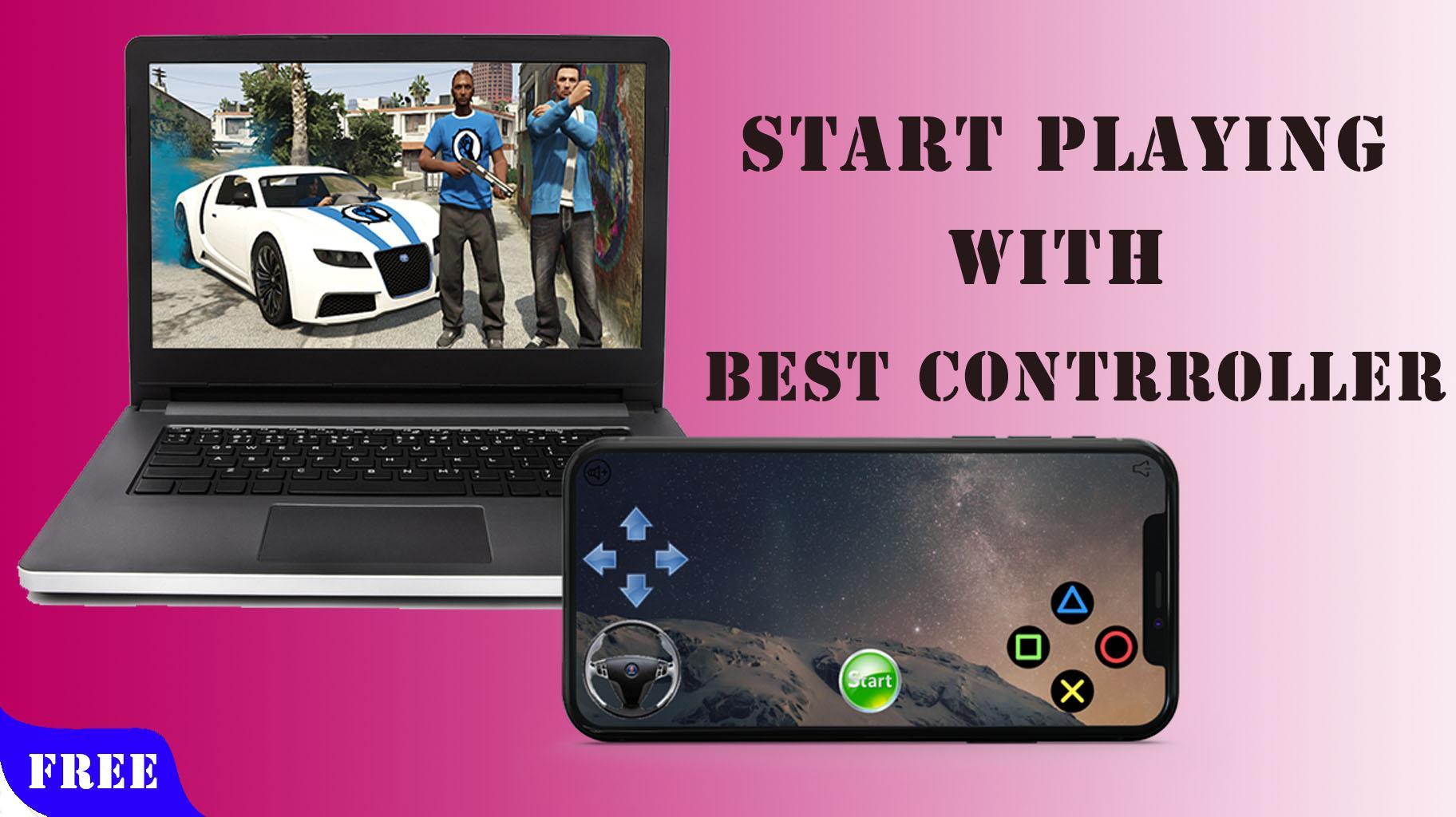
Turn your mobile into a virtual multi touch gamepad for pc.
this app is 100% working easy to use,
If you have this app you dont need a controller .
👉👉Basic instructions:
Download PC Controller Receiver Application Setup from here
https://drive.google.com/uc?export=download&id=1EO074m6D_KCJoaJOV8uwh_WPbZGNySGS
Download PC Controller Receiver Portable version.(Not recommended use only if first one doesn't work)
https://moboalien-7e100.firebaseapp.com/controller_pc_v18_portable.zip
(Extract all the files in a Separate folder and run 'ControllerPC')
Make sure you allow access to Private Network when asked by Windows Firewall
👉👉Features:
• It can be used to Play Games using android device as Joystick / Controller.
• In built Controllers for many popular games such as Counter Strike, GTA Sanandreas, Call of Duty, NFS Most Wanted etc. which can be highly customised.
• Users can create their own custom Joystick and Map keyboard keys to it.
• Steering controls can use G-sensor/ Wheel to enhance gaming experience.
• Use Speed Gear to limit speed in racing games (Experimental).
• Use Cheat Button to enter Cheatcode by a single click.
• It enables android devices to be used as Wireless Keyboard/Mouse
• It can also be used as Touchscreen Display of PC
connecte your aparail with phone and enjoy 🙂🙂🙂.
Keywords: PC Controller, PC Remote, Keyboard, Mouse, trackpad, touchpad, Joystick, Remote Desktop, game controller, Media player controller, Mobile Gamepad, Computer remote, Computer controller, mobile controller, bluetooth controller, controler, emulator
آخرین نسخه
3.1.3نیاز به اندروید
4.0.3 and up
دسته بندی
رایگان برنامه ابزاررتبهبندی محتوا
Everyone
گزارش
گزارش محتوای نامناسبLast updated on 05/01/2018
این نسخه شامل رفع اشکالات جزئی و بهبودهای عمومی است. برای بهترین تجربه، برنامه را به جدیدترین نسخه به



APKPure - یک فروشگاه برنامه چند پلتفرمی که در درجه اول روی Android متمرکز شده و محتوای گسترده مربوط به برنامه را ارائه می دهد. برنامه مورد نظر خود را آسانتر ، سریعتر و ایمن تر با بارگیری و نصب سریع و کارآمد کشف کنید.