
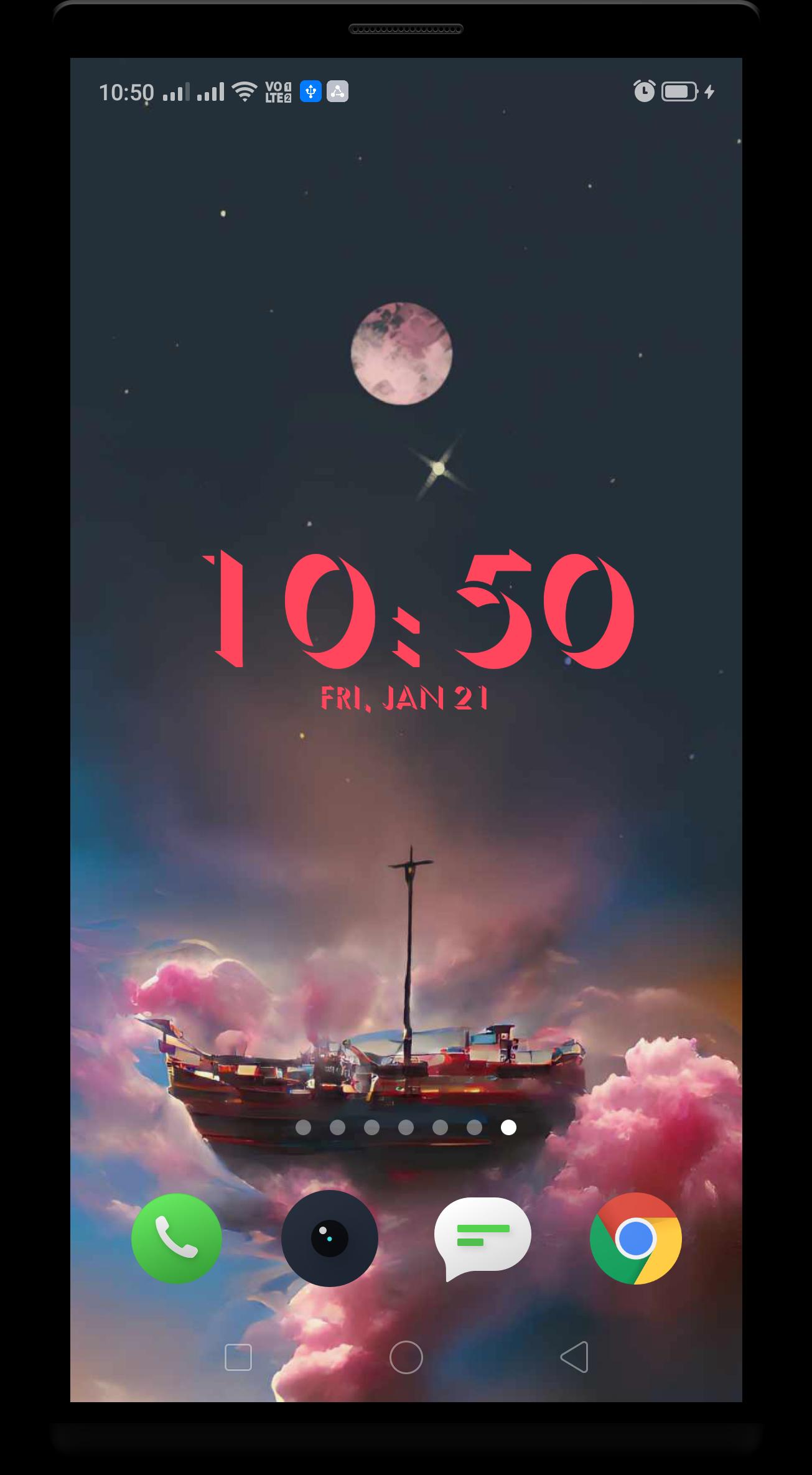
We have brought you a free 3D digital clock to show you the date and time on your home screen. 3D clock widget is a home screen digital time and date widget for Android. This large clock display helps you see time and date easily without stressing your eyes. It is safe, light, and has 0 battery usage.
Highly customizable digital time and date Home screen widget. Bring your clock to the home screen with beautiful widgets. It gives a good overview of your events at hand on your Home screen.
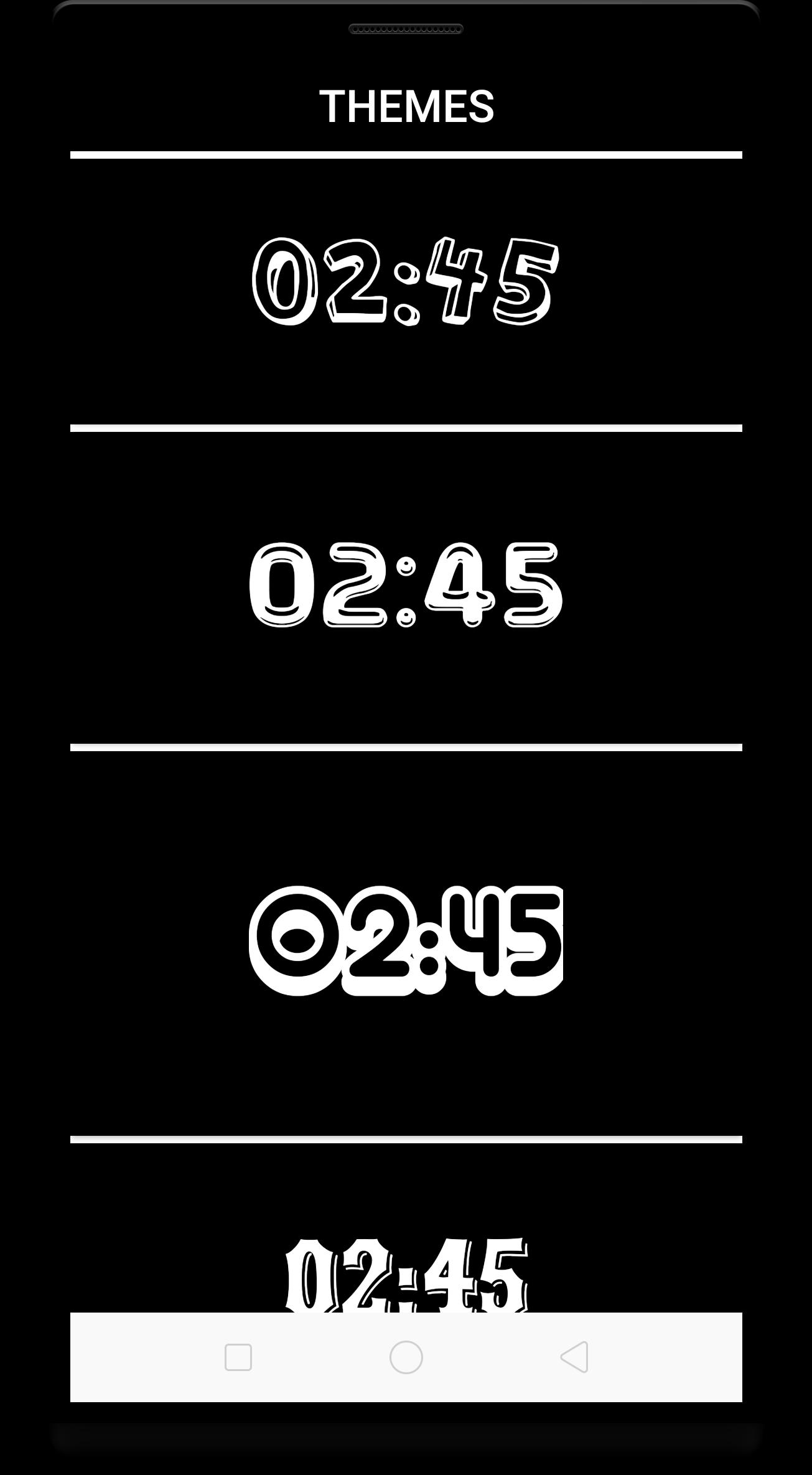
There are lots of clock 3D fonts in this app.
Select your preferred colors for date and time.
HOW TO USE 3D CLOCK WIDGET APP
1) Pinch your fingers together, then tap [WIDGETS].
2) You'll see all the available widgets.
3) Touch, hold and drag 3D LED Digital Clock Widget to the screen.
4) Make sure there is enough space for that widget.
5) After add widget, tap on that widget.
6) You'll see all options.
7) Design your clock widget as you want.
Install the home screen clock widget, make it your home watch and see time and date anytime, anywhere.
آخرین نسخه
1.1بارگذاری شده توسط
Måhmôüd Ghàrêb
نیاز به اندروید
Android 5.0+
دسته بندی
رایگان برنامه شخصی سازیرتبهبندی محتوا
Everyone
گزارش
گزارش محتوای نامناسبLast updated on 24/07/2022
این نسخه شامل رفع اشکالات جزئی و بهبودهای عمومی است. برای بهترین تجربه، برنامه را به جدیدترین نسخه به




APKPure - یک فروشگاه برنامه چند پلتفرمی که در درجه اول روی Android متمرکز شده و محتوای گسترده مربوط به برنامه را ارائه می دهد. برنامه مورد نظر خود را آسانتر ، سریعتر و ایمن تر با بارگیری و نصب سریع و کارآمد کشف کنید.










