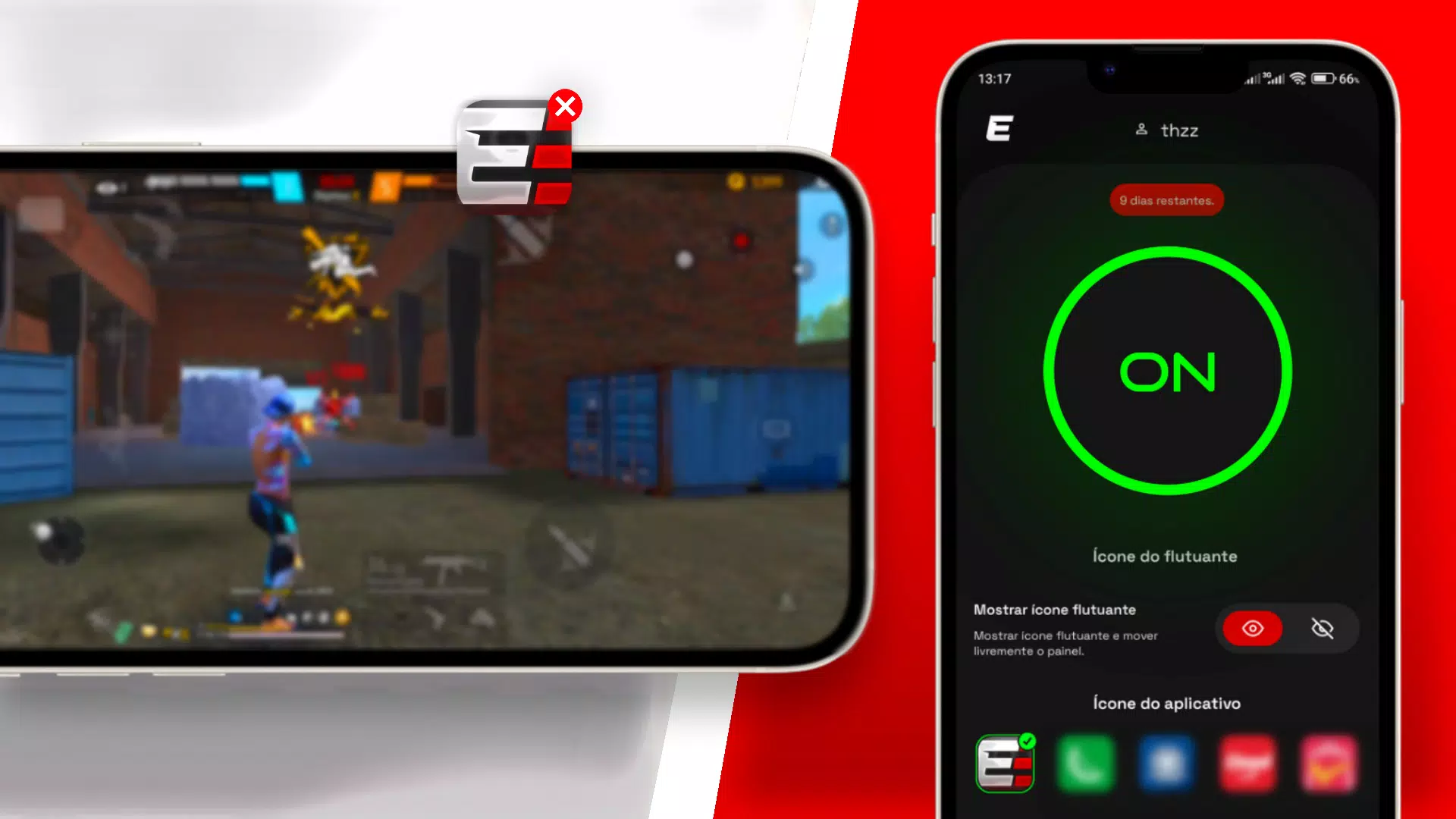
Extreme Panel helps users who want finer control without pausing gameplay or switching screens. It brings essential performance adjustments into one place so you can make small tweaks as you play, while keeping your focus on the action. The toolkit is designed for quick access and safe tuning, and it supports English plus 32 other languages for broader accessibility. Developed by ZN APPS, it offers practical tools in a simple layout, and the Extreme Panel APK is set up for easy access on compatible Android devices.
Extreme Panel offers a movable floating panel that stays available over your current app or game. You can bring it up when needed and hide it again in seconds. This keeps performance controls within reach while avoiding long menus and interruptions.
Aim refinement controlsYou can fine-tune aim behavior to improve consistency and responsiveness. Extreme Panel focuses on precision adjustments so small inputs feel predictable and repeatable. This helps reduce overshoot and allows steadier tracking during fast moments.
Resolution simulation settingsExtreme Panel includes display scale and resolution simulation options for better visual balance. You can try different viewing profiles to match your device and your preference. These settings help you find a comfortable view that aligns with your control setup.
Practical customization with a simple UIThe interface groups related controls so adjustments are quick to find and apply. Extreme Panel uses clear labels and straightforward toggles to reduce confusion, especially during play. You can return to previous values without hassle if a change does not fit your style.
Discreet mode with icon disguiseExtreme Panel supports icon cloaking that lets the app appear under another icon. This keeps your setup private on shared devices while leaving full functionality available. You can keep your tools ready without drawing attention to the app itself.
Extreme Panel is available in English and 32 additional languages to suit different regions. This broader language coverage helps more users configure settings in a familiar interface. The app is developed by ZN APPS, a named developer behind the official build.
The official package name for this app is com.painelextreme, which helps you confirm the correct build. In some regions and searches, the app may be referenced as Extreme Panel XIT Panel or Painel Extreme. These names point to the same toolkit and functions. Checking the package name and developer is a reliable way to verify authenticity before installation.
Setup is straightforward once you download Extreme Panel and open it for the first time. The app guides you through enabling its overlay so the floating panel can appear above games and apps. After this short setup, you can access precision tools with a single tap.
Extreme Panel brings quick access to precision controls in a floating panel, helping users adjust aim and display settings without breaking flow. It keeps tools simple, focused, and available when needed. For the most stable experience, consider installing the Extreme Panel latest version for your device.
For official resources and verification details, see the information below.
Latest Version
6.1Uploaded by
Abdi
Requires Android
Android 5.0+
Category
Free Tools AppContent Rating
Everyone
Report
Flag as inappropriateLast updated on Jan 29, 2026
Minor bug fixes and improvements. Install or update to the newest version to check it out!



APKPure - A multi-platform app store primarily focused on Android, providing extensive app-related content. Discover the app you want easier, faster, and safer, with quick and efficient downloads and installations.