
ExpenseIt® Pro from Concur® turns receipts into expenses, automagically, and sends them directly into Concur Expense. It makes submitting receipts and creating expense reports quicker and easier by doing a lot of the work for you.
Tired of receipts piling up? Get expense reports started sooner, so you can get reimbursed faster. Here’s how it works:
1. SUBMIT RECEIPTS ANYTIME, ANYWHERE – IDEALLY WHEN YOU’VE JUST MADE A PURCHASE, OR BEFORE THE RECEIPT GETS STASHED AWAY. EXPENSEIT PRO GIVES YOU THREE EASY WAYS TO SUBMIT RECEIPTS:
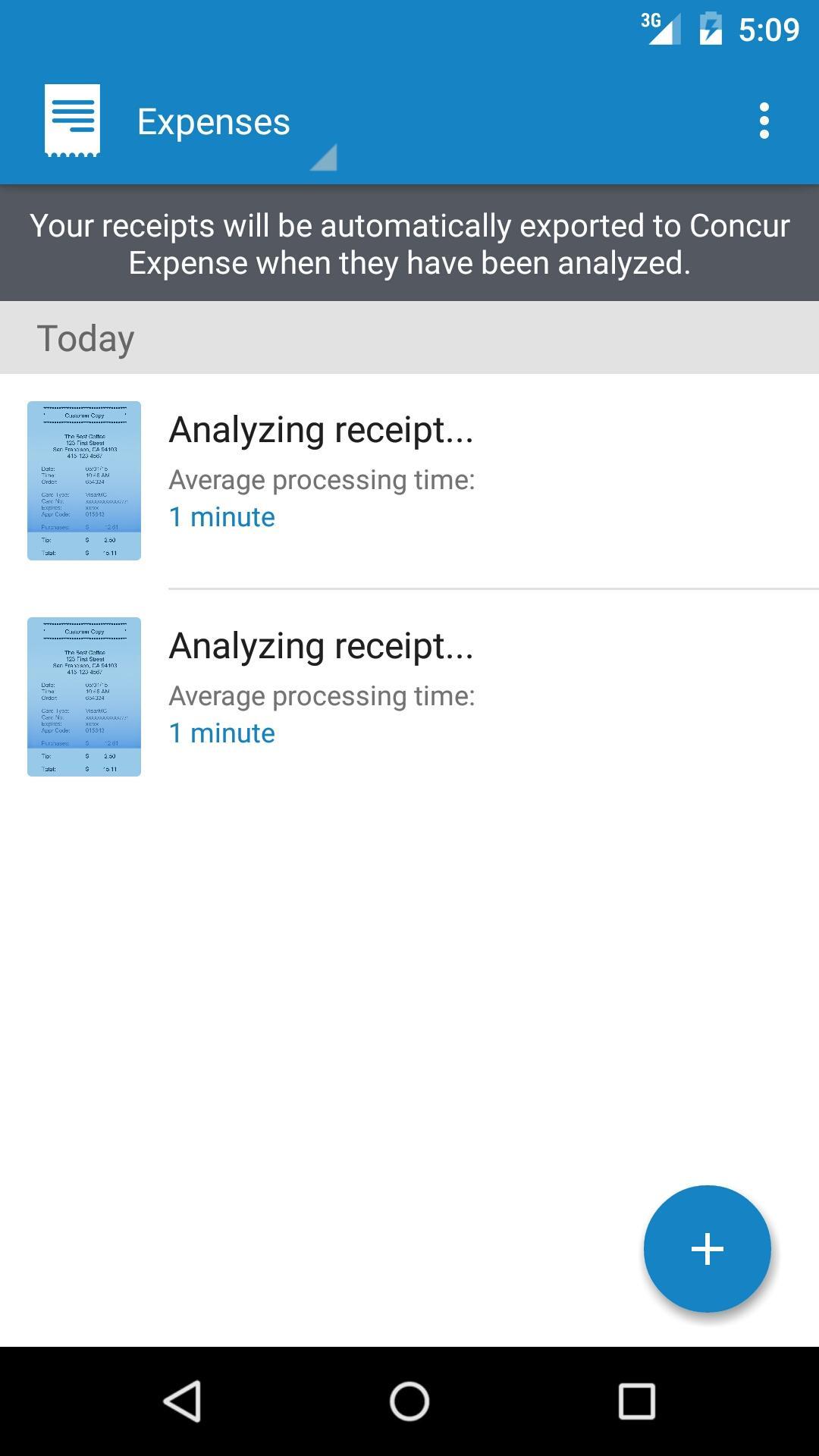
•Simply take a photo of a receipt using the ExpenseIt Pro app. iOS users click “use” and Android users click the check mark to have the receipt photo analyzed and turned into an expense.
•Use a receipt photo you’ve already taken; open it in the ExpenseIt Pro app, and click “use” to have it analyzed and turned into an expense.
•If a receipt has been emailed to you, forward it to receipts@ExpenseIt.com; after it’s analyzed, it will be waiting for you in Concur Expense.
2. REVIEW YOUR ANALYZED RECEIPTS – OR HAVE THEM AUTOMATICALLY SENT TO CONCUR EXPENSE – AFTER THEY’RE TURNED INTO EXPENSES:
•To review analyzed receipts first, you can get notified when they’re ready by choosing email or push notifications in the app’s settings. After you review or make changes, simply click “export” to send the receipts to Concur Expense.
•To have your analyzed receipts sent to Concur Expense without reviewing first, select “automatically export expenses to Concur” in the app’s settings, and they’ll be waiting for you in Concur Expense – where you can also make changes as you’re finishing up your expense report.
3. GO TO CONCUR EXPENSE, ADD YOUR EXPENSES TO A REPORT AND YOU’RE DONE.
•With everything in one place, you’ll see that ExpenseIt Pro has selected the expense category, matched receipts with credit card charges, attached the receipt photo, and even itemized your hotel bills for you.
•Simply add each expense to a Concur Expense report, and submit your expense report to get reimbursed.
For more information, visit http://ExpenseIt.com.
Latest Version
1.13.5Uploaded by
Hiren Bambhniya
Requires Android
Android 5.0+
Category
Free Business AppContent Rating
Everyone
Report
Flag as inappropriateLast updated on Oct 28, 2018
• Minor bug fixes and enhancements.



APKPure - A multi-platform app store primarily focused on Android, providing extensive app-related content. Discover the app you want easier, faster, and safer, with quick and efficient downloads and installations.