

ETV Plus focuses on smooth playback and easy channel management for Android users. It works with your own IPTV provider playlist so you can watch live channels and on demand video in one place. The app includes a built in player and a clean layout that keeps navigation simple on phones and tablets. Please note that this ETV Plus is an IPTV player, not the ETV Win app or the ETV Plus TV channel. ETV Plus does not supply or host any content and does not provide activation codes. It is not affiliated with any third party content providers.
Play your provider’s channels
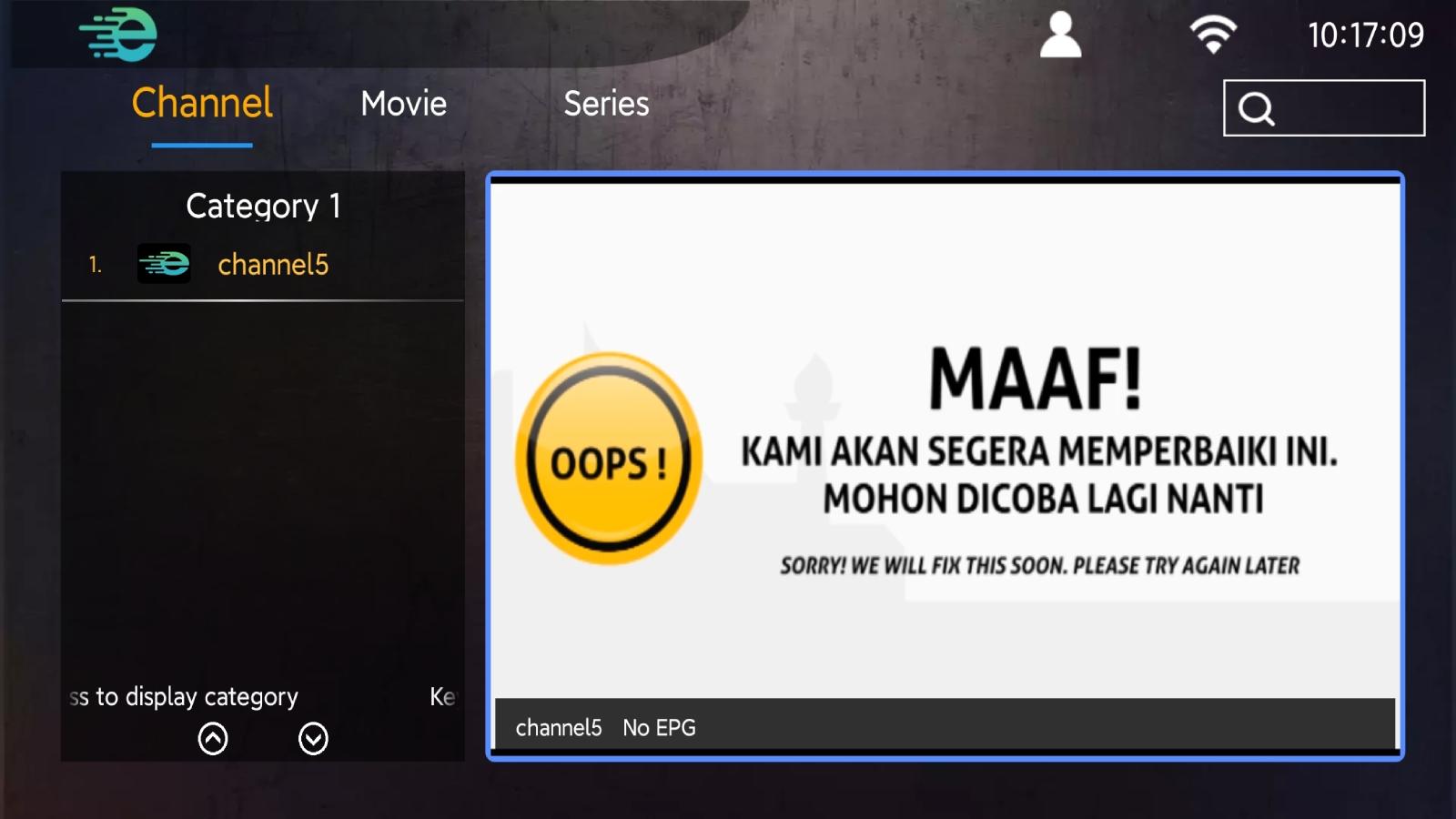
ETV Plus loads your playlist and plays live TV, films, and series in one app. You stay within a single interface, which cuts down on switching between apps and sources.
Integrated IPTV player
The built in player is optimized for fast start times and stable viewing. It aims to reduce buffering so you can watch your channels with minimal interruptions.
EPG timeline support
ETV Plus can show an electronic program guide when your provider offers it. You can view program timelines to understand what is on now and what comes next.
Channel categories and sorting
Browse channels by category to find sports, news, or movies faster. You can sort lists for quicker discovery and keep navigation efficient as your playlist grows.
Favorites for quick access
Add frequently watched channels to Favorites and open them instantly. This reduces scrolling and helps you reach your main channels in fewer taps.
Simple interface on mobile devices
ETV Plus is designed for Android phones and tablets. The interface is lightweight and keeps actions clear so everyday use stays straightforward.
Get the ETV Plus APK latest version on APKPure for a secure and direct install. Use the download button on this page to start your ETV Plus app download, then install the file on your Android device. The app requires your own legal IPTV playlist from a provider. ETV Plus does not include channels, does not sell subscriptions, and does not issue activation codes.
ETV Plus for Android offers a focused viewing experience on phones and tablets. The layout suits touch controls, so you can switch channels, open the guide, and manage Favorites with simple taps. Moreover, you can keep everything organized inside the app instead of juggling different players.
ETV Plus login typically means adding your IPTV playlist details inside the app. You enter the information provided by your IPTV service, then the app loads your channels and guide data if available. In addition, there is no free activation code from ETV Plus or APKPure. All credentials must come from your lawful provider.
Follow these steps to load your playlist and organize your channels. You need a valid IPTV subscription or playlist from your provider. The app does not include channels or activation codes.
ETV Plus is a simple IPTV player that brings your live channels and on demand video into one app. Download ETV Plus on APKPure, install the ETV Plus APK, and load your legal provider playlist to begin watching.
How do I log in to ETV Plus?
To log in, enter the playlist link or account details supplied by your IPTV provider inside ETV Plus. The app does not create user accounts and does not issue activation codes. After adding your provider information, ETV Plus loads your channels and displays guide data when your service includes EPG.
Where can I download the ETV Plus APK latest version?
You can download the ETV Plus APK latest version from APKPure on this page. Tap the download button to get the file, then install it on your Android device. APKPure provides the official ETV Plus app download so you can update and reinstall as needed.
Does ETV Plus offer an activation code for free?
No, ETV Plus does not provide free activation codes. ETV Plus is an IPTV player that requires details from your lawful IPTV provider. APKPure only hosts the ETV Plus APK for download and does not distribute playlists, subscriptions, or codes.
Can I watch ETV Plus live today without a playlist?
No, you cannot watch live TV in ETV Plus without a valid playlist or credentials from an IPTV provider. ETV Plus does not host channels or media. Once you add your provider details, the app plays your channels and can show the EPG timeline when available.
Is ETV Plus available for Android TV or PC?
ETV Plus is designed for Android phones and tablets. Availability on Android TV may vary by device and settings. For PC, some users run Android apps through an emulator environment, although ETV Plus focuses on mobile use. Download ETV Plus from APKPure if you want to install the APK on supported Android devices.
Latest Version
v4.8.9-20231005Uploaded by
Luis Miguel Oliveira
Requires Android
Android 4.2+
Category
Free Video Players & Editors AppContent Rating
Everyone
Report
Flag as inappropriateLast updated on Oct 5, 2023
This release includes minor bug fixes and general improvements. Update to the latest version for the best experience.




APKPure - A multi-platform app store primarily focused on Android, providing extensive app-related content. Discover the app you want easier, faster, and safer, with quick and efficient downloads and installations.