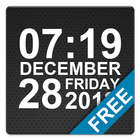
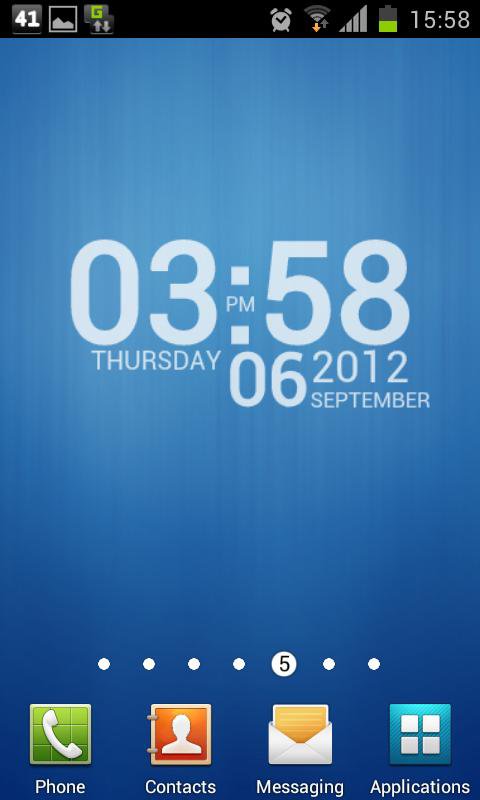
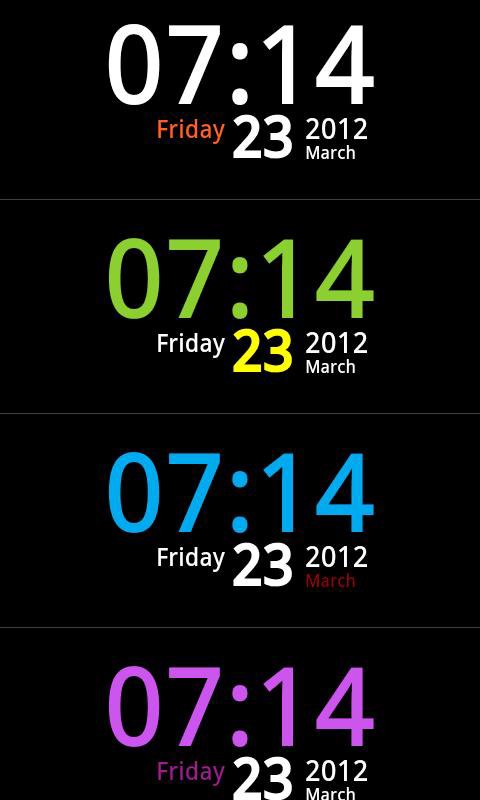
TypoClock is simple, minimalistic and elegant widget (4x2) displaying date and time on your homescreen. It have many options that allows you to customize look of the clock (time format, colors, alpha, on click action and etc.). Additionaly TypoClock comes with clock application that turns your device into digital clock.
****** MAIN FEATURES ************
- Multilanguage (widget uses your system language to display day name and month name)
- Minimalistic style
- Possibility to have more than one clock widgets on the home screen, each with its own customization settings
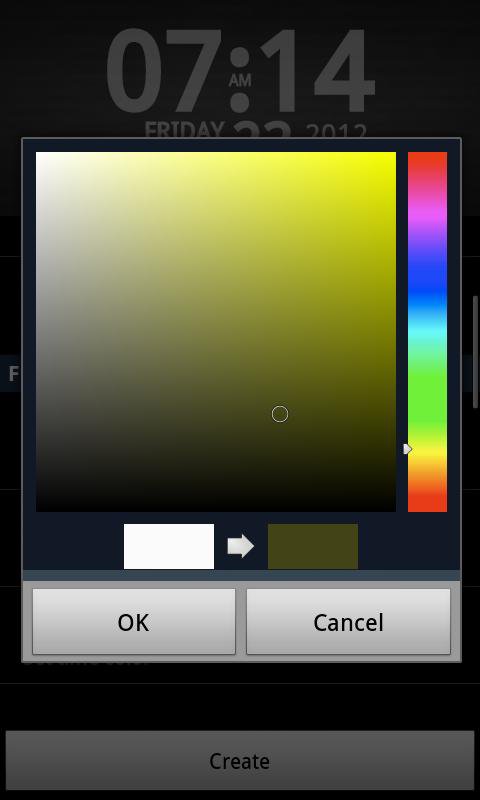
- Ability to pick font color
- widget live preview in settings screen
- Custom time format (12/24)
- Custom alpha
- Predefined color shames
- Different color and alpha for each clock element
* Ability to launch any user-selected application (e.g. alarm clock) upon a click on the widget
* NEW! Different clock templates!
*) Pro version only
****** GET PRO VERSION NOW ******
To get PRO version use android market search engine and type
"TypoClock PRO" or go directly to web address below:
https://play.google.com/store/apps/details?id=com.maapiid.typoclock
****** FAQ **********************
How to apply the widget?
---
1) Long press (i.e. tap and hold) on any empty space on your home screen
2) Click "Widgets"
3) Look for "TypoClock Widget"
4) Click on it and it will appear in your homescreen!
Time does not update
---
If the time does not update properly, please exclude this widget from any task killer app that you might be using. You can also try to remove this widget from your homescreen and add it back again, and see if it solves the problem.
****** NOTE *****************
For any problem, information or suggestion, please send me an email (darek@maapiid.com), as I cannot reply to the reviews / comments on the Android market and follow up.
Última Versión
1.1.5Presentado por
حسوني البصراوي
Requisitos
Android 2.1+
Categoría
Gratis Personalización APPClasificación de contenido
Unrated · Warning – content has not yet been rated. Unrated apps may potentially contain content appropriate for mature audiences only.
Reportar
Marcar como inapropiadoLast updated on 14/08/2015
Version 1.1.4
- change color dialog bug fixed
Version 1.1.3
- transparency settings unlocked for free version
- Predefined colors schemes and alpha unlocked for free version
- Small bug fixes
- new application icon





APKPure - Una tienda de aplicaciones multiplataforma enfocada principalmente en Android, que proporciona un amplio contenido relacionado con aplicaciones. Descubre la aplicación que deseas de forma más fácil, rápida y segura, con descargas e instalaciones rápidas y eficientes.