SOHO Computers ("SOHO") were established in 2003 as the Computer Technical Services Division of SOHO Systems, a registered Close Corporation (CK No. 2003/046065/23). We form part of the SOHO Systems Network, including SohoISP (Internet Service Provider), SOHO Direct (Marketing Solutions Provider), SOHO Mobile (Cellular Communications), SOHO Studios (Digital Media Solutions), and SOHO Travel (Travel & Tourism).
Location:
We are stationed in Hermanus, serving customers throughout the Greater Overberg: including Caledon, Gansbaai, Greyton, Hawston, Kleinmond, Onrus, Sandbaai, Stanford, Vermont, and Villiersdorp. While based in Hermanus, we also serve clients outside the Overstrand, including Johannesburg, Pretoria, Robertson, and Somerset-West.
Existence:
We are well-established, having served the Overberg IT community for over five years - in the process outliving most of our competition, including Computer Genie, Hermanus Computers, Nolans', and Orange.
Experience:
The staff compliment of SOHO Computers are highly-skilled, with more than 25 years of collective experience in the field of Information Technology. We are inspired to be the best at everything we do and therefore proactive in developing methods to work smarter.
Última Versión
1.2.3Presentado por
José Jorge Fernández
Requisitos
Android 4.0+
Categoría
Gratis Empresa APPClasificación de contenido
Everyone
Reportar
Marcar como inapropiadoLast updated on 20/04/2016
2016-02-22
Upgraded SSL in built-in browser
Changed default auto sync time to 12 hours
Changed default option for 'download pictures of WiFi only' to 'on'
Changed default option for 'sync on startup' to 'off'

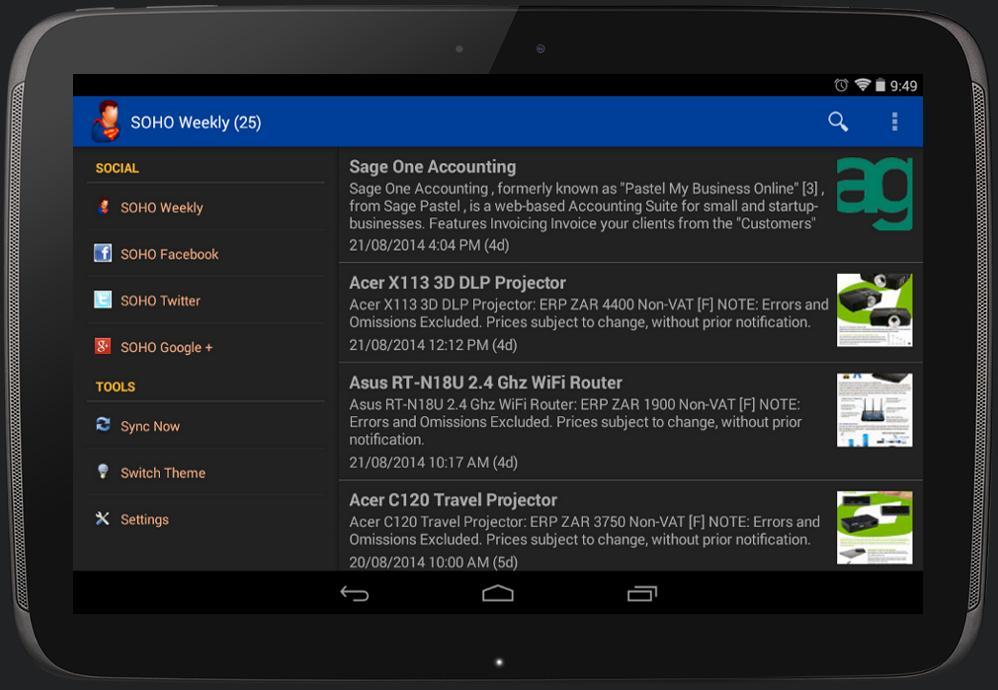
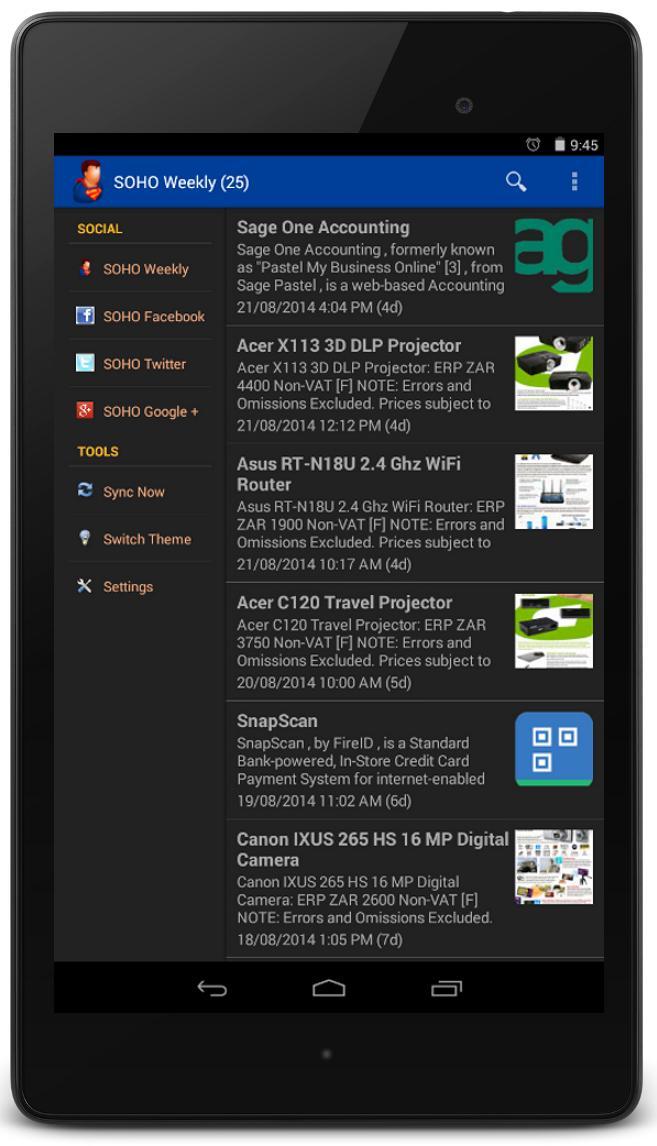


APKPure - Una tienda de aplicaciones multiplataforma enfocada principalmente en Android, que proporciona un amplio contenido relacionado con aplicaciones. Descubre la aplicación que deseas de forma más fácil, rápida y segura, con descargas e instalaciones rápidas y eficientes.