1. What is Code Line Counter?
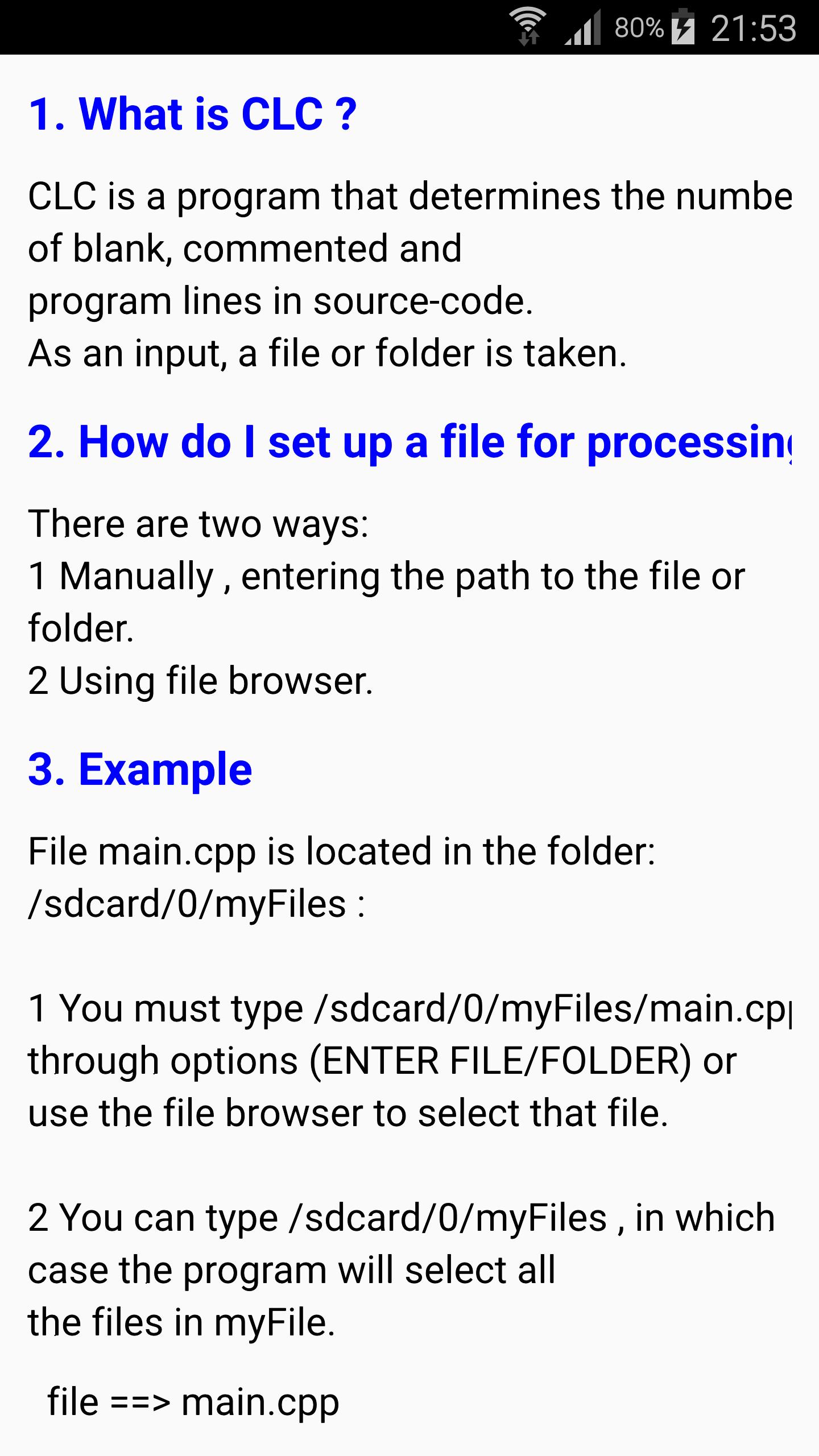
Code Line Counter (clc) is a program that determines the number of blank, commented and program lines in source-code. As an input, a file or folder is taken.
2. How do I set up a file for processing ?
There are two ways:
1 Manually , entering the path to the file or folder.
2 Using file browser.
3. Example
File main.cpp is located in the folder:
/sdcard/0/myFiles :
1 You must type /sdcard/0/myFiles/main.cpp
through options (ENTER FILE/FOLDER) or
use the file browser to select that file.
2 You can type /sdcard/0/myFiles , in which
case the program will select all
the files in myFile.
file ==> main.cpp
#include ------------> code line 1
------------> blank line 1
int main() ------------> code line 2
{ ------------> code line 3
/* ------------> comment line 1
multi line comment ------------> comment line 2
*/ comment line 3
cout << "Hello World !"; ------------> code line 4
//single line comment ------------> comment line 4
------------> blank line 2
return 0; ------------> code line 5
} ------------> code line 6
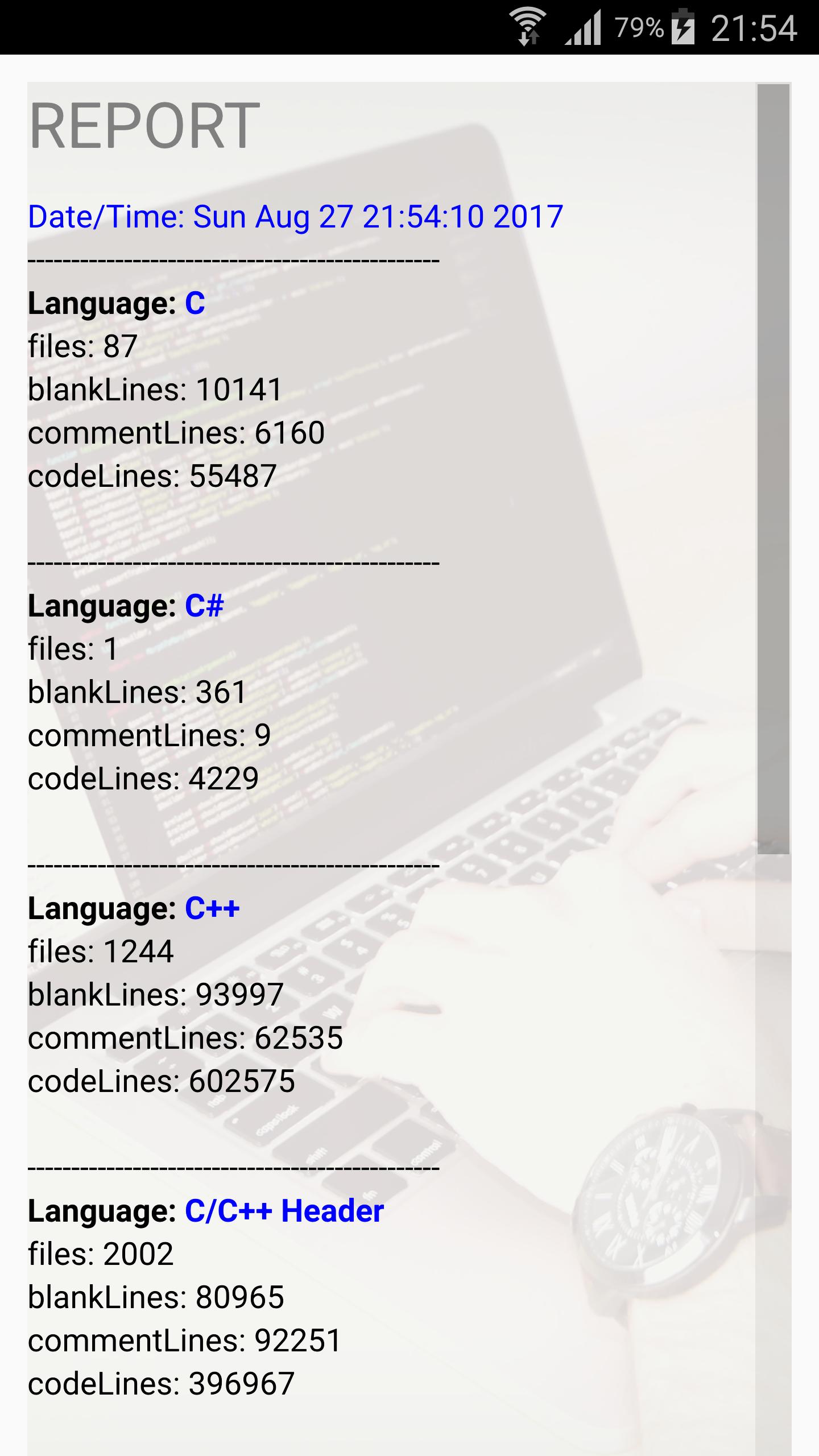
Result after processing selected file:
SUMMARY:
blank lines 2
comment lines 4
code lines 6
all lines 12
4. Languages
Currently supported programming languages are:
•C
•C++
•C#
•Java
•JavaScript
5.Limitations
Identifying comments within source code is
trickier than one might expect. Many languages
would need a complete parser to be counted
correctly. CLC does not attempt to parse any
of the languages it aims to count and therefore
is an imperfect tool. The following are known
problems:
Lines containing both source code and
comments are counted as lines of code.
Comment markers within strings or
here-documents are treated as actual
comment markers and not string literals.
For example the following lines of C code:
printf(" /* ");
for (i = 0; i < 100; i++) {
a += i;
}
printf(" */ ");
appear to CLC as two lines of C code
(the lines with black text) and three lines of
comments (the lines which have only red
text--lines with both black and red text are
related as code).
Última Versión
6Presentado por
Shabib Ongary
Requisitos
Android 4.1+
Categoría
Gratis Herramientas APPClasificación de contenido
Everyone
Reportar
Marcar como inapropiadoLast updated on 12/11/2017
bug fixes
ui improvements





APKPure - Una tienda de aplicaciones multiplataforma enfocada principalmente en Android, que proporciona un amplio contenido relacionado con aplicaciones. Descubre la aplicación que deseas de forma más fácil, rápida y segura, con descargas e instalaciones rápidas y eficientes.