Description:
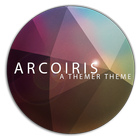
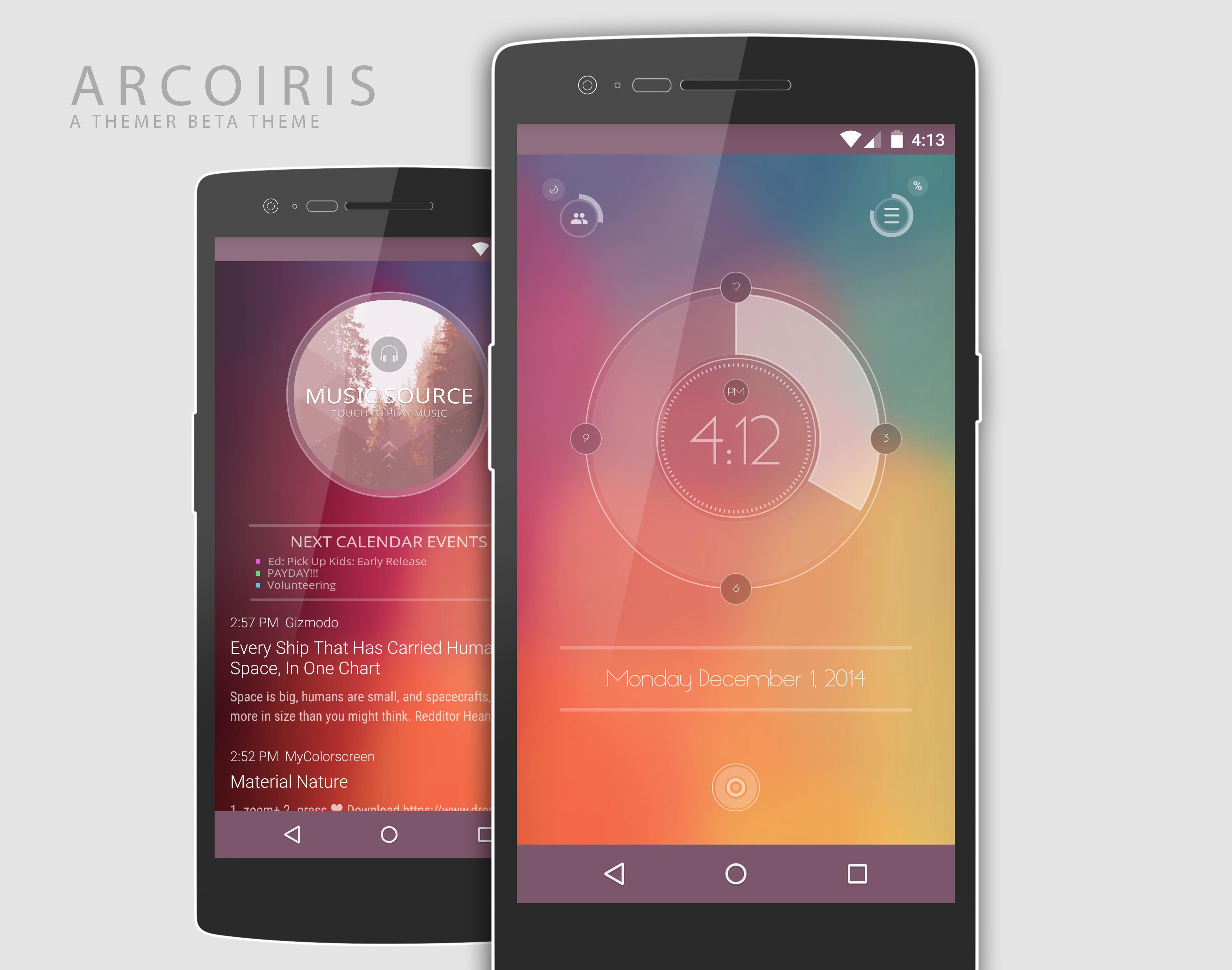
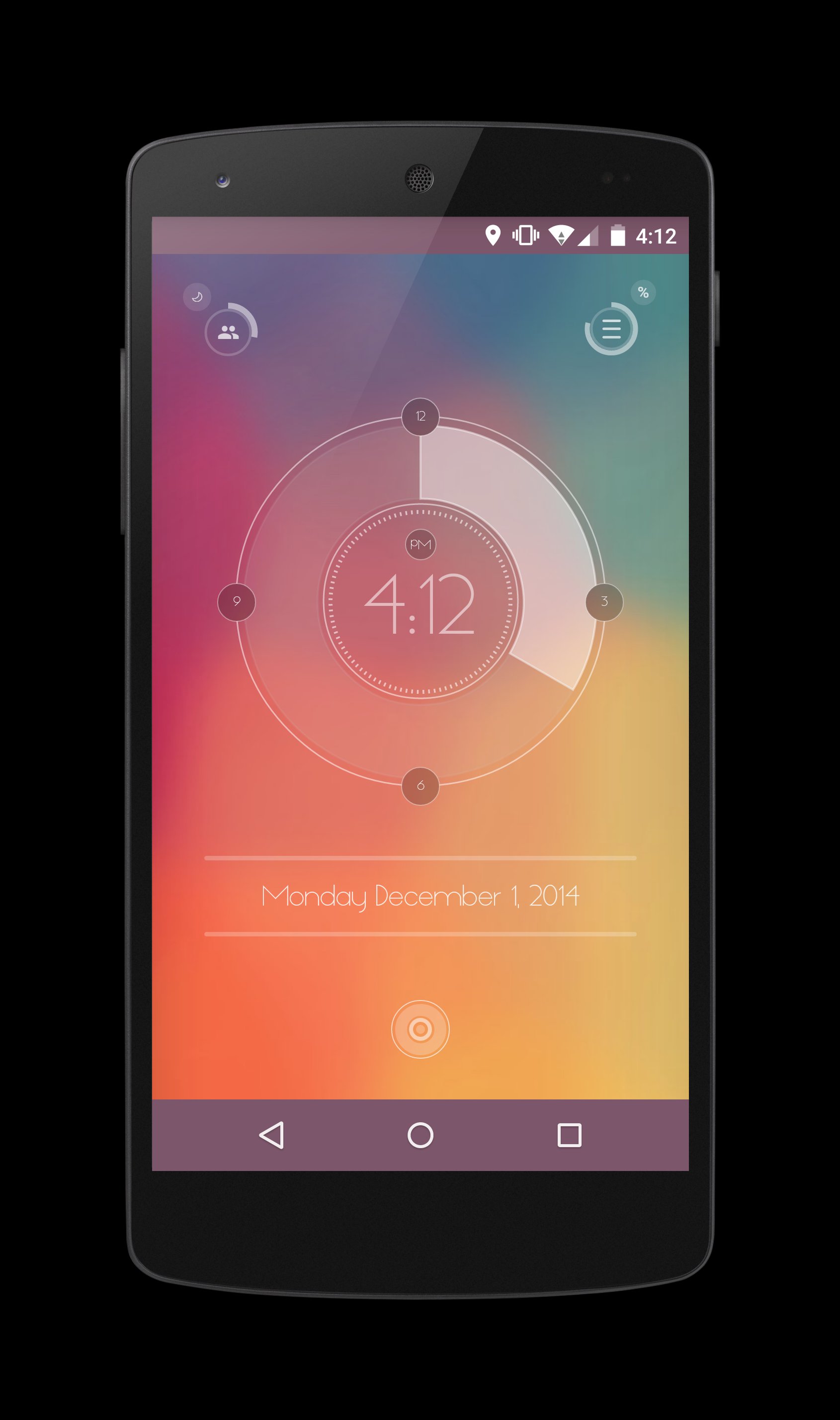
Welcome to the ArcoIris theme.
-------------------------------------------------
★Featured as “Screen of the Day” on MyColorScreen: 12/03/14
-------------------------------------------------
Requirements:
This theme was created on the OnePlus One with a resolution of 1920 x 1080.
Due to Themers new design guidelines you must have onscreen keys enabled for this theme to work correctly. If you do not have a screen size with this resolution now have onscreen keys enabled this theme will not apply properly and will need some manual work to get the widgets set correctly. If you do have these issues, do not purchase this theme unless you plan on putting in the extra work to set this up.
-------------------------------------------------
Help (?)
Email me through my development to report any issues
-------------------------------------------------
This theme consist of:
1x Themer Exported zip
Included in zip file:
1x Themer Exported backup zip file
1x Themer png thumbnail image
1x Setup Instructions (Also below)
-------------------------------------------------
1) Begin Setup Instructions:
(You will need a file manager application or your phone connected to a computer to access the sdcard of your device.)
2) Install ArcoIris Installer application.
3) Download the theme package files from the dashboard screen.
4) Extract the downloaded zip file using a file manager application or PC if you are connected via usb. Keep in mind where these files were exported too since you will need these later. If you have a PC, just move the zip folder to your PC desktop and extract it there.
5) Install Themer BETA from the Play Store.
6) Open the MyColorScreen folder in your sd card using a file manager application or PC if you are connected via usb. You should see two folder in here: PNG folder and ZIP folder.
7) Using a file manager application or your PC again, copy and paste the PNG and Zip files inside the ArcoIris extracted zip file to the MyColorScreen Extracted folders. Copy and paste the png into the thumbs folder, and the zip into the zip folder.
UPDATE: For some reason the names of the thumb and the zip are not correct. You can either rename them to be the same name "arcoiris" or just place them in the correct directories. It won't change anything, you just won't see the image when applying the theme, no biggy...will fix later today.
9) Navigate to the Themer BETA home screen, select Menu > Themes >My Themes > Exported. (If you did everything correctly, you should see the ArcoIris png in this screen.)
10) Select the ArcoIris theme, apply and enjoy!
To setup the RSS widget you will need to download either Amber RSS app from the Play Store or the Themer Beta RSS widget. Both allow for transparencies and work well with this theme.
If you have any issues please reach out to me through my dev email or simply long press and hold on any widget to modify the themer zooper files. You will need to unlock editing options in themer to gain this ability.
(screen > menu > Themes > Settings > Advanced > Desktop > DeSelect:
-Lock Homescreen Icons
-Lock Homescreen Widgets.)
-------------------------------------------------
Última Versión
1.0Requisitos
2.2
Categoría
Personalización APPClasificación de contenido
Everyone
Reportar
Marcar como inapropiadoLast updated on 01/12/2014
Esta versión incluye pequeñas correcciones de errores y mejoras generales. Actualiza a la versión más reciente para disfrutar de la mejor experiencia.




APKPure - Una tienda de aplicaciones multiplataforma enfocada principalmente en Android, que proporciona un amplio contenido relacionado con aplicaciones. Descubre la aplicación que deseas de forma más fácil, rápida y segura, con descargas e instalaciones rápidas y eficientes.