
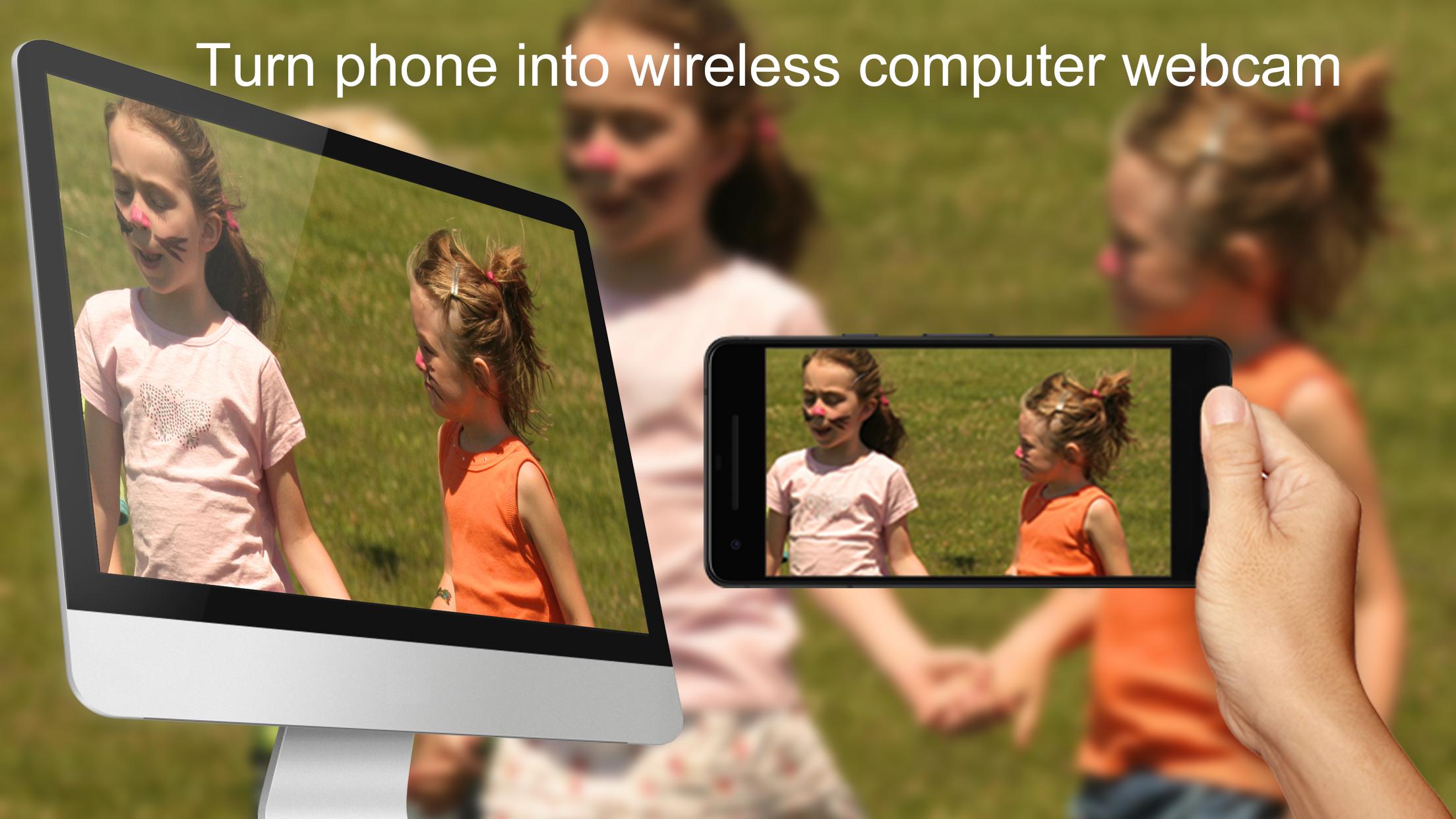
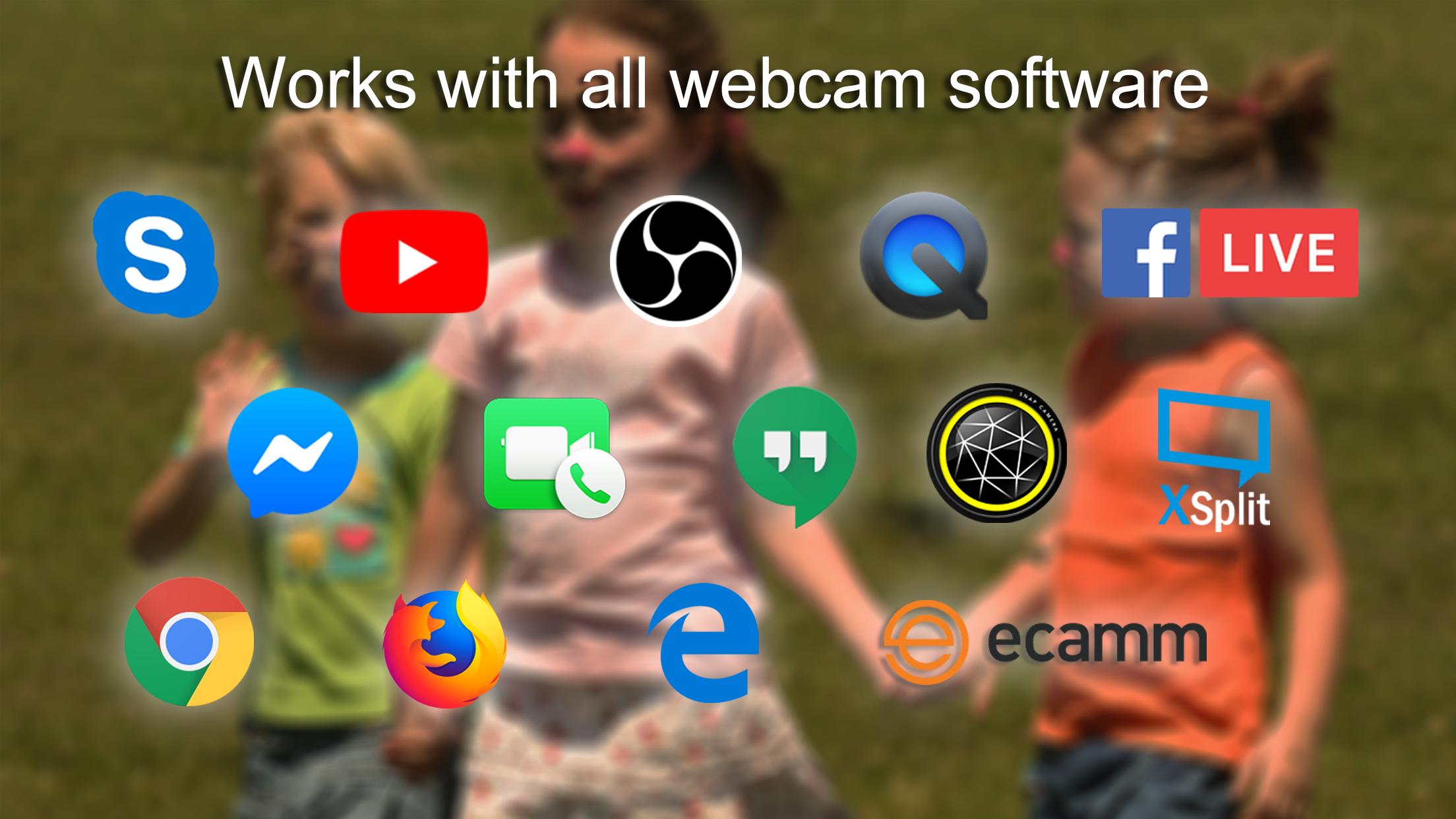
EpocCam is the best quality webcam application for Android. Replace your USB-webcam and integrated webcams now with wireless high-definition webcam. Works with PC or Mac computer. Compatible with Skype, FaceTime, Chrome, Edge, Firefox, Hangouts, Facebook Video Calling, Chatroulette, YouTube and all other applications.
Features:
• EpocCam is the only webcam app that works with Skype on Windows
• High quality realtime video streaming to computer - quality comparable to most expensive USB-webcams
• Support both cameras - use device back camera for best quality and front-facing camera for easy self-portraits
• Fully replaces USB webcam or integrated webcam, works with all webcam-enabled applications
• Automatic connectivity - EpocCam PC/Mac connection is fully automatic
• Over 20 feet wireless range (depending on signal strength)
• All data is secured with strong encryption to keep your videos private
• Audio support, use your phone as a wireless high quality microphone*
*Available in EpocCam Pro
Requirements:
• Android phone
• PC running Microsoft Windows Vista or later or macOS 10.12 or later
• WiFi network, 5 GHz WiFi recommended for best performance
Quick Setup Guide:
1. Install EpocCam app to your Android device
2. Download and install EpocCam driver for free to your PC or Mac from http://www.kinoni.com
3. Make sure that both Android device and host computer are connected to the same WiFi
4. On your computer start the application that you want to use EpocCam with, for example Skype or FaceTime
5. Choose “EpocCam” from application settings as camera source
6. Start EpocCam app on Android device
Connection is established automatically and you should see video on your phone and computer.
Video and detailed instruction (in English) can be found from http://www.kinoni.com/epoccam_support.html
If you need more support, please contact us via android@kinoni.com.
Latest Version
2.0.8Uploaded by
Betting Raja
Requires Android
Android 6.0+
Category
Free Tools AppContent Rating
Everyone
Report
Flag as inappropriateLast updated on May 12, 2020
- Bug fixes.
- Please note:
For Windows EpocCam driver 2.9.8 is required.
For macOS EpocCam driver 2.0 or later is required.
Please install latest driver to your computer from https://www.kinoni.com



APKPure - A multi-platform app store primarily focused on Android, providing extensive app-related content. Discover the app you want easier, faster, and safer, with quick and efficient downloads and installations.









