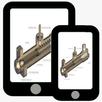
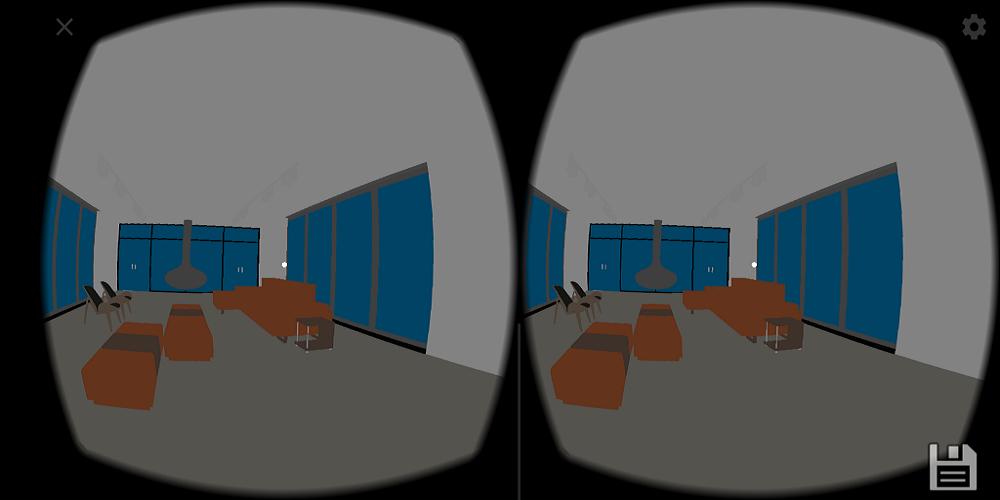
Open and explore your CAD Designs in Augmented and Virtual Reality (AR VR) in Mobile and Tablets.
Your important CAD can be view in AR and VR securely and fast in this app.
Which file can this application open?
.unitydata, and many more CAD formats coming soon!!!
How to use this app?
1. Install this app to your Mobile or Tablet
2. Install below plugin from our website or Autodesk App store and install at your computer.
1. AR VR for Autodesk Navisworks
2. Plugins for other Autodesk software coming soon.
3. From your computer, Open CAD Software eg. Navisworks. And export your CAD file using the plugin.
4. Plugin will export folder with files in format .unitydata. You need to transfer whole folder to your mobile or tablet's memory card.
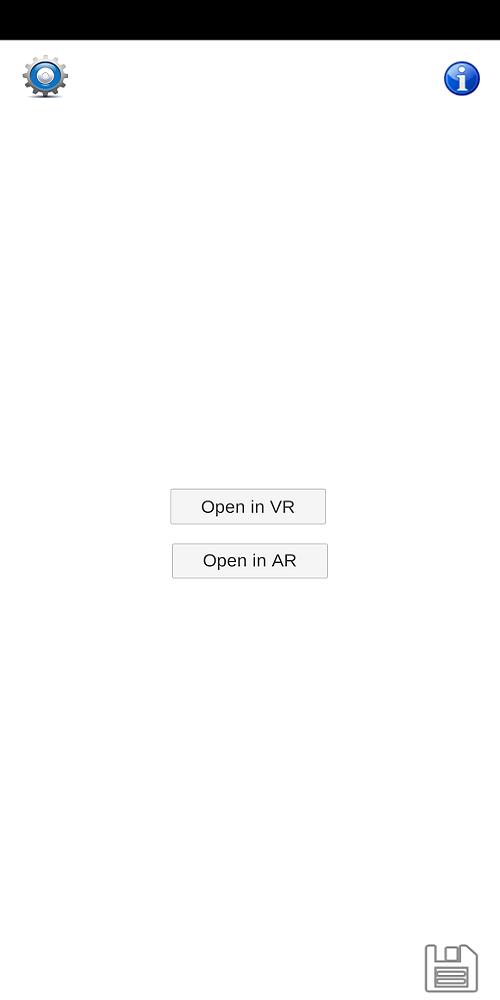
5. Now open this android app and browse the ".unitydata". Choose platform to open the model with AR or VR.
Latest Version
0.2Uploaded by
Zymeth Don
Requires Android
Android 9.0+
Category
Free Tools AppContent Rating
Everyone
Report
Flag as inappropriateLast updated on Jan 11, 2020
bug fixed

APKPure - A multi-platform app store primarily focused on Android, providing extensive app-related content. Discover the app you want easier, faster, and safer, with quick and efficient downloads and installations.