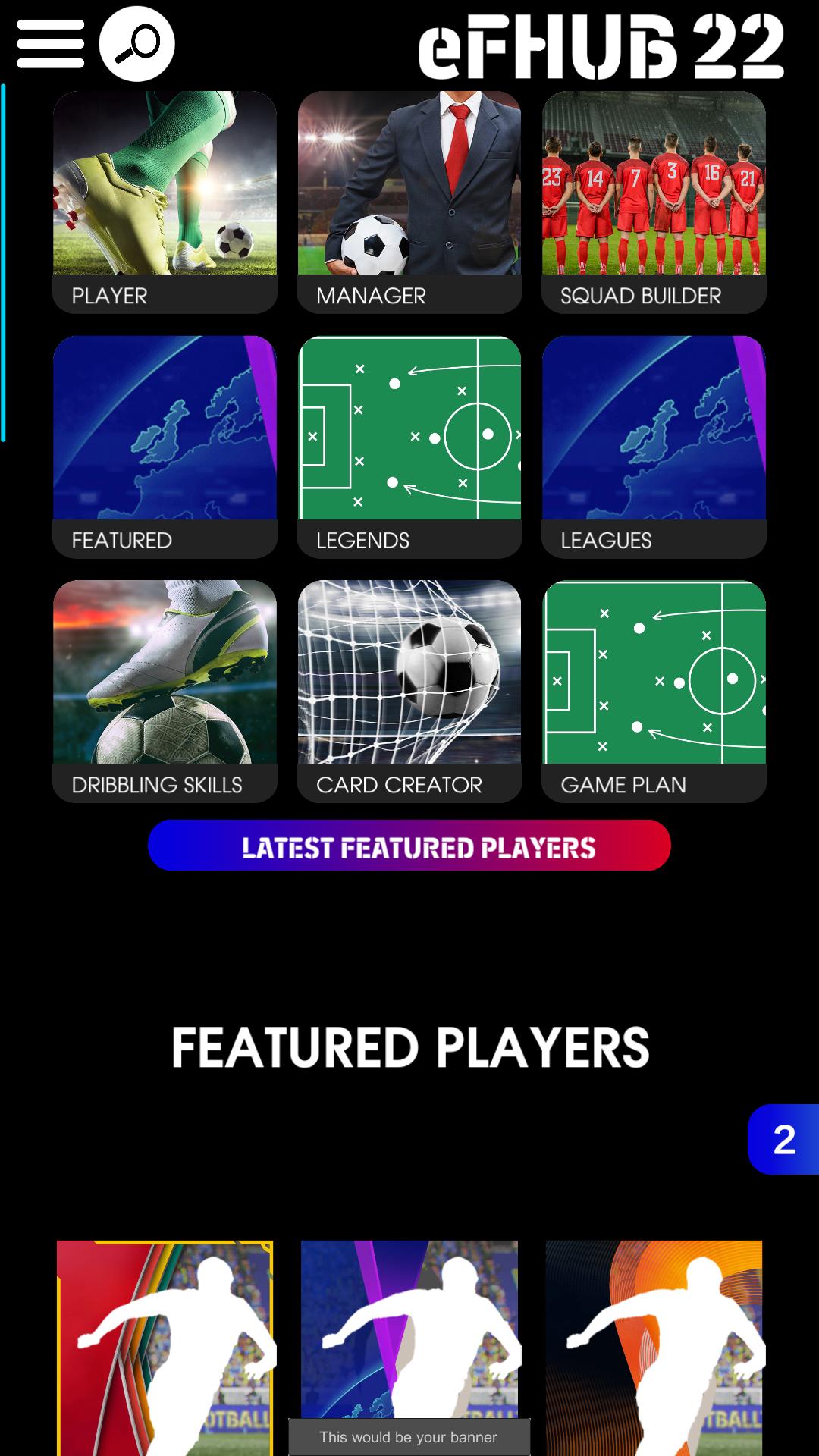
eFHUB™ 26 supports users who want clearer, data based planning for eFootball without opening a console or match. It is an unofficial companion, not a game, and it is not affiliated with any publisher. Through connected databases and planning tools from eFOOTBALLHUB, you can review options, test ideas, and organize teams before committing in game. This approach helps you set goals and reduce trial and error. If you prefer an APK install method, you can find the eFHUB™ 26 APK for Android.
eFHUB™ 26 tools for team planning
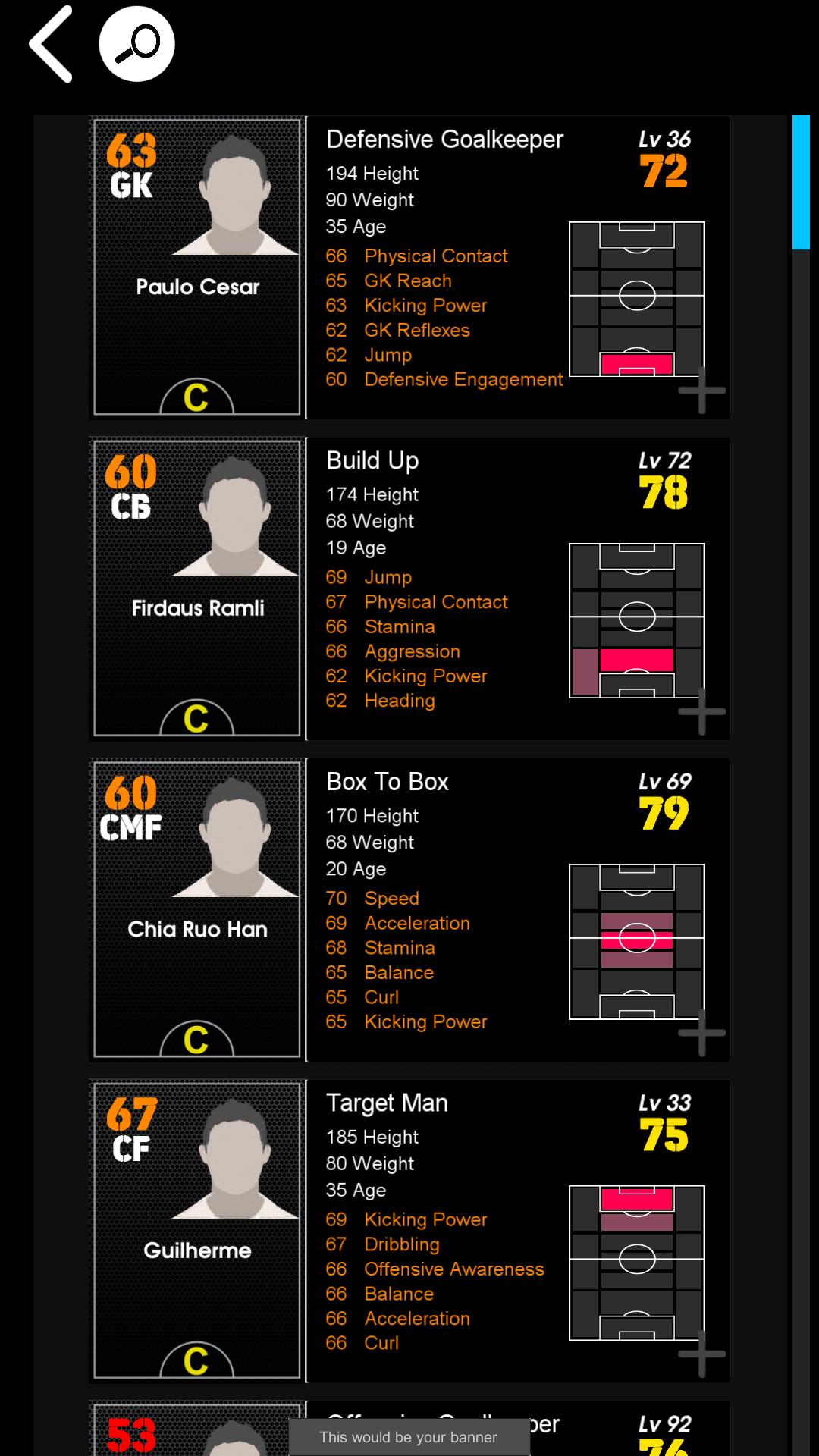
Detailed player database
You can search players by max level to see their true ceiling. The database shows the top six key attributes at a glance, which keeps comparisons simple on a phone. It also displays how player condition changes affect ratings, along with seasonal condition tracking, so you can judge form over time. This view supports quick scouting decisions using clear numbers from an eFootball database perspective.
Advanced manager database
eFHUB™ 26 tracks weekly formation and tactic updates for managers. You can filter by attacking and defensive styles to find a fit for your approach. A custom formation finder helps you match a preferred setup to available managers. This reduces guesswork when you want a manager that aligns with your squad’s strengths.
Intelligent squad builder
You can calculate team strength targets for two star, three star, and four star builds while keeping contract costs in check. The builder checks player positioning under different managers, so you understand natural roles before saving a plan. You can also set parameters to auto build a draft squad, then adjust and save unlimited versions for later review. This structure makes it easier to prepare for different competitive tiers without overspending on contracts.
Game Plan simulator
The simulator visualizes off the ball movement in attack and defense. You can compare how your manager’s approach behaves against other tactics and see where gaps appear. By observing shape and movement, it becomes clearer when to adjust roles or switch managers. This helps you refine plans before jumping into matches.
Value finds and skill guidance
The Hidden Gem Finder highlights players with high potential and low contract renewal costs to maximize value over a season. For individual technique, dribbling tutorials use controller animated guides for both console and mobile, so you can learn inputs step by step. A My Team hub lets you save favorite players and managers for quick access across the app. These tools support both long term planning and quick skill refreshers.
Important notes about eFHUB™ 26
eFHUB™ 26 is an unofficial companion. It is not a game and it is not endorsed by any game brand. It focuses on data, planning, and tutorials to help you prepare outside of matches.
Finding the version you need
Users can choose the eFHUB™ 26 latest version for current data and tools. If you prefer a familiar layout, older builds may also be available for reference. Check the version details to pick what suits your usage.
Accessing eFOOTBALLHUB resources
The app connects to resources from eFOOTBALLHUB for player and manager information, planning utilities, and tutorials. If you want to learn more about these resources, you can visit the official site listed below.
How to use eFHUB™ 26 on Android
After you download eFHUB™ 26, setup is simple and focused on planning. Most users start with the databases to scout players and managers, then move into squad building and simulation. You can add skills practice later using the dribbling guides.
- Open the app and go to the player database to search by name or position, then switch to max level view for comparisons.
- Add interesting players to My Team for quick recall, then browse the manager database to filter by preferred attacking or defensive style.
- Next, open the squad builder, choose a two star, three star, or four star target, set a contract budget, and let the tool draft a starting plan.
- Then review player positioning under different managers and adjust roles, followed by running the Game Plan simulator to see off the ball movement and shape.
- Finally, save your squads for future matches and use the dribbling tutorials to practice specific moves on console or mobile controls.
Start planning with eFHUB™ 26
eFHUB™ 26 organizes scouting, manager selection, squad building, and tactical checks in one place. To stay current, consider using the eFHUB™ 26 latest version when planning your next setup.
For official references and resource access, see the developer’s site below.