
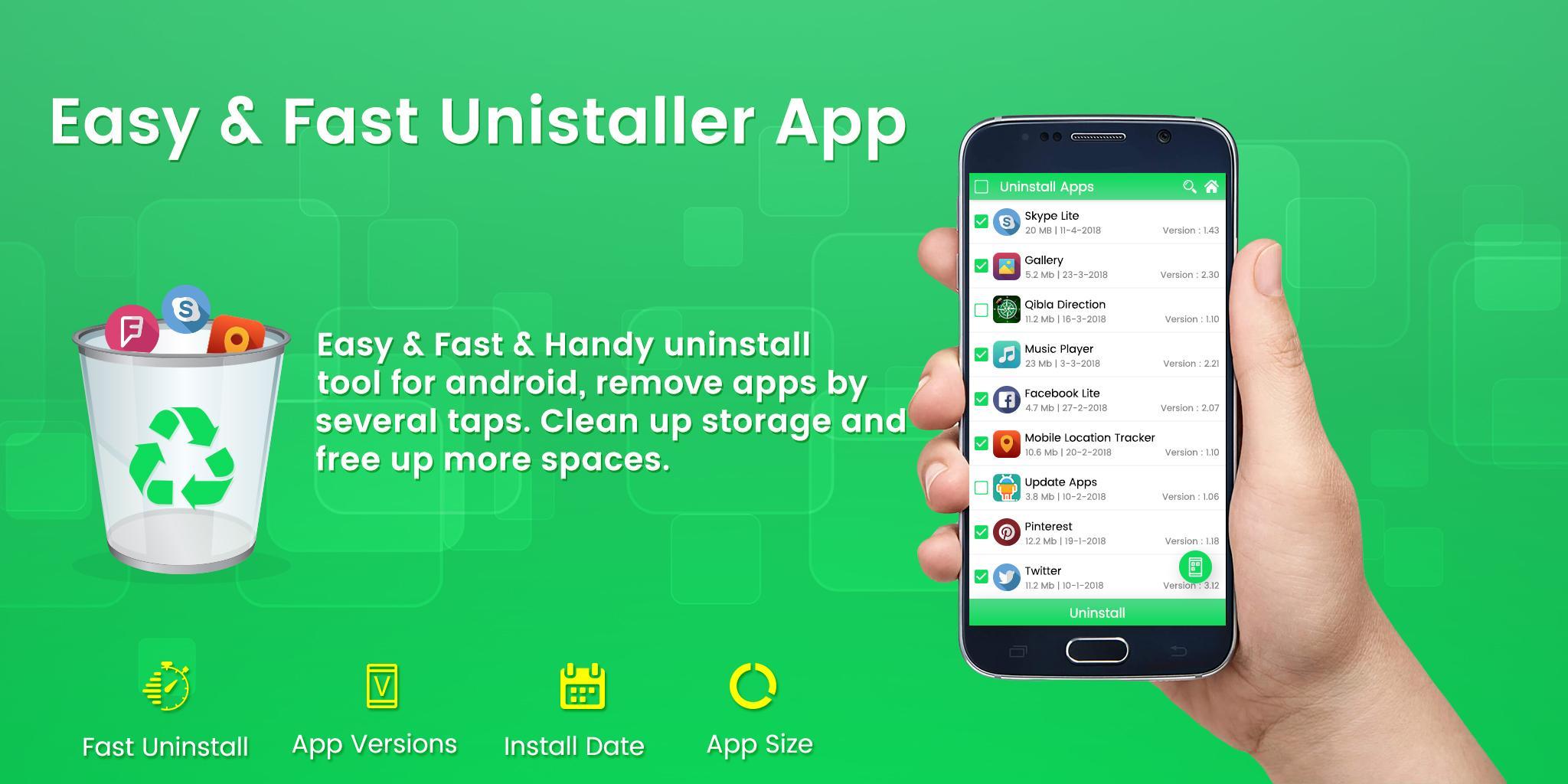
Clean up storage and free up more spaces, very handy app uninstaller.
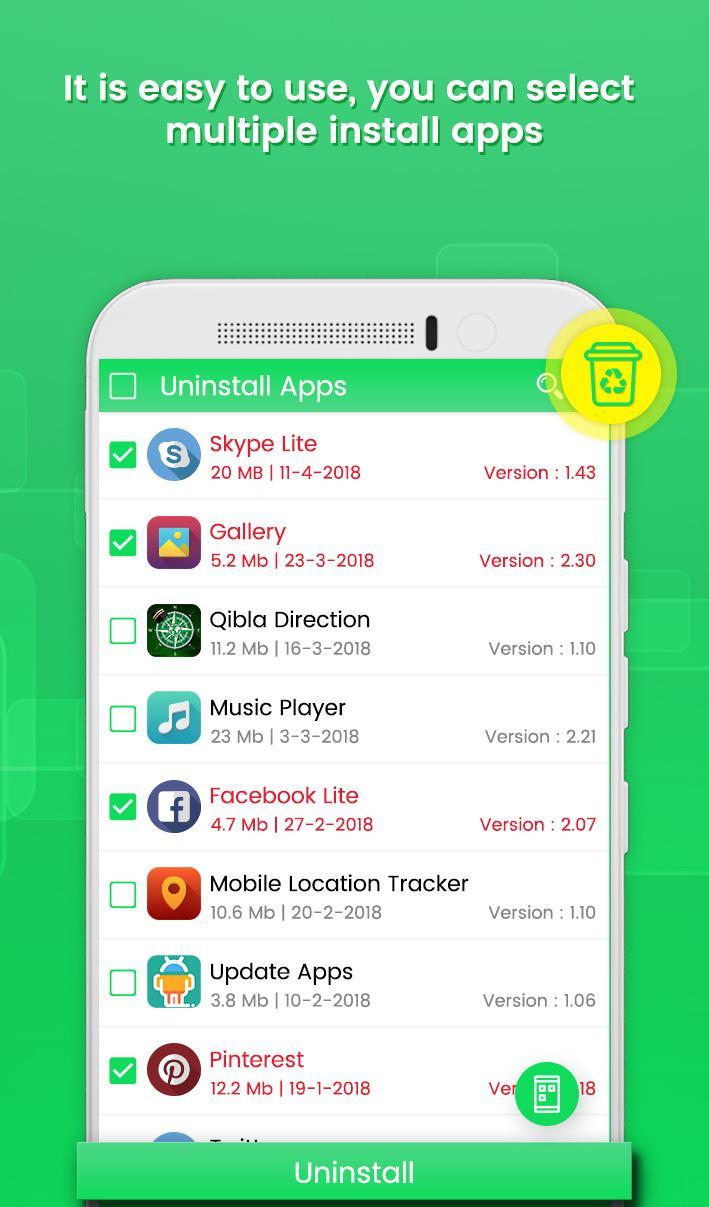
Free Uninstaller app is quite easy to use, as you can select one or multiple apps that you want to remove and just click on the “Uninstall" button.
App Uninstaller also supports app search & sort. Type Application Name in the Search box on the top to search the app that you want to uninstall.
Regularly uninstalling useless apps is a good habit, it can save your phone storage, delete useless garbage data, prevent too much useless apps drain your battery, make your phone speed fast.
Easy Uninstaller – Remove Apps can save you phone storage, delete useless leftover data, prevent too much unused data drain your battery, generally Uninstaller Mobile is here to help you to optimize your phone's capacity.
Easy App Uninstaller – Remove Apps Features :
- Free Easy Uninstaller also support app search and sort functions.
- Remove apps from phone, multiple selection supported
- Various sort mode List all the installed apps Show app name, version, update time, size
- Delete the unnecessary apps installed in the smartphone.
- Easy Uninstall apps in seconds
- Free up space on your phone
Latest Version
1.6Uploaded by
أدهم حشمت
Requires Android
Android 4.1+
Category
Free Tools AppContent Rating
Everyone
Report
Flag as inappropriateLast updated on Mar 12, 2019
- Minor bug fixed for pie
- Privacy Policy Updated



APKPure - A multi-platform app store primarily focused on Android, providing extensive app-related content. Discover the app you want easier, faster, and safer, with quick and efficient downloads and installations.










