One of the most aspired to techniques of pencil drawing is learning how to create shapes and texture using 3D drawing.
If any of this sounds familiar such as eyes drawing, face drawing, anime drawing, manga drawing
3D means ‘Three- Dimensional’. Three-dimensional refers to the number of axis running from an origin point. Like 2D has two axis, X and Y are running from one origin point, 3D has three axis, X, Y and Z run from one origin point.
Draw a 5cmx5cm square. This is square A.
Now draw another 5cmx5cm square slightly higher and to the left of the first square, making sure the two squares overlap. This is square B.
You should now have three points on square B outside of square A, and one ( bottom right) inside square A.
Using a ruler, draw lines to connect each corner of square A to the corresponding corner of square B. For example, top-left corner of square A should connect to the top-left corner of square B, and so on. Refer to the diagram on the left to avoid confusion.
First, erase the three lines which emerge from the one point we have in square A.
We don’t need these, as the cube will no longer be transparent once we have shaded it in.
These are essentially your building blocks for creating depth and texture within a pencil drawing.
Highlight; This part of the subject will be the part which is directly facing the light source.
Shadow; This part of the subject will be the part which is facing away from the light source.
Mid-tone; This part of the subject will be the part which is neither directly facing the light source, or the part facing away from the light source. It is the bit in the middle.
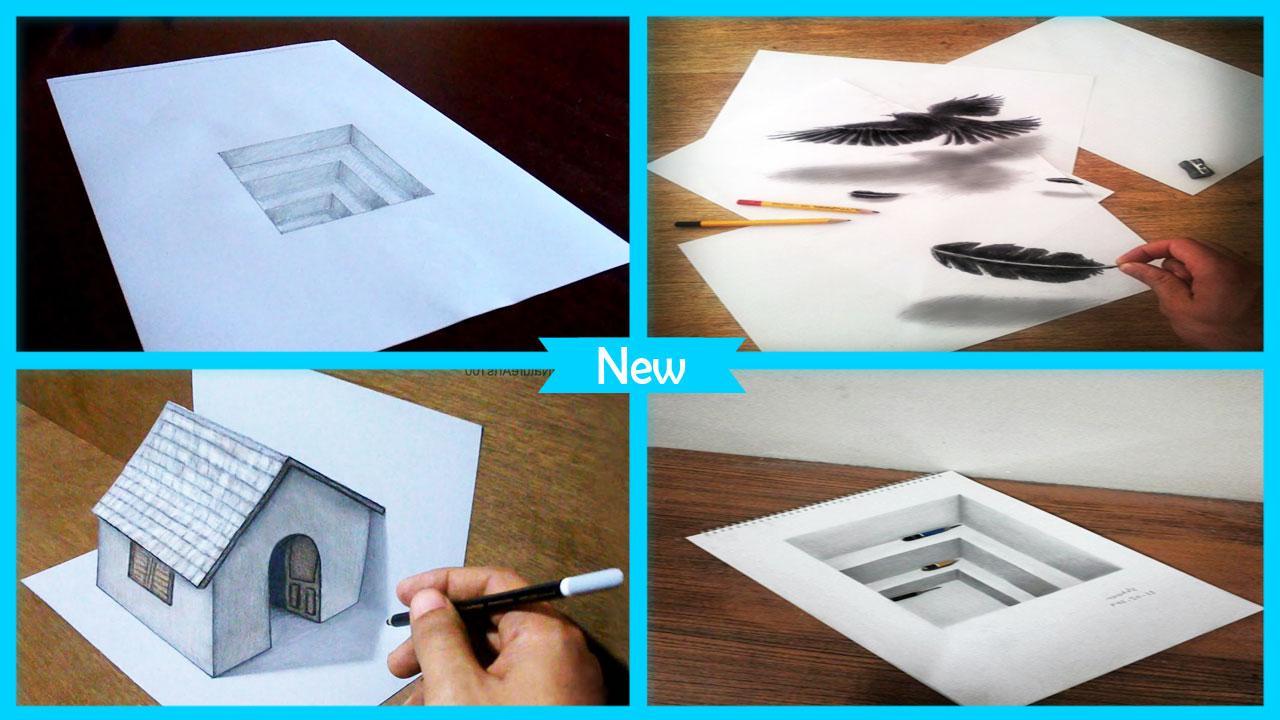
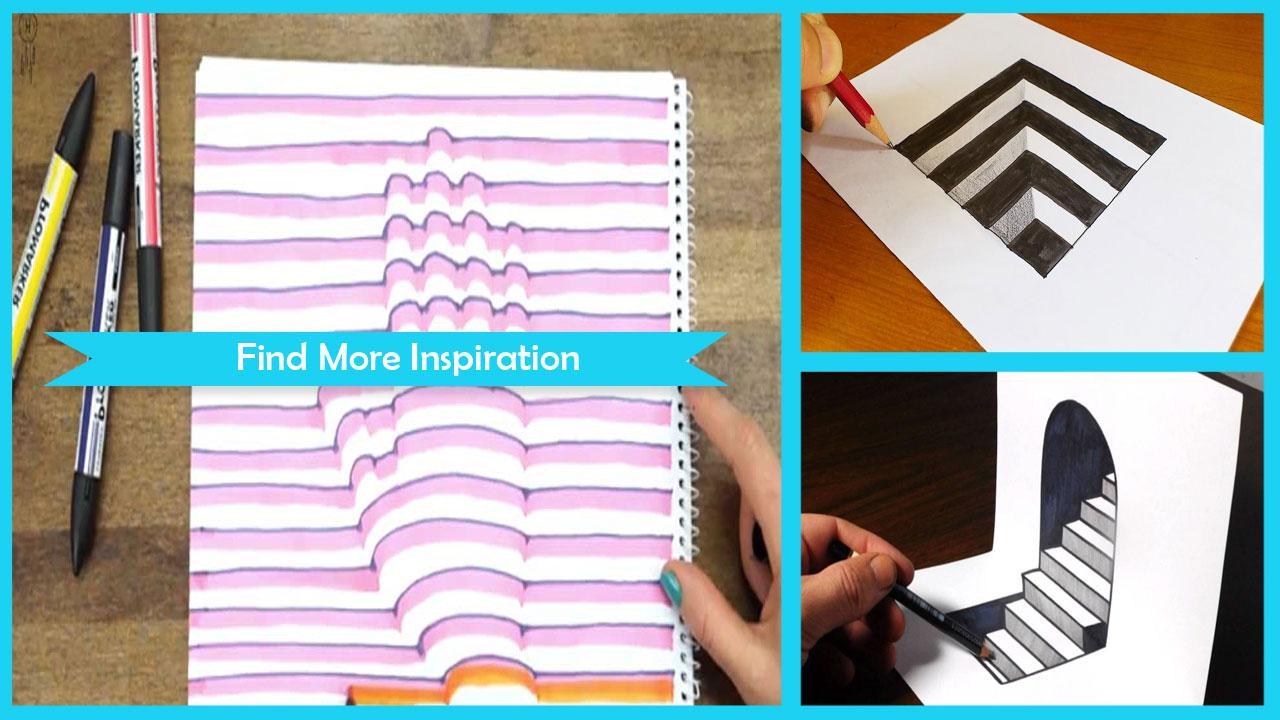
This app contains the various of Easy 3D Drawing Step by Step such as: eyes drawing, face drawing, anime drawing, manga drawing
No 1 App For Easy 3D Drawing Step by Step with step by step in Play Store
Feature List:
✓ 400+ Easy 3D Drawing Step by Step in best quality.
✓ Lots of perfect 400+ Easy 3D Drawing Step by Step in HD Quality.
✓ You can share all images to social media and other
✓ You can add Easy 3D Drawing Step by Step into favorite list
✓ Zoom in, zoom out for all images.
✓ Application works offline. No need to download content.
Download now and enjoy our Easy 3D Drawing Step by Step applications.
Latest Version
1.0Uploaded by
Loord Abdul
Requires Android
Android 4.0+
Category
Free Personalization AppContent Rating
Everyone
Report
Flag as inappropriateLast updated on May 8, 2018
No 1 App For Easy 3D Drawing Step by Step in Play Store
Feature List:
✓ Amazing 3+ Easy 3D Drawing Step by Step.
✓ Lots of perfect 3+ Easy 3D Drawing Step by Step in HD Quality.
✓ You can share all tutorial to social media and other
✓ You can add Easy 3D Drawing Step by Step into favorite list
✓ Zoom in, zoom out for all tutorial.
✓ Application works offline. No need to download content.
Download now and enjoy our Easy 3D Drawing Step by Step applications.



APKPure - A multi-platform app store primarily focused on Android, providing extensive app-related content. Discover the app you want easier, faster, and safer, with quick and efficient downloads and installations.