
E-KTP Simulasi = Bikin KTP Elektronik Sendiri helps when you need a quick mock card while waiting for official processing. It is for simulation and play only, not valid for any documents or identification. You enter personal details, add a photo and a signature, then save a preview on your phone for reference. Users who choose to download E-KTP Simulasi = Bikin KTP Elektronik Sendiri will find the steps simple and clear from start to finish.
Guided data entry and code finder
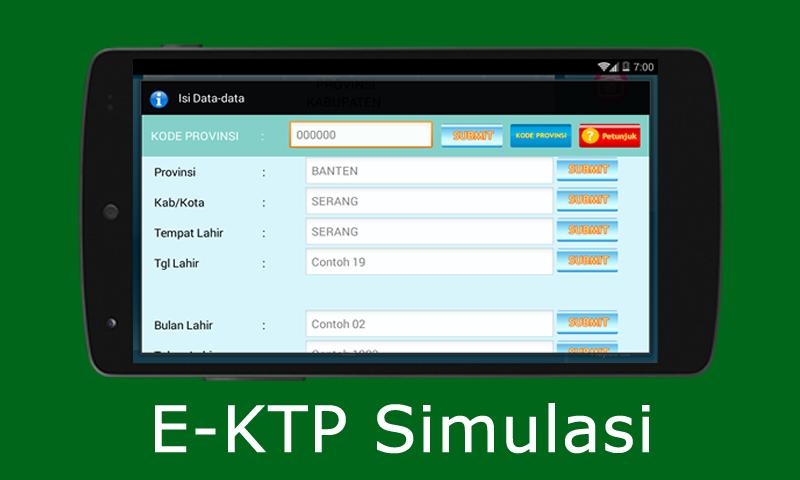
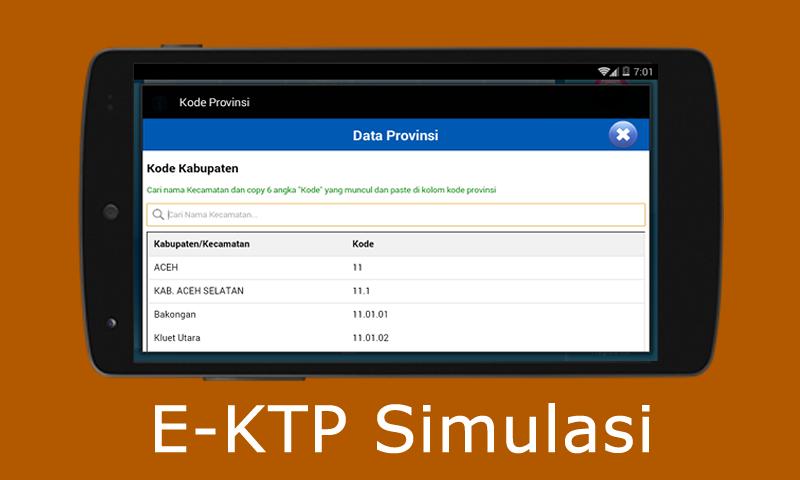
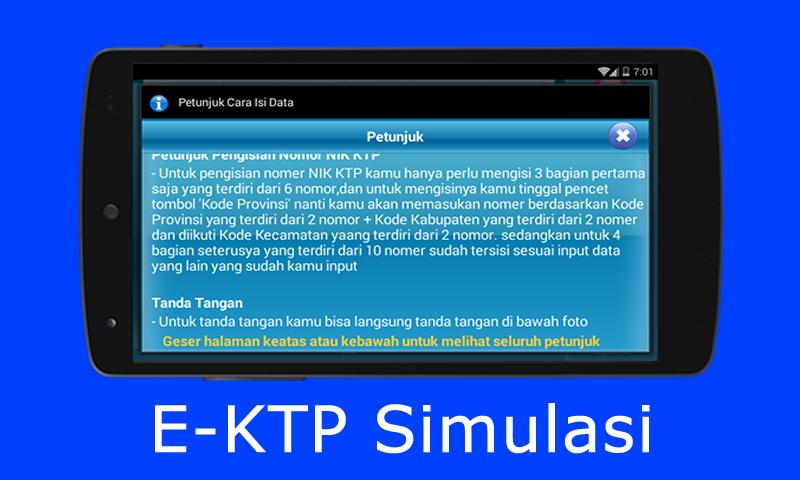
Start by tapping the data form and fill in the available fields. Use the province code tool to search your district name, copy the six digits, remove any dots, and paste them into the code field. All steps run inside the E-KTP Simulasi = Bikin KTP Elektronik Sendiri APK interface with straightforward buttons.
Photo import from camera or gallery
After entering details, add your photo. You can capture a new image with the camera or pick one from the gallery. The app places the photo on the card layout so you can check positioning before moving on.
Signature input with erase option
Next, sign directly below the photo using the on-screen signature pad. If you make a mistake, use the clear signature button to try again. This helps create a clean mock card for personal reference.
Save and view modes
This app provides a simple, guided simulation for an electronic ID, for personal use only. Review the preview, then save it to your device for reference. For the E-KTP Simulasi = Bikin KTP Elektronik Sendiri latest version, follow the on-screen steps and keep your entries accurate.
Latest Version
1.0.1Uploaded by
Vinh Chau Thon
Requires Android
Android 2.3.4+
Category
Free Photography AppContent Rating
Everyone
Report
Flag as inappropriateLast updated on Aug 9, 2017
-Menambahkan kebijakan penggunaan aplikasi
-Menambahkan tanda air pada photo ktp




APKPure - A multi-platform app store primarily focused on Android, providing extensive app-related content. Discover the app you want easier, faster, and safer, with quick and efficient downloads and installations.