Main features of the Dutch PDF Maker app.
What We Offer
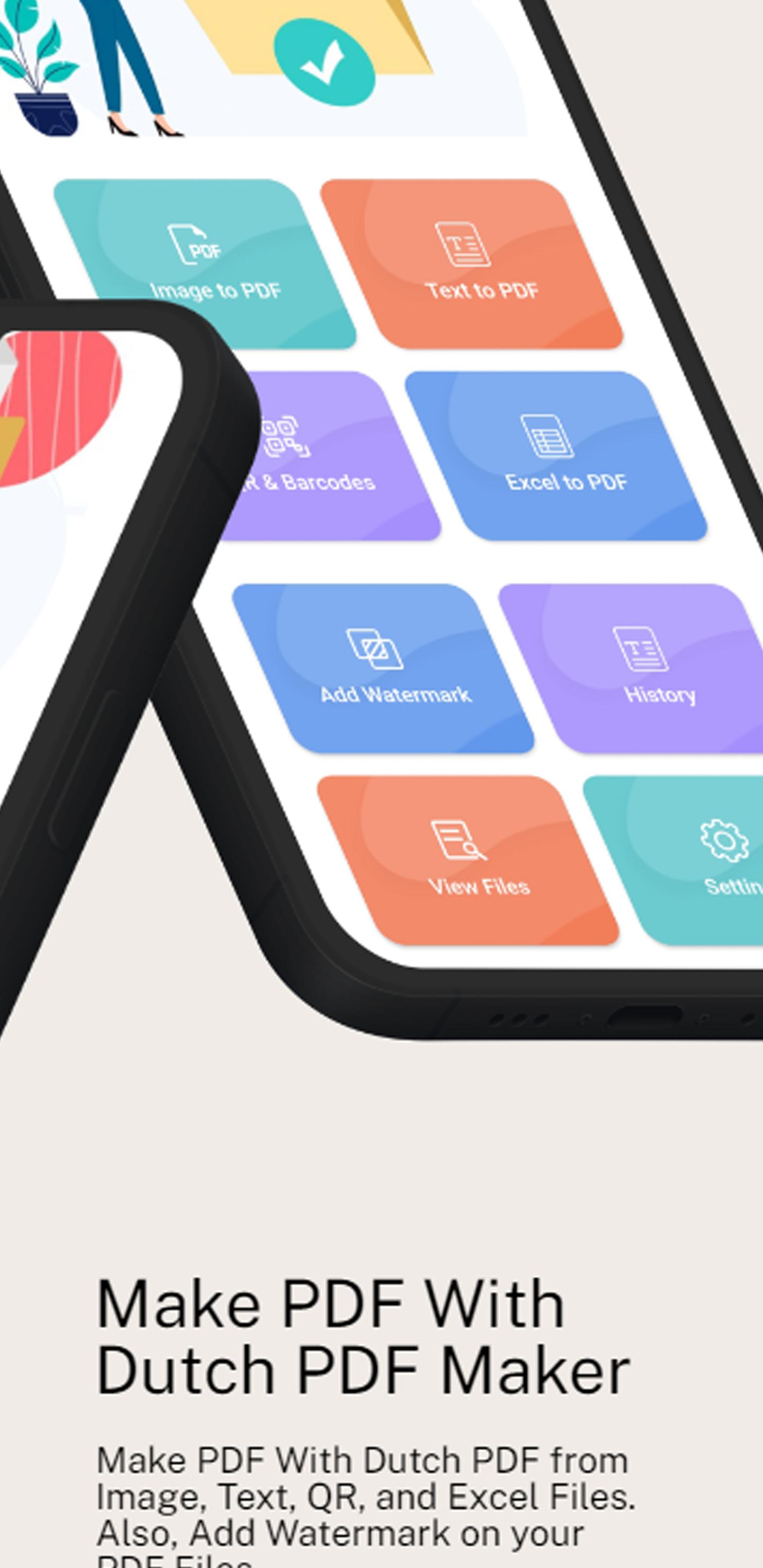
- Image to PDF (With Password Protection)
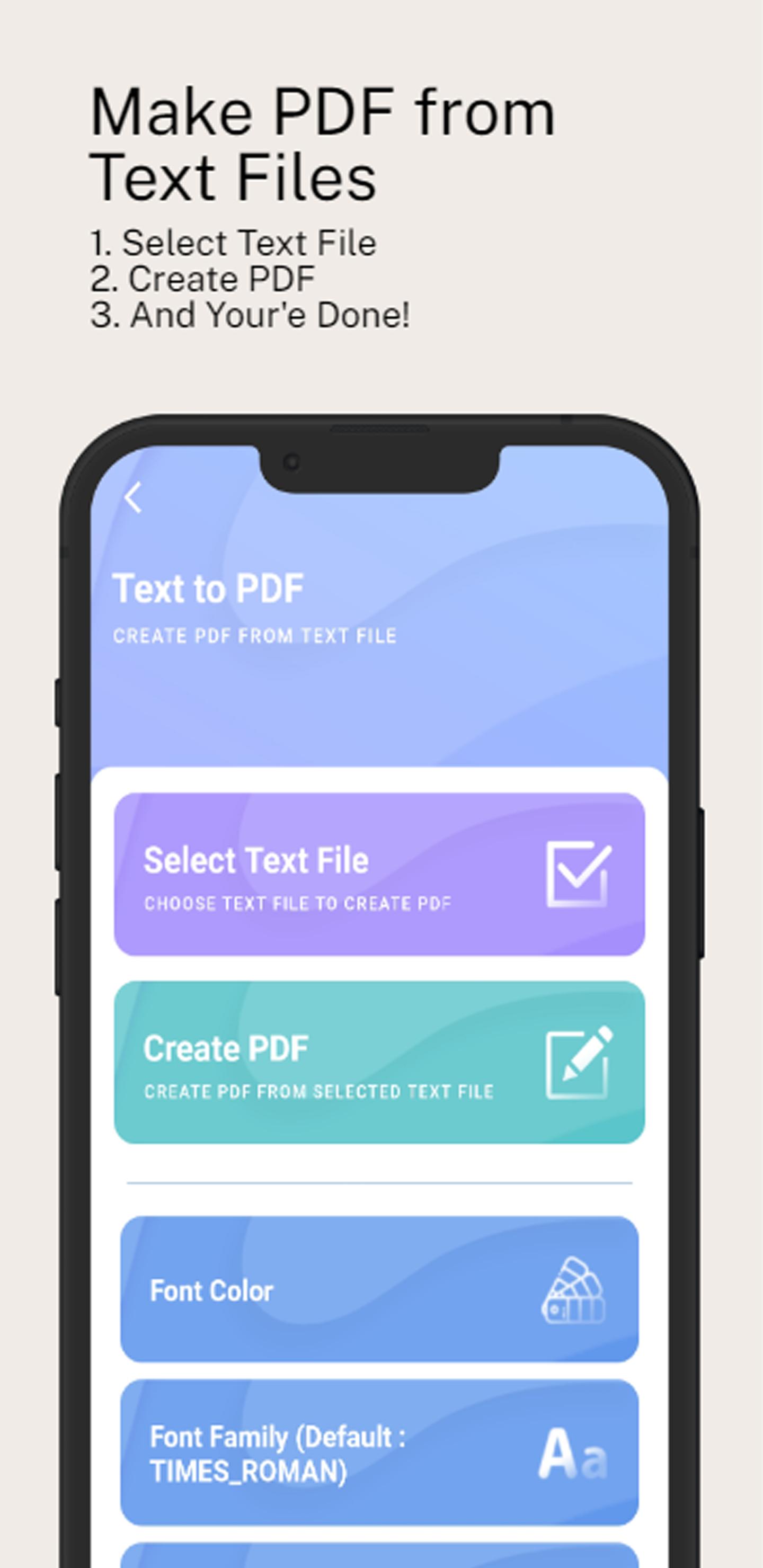
- Text to PDF
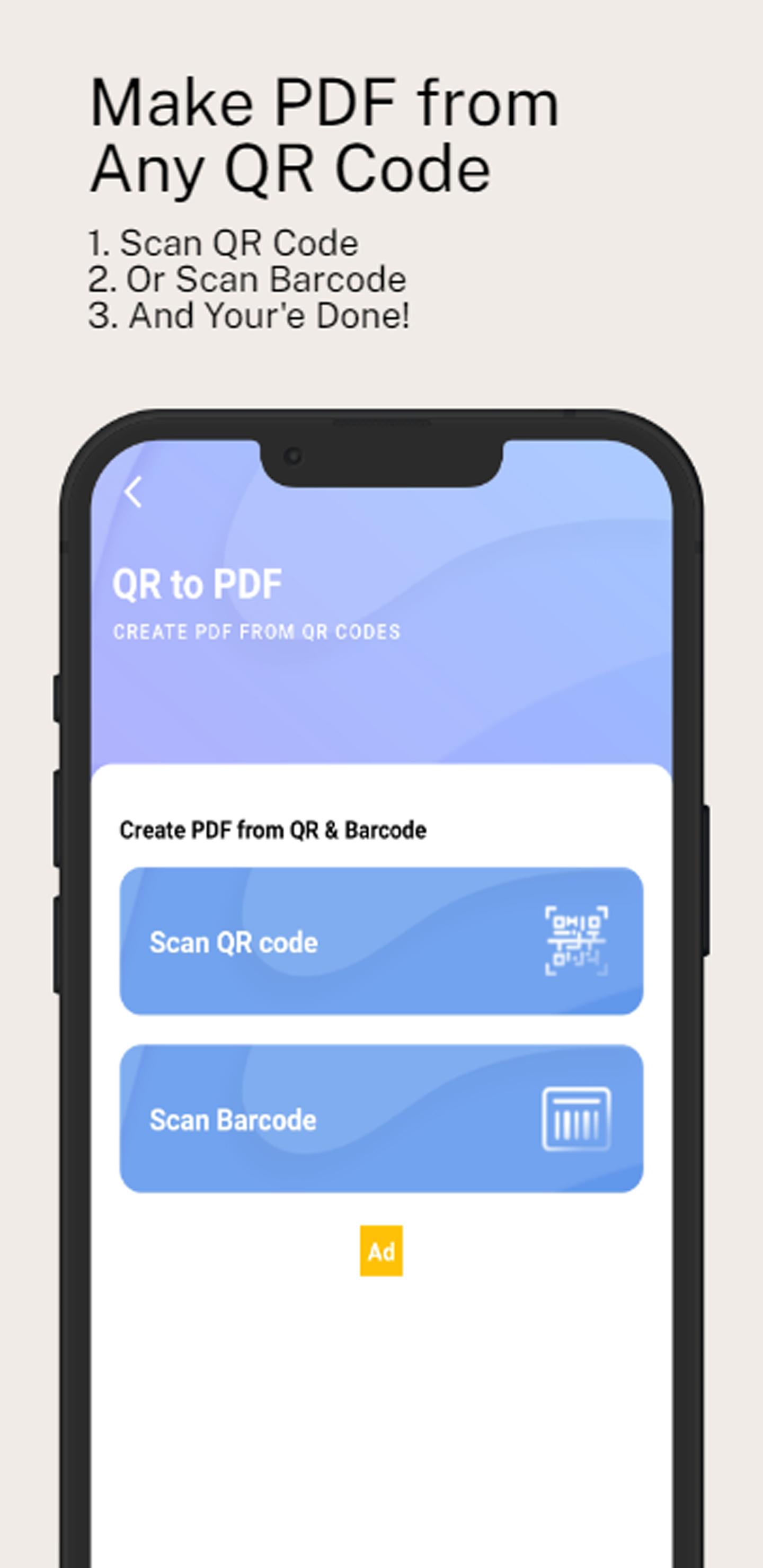
- QR Code to PDF
- Barcode to PDF
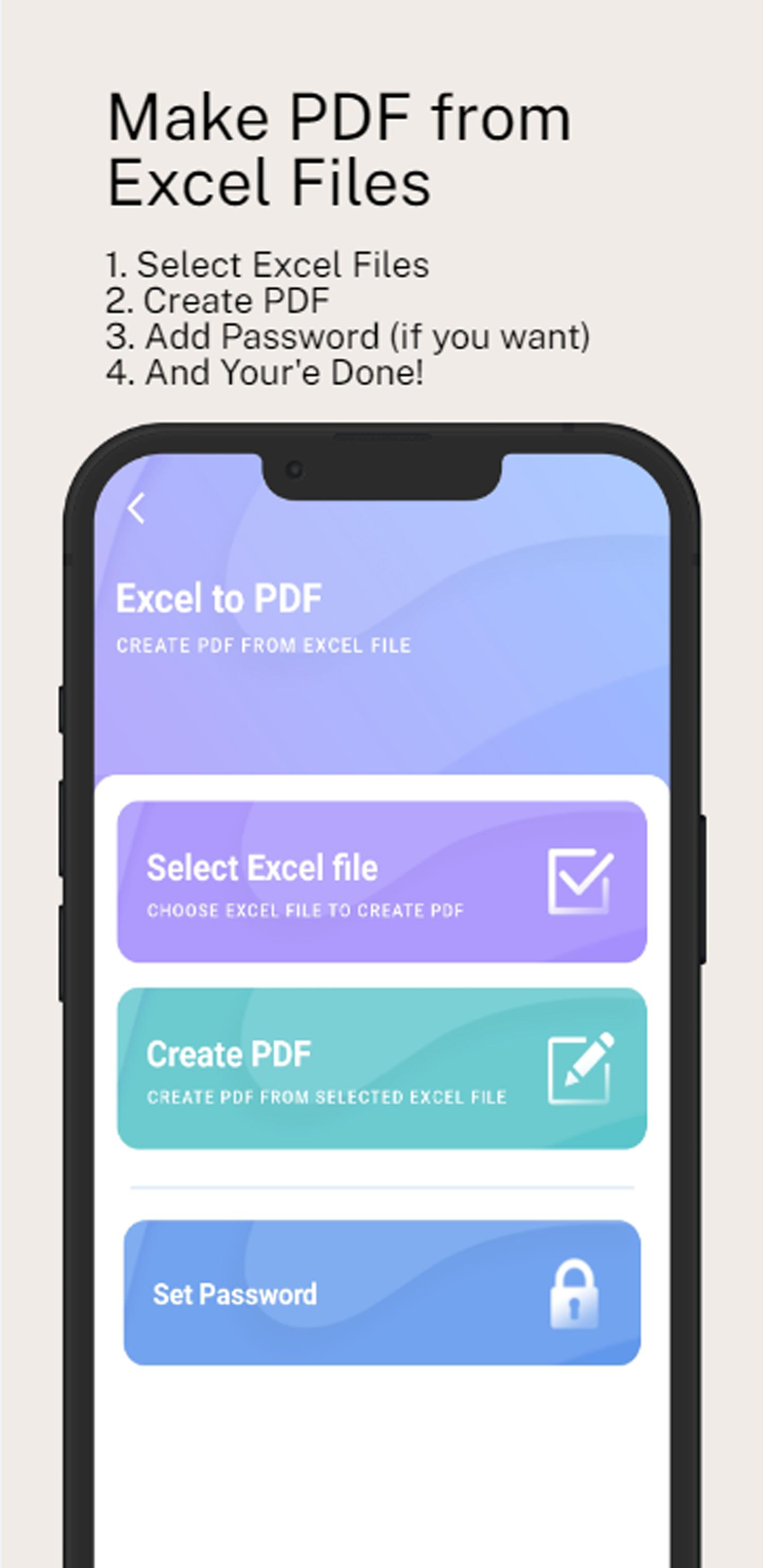
- Excel to PDF
- Also Watermark on your PDF
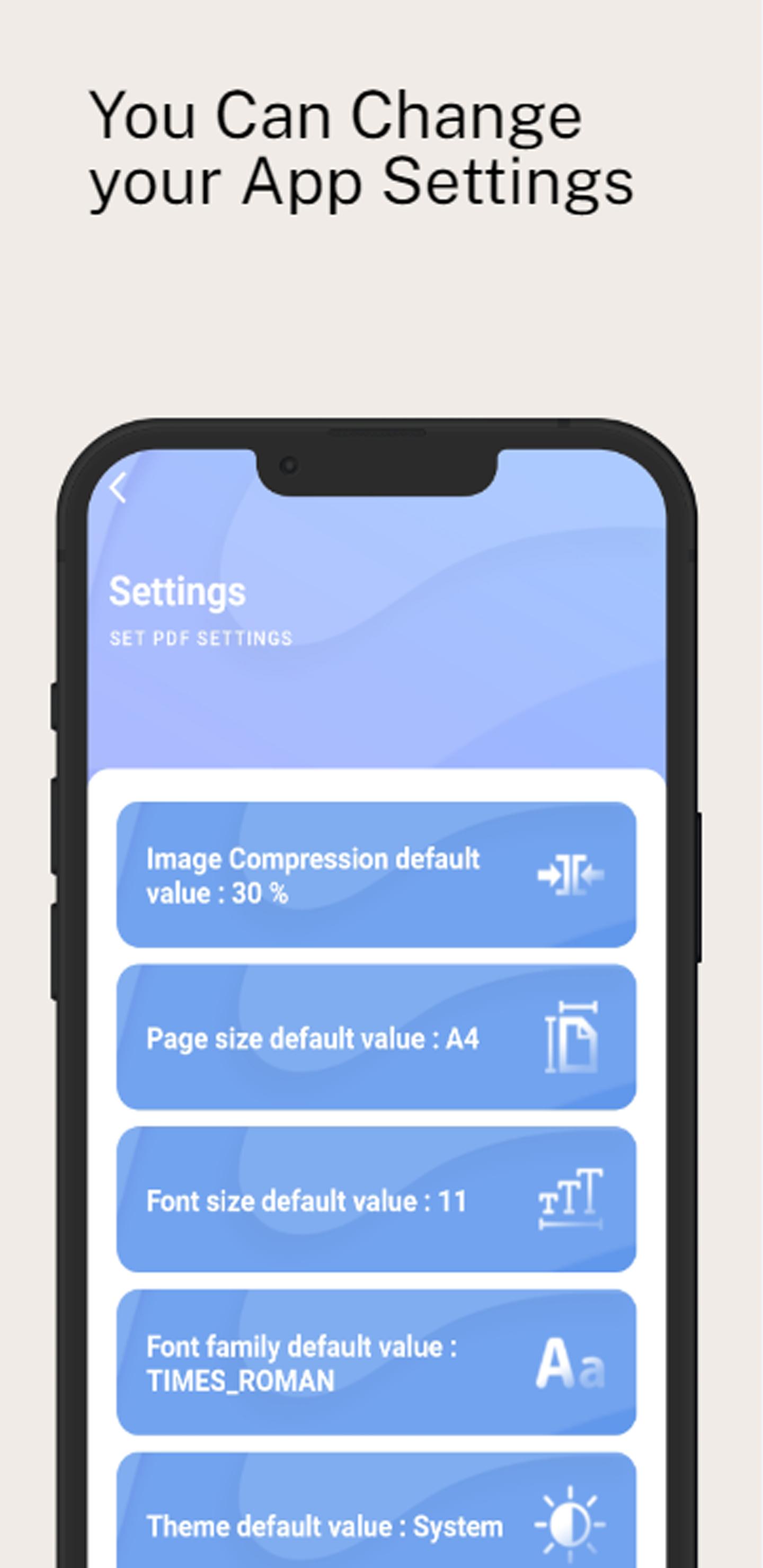
- Customize your PDF as your Need
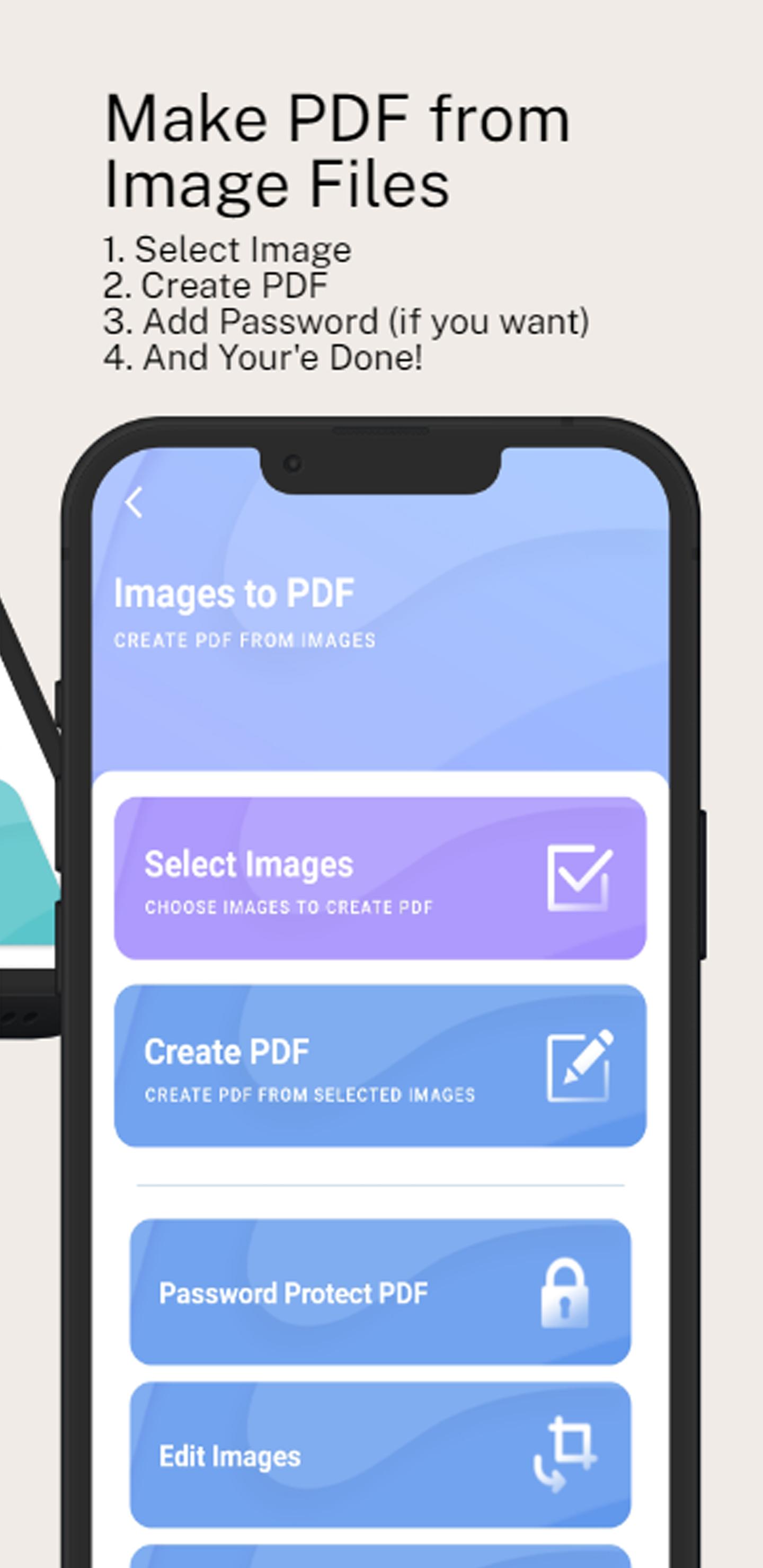
There are 4 steps you need to do to convert any file to PDF
- Select your Image or Photos
- Click Create PDF Button
- Set Your Password (Optional)
- Boom You're Done!
Some Extra Features --
- Change the document margin as needed.
- Compress the image for small size PDF
- Add images, position, resize and rotate them.
- Save your work and continue later. All documents are saved and can be edited and used to create new PDF files at a later stage.
- Open, share, print, or delete the PDF files from the app.
- Share and send images and text from other applications to PDF Creator to add it to the current or a new document.
- Convert images to PDF document files.
- PDF Maker allows you to convert any image (JPG, PNG, etc.) file into a PDF document on your smartphone and tablet.
- Dutch PDF makerApp helps to easily convert Images into PDF documents.
Some eye-catching options added to the Dutch PDF Maker app:
- Offline PDF maker.
- Easy and fast conversion into PDF document with your own watermark.
- Share the created PDF.
☆ No register or login is required
This is a fast, reliable PDF Maker app that doesn't compel users to use any other specific services. Dutch PDF Maker works offline and is entirely free of cost. Dutch PDF app is free without limits.
☆ Password Protect PDF file/Encrypt PDF file
You can encrypt or password protects your PDF file with Dutch PDF Maker to avoid others to open it without the password.
☆ Convert image/photo into PDF file
If you have photos and you want to convert them into PDF, you can use the image to PDF functionality. It allows the user to convert either one or multiple image files into one single pdf file. This is very convenient when you want to send a large number of photos to other into one file. Dutch PDF Maker make it simple.
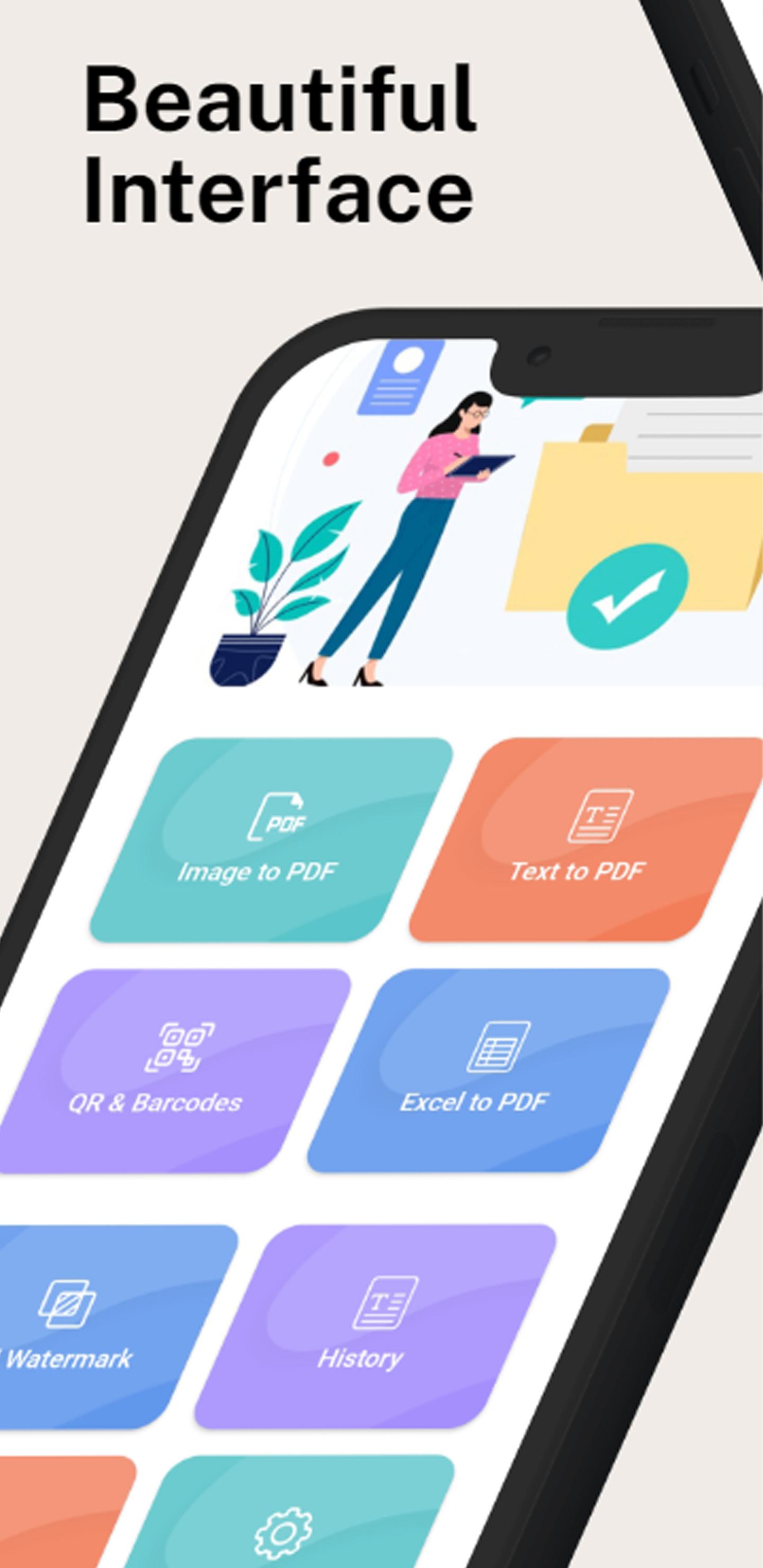
☆ Simple User Interface
Very elegant & intuitive simple user interface based on google's latest material design. so try Dutch PDF Maker and enjoy!
☆ Edit or crop images
With help of Dutch PDF Maker Photos can be cropped or edited before making them into a PDF file.
Convert your PDF files with Dutch PDF Maker.
The Best Photo and Document Scanner, All formats of images and photos, Text & Document files to PDF file. It's a Portable Scanner, All types of Doc and Images Scan.
Dutch PDF Maker is a full-fledged app, designed for users while work with any kind of file format.
Dutch PDF Maker is having effective and efficient performance in its functioning.
You can create PDF documents for your own official use and maintain records that are secured by the use of PDF Maker.
To gain the best user experience while working with all the formats of images and docs, Install Dutch PDF Maker app now.
Remember it is SUPEREASY
Latest Version
0.0.1Requires Android
6.0
Category
Free Tools AppContent Rating
Everyone
Report
Flag as inappropriateLast updated on Feb 6, 2023
Minor bug fixes and improvements. Install or update to the newest version to check it out!

APKPure - A multi-platform app store primarily focused on Android, providing extensive app-related content. Discover the app you want easier, faster, and safer, with quick and efficient downloads and installations.