
The Duplicate Contact Optimizer app is combination of Duplicate Contacts Merger and Duplicate Contacts Remover and it's a complete contacts manager application for Android. Its Duplicate Contacts optimizer which manage contacts and makes your phonebook clean, light, smart and user friendly and So manage contact using eContacts Phonebook Backup and it's free.
Main functionalities of this Duplicate Contacts Optimizer app:
1. Remove duplicate contacts ( Duplicate Contact Remover )
2. Merge duplicate contacts ( Merge Duplicates )
3. Merge contacts with similar phone number
4. Merge contacts with similar name
5. Delete contacts with no name, number, email or unused from long time
6. Take phonebook backup and convert contacts to vcard / vcf file
7. Backup contacts and share on gmail, yahoo, outlook, etc.
How app works or how to manage contacts ?
1. App read complete address book and take backup of all contacts.
2. Find duplicate contacts, contacts with similar name, phone number and email
3. Show user option to merge duplicate contacts, merge contacts with similar name, phone number and email.
4. Save merged contacts to phonebook, this will make changes in your phonebook, remove duplicate contacts and add merged contacts.
How it can help you?
A. Transfer contacts from old phone to new phone. How ?
1. Take contacts backup in vcf file
2. Share vcf file on gmail (any email)
3. Download vcf file on new phone
4. Open vcf file and restore contacts. It all needs 10 minutes.
B. Cleanup Contacts
1. Find duplicate contacts
2. Delete duplicate contacts or Remove duplicate Contact by linking two or more duplicate contacts
3. Optimize contacts with duplicate numbers within same contact
4. Remove unused contacts
5. Save merged contacts to phone book
C. Export Contacts
1. Take regular backup for your contacts ( address book backup )
2. Share contacts backups and you can get all your contacts within 5 minutes, whenever you need.
E. Duplicate Contacts Remover ( Remove Duplicates )
1. Find phonebook contacts with similar name / phone number and email
2. Auto merger or selective duplicate contacts merge
3. Save Merged contacts and all your duplicate contacts will be removed from address book.
All functionalities of application are free and pro version is only to remove ads from application.
For merging duplicate contacts following options available:
1. Duplicate Contacts (where all contacts are identical) : Here app deletes duplicate contacts.
2. Similar Phone number (only phone number number in all contacts similar) : Here app merges contacts and make a single contact.
3. Similar Name (name in all contacts are similar) : Here app merges contacts and make a single contact.
4. Inside Duplicates (Same number is stored two times in one contact) : Here app removes other numbers within contact.
5. Duplicate Email (Same email id in all contacts) : Here app merges contacts and make a single contact.
After merging contacts it provides option to sync it with you contact book, so when you sync all merged contacts will be removed and newly created contacts will be saved in phonebook.
Important note:
1. Please make sure that you review all duplicates and backup your contacts before activating the sync option.
2. Different phones have different implementation of contacts due to different manufacturer and Android version. If the application is not showing your contacts or contacts reappear after deleting or merging, please let us know what phone you are using and what accounts you have. We will be happy to support it for you.
App needs following permission to work properly:
1. Call Phone No: To call from Contacts
2. Send SMS: To SMS compose screen from contact
3. Modify & Read contacts: For merge & delete process
4. Internal storage & SD card read/write: To store contact backup
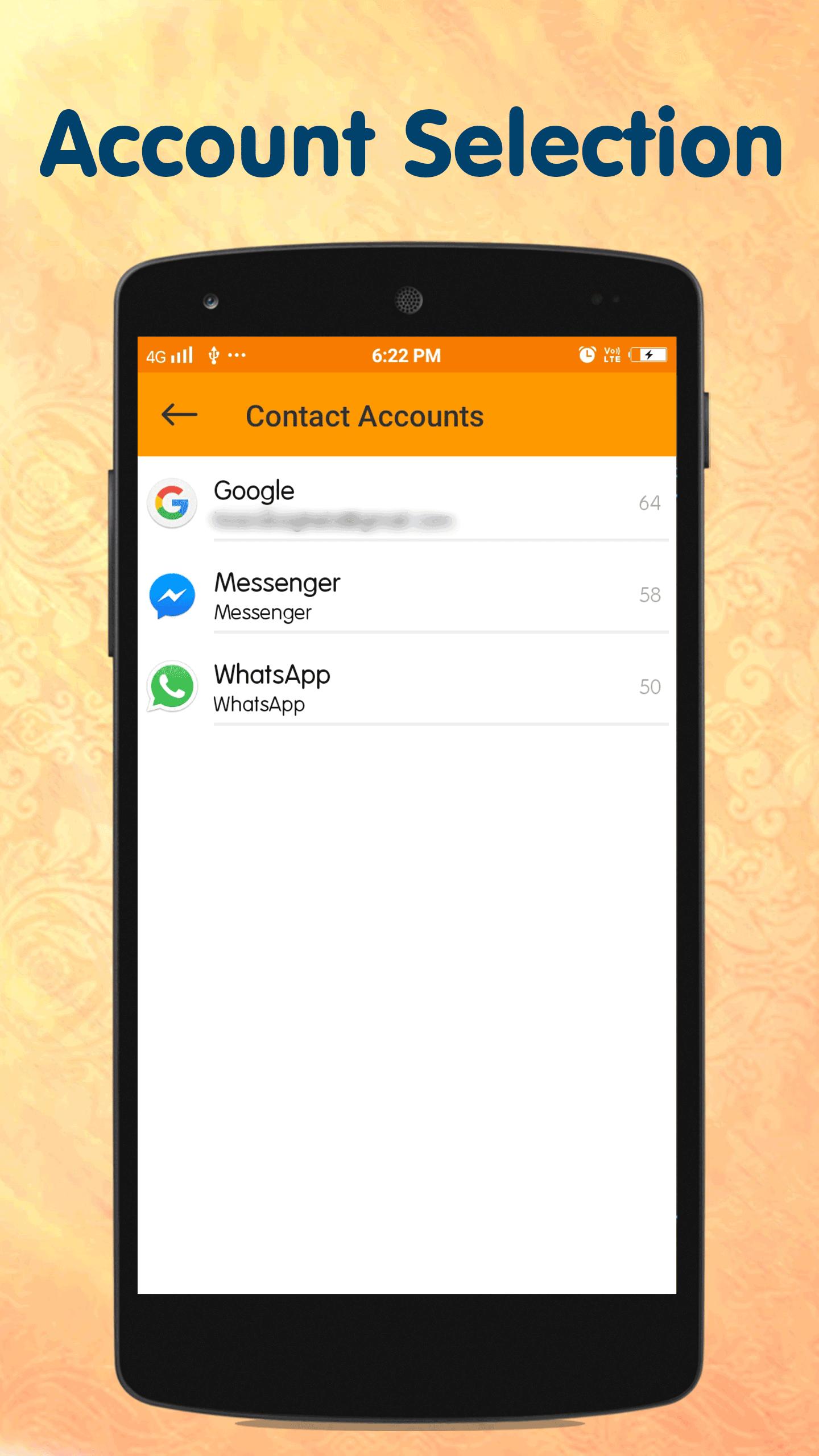
5. Account access: To store contacts into phonebook
6. Network (Internet) access: For share functionality and checking for app updates, this permission required
Latest Version
7.6Uploaded by
Tossapon Sri-samang
Requires Android
Android 4.0+
Category
Free Productivity AppContent Rating
Everyone
Report
Flag as inappropriateLast updated on Aug 11, 2019
1. Latest OS support added.
2. Improvised performance.





APKPure - A multi-platform app store primarily focused on Android, providing extensive app-related content. Discover the app you want easier, faster, and safer, with quick and efficient downloads and installations.