Scan Date:Nov 9, 2026
Show More


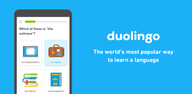
Duolingo suits people who want to study regularly but only have a few minutes at a time. It organizes learning into guided activities that are easy to continue between school, work, travel plans, or daily tasks. The app is intended for beginners as well as learners returning to a subject after a break. If you want to download Duolingo, it offers free courses alongside optional paid plans with extra learning tools.
Language practice in four skills
Duolingo offers courses in more than 40 languages, including Spanish, French, German, English, Japanese, and Korean. Lessons use speaking, listening, reading, and writing activities so you can work on skills used in everyday conversations. The guided format introduces material in small parts rather than asking you to study long units at once.
Short lessons for daily study
You can complete a lesson in a few minutes, which can make study easier to fit into a busy day. Duolingo presents exercises one after another and keeps track of the course material you have completed. As you continue, the app gradually introduces new content while bringing back areas that need more practice.
Progress tracking and goals
Duolingo uses XP, streaks, achievements, and leaderboards to show your activity over time. A streak records consecutive days of study, while XP reflects completed work. These tools let you check your progress and compare results with other learners through the app’s leaderboards.
Math, Music, and Chess courses
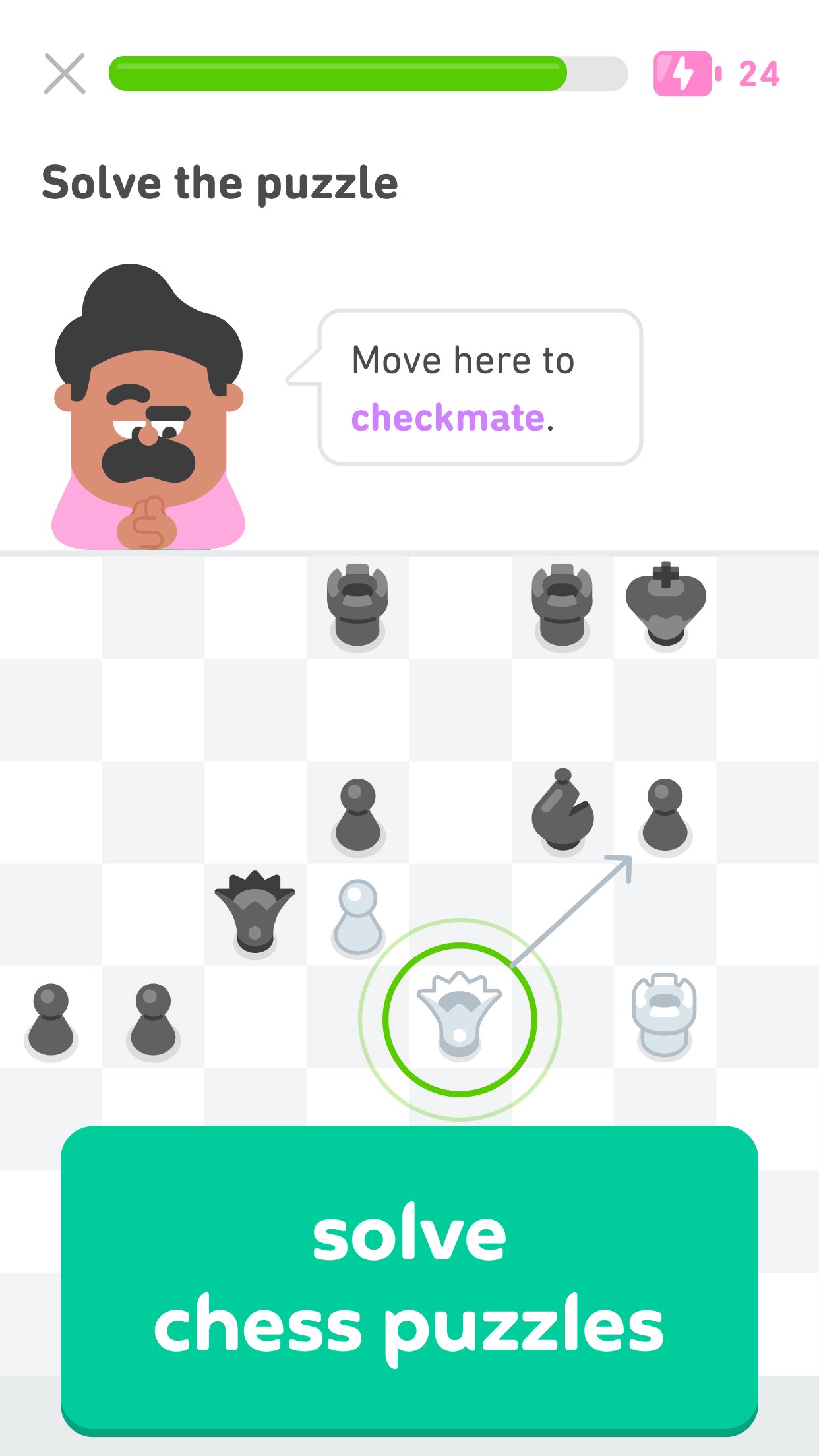
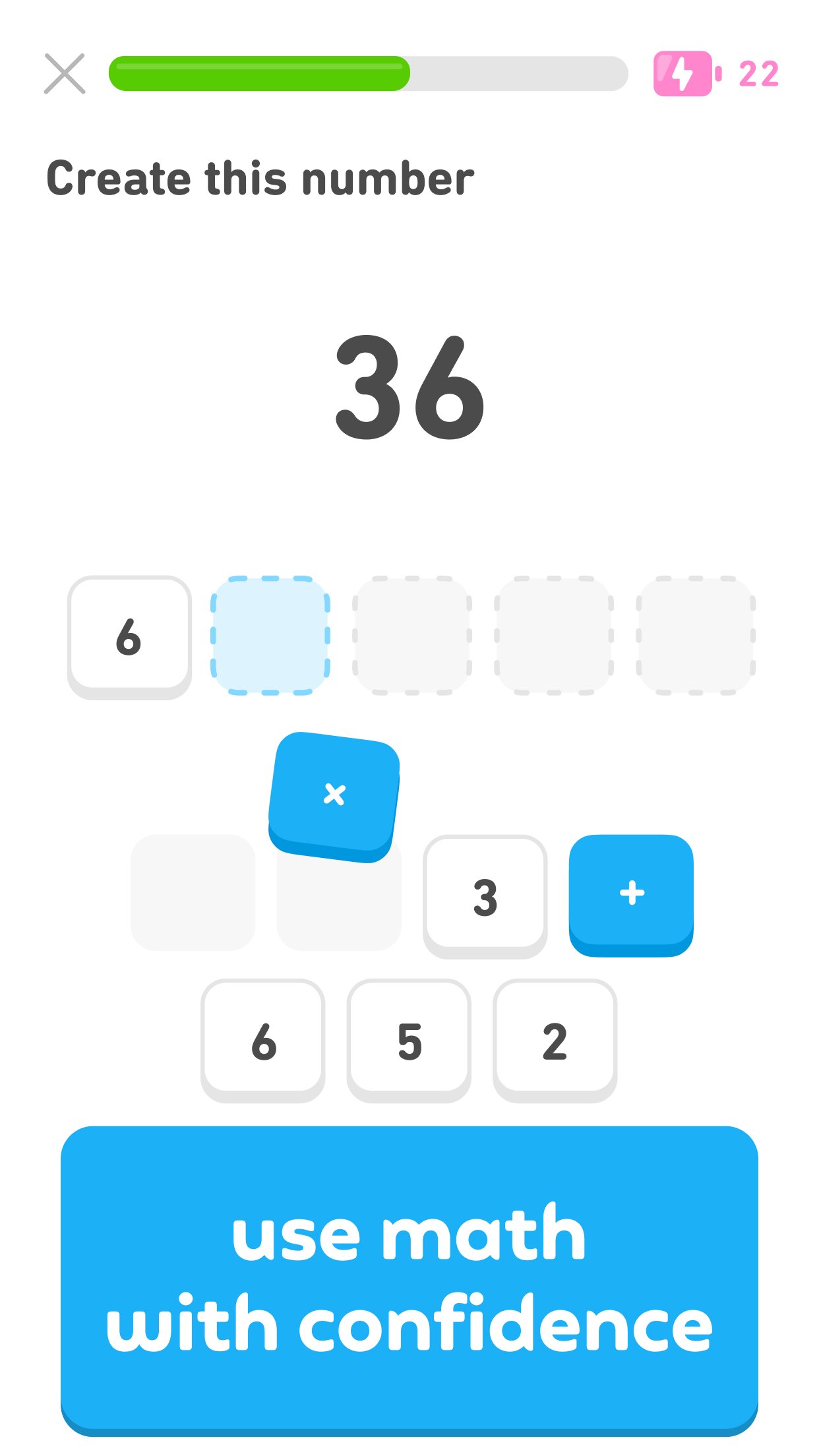
Besides language courses, the app includes lessons for Math, Music, and Chess. Math activities focus on mental math practice, while Music lessons teach music reading with an on-screen keyboard. Chess content includes lessons and puzzles, and it also supports online play.
Optional Super Duolingo and Duolingo Max plans
The free version includes the core learning courses and daily lessons. Super Duolingo adds ad-free learning, offline lessons, Unlimited Hearts, and Streak Repair. Duolingo Max includes AI-powered Video Call and Roleplay activities, where you can practice conversation and receive feedback.
Free courses cover the main learning activities, while Super Duolingo focuses on fewer interruptions and offline access. Duolingo Max is aimed at learners who want additional conversation practice through Video Call and Roleplay.
The Duolingo latest version may also include access to related services from Duolingo. Duolingo English Test is an online English proficiency assessment, Duolingo for Schools supports classroom learning, and Duolingo ABC is designed for early literacy. These services have different purposes from the main app’s daily lessons.
The app lets you move through lessons at your own pace and return to topics when needed. After you download Duolingo APK, choose the subject you want to study and follow the activities shown in the app. Regular short sessions can help you keep your course progress current.
Open the app and select a language, Math, Music, or Chess course that matches what you want to practice.
Begin the guided lesson and answer the exercises in the order they appear on screen.
Use the speaking, listening, reading, and writing tasks in language courses to practice different skills.
Continue with new lessons, then complete review activities when Duolingo returns to material that needs more work.
Check your XP, streak, achievements, and leaderboard position to follow your activity over time.
Duolingo combines language study with Math, Music, and Chess lessons in one Android app. Choose a course, complete short activities, and use progress tools to keep track of regular study.
For official details or help with the app, use the contact information below.
Official website: https://www.duolingo.com
Support email: android@duolingo.com
Latest Version
6.105.2Uploaded by
Mukesh Paswan
Requires Android
Android 10.0+
Category
Free Education AppContent Rating
Everyone
Security Report
Report
Flag as inappropriateLast updated on Nov 9, 2026
Our mascot owl, Duo, is trading in his usual diet of mice for bugs this week. Yup, we’re squashing those pesky bugs to make the experience better for all of you.
For more Duolingo news, contests and product releases, follow us on Facebook, Twitter, and Instagram @duolingo.







APKPure - A multi-platform app store primarily focused on Android, providing extensive app-related content. Discover the app you want easier, faster, and safer, with quick and efficient downloads and installations.