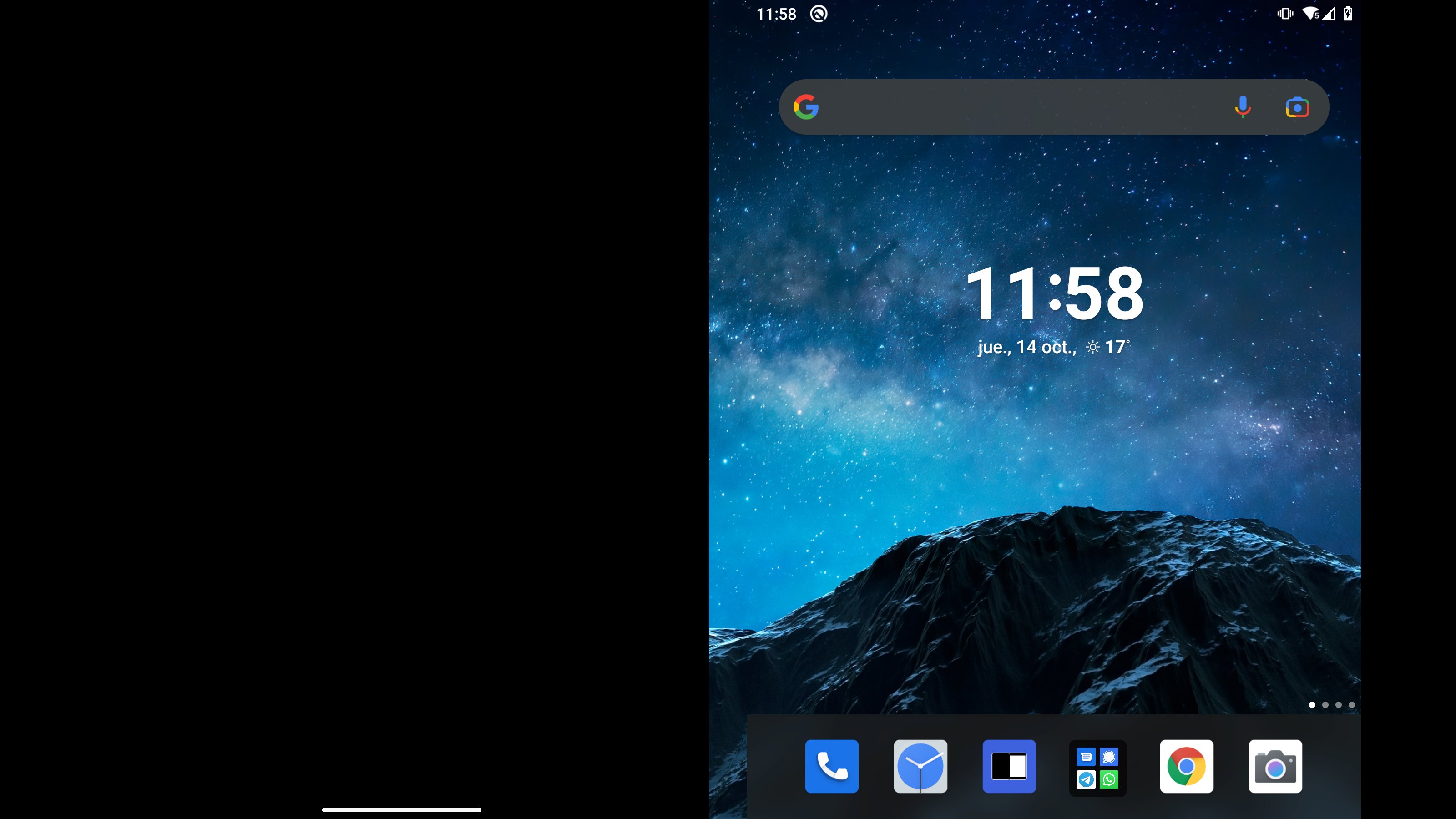
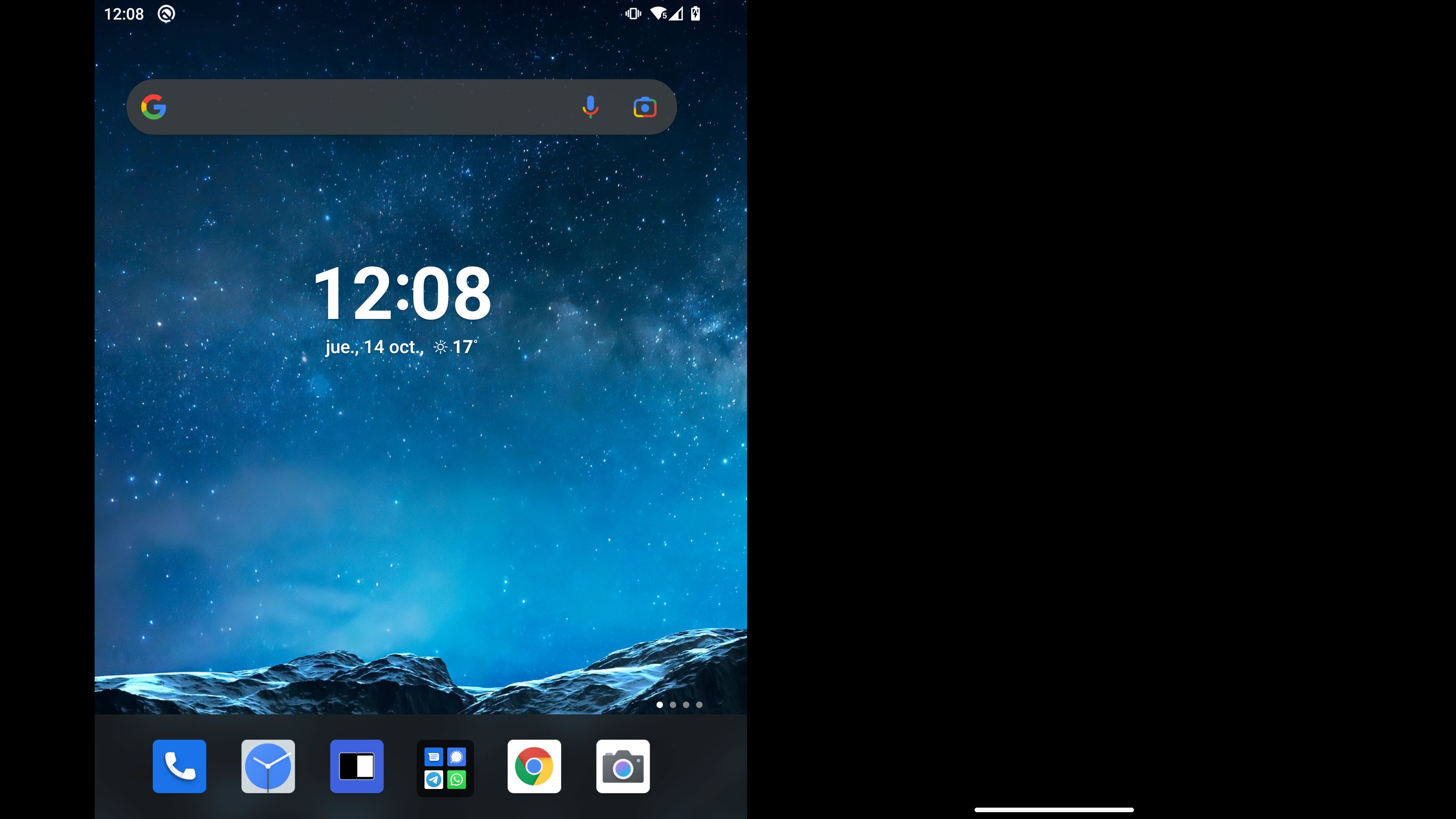
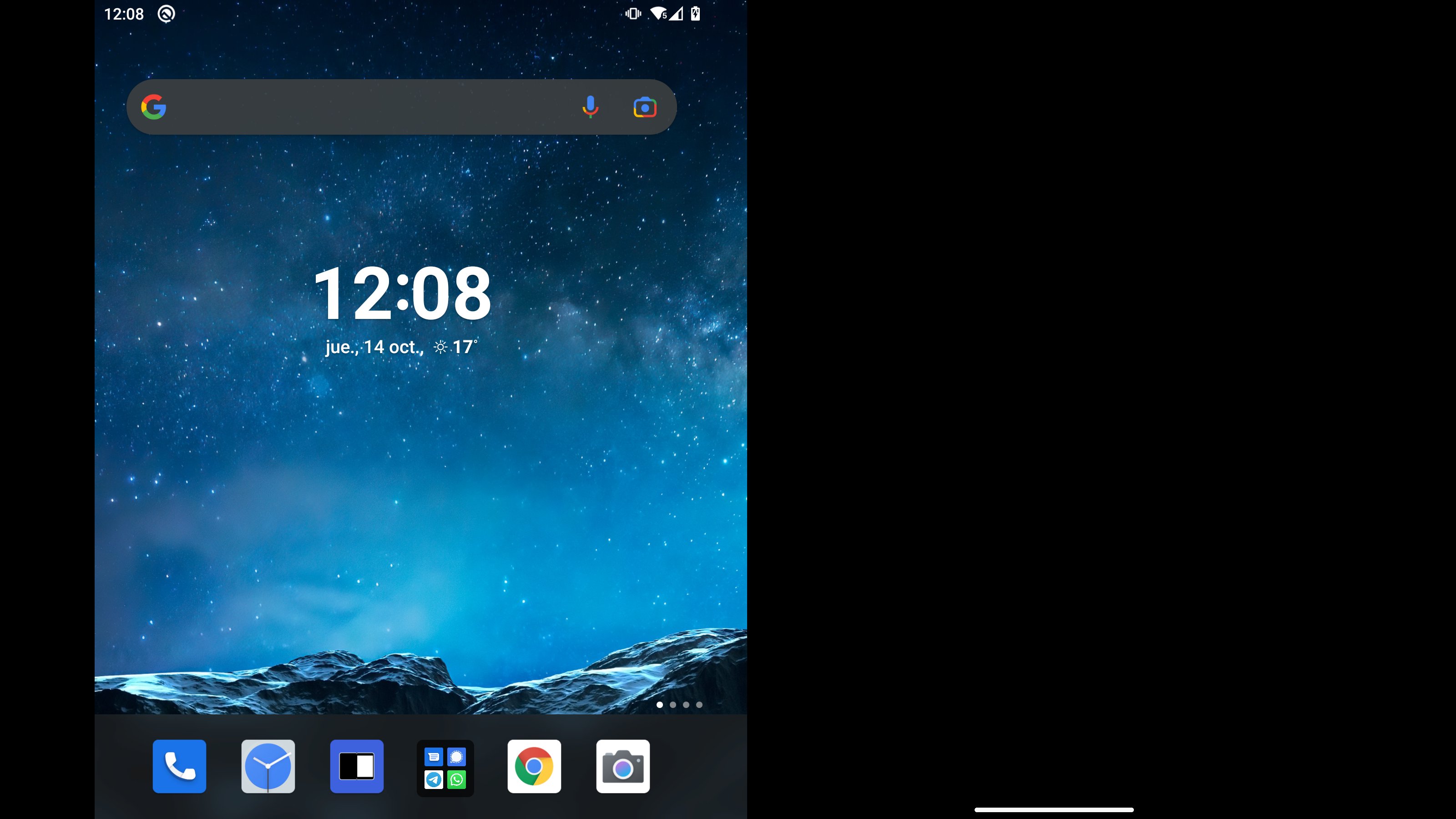
This app lets you turn off either one of the screens on your Surface Duo while the device is in unfolded position, simply launch it from the screen you want to turn off.
Due to device limitations, navigation bar will be still visible while you are interacting with the other screen, but you can hide it touching the turned off screen (useful when you are watching a video on the other screen).
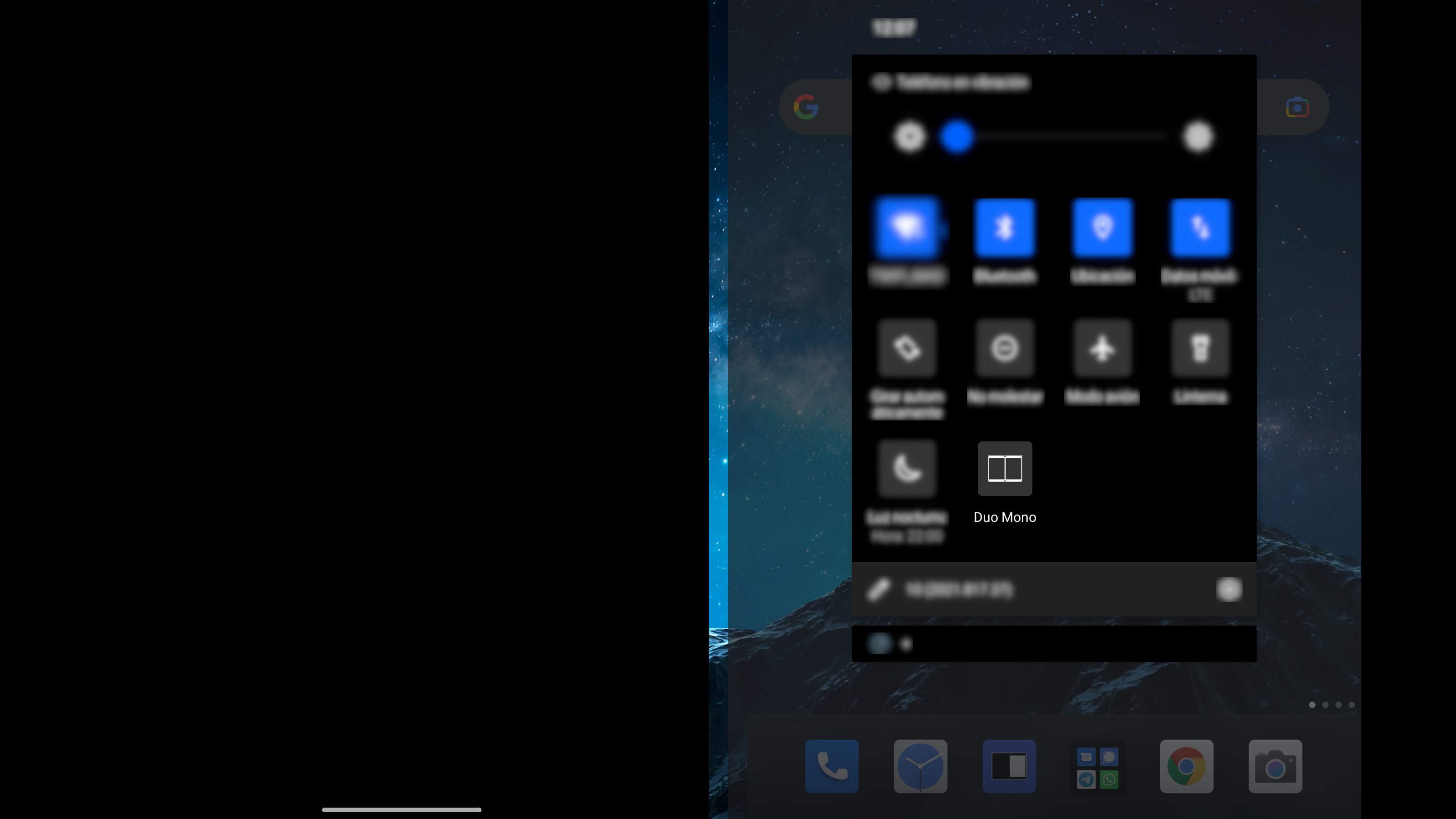
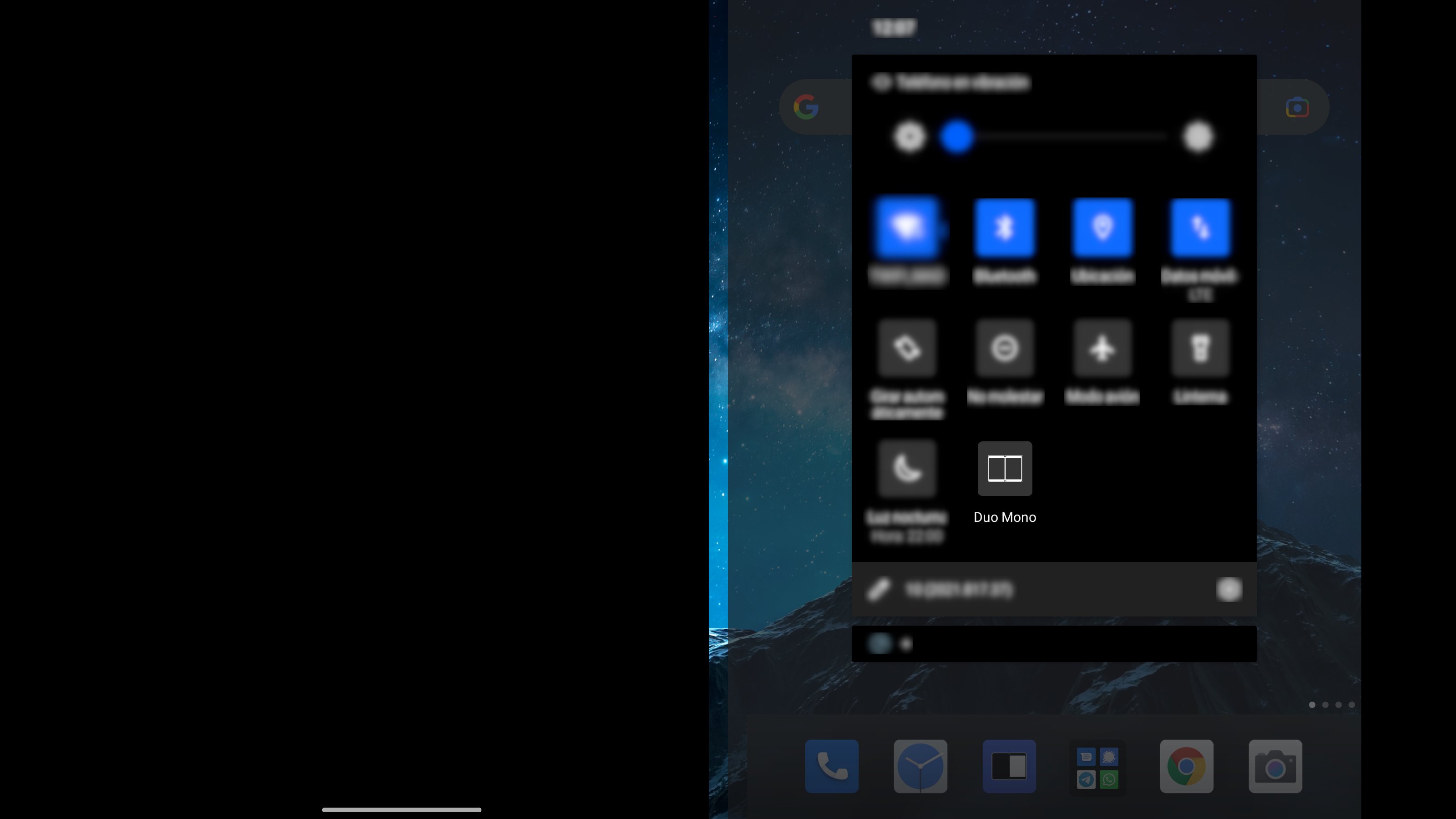
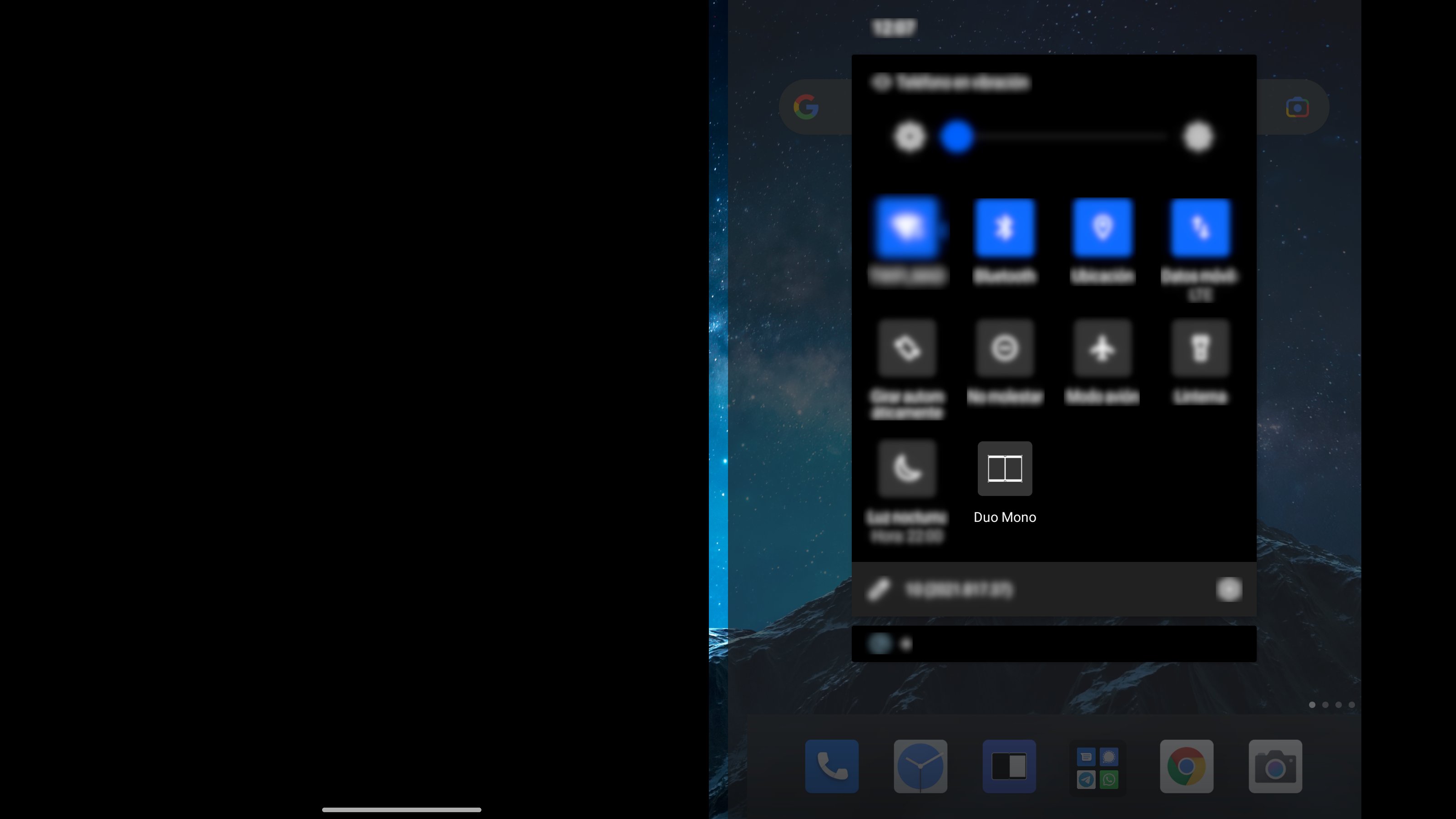
Also, there is a Quick Settings switch available for easy access from status bar. You have to add it manually editing your Quick Settings panel.
Once pressed, first empty screen will be turned off. If both screens are in use, left one will be turned off.
This app does not need any kind of permission to work properly.
Not tested to be compatible with Surface Duo 2.
Latest Version
1.0Uploaded by
Felo Saad
Requires Android
Android 10.0+
Category
Free Tools AppContent Rating
Everyone
Report
Flag as inappropriateLast updated on Sep 10, 2022
First version



APKPure - A multi-platform app store primarily focused on Android, providing extensive app-related content. Discover the app you want easier, faster, and safer, with quick and efficient downloads and installations.