Scan Date:Jul 15, 2025
Show More


Dual Space Pro - Multi Accounts suits users who juggle work and personal logins or manage several game profiles on one phone. It creates separate spaces so each account stays signed in with its own data and notifications, which helps prevent conflicts. You can switch between spaces as needed while keeping everything active. Users searching for the Dual Space Pro - Multi Accounts apk can expect a straightforward tool focused on parallel logins without repeated sign in and sign out.
Parallel accounts without limits
Dual Space Pro apk download supports multiple clones of the same app so you can keep social, messaging, and game accounts online at the same time. This setup helps maintain work and personal profiles side by side while staying signed in to each one.
Independent data and alerts
Each clone runs with its own data, cache, and notification settings. This separation helps stop one account from changing another account's history, media, or alert behavior. As a result, messages and game notices arrive to the right account without mixing.
Quick switching between profiles
You can move between accounts with one tap from inside the app. This focus on fast transitions reduces time spent opening and closing apps, which is helpful when replying to work messages while keeping personal chats open.
Privacy Zone to hide selected clones
The built-in Privacy Zone lets you hide specific clones from the phone's app list. Hidden clones do not appear in the standard system view, which helps reduce traces on the device when you want certain accounts to stay out of sight.
Lightweight design and broad compatibility
The app focuses on smooth performance with low CPU and power use, which supports long sessions with less impact on battery. An optional 32-bit support add-on is available for older or 32-bit-only apps, improving stability when cloning legacy titles that require that architecture.
For more reliable notifications, whitelist Dual Space Pro - Multi Accounts and the cloned apps in any phone booster, cleaner, or task manager you use. In battery settings, exclude both the main app and each important clone from battery optimization. These steps help keep background services active so alerts arrive on time.
Dual space tools rely on permissions to keep background notifications working and to maintain sandboxed clones separately from your original apps. Some antivirus scanners may flag virtualized environments because they simulate app spaces, which can lead to false positives. You can review and manage granted permissions in Android settings at any time. If notifications pause, check notification access, background activity, and optimization exclusions for both the main app and affected clones.
If a new account fails to log in inside a clone, first confirm the original app opens normally outside the cloned space. Next, create a fresh clone and try signing in again after a clean start. If problems continue, clear the clone's cache from inside Dual Space Pro - Multi Accounts, confirm necessary permissions are granted, and exclude both the app and the clone from battery optimization. For older apps that still fail, try the 32-bit support add-on to improve compatibility.
After you download Dual Space Pro apk, setup is quick and does not require long configuration. The app guides you through adding your first clone, and you can add more as needed later. Follow the steps below to get started on an Android phone.
Open Dual Space Pro - Multi Accounts and allow requested permissions so background operation and notifications work properly.
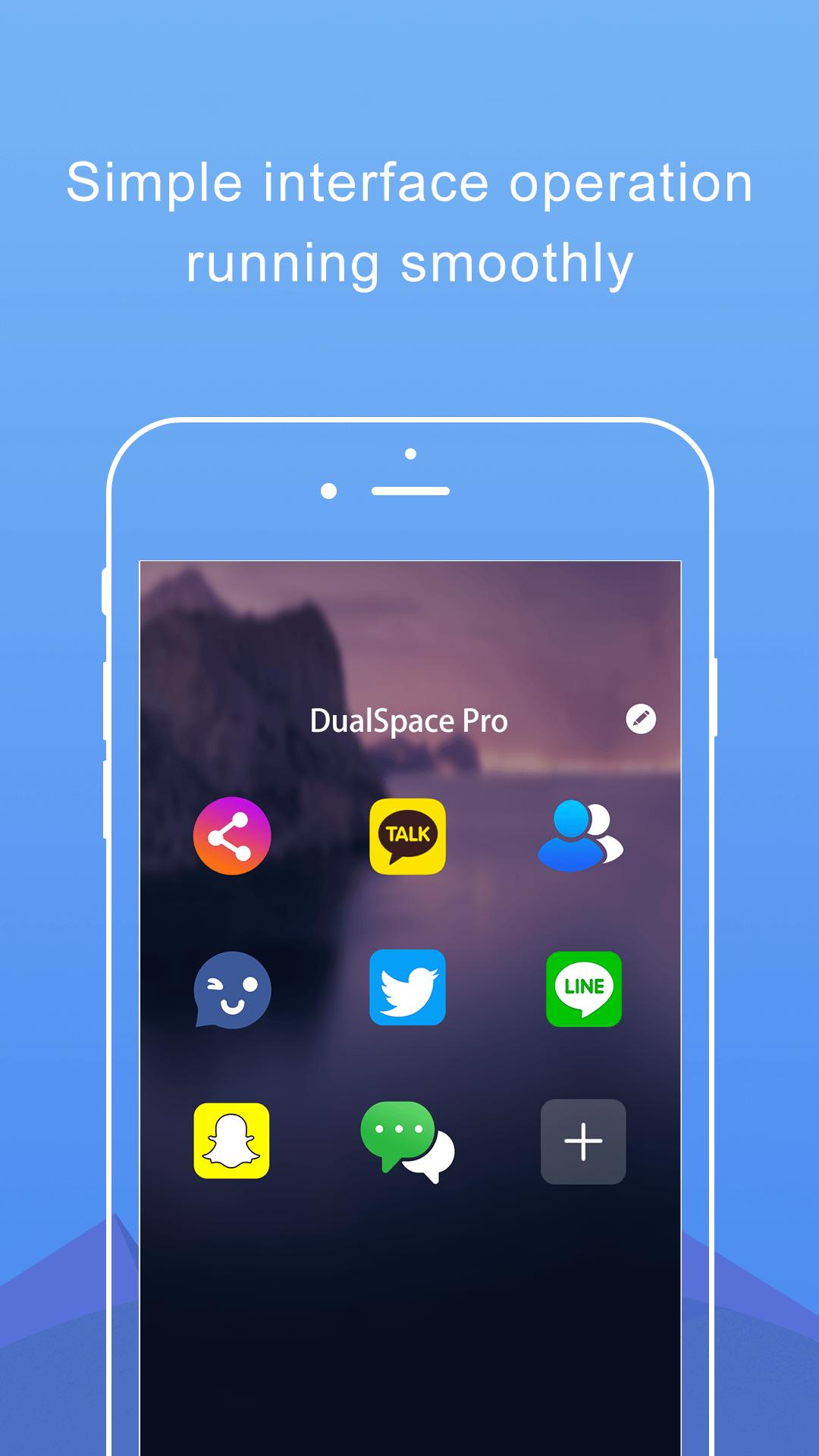
Tap the add or plus option, then choose the app you want to clone from the list.
Wait for the clone to be created, then open it and sign in with your second or additional account.
Label the clone to tell accounts apart, and add it to the Privacy Zone if you want it hidden from the system app list.
To keep alerts steady, exclude Dual Space Pro - Multi Accounts and the cloned app from cleaner tools and battery optimization.
Dual Space Pro - Multi Accounts creates separate spaces for your extra logins and keeps switching simple. It suits users who need work and personal accounts online together or who run several gaming profiles. To stay current and improve compatibility, check the Dual Space Pro - Multi Accounts latest version when you plan your setup.
For official support and more details, use the information below.
Website: http://www.dualspace.com/wap/en/products.html
Email: internationalludashi@gmail.com
Latest Version
3.1.1Uploaded by
Ümit Akın
Requires Android
Android 5.0+
Category
Free Tools AppContent Rating
Everyone
Security Report
Report
Flag as inappropriateLast updated on Jul 15, 2025
Minor bug fixes and improvements. Install or update to the newest version to check it out!



APKPure - A multi-platform app store primarily focused on Android, providing extensive app-related content. Discover the app you want easier, faster, and safer, with quick and efficient downloads and installations.