Just advancing by jumping or dashing is not enough?
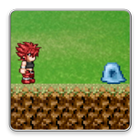
Dual Magic is a magic-based side scrolling action game that goes while defeating enemies with magical attacks.
You can use two kinds of magic for each character.
Let's capture the stage while defeating the enemy with unique magic.
Of course it is also an option to flee without fighting while escaping, but you can not escape from the boss in the last area of each world.
Because there are characters that can use defensive magic, let's defeat the enemy with the play making use of the character's character.
For example, Braidsman of the initial protagonist can use two types of magic, Fire and Fireball. Fire can only be applied to nearby enemies, but long press can give great damage. Fireball can fire three times, you can hit enemies far away.
Collect orbs hidden in each stage and release a new hero! What?
A new hero under other conditions will also appear in the update!
The place that it seems to reach but does not reach can also reach by dash jump or long press and jump.
You can also see rare characters by searching every corner of the map ...?
Defeated enemies are registered in the picture book!
You can see the characteristics and settings of the enemy.
You can see the main character's release condition, skill explanation, setting etc in the hero's picture book!
Everyone also knocks down enemies without any particular meaning in the world of Dual Magic!
This game uses free material.
Please check credit notation in the application for details.
-------------------------------------------------------------
☆ Operation method ☆
~ Title screen ~
When you start the game, it becomes the title screen.
Click here for explanation of each button ↓ ↓
Stage Select: This is the main part of the game. We will move on to the stage & character selection screen.
Player: We will move to the player's picture book screen.
Enemy: I will move to the enemy picture book screen.
Credit: I will move on to the credit screen.
~ Stage & Character Selection Screen ~
The number in the world is the world. At first there is only one, but if you defeat the boss of each world the next world will be released.
After choosing the world, the area can be selected next. There are three areas A, B, and C for each world.
There is a boss in area C, so let's challenge with heart.
If you select an area, thumbnails of that area will be displayed. It's easy to understand what kind of stage it is!
By the way the orb of that stage will be displayed next to the OK button. A beautiful orb appears when you get an orb, and if it does not already have it, it is displayed with a dotted line. Let's do our best and find it.
Boss ove will open when it reaches the orb gate in the HP full state. Can you avoid arriving at the orb after avoiding the intense boss attack! What?
And it is a character selection. The character that cleared the stage once will be marked clear. Let's clear the stage with various characters. Select the character you want to use and press OK to start the game! !
~ Game screen ~
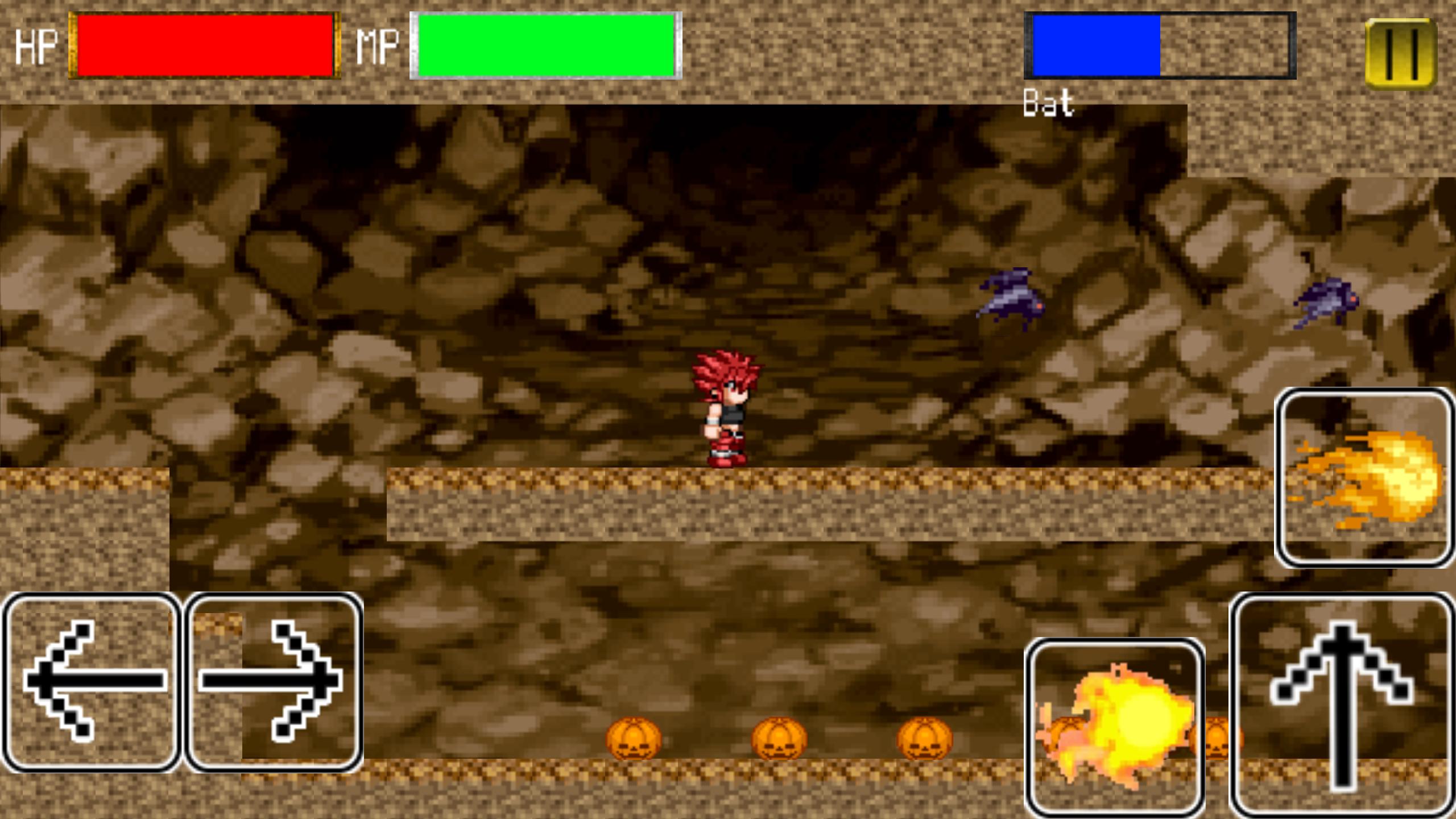
← → ↑
This is a sideways movement and a jump button to explain.
Magic icon
There are magic icons above and to the left of the ↑ button.
Since the magic unique to each character is set, let's master how to use it in an illustration.
There are some characters that can be used by long pressing, and some characters that can be shot by pushing. If there is not enough MP to use it, it will turn gray. In addition, cool time just after use is set for each magic. Since magic can not be used during cool time, the magic icon also turns gray. Attention! !
Pause button
The || button on the upper right is a pause button. Let's push it when you want to pause. Press the pause button again or press the Resume button to resume. You can also press the Stage Select button and Retry button from the pause menu. Let's press this button when you want to stop the stage or when you want to start the stage again.
Latest Version
1.5Uploaded by
Edgar Halili
Requires Android
Android 4.0.3+
Category
Free Action GameContent Rating
Everyone
Report
Flag as inappropriateLast updated on Feb 15, 2019
Added World 5 !
- Let's play the paradise of clouds where many dragons live! !
Added new player character "Ninja" and "Pandora".
- You can unlock "Ninja" when you gather all of the World 3 orbs.
-- Let's fight brilliantly by making use of the shuriken attack and metamorphosis!
- You can unlock "Pandora" when you defeated World 5 boss.
-- Predict the future Make full use of the rare ability!
Other minor changes / corrections






APKPure - A multi-platform app store primarily focused on Android, providing extensive app-related content. Discover the app you want easier, faster, and safer, with quick and efficient downloads and installations.