Our website uses necessary cookies to enable basic functions and optional cookies to help us to enhance your user experience. Learn more about our cookie policy by clicking "Learn More".
Accept All Only Necessary Cookies
Dual Clock icon

Dual Clock Widget


Nova Labs Apps
1.4.7
  • Sep 30, 2025
    Update date
  • Security
  • Everyone
  • Android 6.0+
    Android OS

About Dual Clock

Provides a set of two highly-configurable clocks for your home screen.

Dual Clock Widget provides a convenient set of two highly-configurable digital clocks for your home screen.

Features include:

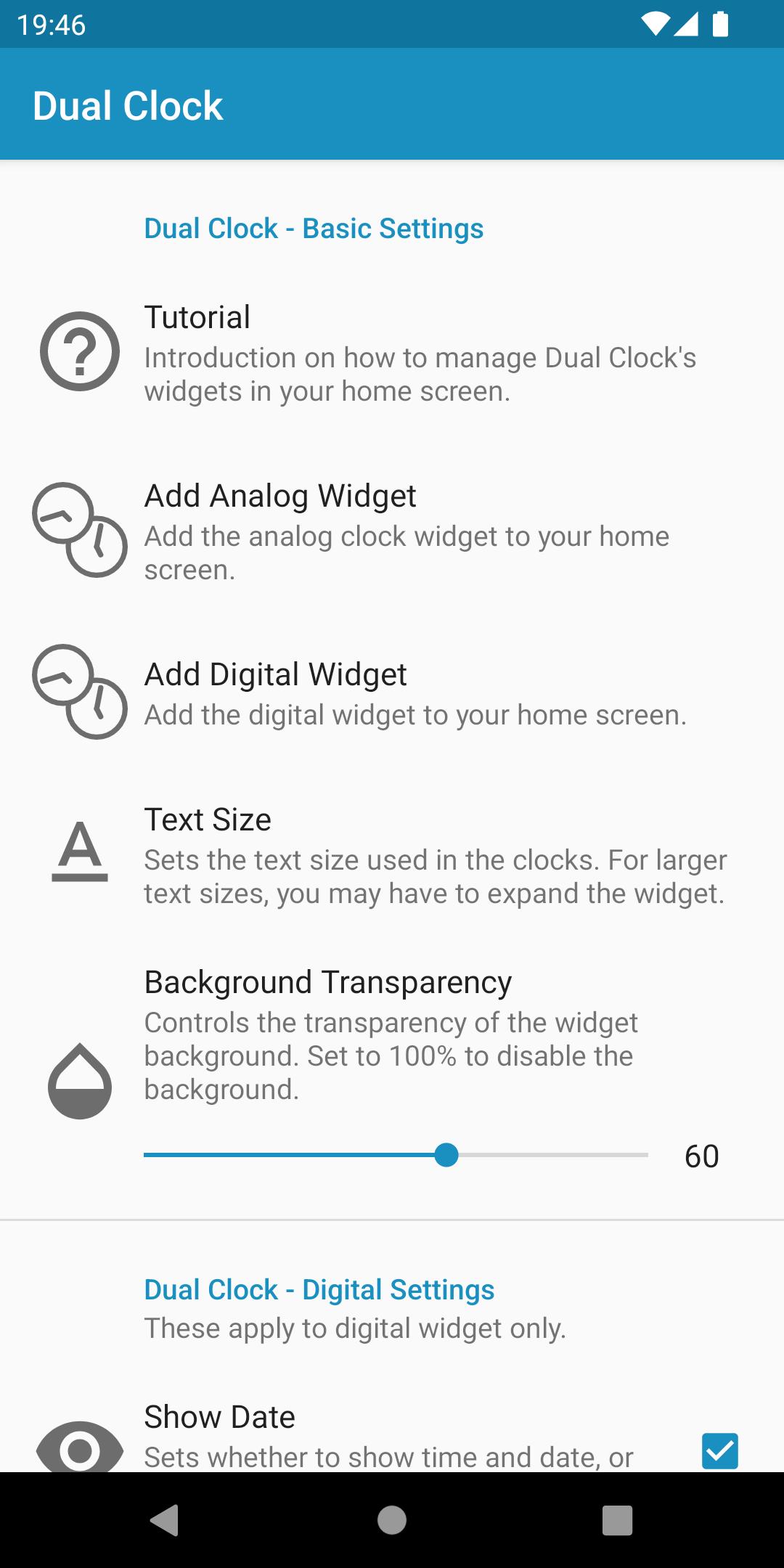
- Analog and digital modes

- Set time zone separately for each clock

- Customizable clock names and colors

- Adjustable clock size

- Large number of timezone options available, with search feature

- Toggle between showing time & date or time (digital widget only)

- Miscellaneous display options (24H mode, date format, etc)

Show More

Additional APP Information

Latest Version

1.4.7

Uploaded by

Jack Holmes

Requires Android

Android 6.0+

Available on

Content Rating

Everyone

Security Report

What's New in the Latest Version 1.4.7

Last updated on Sep 30, 2025

Compatibility with Android 16

Show More
Security Check Completed
No Virus
No Spyware
No Malware
No Virus
No Spyware
No Malware
Package Name:com.blogspot.novalabsandroid.dualclock
SHA-256:fe9d91cb586ec850790db537828763b461f940388bf16d7eb3de58430e213ddd
SHA-1:cf430ea3b5ed43598b1575db6abb7dbc6c2222ee
Show More
Verified by: APKPURE

Dual Clock Screenshots

Dual Clock posterDual Clock screenshot 1Dual Clock screenshot 2Dual Clock screenshot 3Dual Clock screenshot 4Dual Clock screenshot 5Dual Clock screenshot 6Dual Clock screenshot 7

Related Tags

Popular Articles In Last 24 Hours

Subscribe to APKPure
Be the first to get access to the early release, news, and guides of the best Android games and apps.
No thanks
Sign Up
Subscribed Successfully!
You're now subscribed to APKPure.