
"DU Recorder-Record & Capture Screen" is a stable screen recorder/game recorder/video recorder for android, also a powerful all-in-one video editor. It’s the most easy-to-use, free screen video recorder with audio that chosen by users worldwide.
"DU Recorder-Record & Capture Screen" is the best free HD screen recorder, screenshot capture and video editor for game videos, live shows, online videos, video calls, etc. With DU Recorder-Record & Capture Screen, you can record screen videos & capture screen & edit recorded video & share your videos or screenshots. This screen recording app is totally free, no rooting needed and no watermark ! Give you the best screen recording experience!
More Cool Features
- Record anytime anywhere without root.
- Cool dynamic effect of the floating window.
- Move the floating window to anywhere of the screen.
- Drag the floating window to the bottom to close it.
- More amazing features coming soon.
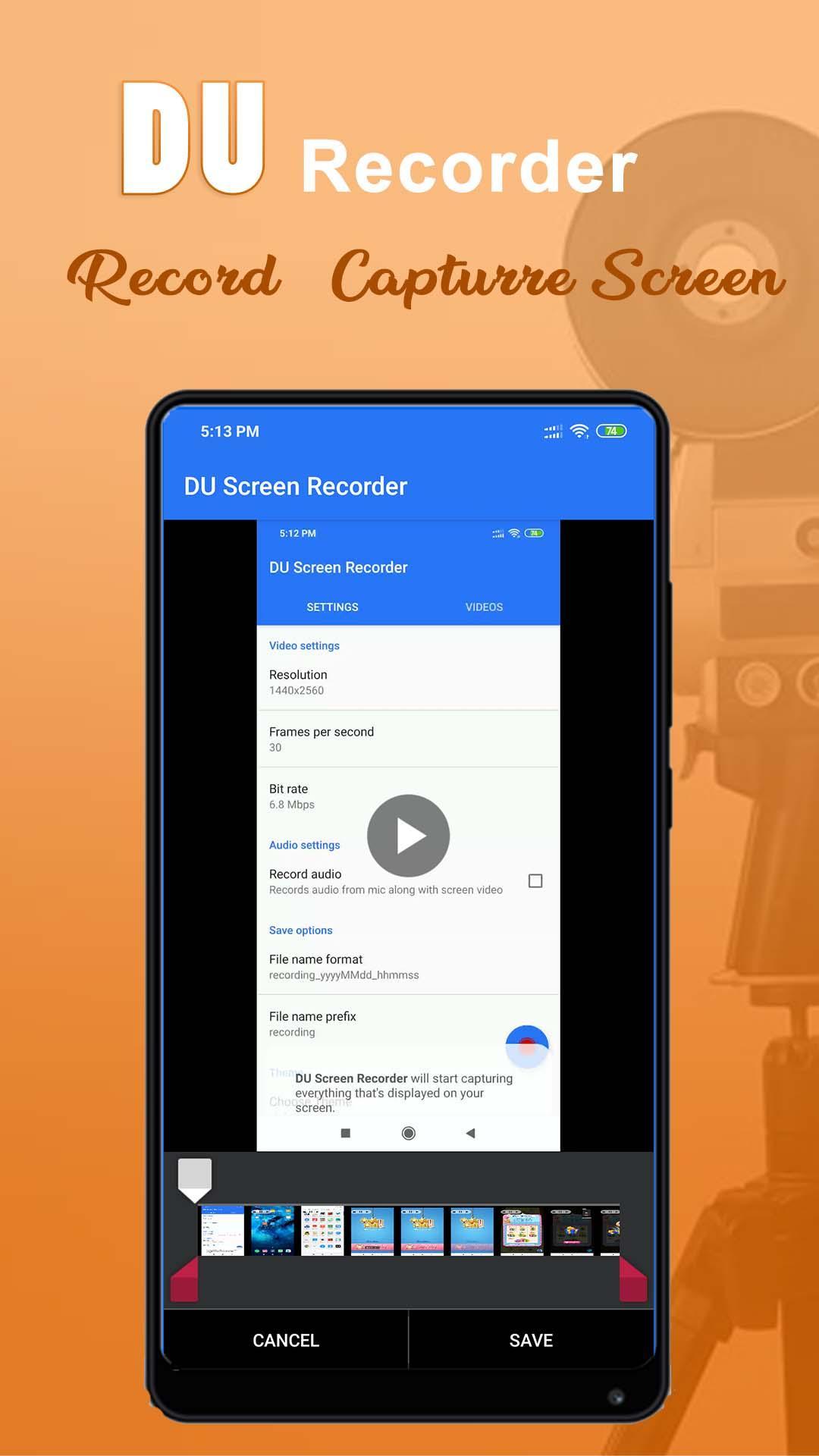
- Multiple video resolutions, video quality, frame rates. Automatically choose the best video settings for your device.
- Highest Quality supplied > 1440P Resolution, 12.0Mbps Quality, 60 FPS
- Auto enable speaker to record external sound.
- One tap to start/pause/resume recording
- Record screen through notification bar or floating window.
- Hide floating window when recording.
- Shake phone to stop recording.
- Record without a watermark.
- Change the saving path as you want.
- Pause/resume recording.
Screen Capture
Want to save chatting history? Want to capture funny moment of your friends? Want to capture screenshots of bugs of any app? The only android app you need is our Screen Recorder. Cause our Screen Recorder provides:
- Screen capture works when recording your screen.
- One tap to capture your screen through floating window or notification bar.
- Fast access to the screenshot through pop up window.
- Share & edit & delete & select all pictures.
- Enable/disable notification after the screen is captured.
View & Share mobile Videos
- View recorded videos in notification bar or on pop up window.
- Share recorded videos through social apps.
- Edit name of the video, delete recorded videos anytime.
- Time and size of the videos are shown.
If you have any questions, feedback, or just want to say hi, feel free to email us.
Latest Version
1.0Uploaded by
โกญจนาท พิมวัน
Requires Android
Android 5.0+
Category
Free Tools AppContent Rating
Mature 17+ · Sexual Themes
Report
Flag as inappropriateLast updated on Jul 10, 2019
Minor bug fixes and improvements. Install or update to the newest version to check it out!





APKPure - A multi-platform app store primarily focused on Android, providing extensive app-related content. Discover the app you want easier, faster, and safer, with quick and efficient downloads and installations.