Scan Date:Nov 27, 2024
Show More


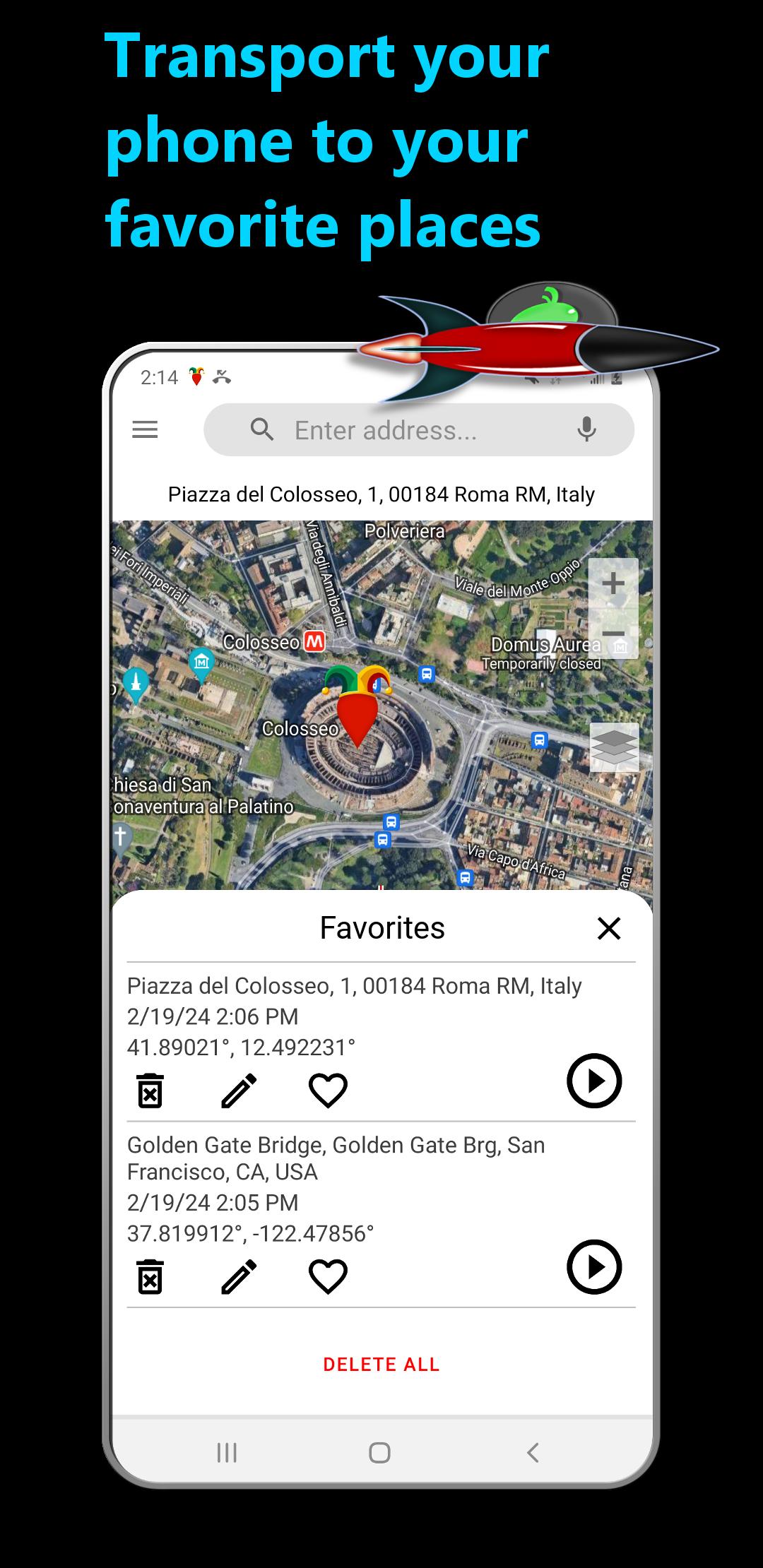
DS Fake GPS Location helps when an app needs a different place than where you are. Developers can check how location-aware features respond, and privacy minded users can see how other apps behave with a spoofed position. When enabled, it reports your chosen spot to installed apps and services. It guides you through initial setup to prepare developer options and permissions, so you can focus on testing. To get started, download DS Fake GPS Location and follow the on-screen instructions.
Emulate a custom location
DS Fake GPS Location sends the coordinates you pick to other apps and services while emulation is active. Most apps will treat that position as your current location.
Step-by-step setup assistance
Before faking your location, you complete a guided process that prepares your device:
Uses system location providers correctly
The app requests location permission to access providers on your device, especially Google’s Fused Location Provider. It does not read your true location. The permission is used only to deliver the coordinates you set so other apps receive the spoofed position.
Know the limits of location spoofing
Some services can still estimate your whereabouts using IP address or cellular tower triangulation. A VPN is needed to mask IP based location. The only reliable way to avoid tower based tracking is not carrying your phone. Powering it off or removing the battery may not work.
This app focuses on controlled location tests and predictable behavior across apps. Review the setup steps, choose a spot, and enable emulation when needed. For stability and compatibility, install the DS Fake GPS Location latest version and keep your device settings consistent with the guidance shown in the app.
Latest Version
1.08Uploaded by
Mahha Boutrous
Requires Android
Android 5.0+
Category
Free Tools AppContent Rating
Everyone
Security Report
Report
Flag as inappropriateLast updated on Nov 7, 2024
Tiny download size and performance improvements.




APKPure - A multi-platform app store primarily focused on Android, providing extensive app-related content. Discover the app you want easier, faster, and safer, with quick and efficient downloads and installations.