
All staff members listed can use this app to perform advanced order management tasks.
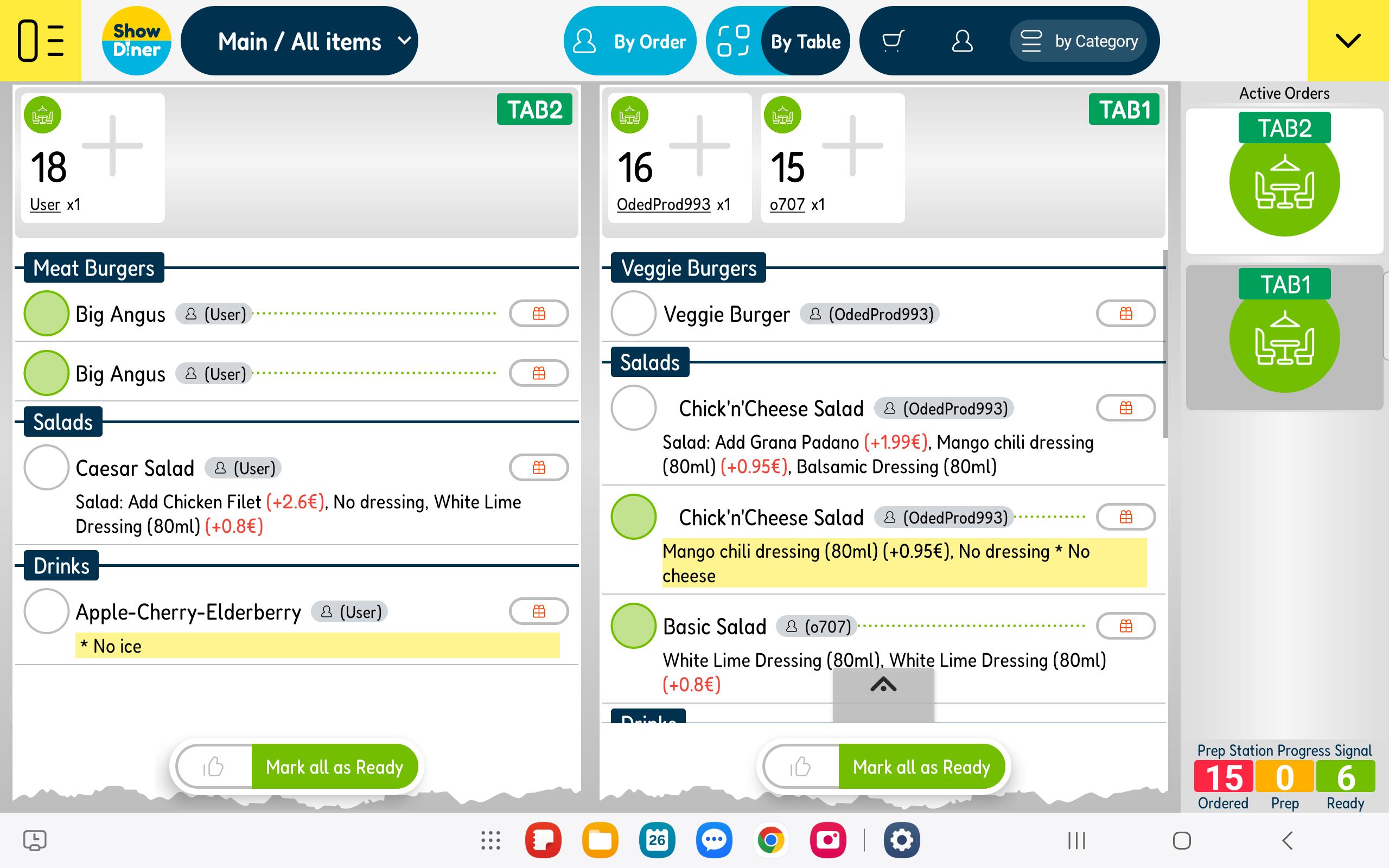
The Prep App is where you can view and manage all client orders.
The main board can display all items and orders under the "Main Prep" terminal, or only the items related to a specific prep station that you have selected, such as "Grill" or "Salad Preparations".
You should place a Prep App in every preparation station and adjust the display settings accordingly. This way, your ordered items will be displayed where they are meant to be prepared. For example, an ordered cocktail will only show in the app station set to "Bar", and the Home Burger will only appear in the "Grill" station.
You can move items or orders by dragging and dropping or by clicking on the item or order palette to shift it from "Ordered" to "In preparation", then to "Ready", and finally to "Delivered".
The app's goal is to facilitate a neat and accurate preparation process. Your assigned staff members can log in and enjoy an efficient preparation work experience!
Latest Version
20250321Uploaded by
Ngọc Sơn
Requires Android
Android 8.0+
Category
Free Food & Drink AppContent Rating
Everyone
Report
Flag as inappropriateLast updated on Apr 1, 2025
Minor bug fixes and improvements. Install or update to the newest version to check it out!





APKPure - A multi-platform app store primarily focused on Android, providing extensive app-related content. Discover the app you want easier, faster, and safer, with quick and efficient downloads and installations.









