
Scan Date:Feb 22, 2026
Show More
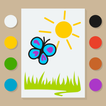
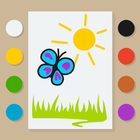
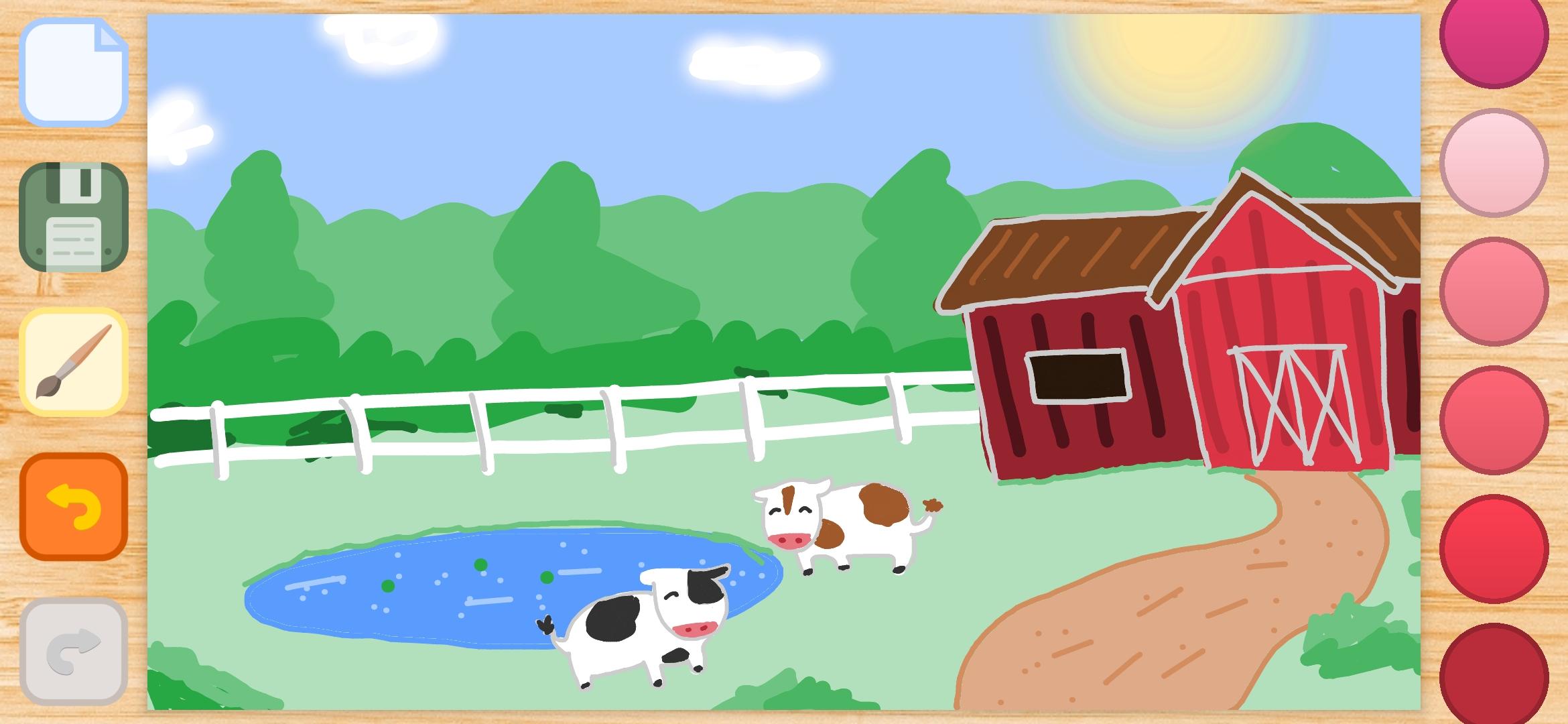
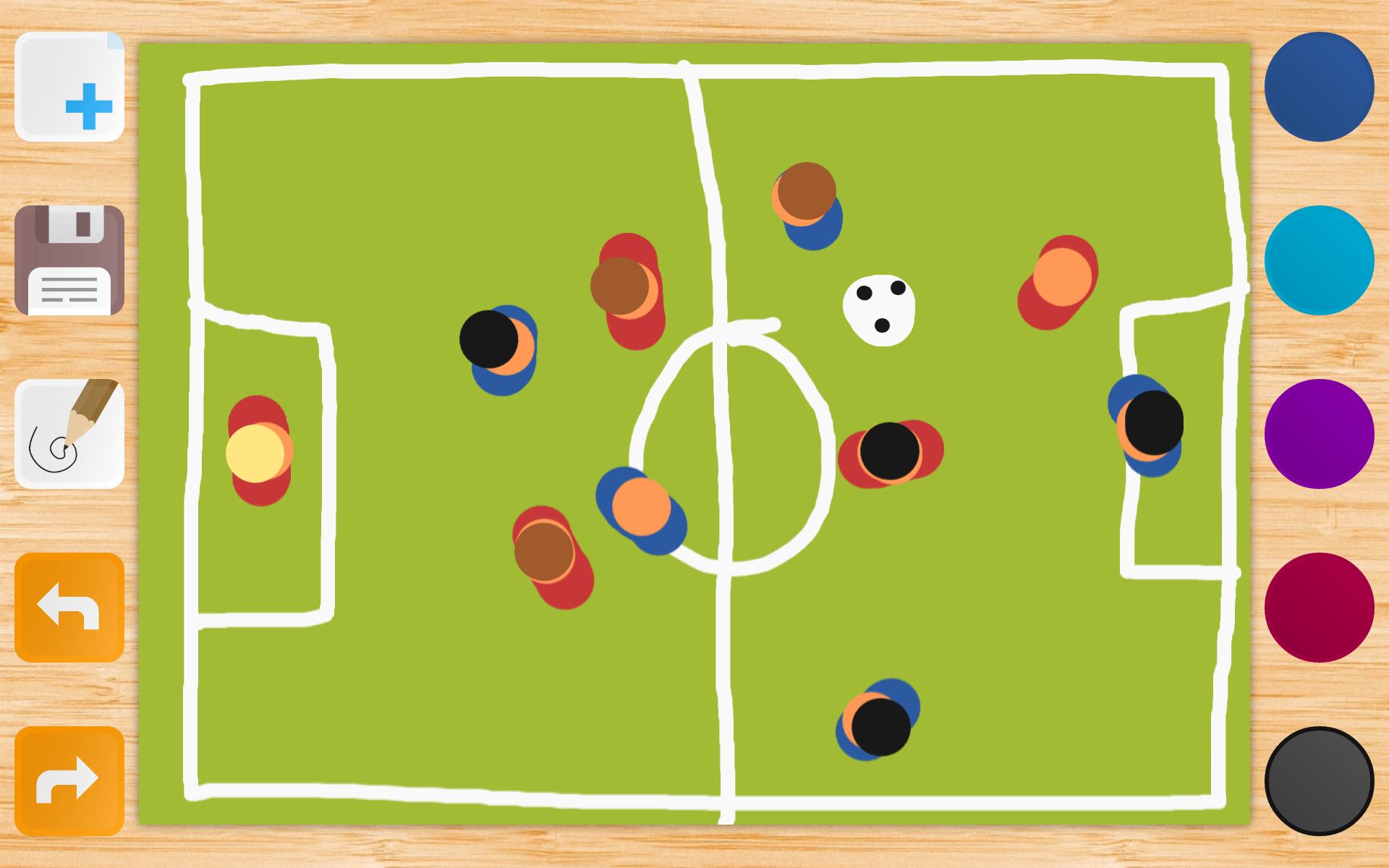
We present you a convenient and simple application for drawing your finger on the screen. The Drawing application has an intuitive interface that can be used by users of any age. We tried to make the application in such a way that the drawing process was as smooth and simple as possible.
In our The Drawing application, the color palette is already preset, and the list is changed with a swipe gesture. We tried to group the colors in such a way that it was quick and convenient to switch between them.
For drawing small details in this version, we have added the function of scaling with two fingers. In addition, the brush size changes in a fairly wide range. And if everything did not go according to plan, the Drawing has a function to undo the last 20 actions and an eraser.
There is also a magic brush that softens the lines, creating a glow effect. Try it, it's very beautiful! Draw and create real masterpieces!
The drawing can be used as a coloring, it has a fill function. Try to draw the outlines of an object or character, turn on the fill mode and let the child paint over. This can be a lot of fun!
And if you have a desire to draw on photos, for example, paint on a mustache or write a beautiful congratulation, then the application has a corresponding function for this: you can take a photo directly from the application, or open it from the gallery on your device.
It's important to keep all your creativity. To do this, we have created a gallery built into the Drawing. All your drawings will be stored there, and at any time they can be opened and completed. And if the drawing is complete, then you can share it with your friends using the corresponding button.
Our application has ads that are displayed only when the drawings are saved. If you like The Drawing, then you can disable ads permanently for a small amount. We are always ready to answer your questions and suggestions at support@softdreams.ru.
Latest Version
4.1.0Uploaded by
Rocky King
Requires Android
Android 5.0+
Category
Free Entertainment AppContent Rating
Everyone
Security Report
Report
Flag as inappropriateLast updated on Sep 2, 2022
Thanks to everyone using the Drawing app! We've listened your feedback and did a great job on the app. Take a look on the newest Drawing app!
In this version you'll see:
- Portrait mode
- New UI and refined design
- Image zooming
- More brush sizes
- Much more colors in the palette
Attention! Due to the new Android SDK your previously created images may not appear in the gallery. You still can access them from the default File Viewer on your device.







APKPure - A multi-platform app store primarily focused on Android, providing extensive app-related content. Discover the app you want easier, faster, and safer, with quick and efficient downloads and installations.