Scan Date:Apr 22, 2026
Show More
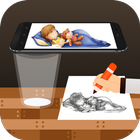
The Draw, Trace & Sketching app is a technique used to convert an image into line work, typically from a photo or artwork. With your phone's camera, you can trace an image on paper by drawing the lines that you see. So, Trace it & Sketch it. It's a great way to learn drawing or tracing.
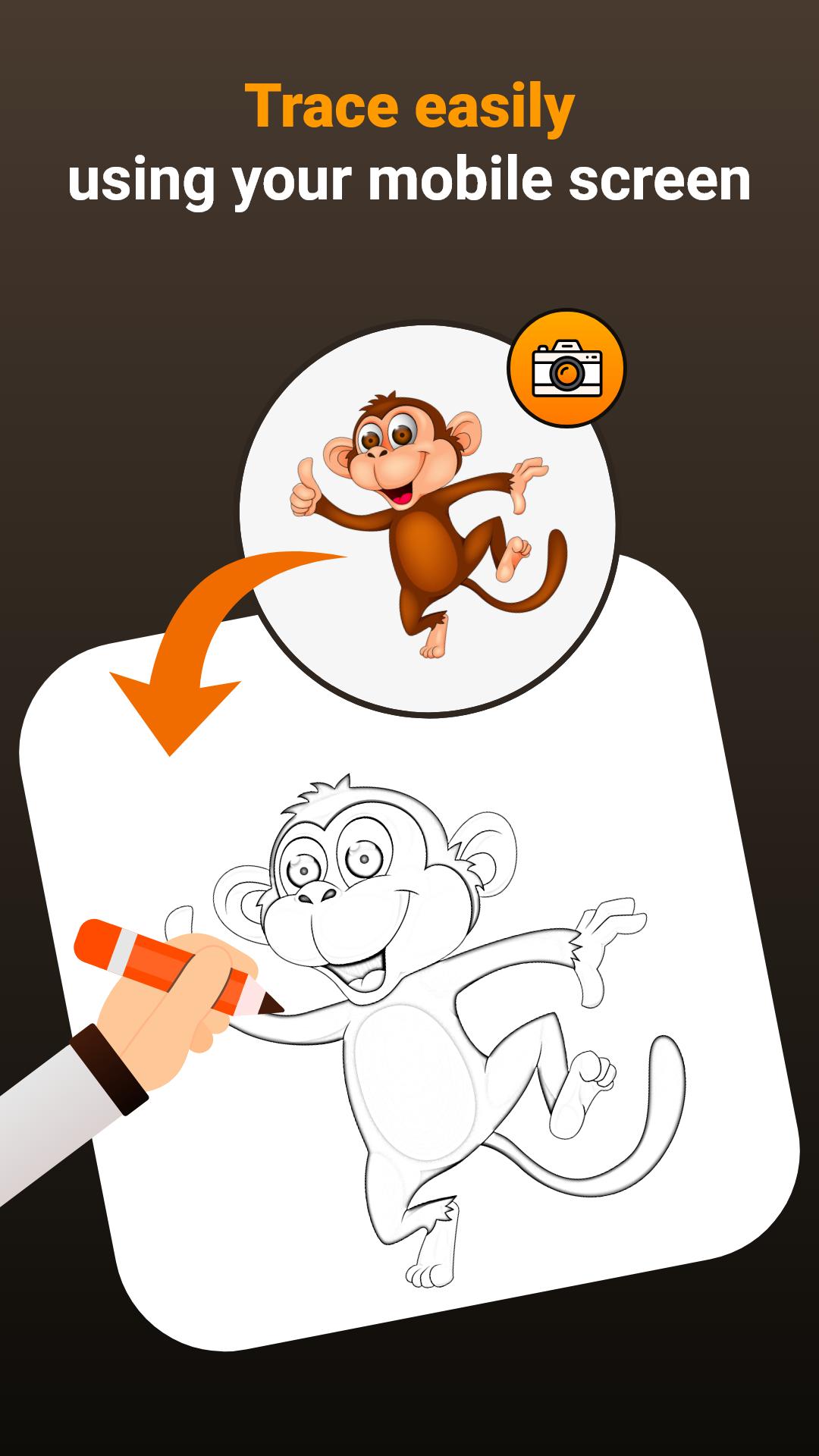
It also simplifies the process of tracing an image. Just choose an image from the app or your gallery, apply a filter to make it traceable. The image will then be displayed on the screen alongside the camera feed. Position the phone about 1 foot above and look into the phone to draw on paper
Main Features:
- Trace any image with the help of the camera output on your phone's screen; the image won't actually appear on the paper, but you can trace and replicate it exactly.
- Draw on paper while looking at the phone with a transparent image and the camera open.
- Select any provided sample image and use it as a reference for drawing in your sketchbook.
- Choose any image from your gallery, convert it into a tracing image, and sketch it on a blank piece of paper.
- Adjust the image to be transparent or convert it into a line drawing to create your art.
This app enables users to trace images from their phone's camera to paper, facilitating drawing and sketching. Here's how it works:
1. Image Selection:
Select an image from the gallery or capture one with the camera,
2. Applying Filters & Camera Display:
Apply the filter. You'll see the image on the camera screen with transparency. Place a piece of drawing paper or a book beneath, and trace it.
3.Tracing onto Paper:
The image won't physically appear on the paper, but you'll see a transparent image through the camera to trace onto paper.
4. Drawing Process:
Draw on paper while looking at the phone with a transparent image.
5. Converting Images:
Select any image and convert it into a tracing image.
Image Tracing:
The app facilitates tracing images by displaying them through the phone's camera output, allowing users to replicate them on paper.
Transparent Image:
Exactly! The camera output displays the image transparently, enabling users to superimpose it onto their actual surroundings. This aids in the process of tracing the image onto paper.
Real-time Tracing:
Absolutely! Users have the ability to draw on paper while viewing the phone screen, which displays the image with transparency. This feature allows for accurate tracing and replication of the image.
Sample Images:
Certainly! The app offers a feature where users can practice by selecting sample images provided within the app. This helps users refine their tracing skills and gain confidence in their drawing abilities.
Gallery Images:
Exactly! Users have the option to select images from their gallery and convert them into traceable images, which can be used for drawing. This feature adds a high level of versatility to the app.
The app provides a valuable resource for individuals looking to enhance their drawing skills, practice tracing, or create art by utilizing real-world references. Its integration of technology with traditional drawing methods offers a convenient and effective learning experience.
Latest Version
1.0.8Uploaded by
Mèed Ábdilah
Requires Android
Android 7.0+
Category
Free Art & Design AppContent Rating
Everyone
Security Report
Report
Flag as inappropriateLast updated on Apr 22, 2026
Performance improvement





APKPure - A multi-platform app store primarily focused on Android, providing extensive app-related content. Discover the app you want easier, faster, and safer, with quick and efficient downloads and installations.