Package Name:com.sketchtrace.drawsketch.bookpaint
SHA-256:5d33175b6ae1cdb98567f3387a24e72db844557ecf8d22dbdaab3e4206a53de9
Show More
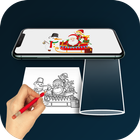
The Draw Sketch Tracing app is used to transfer an image into line work from a photo or artwork. Using this app, you can learn drawing or tracing.
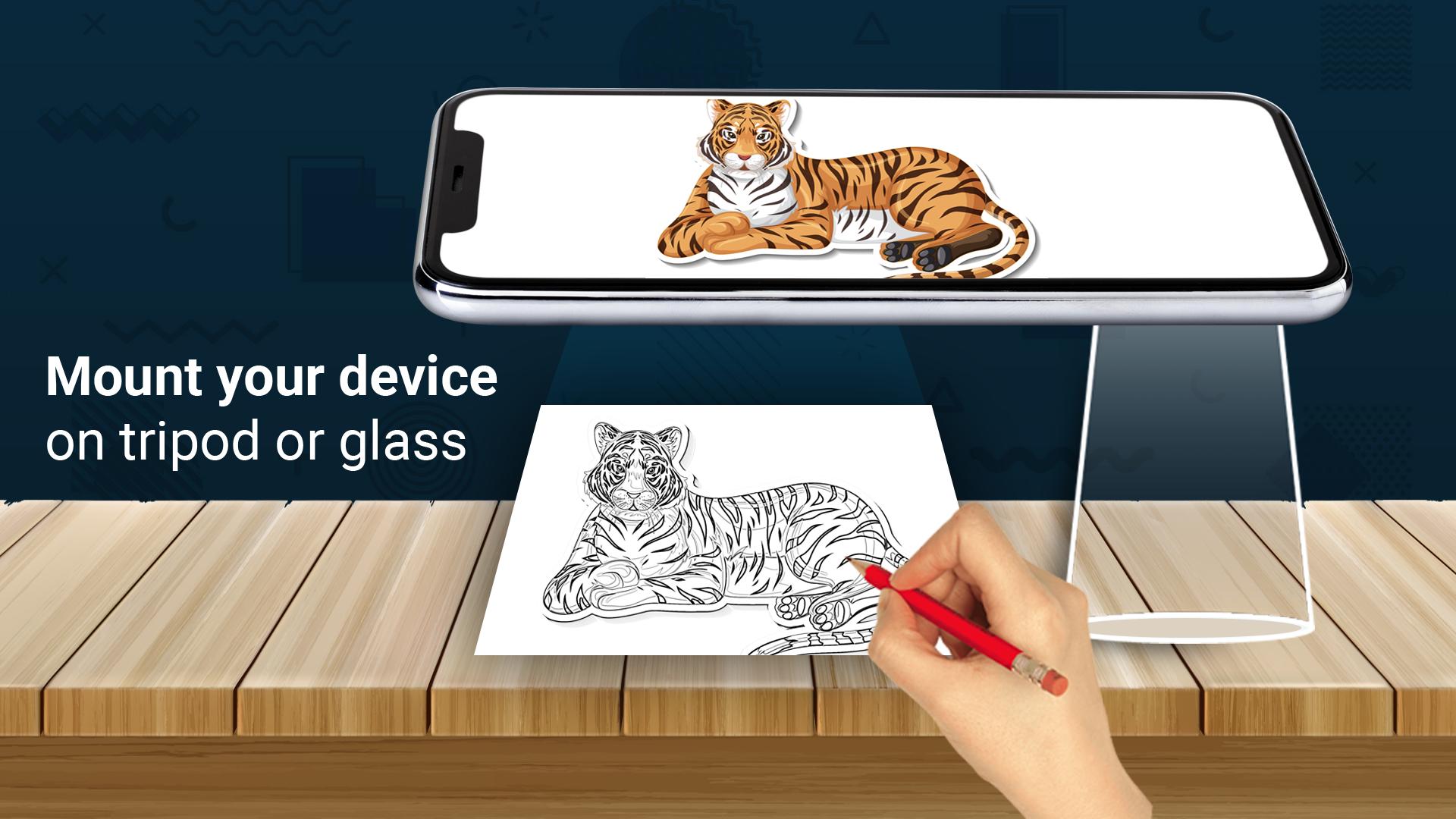
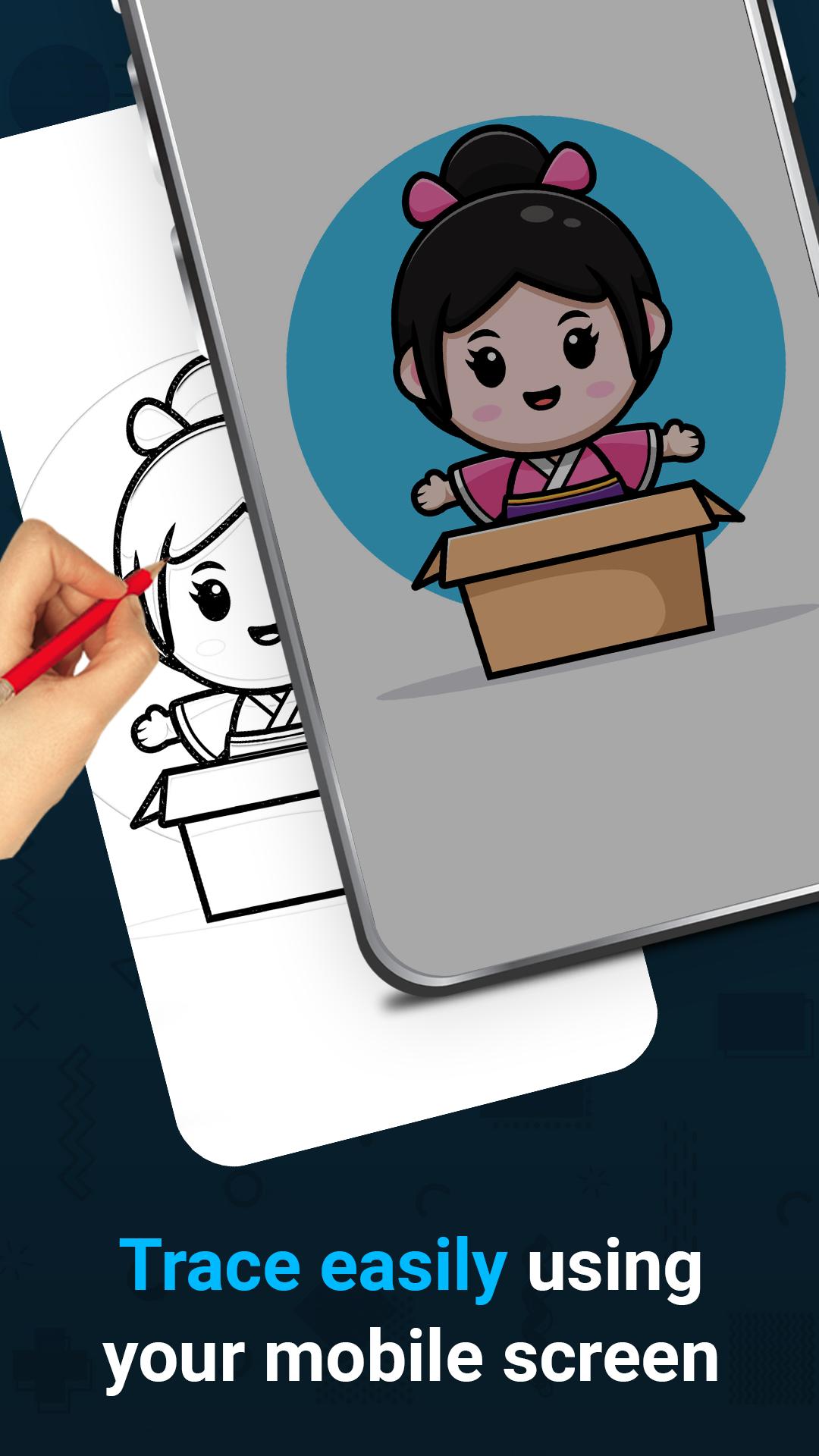
It also makes tracing an image easy. Just select an image from the app or gallery and apply a filter to create a traceable image. The image will appear on the screen with the camera open. Place the phone about 1 foot above and look into the phone to draw on paper.
This app lets users trace images from their phone's camera to paper, aiding drawing and sketching. Here's how it works:
1. Image Selection: Choose an image from the gallery or take a new one with the camera.
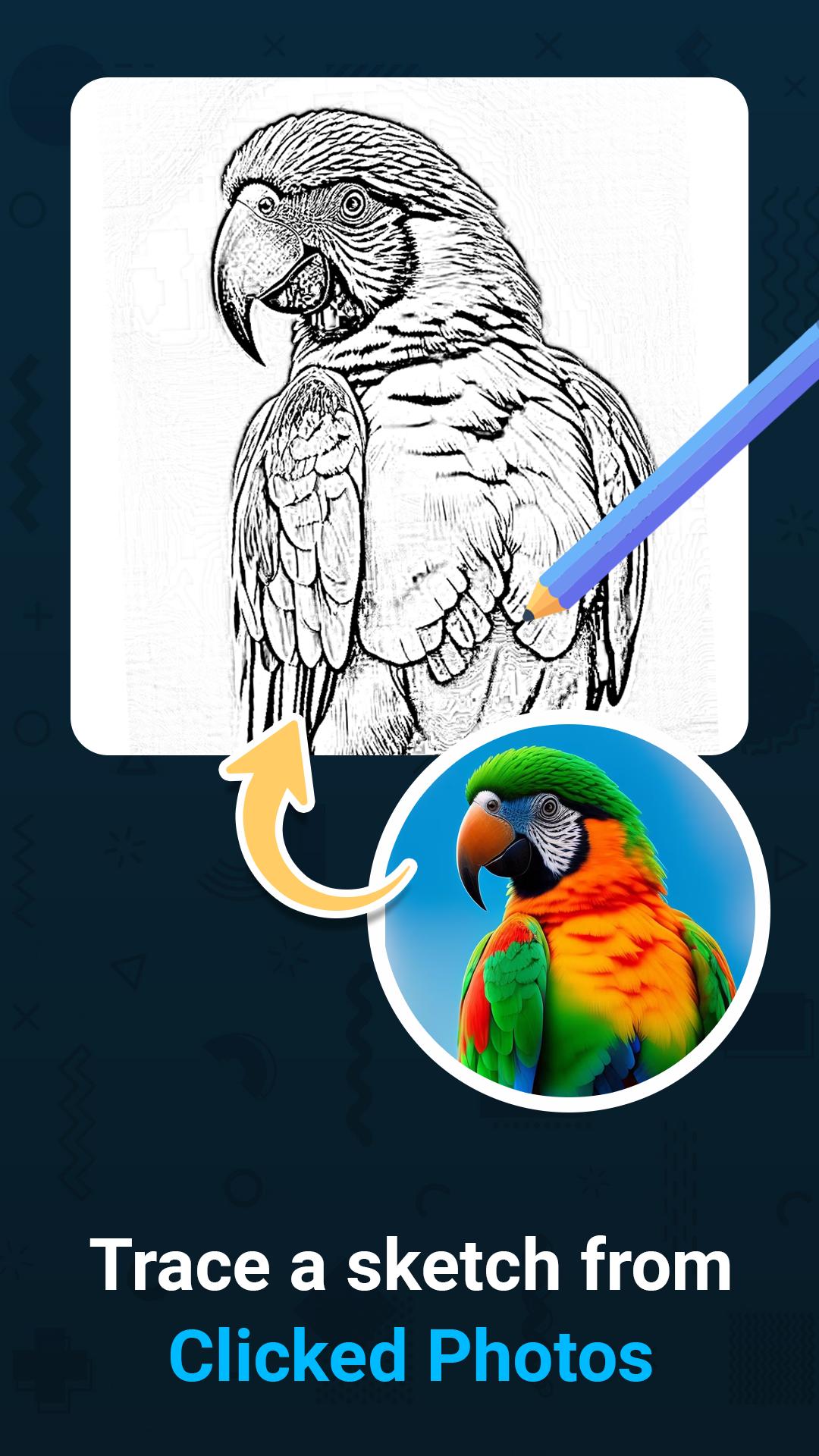
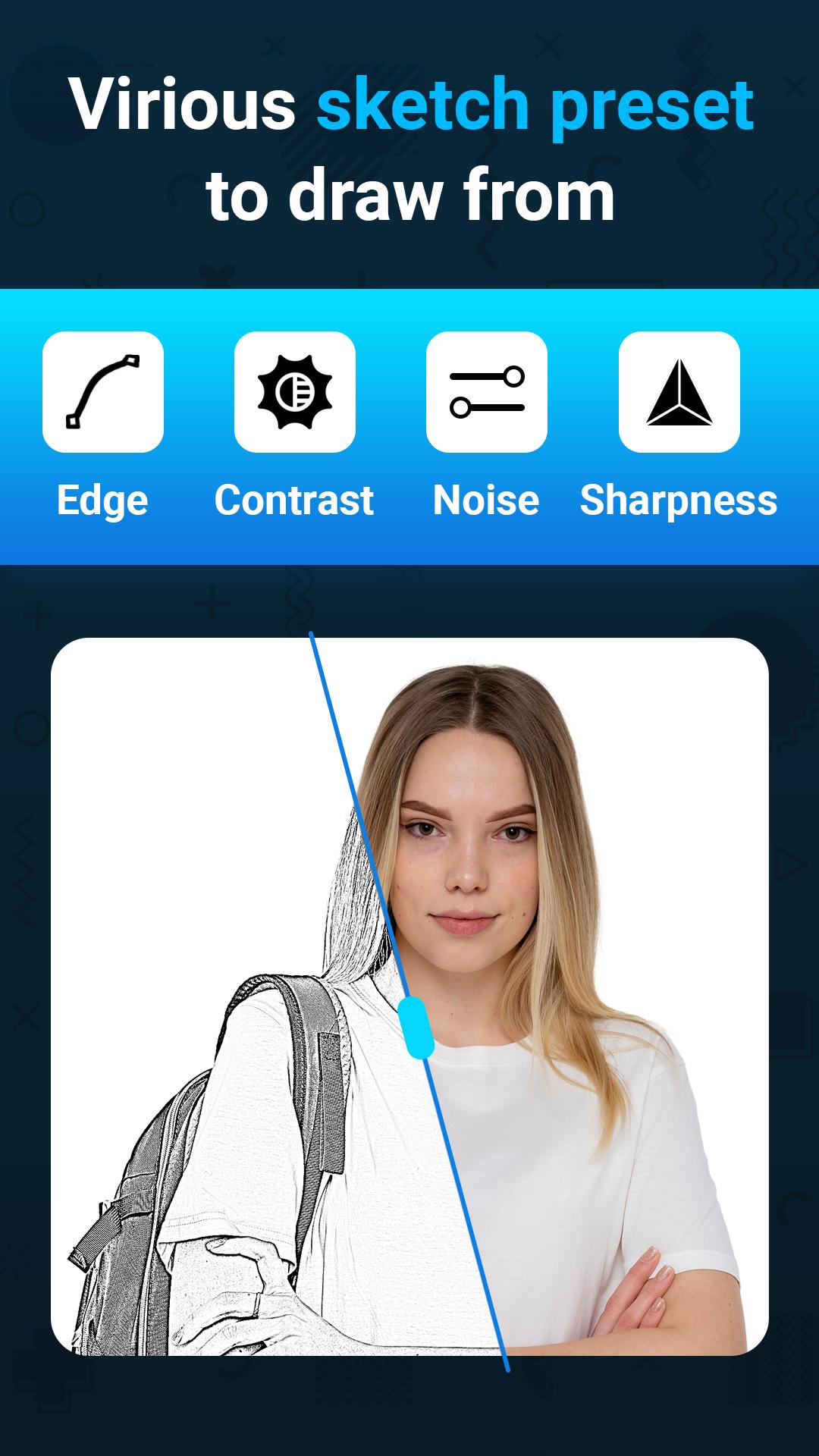
2. Applying Filters: Apply filters to simplify the image for tracing.
3. Camera Display: The camera displays the image transparently on the screen.
4. Tracing onto Paper: Hold the phone above paper, tracing what you see.
5. Drawing Process: Trace lines from the screen onto paper, creating a copy.
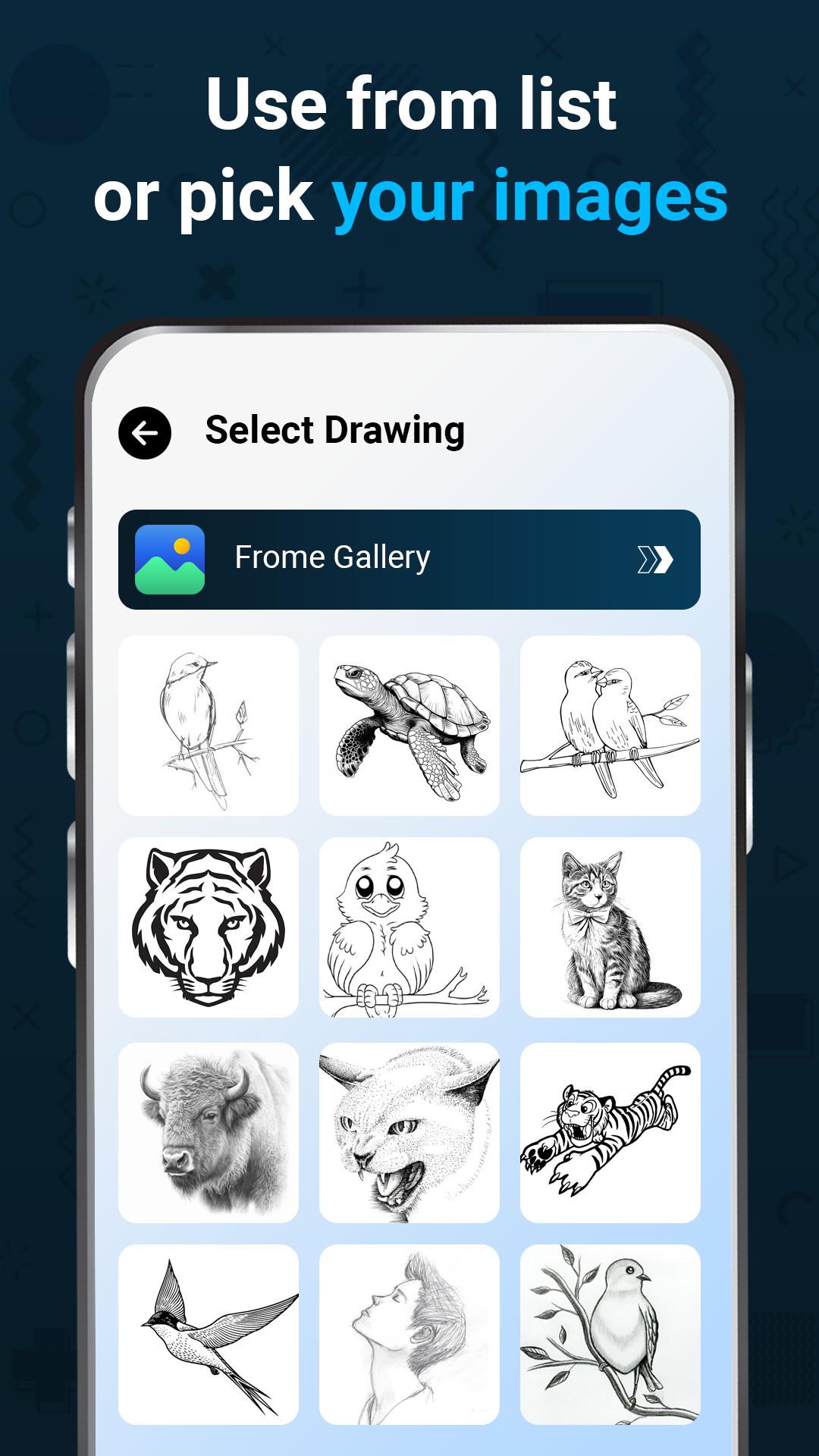
6. Converting Images: You can also practice with sample images or choose your own.
In short, this app combines your camera and paper to help you trace and sketch with ease.
Main Features:
Trace any image with the help of the camera output on your phone's screen; the image will not actually appear on the paper, but you can trace and draw it exactly.
Draw on paper by looking at the phone with a transparent image and the camera open.
Select any provided sample image and draw on your sketchbook.
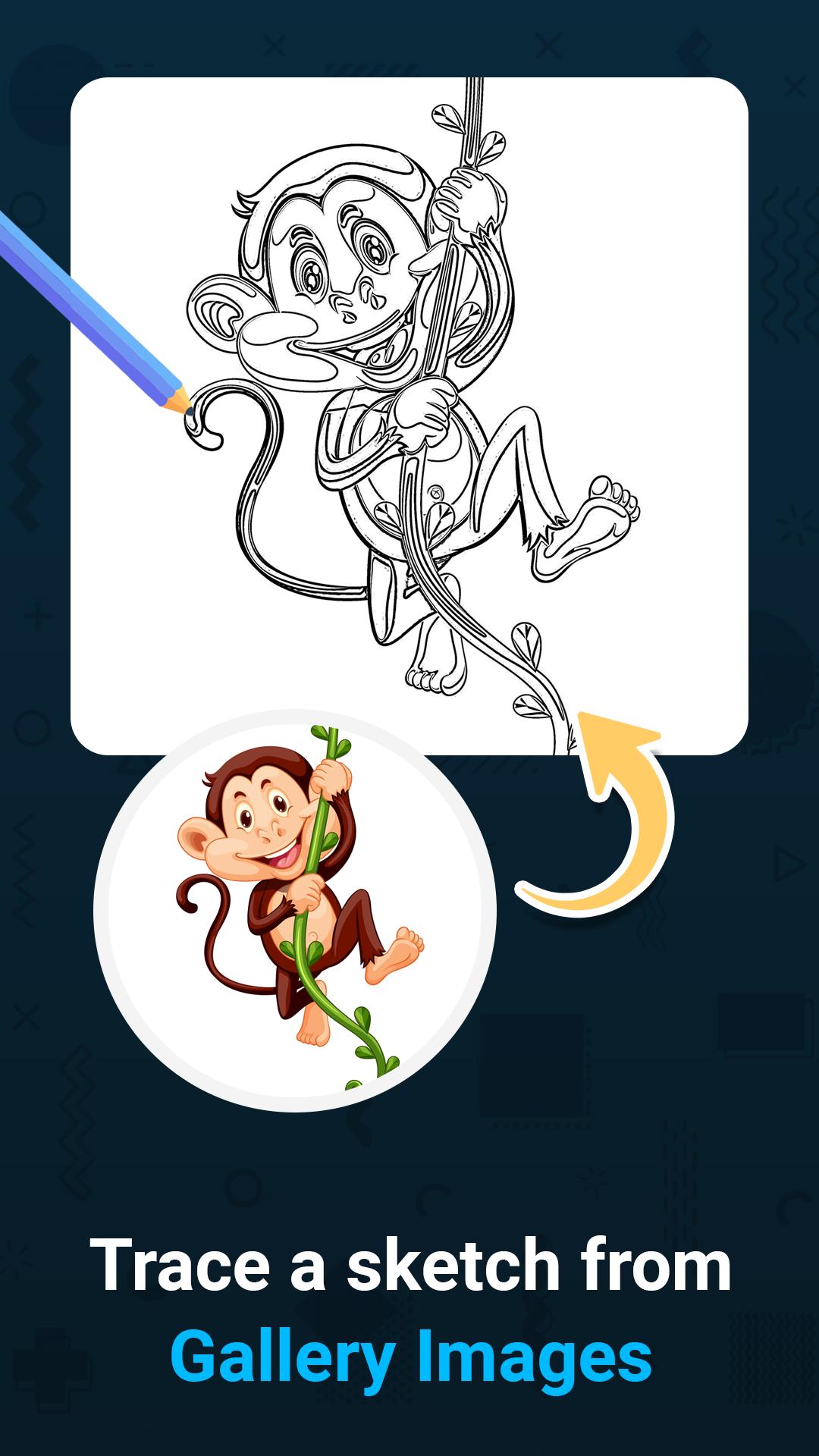
Pick any image from the gallery and convert it into a tracing image to sketch on blank paper.
Make the image transparent or create a line drawing to create your art.
Image Tracing:
The app enables users to trace images from their phone's camera output onto paper.
Transparent Image:
The camera output shows the image with transparency, allowing users to overlay it onto their real-world environment.
Real-time Tracing:
Users can draw on paper while looking at the phone screen with the transparent image.
Sample Images:
Users can practice by selecting sample images provided by the app.
Gallery Images:
Users can choose images from their gallery and convert them into traceable images for drawing.
Overall, this app seems to be a helpful tool for those who want to learn drawing, practice tracing, or create art by using a real-world reference with the convenience of technology.
Latest Version
1.1.0Uploaded by
Victor Silva
Requires Android
Android 7.0+
Category
Free Tools AppContent Rating
Everyone
Security Report
Check Now
Report
Flag as inappropriateLast updated on Jan 27, 2025
Bugs Fixed

APKPure - A multi-platform app store primarily focused on Android, providing extensive app-related content. Discover the app you want easier, faster, and safer, with quick and efficient downloads and installations.