Build websites visually with DragWeb
DragWeb is a visual web development tool that lets you create and design websites using a simple drag-and-drop workflow. Build pages, arrange elements, customize styles, add assets, and preview your website across different screen sizes—all from your Android device.
Whether you're learning web development, creating a personal website, prototyping an idea, or building a complete multi-page website, DragWeb gives you a visual workspace to bring your designs to life.
KEY FEATURES
• Visual Drag & Drop Editor
Add website elements to your canvas and arrange them visually. Move elements, place them inside containers, and build your page structure without manually writing every line of HTML.
• Website Components & Widgets
Work with common web elements such as containers, headings, text, buttons, images, forms, links, media, lists, tables, SVG, canvas, and more.
• Style & Layout Controls
Customize the appearance and layout of your elements using visual properties for your website design.
• Hierarchy View
See your complete page structure in a tree-style hierarchy. Select, reorder, collapse, duplicate, lock, hide, or delete elements directly from the hierarchy.
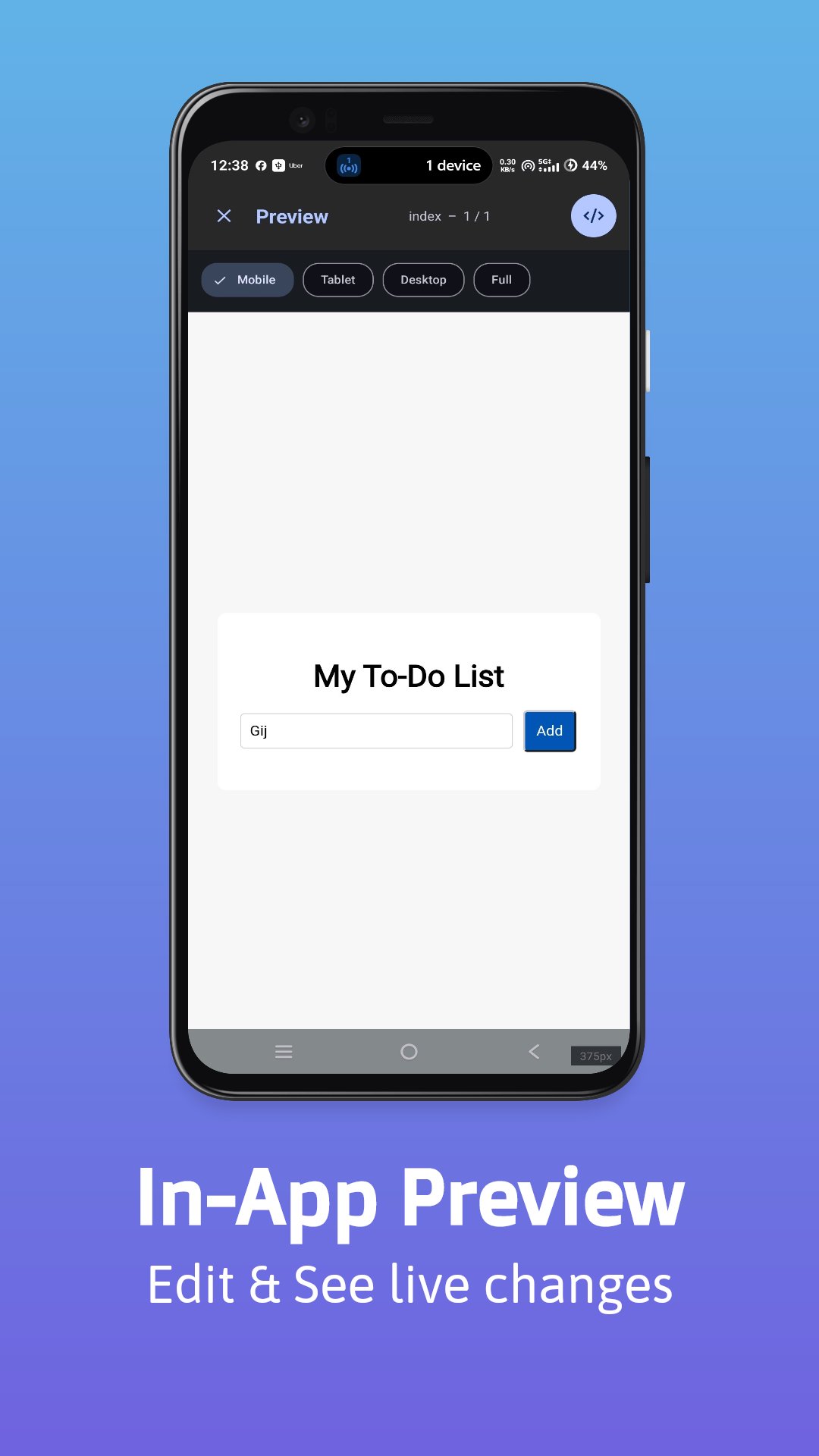
• Responsive Preview
Preview your website at mobile, tablet, desktop, or full-width sizes to see how your design adapts to different screens.
• Multi-Page Projects
Create and manage multiple pages within a project and preview them together.
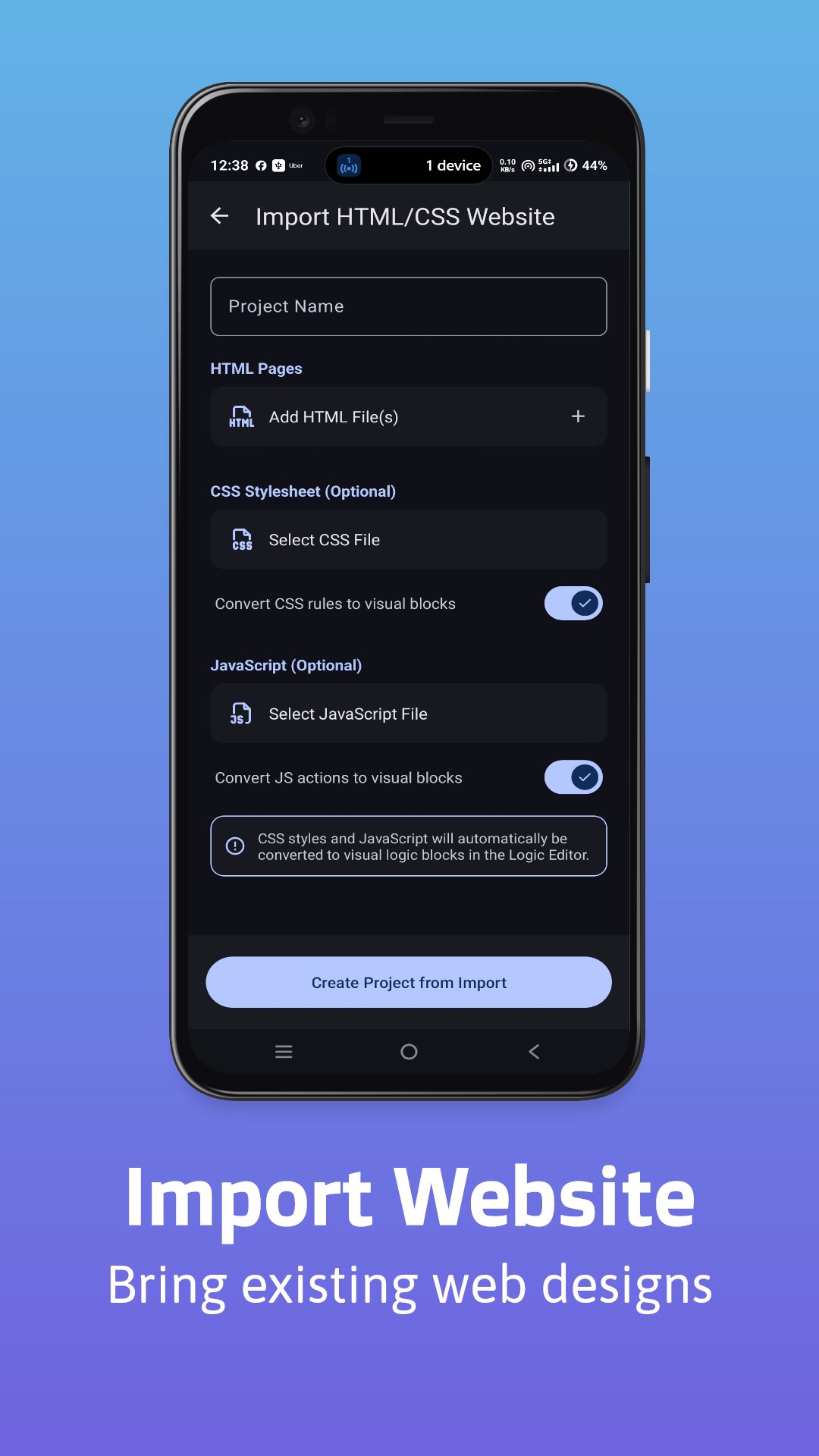
• HTML & CSS Import
Import existing HTML and CSS and convert supported website elements into DragWeb's visual project structure, making it easier to continue working on existing designs.
• Asset Management
Import images, SVG files, and other project assets and use them in your website designs.
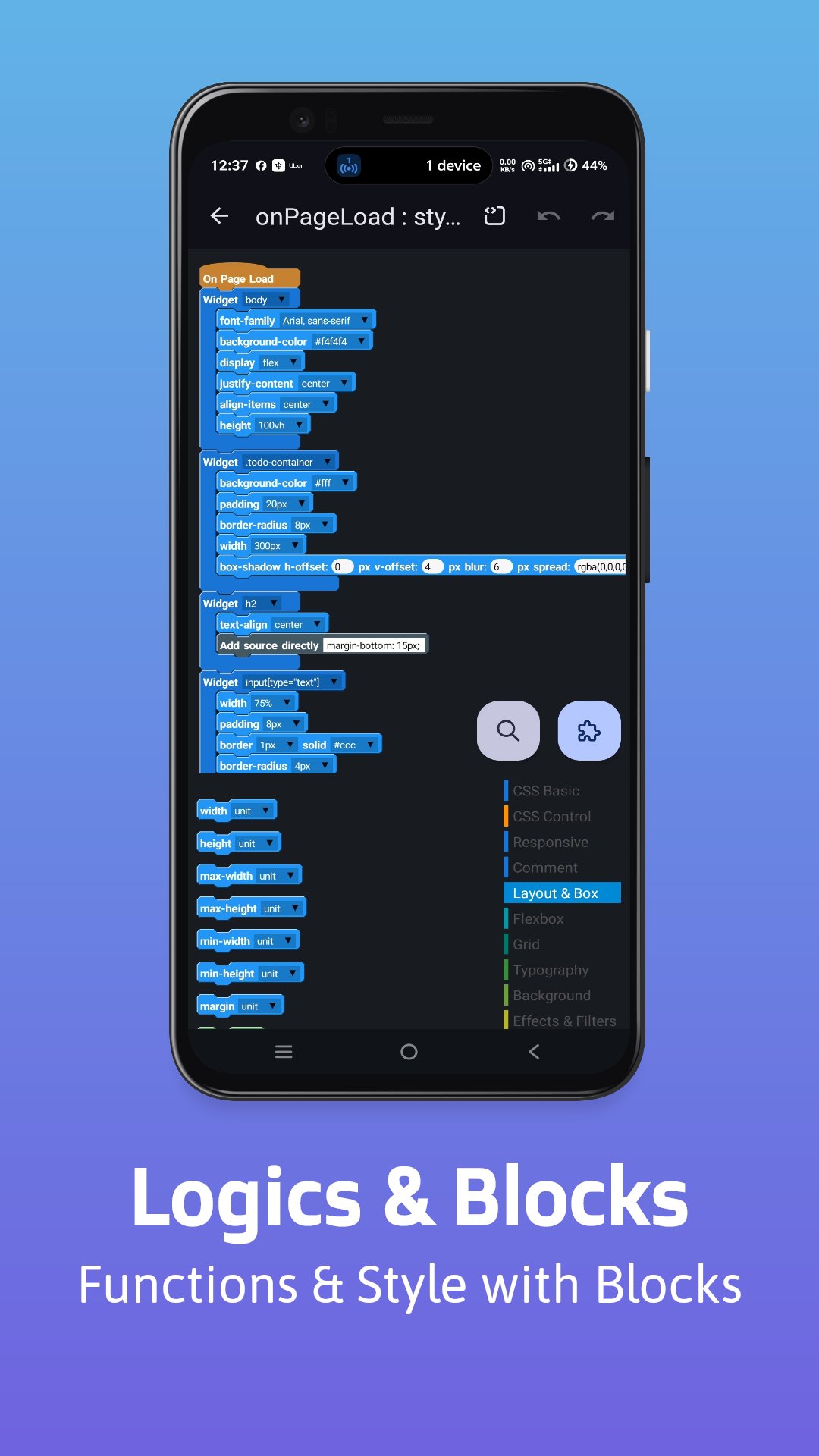
• Custom Widgets & Blocks
Extend your workspace with custom widgets and logic blocks for more flexible projects.
• Undo & Redo
Experiment freely with your design and quickly undo or redo changes.
• Copy & Duplicate Elements
Copy, paste, and duplicate website elements to speed up your workflow.
• Project Backup & Import
Back up your projects and import them when you need to move or restore your work.
• Preview Your Website
View your generated website in an integrated preview environment and switch between different responsive viewport sizes.
MADE FOR
• Beginners learning web design
• Students practicing HTML/CSS concepts
• Developers creating quick prototypes
• Designers building website layouts
• Creators working on personal websites
• Anyone who wants a visual way to experiment with web development
DragWeb combines the flexibility of web development with the simplicity of a visual editor.
Start building your website visually with DragWeb.
Latest Version
Varies with deviceRequires Android
Category
Free Productivity AppContent Rating
Everyone
Report
Flag as inappropriateLast updated on Oct 10, 2026
This release includes minor bug fixes and general improvements. Update to the latest version for the best experience.




APKPure - A multi-platform app store primarily focused on Android, providing extensive app-related content. Discover the app you want easier, faster, and safer, with quick and efficient downloads and installations.