

Dr. Booster helps when your phone lags during gameplay or apps feel slow to open. It manages memory while you play, so frames drop less and controls respond faster. Additionally, it offers simple tools that make starting games quicker and keeping storage tidy more straightforward. With Dr. Booster APK, users can keep everyday play smooth without digging into complex settings.
Direct Boost
Use the floating boost button to launch a game and accelerate performance right away. The button floats over the screen, so you can boost right before gameplay. This function requires Android 5.0 or above. On Android 5.1.1, grant the needed permission so boosting works correctly. Keep Dr. Booster latest version installed to access the latest support for this button.
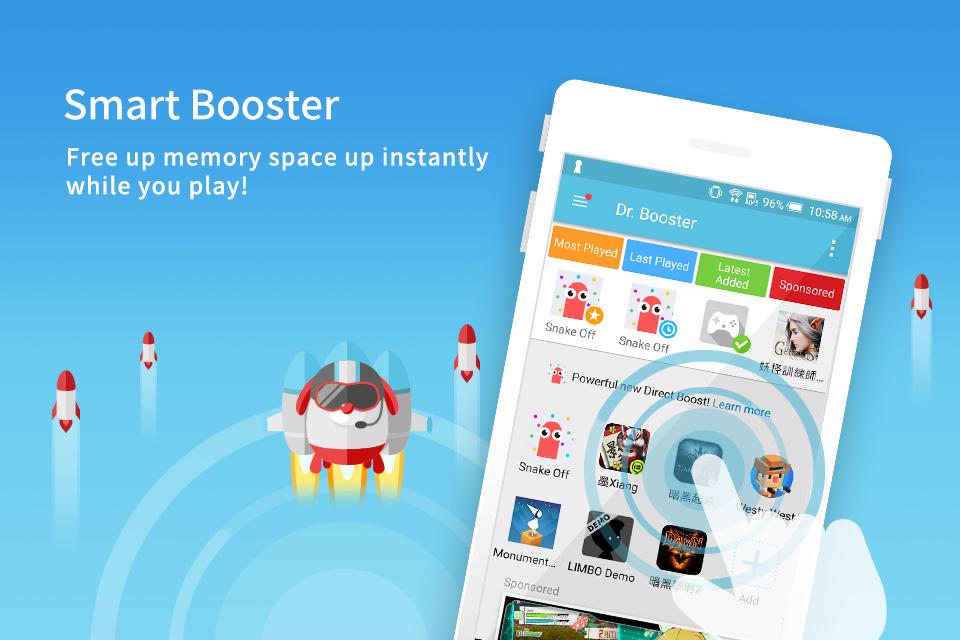
Smart Booster
Next, Dr. Booster frees RAM in real time during play. It helps apps stay responsive by reducing resource strain as sessions continue. It works in the background while you focus on the game.
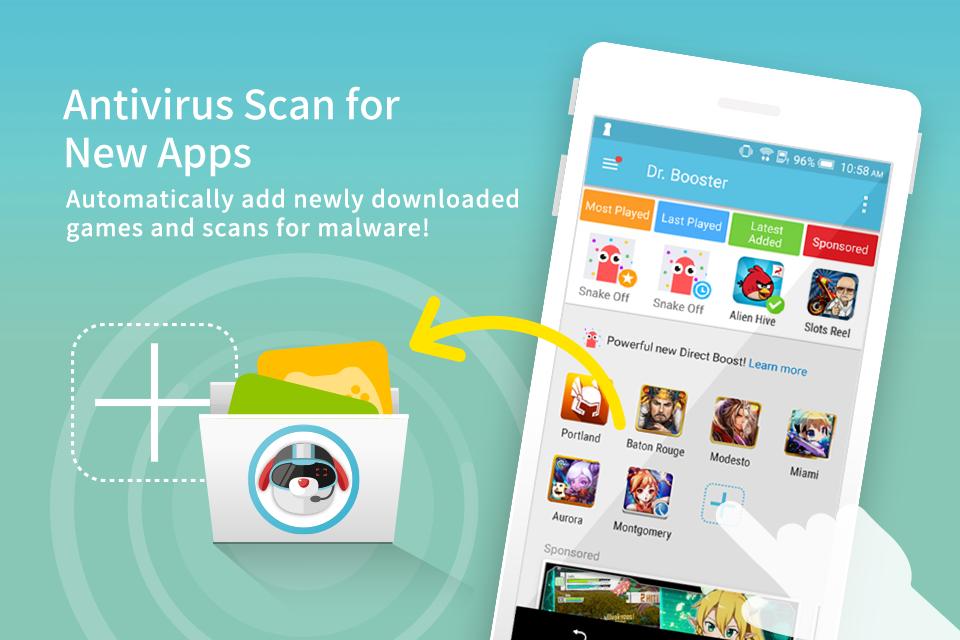
Antivirus Scan for New Apps
Also, newly installed apps are added inside Dr. Booster and scanned for malware automatically. Scanning runs when new apps are detected, with results shown in the app. This helps you spot risky items early before launching them.
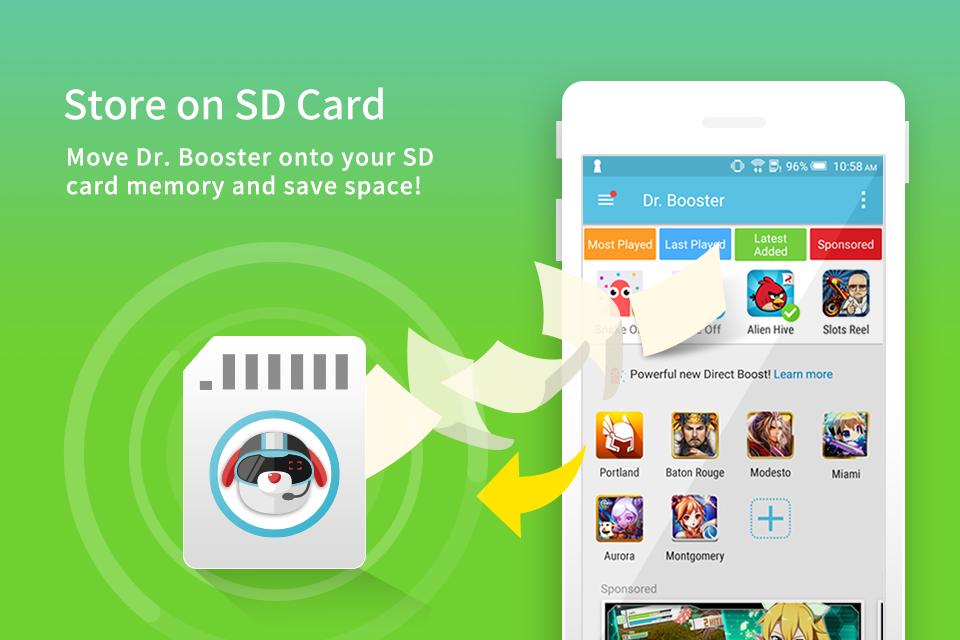
Store on SD Card
If internal storage is tight, move Dr. Booster to your SD card to save space. This keeps more room available for games and updates. This option is useful on devices with limited internal memory.
Dr. Booster focuses on smoother gameplay through real-time memory management, quick boosting, and basic safety checks. Set the required permissions on your device, then use the floating button before you play. For a simple setup and reliable performance, download Dr. Booster and manage game speed without extra steps.
Latest Version
2.0.1077Uploaded by
Boode Khaled
Requires Android
Android 4.1+
Category
Free Tools AppContent Rating
Everyone
Report
Flag as inappropriateLast updated on May 15, 2018
Version Update 2.0.1076
- Minor bug fix


APKPure - A multi-platform app store primarily focused on Android, providing extensive app-related content. Discover the app you want easier, faster, and safer, with quick and efficient downloads and installations.