Download Accelerator Manager(DAM) made for the Android platform is a powerful speed booster, an advanced download manager.
It supports ANY type of file for downloading: archive files, MUSIC,VIDEO, document, application, image etc
And all this is accomplished whilst having a very small footprint on your Androids resources.
Make your downloads smart, effecient, reliable, and easy.
With a user beautiful Interface, and notification interface, you can download what you want (Any file type supported), when you want it (Schedule your downloads), and stay informed on your downloads progress in real time.
*General:
- Direct download to SD card(except on Android 4.4)
- Pause and resume feature with support links
- Pause all/start all/ remoall options to save time
- Unlimitted retry support with custom delay
- Download file in backgroud
- Wifi only download support
- Smart algorithm for increased speed of downloading
- Smart error handling so you don't loose any data
- Share download links
- Import download link from clipboard
- Open file doanloaded
- Support vibration on download completion
- Support all file formats: archive files, MUSIC,VIDEO, document, application, image etc
- Support mutilple web browser default android browser, chrome, firefox etc
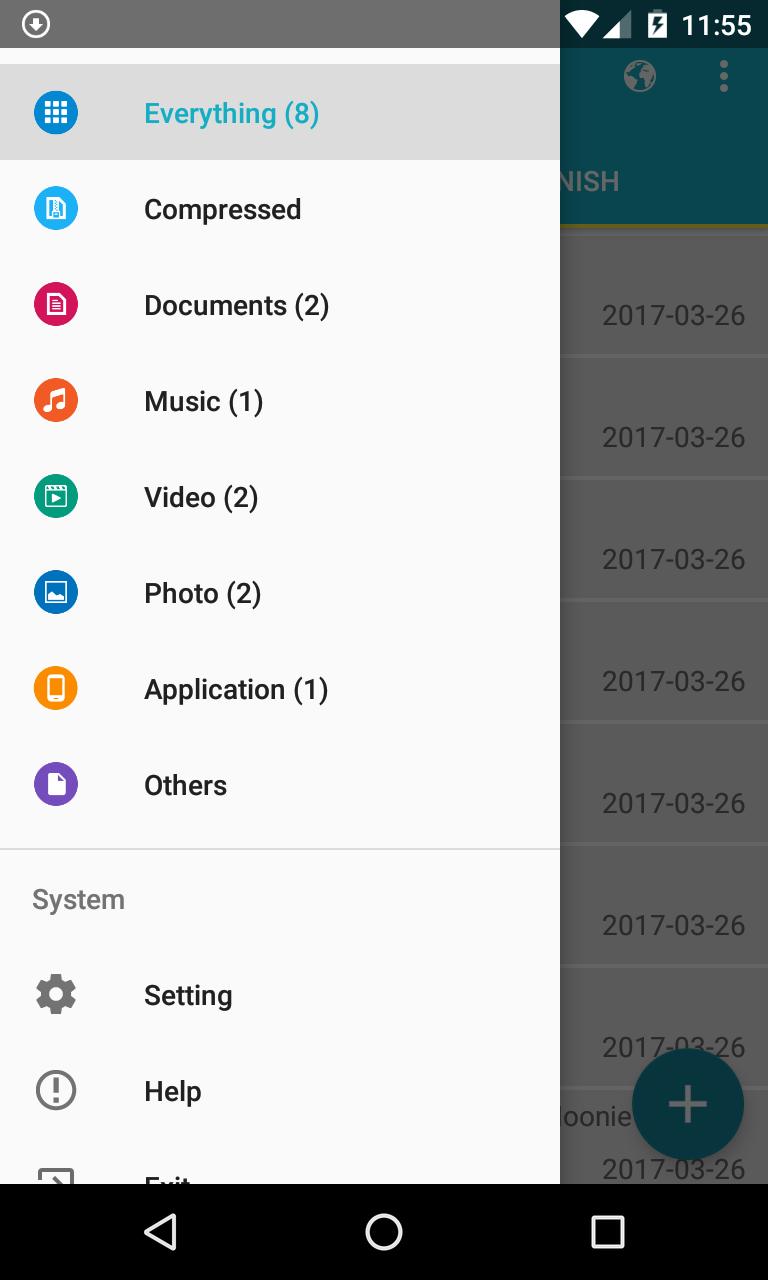
- Sort file by name, size, date and catagorize by types
- Search file by name
- Support big file (larger than 2GB)
*Advanced
- Beautiful interface with material design
- Upto 3 simultaneous downloads
- Mutil part downloading - upto 8 simultaneous parts per download
- Auto-resume corrupted dowanloads due to network error
- Planning start of downloading at right time
- Auto stop download if the battery charge level is low
- Getting size of file and name
- Save different file types in different folders
- Select folder to download file
*Additional:
- Built-in web brower with support for mutilple tabs, history and bookmarks
- Incognito browsing mode
- Download by automaticcally catching links of video from favorite websites
Please note that downloading from YouTube is not support due to their terms of service
*Access Permissons:
- Network connection(Internet Access) is for download file
- Store(modify or delete contents on your usb storage) is for storing download data
- Control vibration: create vibrating effect for necessary notification
- Read Web bookmarks and history and write bookmark ans history: for built-in web browser
Latest Version
170803Uploaded by
Gabriel Biel
Requires Android
Android 4.0+
Category
Free Tools AppContent Rating
Everyone
Report
Flag as inappropriateLast updated on Aug 1, 2017
Fix some bug crash




APKPure - A multi-platform app store primarily focused on Android, providing extensive app-related content. Discover the app you want easier, faster, and safer, with quick and efficient downloads and installations.