
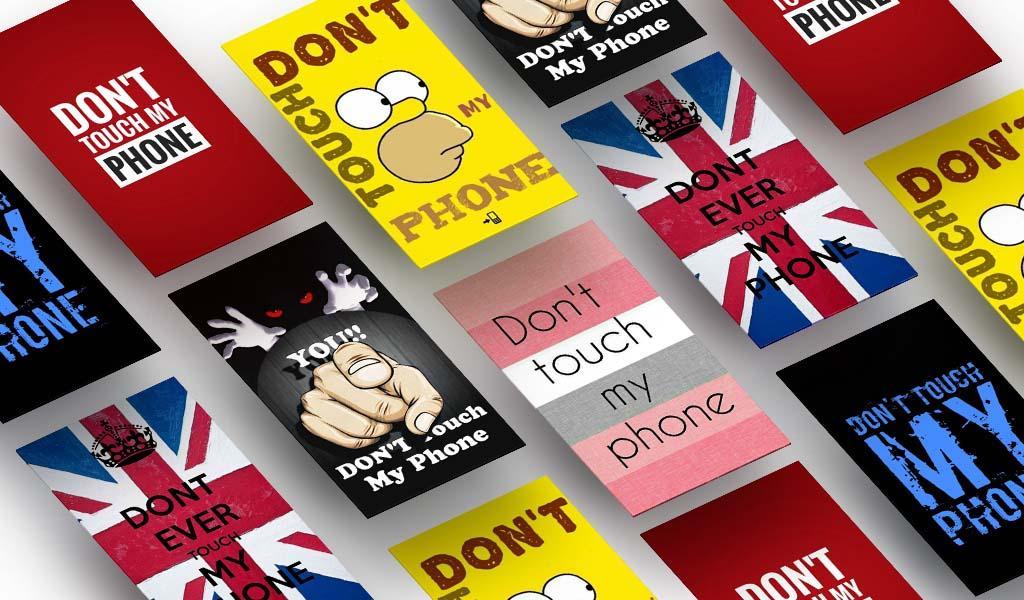
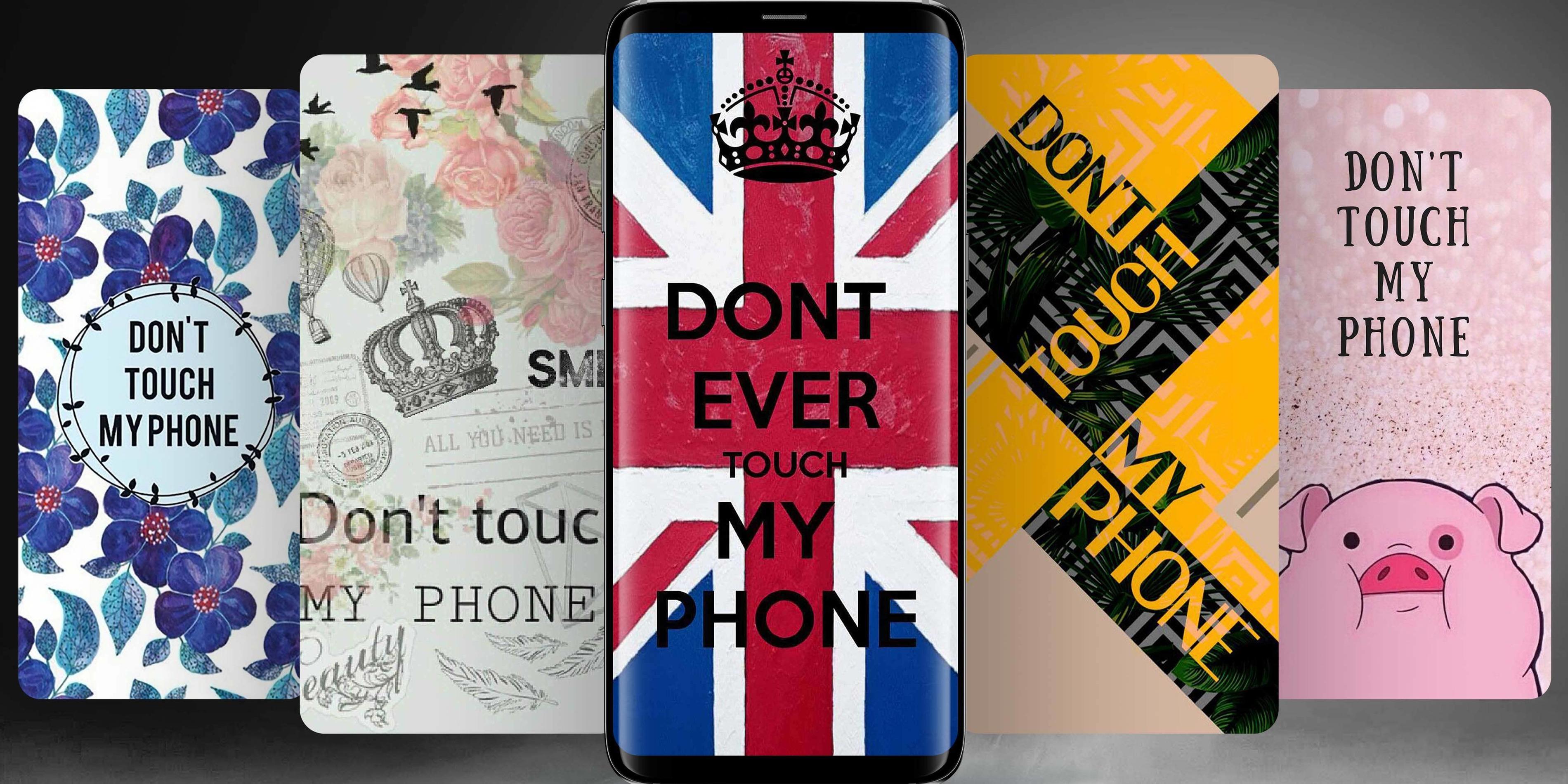
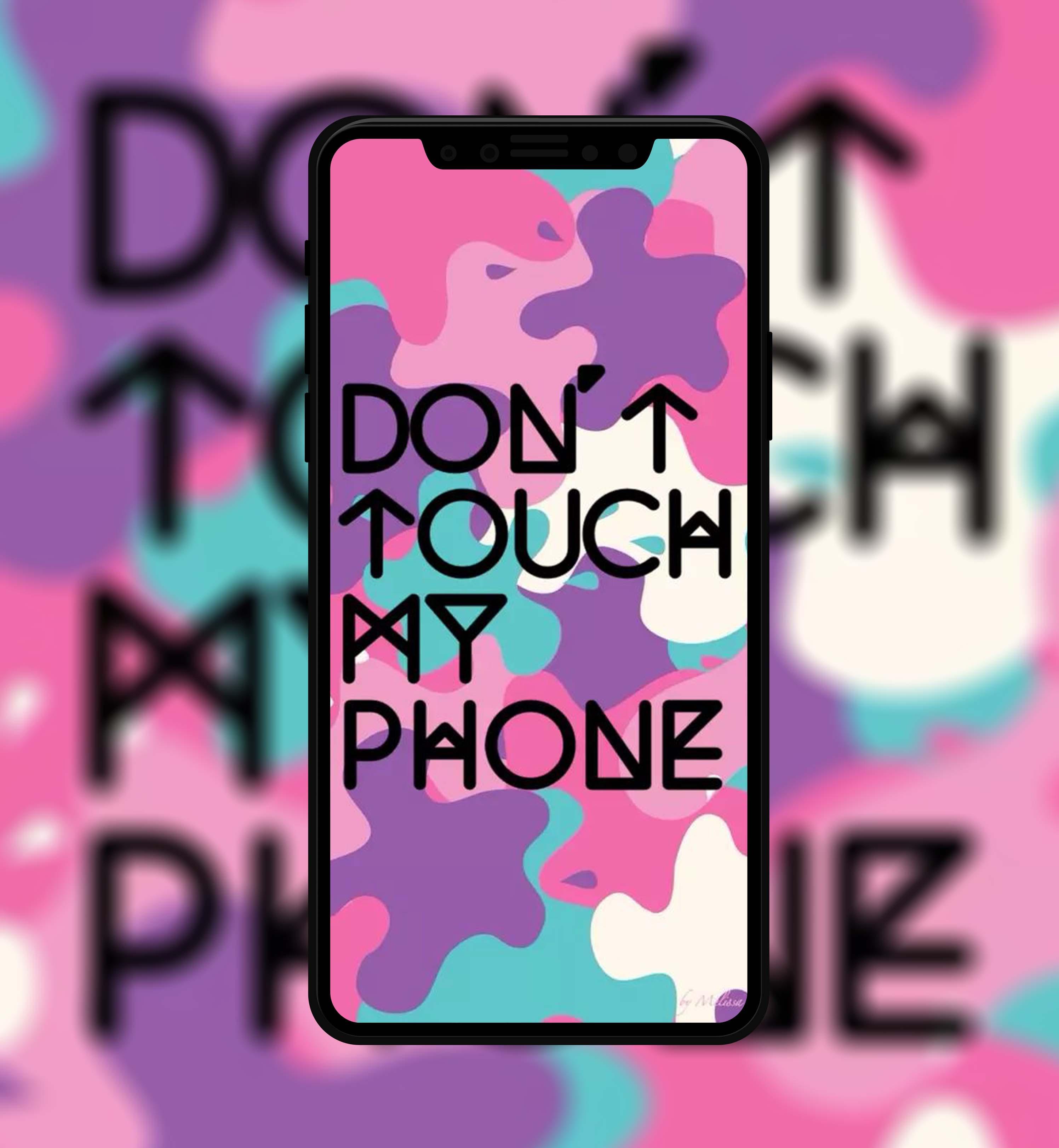
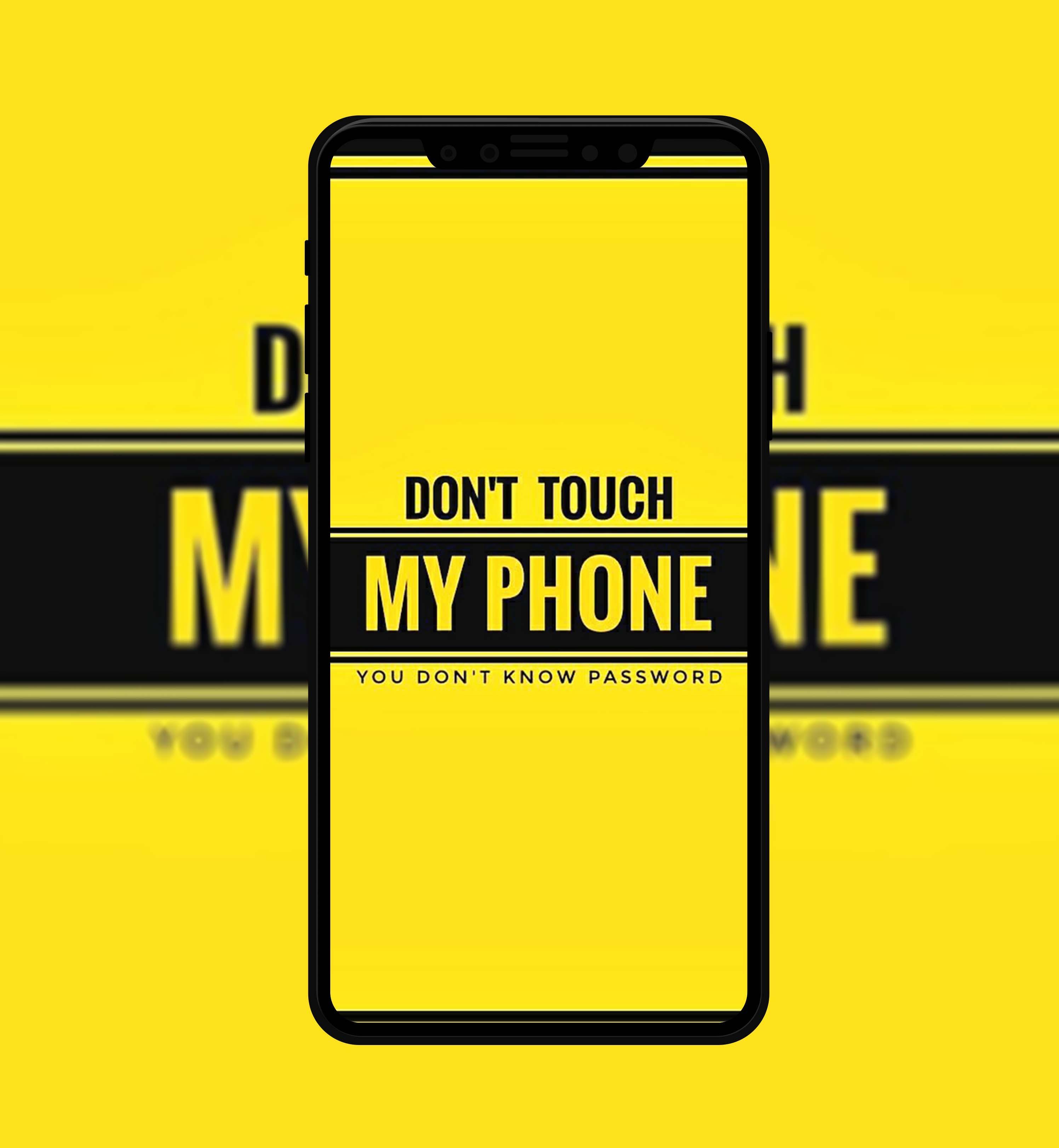
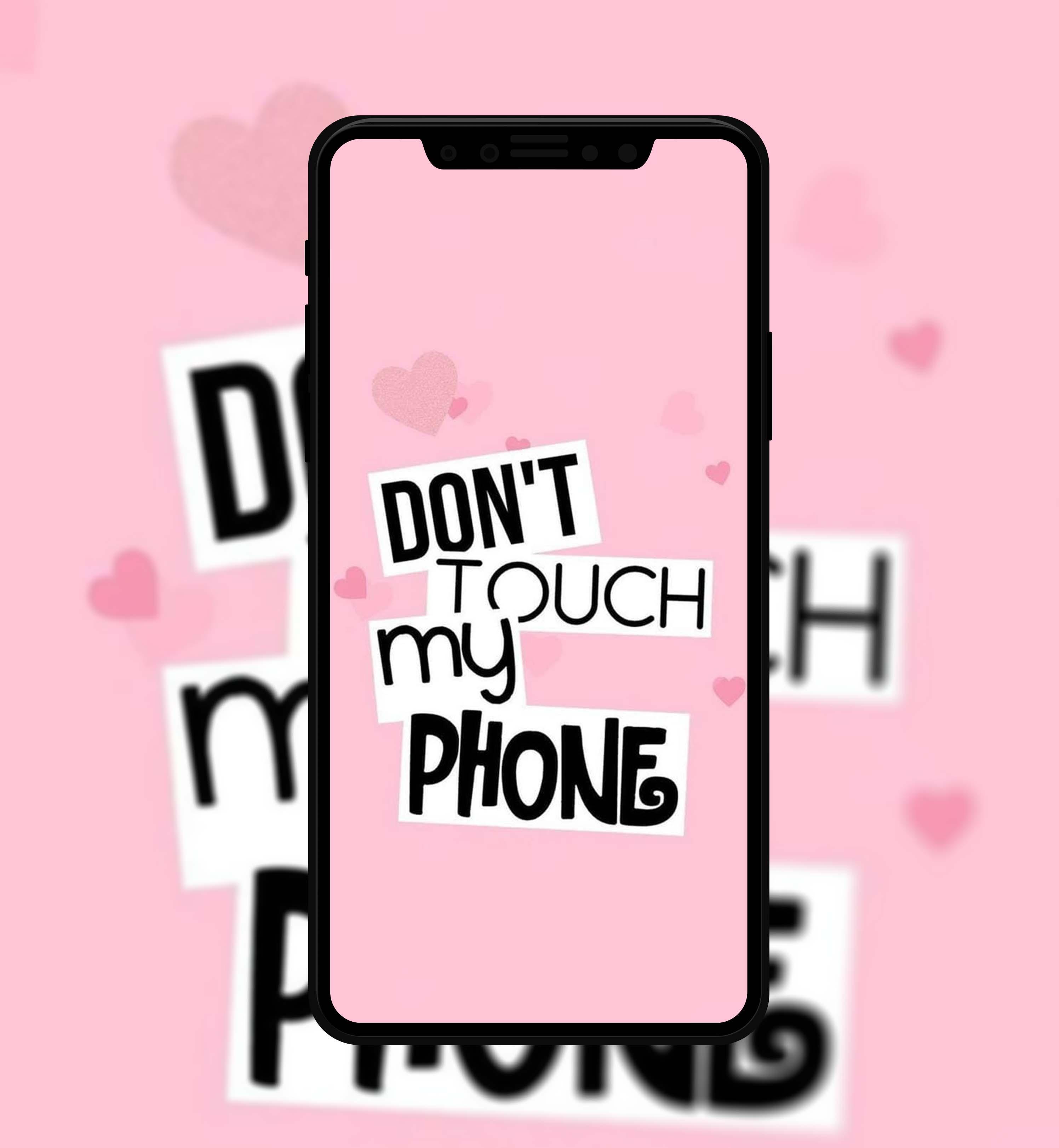
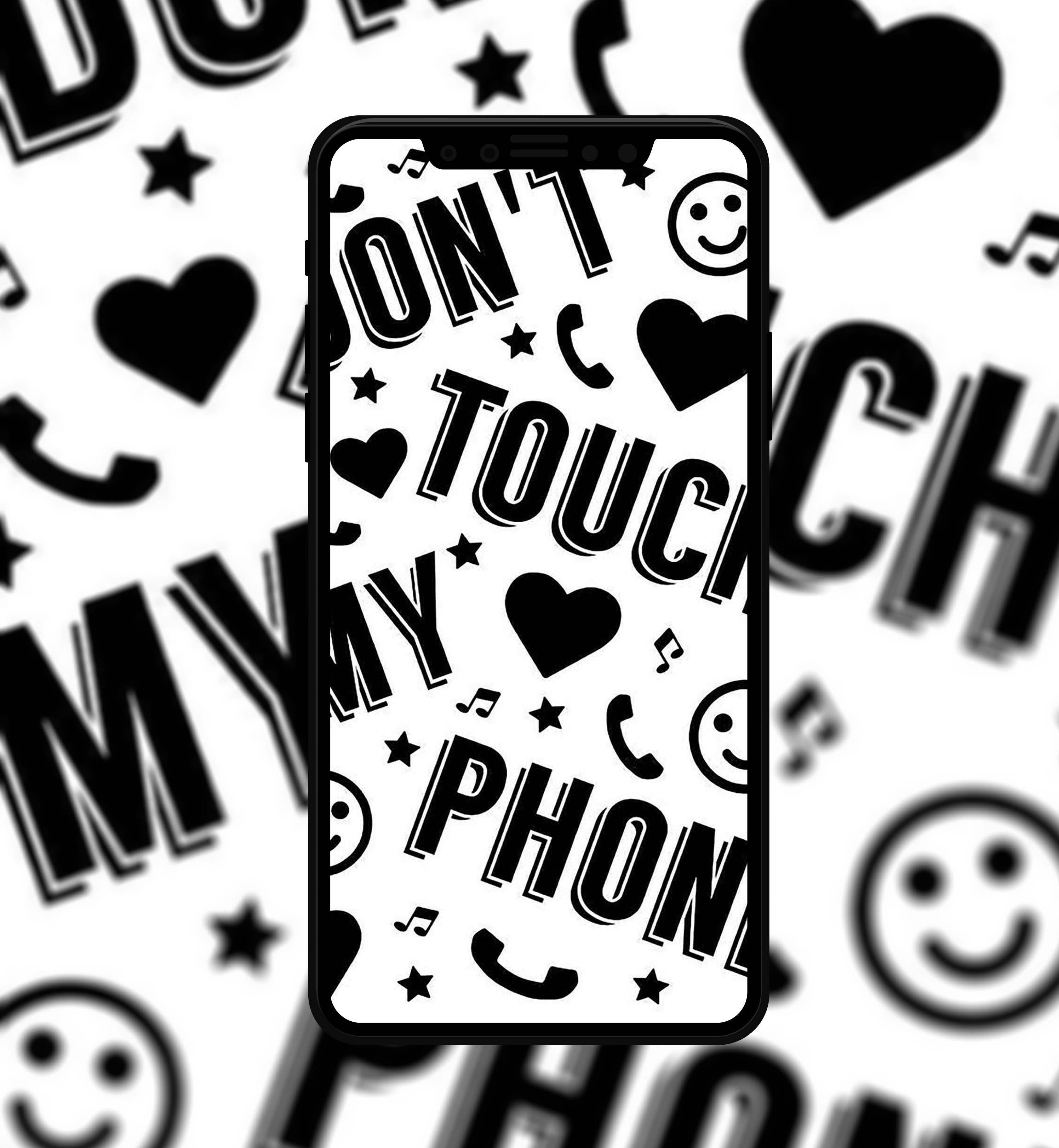
Don't Touch My Phone Wallpapers contain more than 200 cool and amazing wallpapers.
To use this app is very simple:
1. Open app
2. Click Don't Touch My Phone Wallpapers
3. Choose your favorite wallpapers
4. Click point symbol on the corner or click and hold your picture
5. Set as
Disclaimer:
This app is not official application. The content in this app is not affiliated with, sponsored, endorsed, or specifically by company. This app is create by fans to help other find and download their favorite Don't Touch My Phone Wallpapers. All trademark and copyright to their respective owner.
Latest Version
1.0Uploaded by
Aaron Dotson
Requires Android
Android 4.1+
Category
Free Personalization AppContent Rating
Mature 17+ · Strong Language
Report
Flag as inappropriateLast updated on Oct 6, 2020
fix bug

APKPure - A multi-platform app store primarily focused on Android, providing extensive app-related content. Discover the app you want easier, faster, and safer, with quick and efficient downloads and installations.












