Scan Date:Oct 29, 2026
Show More
Read, edit and convert PDF, Word, Excel and PowerPoint files on your phone. Redesigned from end to end: a cleaner home screen, every tool two taps away. No account, no sign-up.
Document Reader is a PDF reader, PDF editor and Office document viewer in one app. It finds the documents already on your device and lets you read, edit, sign, convert, protect and share them.
ALL PDF TOOLS IN ONE PLACE
• Merge several PDFs into one file
• Split a PDF by page range
• Compress PDF files to make them smaller
• Protect a PDF with a password
• Sign with your finger and fill in PDF forms
• Compare two PDFs
• Manage pages: rotate, delete, reorder and extract
• Add form fields, insert blank pages and measure distances
• Annotations panel: see every note by page, jump, export or flatten
• Signatures panel: see who signed and whether the file is intact
READ ANY DOCUMENT
• PDF reader with smooth scrolling, pinch zoom and jump-to-page
• Word viewer for DOC and DOCX
• Excel viewer for XLS, XLSX and CSV
• PowerPoint viewer for PPT and PPTX
• EPUB, RTF, ODT, text, HTML and code files
• Images: PNG, JPG, TIFF
• Right-to-left layout for Hebrew and Arabic
• Sepia and distraction-free reading, sleep timer for read-aloud
• Keyboard shortcuts on tablets and Chromebooks
CREATE AND EDIT
• Write new documents with a formatting bar, spell check and word count
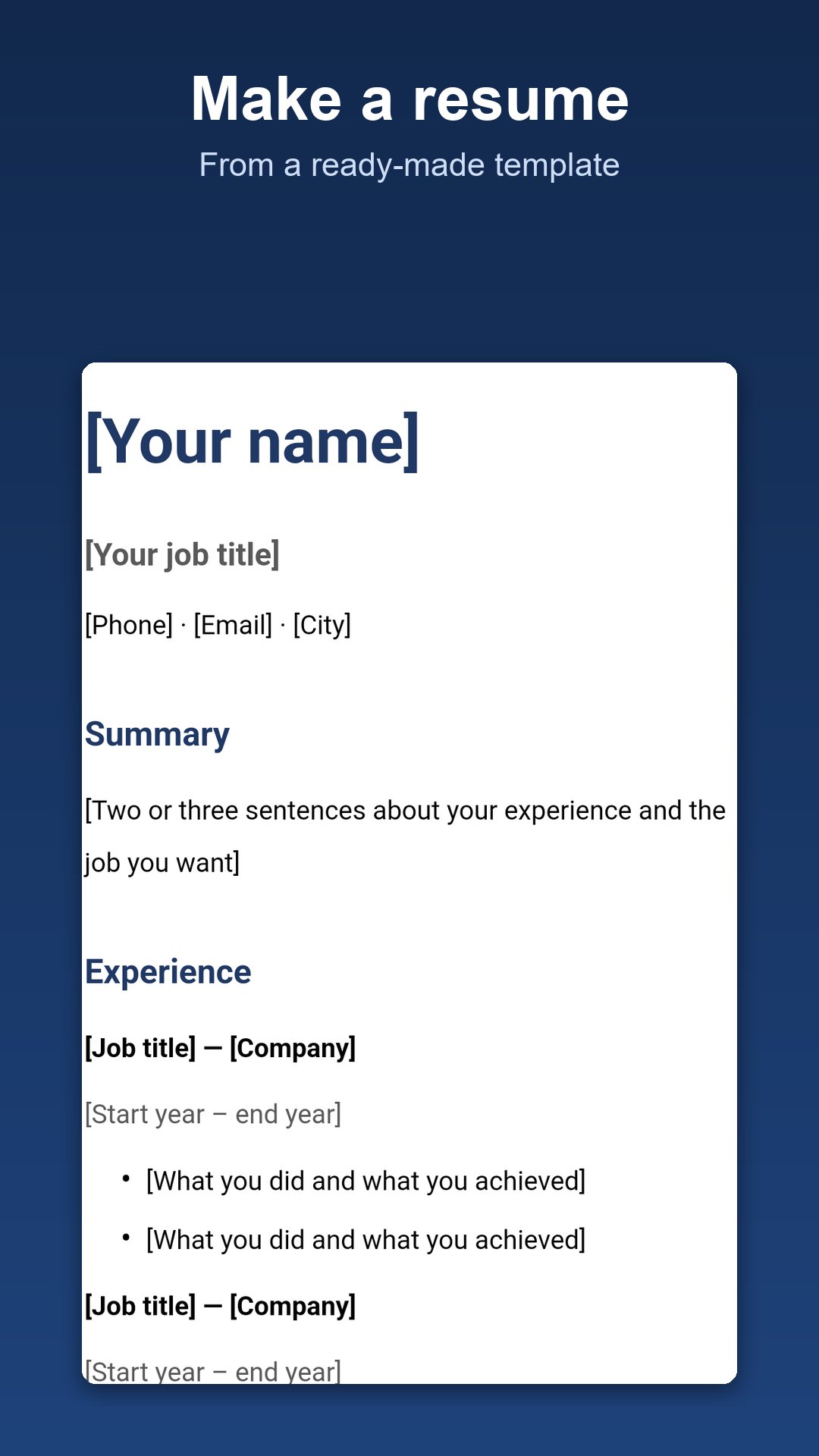
• Make a resume from a ready template
• Create presentations: add, duplicate, reorder and delete slides
• Highlight, draw, add notes, text and images to PDF pages
• Undo and redo for every change
EDIT WORD, EXCEL AND POWERPOINT FILES
• Word: headings, tables, pictures, text boxes, links, headers and footers, columns, page size and track changes
• Excel: sort and filter, charts, conditional formatting, drop-down lists, cell notes, merge cells, freeze panes and fill series
• PowerPoint: shapes, slide backgrounds and transitions
• Changes are saved back into the original file
CONVERT
• PowerPoint to PDF, keeping every slide as designed
• Word and Excel to PDF on the document's own paper size
• PDF to Word (DOCX), PDF to images, images to PDF
SCAN AND RECOGNISE TEXT
• Scan paper straight to PDF with edge detection and filters
• Extract text from photos and scans (OCR), 125 languages
AI ASSISTANT
• Ask questions about a document, summarise or translate it
• Draft letters, emails and resumes
FIND, SHARE AND PRINT
• Browse, search and sort every document on your device
• Recent files for one-tap access
• Open files from Google Drive, Dropbox or OneDrive
• Print over Wi-Fi, share to any app, create and extract ZIP files
• Read a PDF aloud with the built-in narrator
SUPPORTED FILE TYPES
PDF, DOC, DOCX, XLS, XLSX, PPT, PPTX, EPUB, RTF, ODT, TXT, CSV, HTML, PNG, JPG, JPEG, TIFF, ZIP
Document Reader is free to use and supported by ads. An optional purchase removes ads.
A file that will not open, or something not working as expected? Write to us at the support address on this page and we will look into it.
🌐 Web version: use Document Reader in any browser, no install needed: https://mobileupsreader.com
Latest Version
2.7.5Uploaded by
Nathália Karoline
Requires Android
Android 6.0+
Category
Free Productivity AppContent Rating
Everyone
Security Report
Report
Flag as inappropriateLast updated on Oct 29, 2026
Add a page while you edit a PDF: open More in the editing bar, tap Add a page, and keep writing on the new blank page. Delete this page is there too, with Undo. In Word documents, Insert > New page starts a new page right where you are typing.






APKPure - A multi-platform app store primarily focused on Android, providing extensive app-related content. Discover the app you want easier, faster, and safer, with quick and efficient downloads and installations.