
Package Name:dev.t4ils.dockman
SHA-256:21a8fd03e75651123ce4295f9d5110f6a9339c4235947a4da848971433fe5e92
Show More
Dockman (Docker Manager) is a remote control app for Docker.
Dockman allows you to:
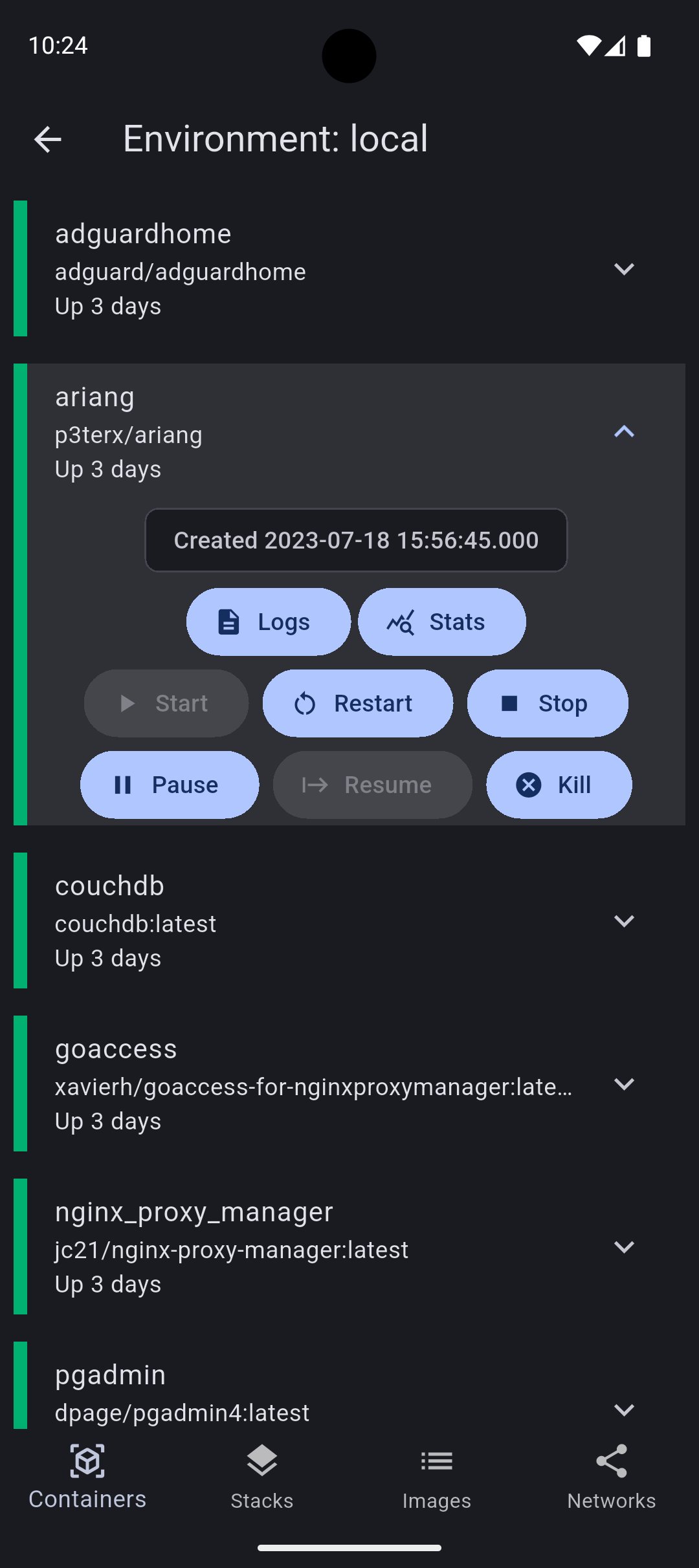
• Start/stop Docker containers
• View logs of containers
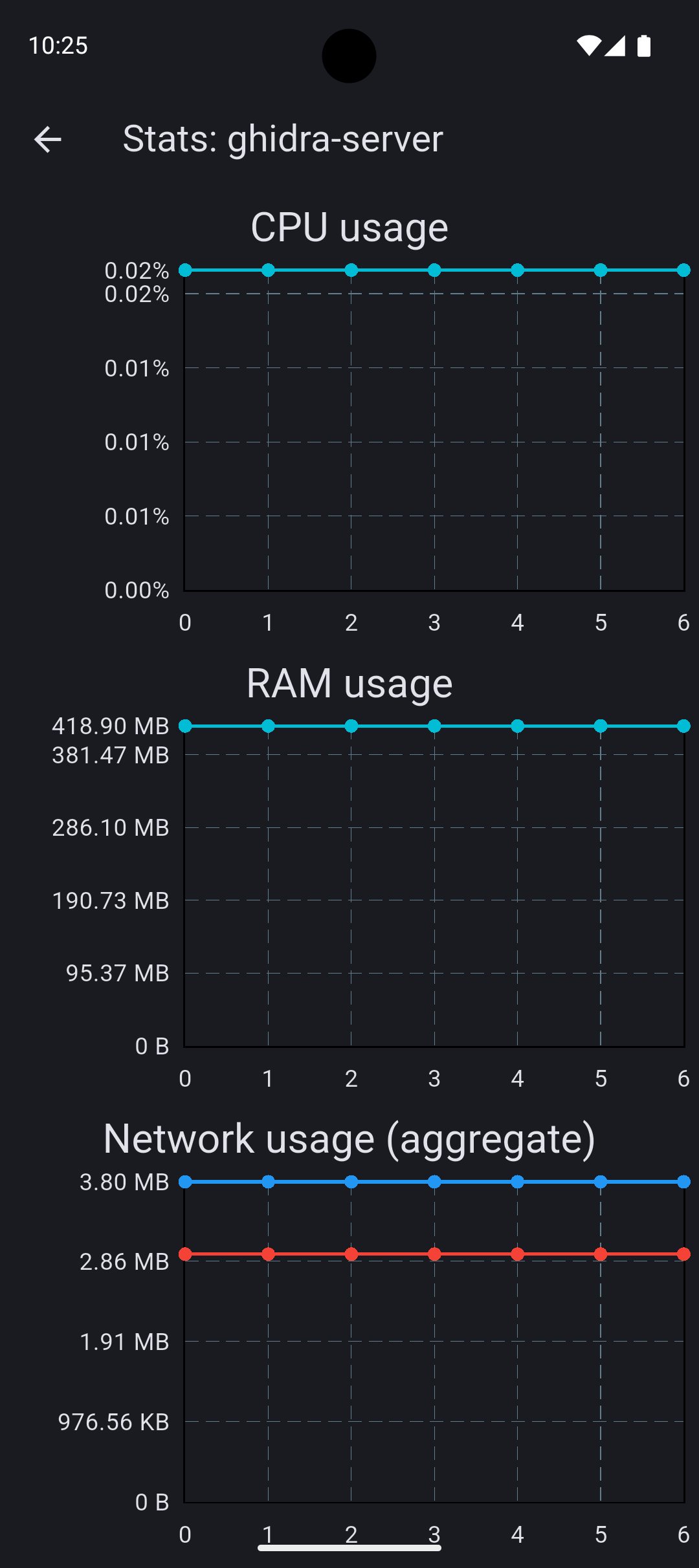
• View statistics of containers in real-time, such as CPU usage, memory usage, and network usage
• View and remove Docker images
• View and remove Docker networks
• Optionally require biometric authentication upon app startup
Dockman requires Portainer, a universal container management platform for Docker, to be installed on the host computer and be visible by the client device. Follow the instructions to install Portainer: https://portainer.io/install
This app uses access token authentication to access Portainer's remote API.
DISCLAIMER: This app is unaffiliated with Docker and Portainer. Please do not use Docker or Portainer help channels regarding support for this app.
Latest Version
1.0.0Uploaded by
Jayceemark Ong
Requires Android
Android 5.0+
Category
Free Tools AppContent Rating
Everyone
Security Report
Check Now
Report
Flag as inappropriateLast updated on May 19, 2025
Initial release! :)






APKPure - A multi-platform app store primarily focused on Android, providing extensive app-related content. Discover the app you want easier, faster, and safer, with quick and efficient downloads and installations.