DocEase is a simple PDF scanner, editor, and document organizer built for everyday paperwork.
Create clean PDFs from camera scans, photos, and imported files. Keep documents organized in folders, edit PDFs, add signatures, fill forms, protect files, and share documents whenever you need them.
Key features:
Scan documents
Capture paper documents using your camera and turn them into PDFs.
Import photos and PDFs
Create PDFs from images or bring existing PDF files into your workspace.
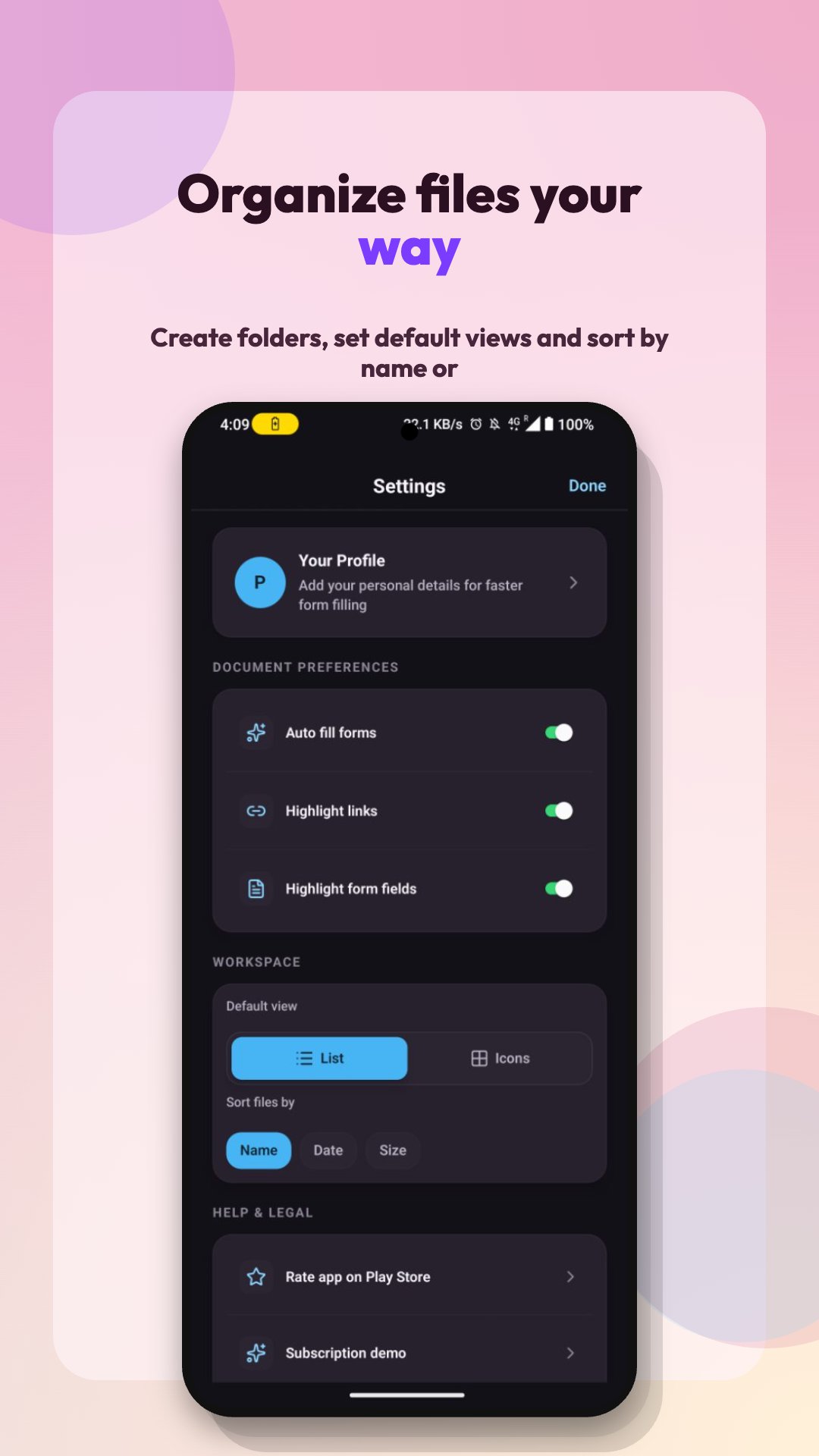
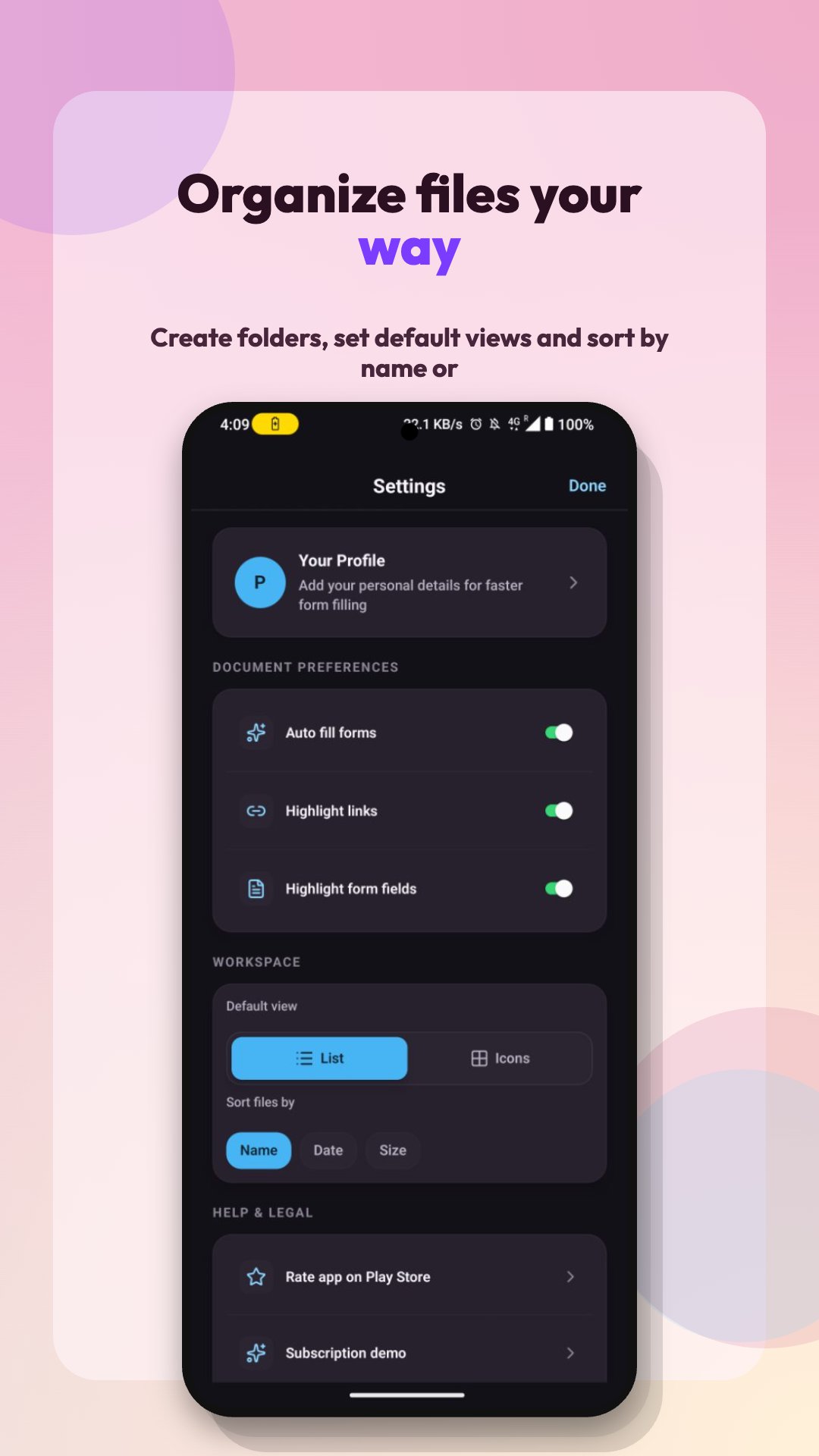
Edit and organize files
Rename, arrange, manage, and organize documents in folders.
Sign documents
Add signatures to PDFs for forms, agreements, approvals, and everyday paperwork.
Annotate and fill PDFs
Add text, dates, marks, and other edits to supported documents.
Protect important files
Use password protection for sensitive documents.
Search and manage documents
Keep your files easy to find with an organized document workspace.
Export and share
Download, print, or share PDFs from your phone.
DocEase is useful for students, professionals, small businesses, and anyone who needs a lightweight document scanner and PDF workflow on Android.
Whether you are scanning receipts, signing forms, saving IDs, organizing invoices, or editing PDFs on the go, DocEase helps you manage documents faster and more easily.
Latest Version
Varies with deviceRequires Android
Category
Free Productivity AppContent Rating
Everyone
Report
Flag as inappropriateLast updated on Jun 2, 2026
Minor bug fixes and improvements. Install or update to the newest version to check it out!





APKPure - A multi-platform app store primarily focused on Android, providing extensive app-related content. Discover the app you want easier, faster, and safer, with quick and efficient downloads and installations.