Doc Scanner is quick and easy to use Document scanner app which turns your paper documents to PDF documents.
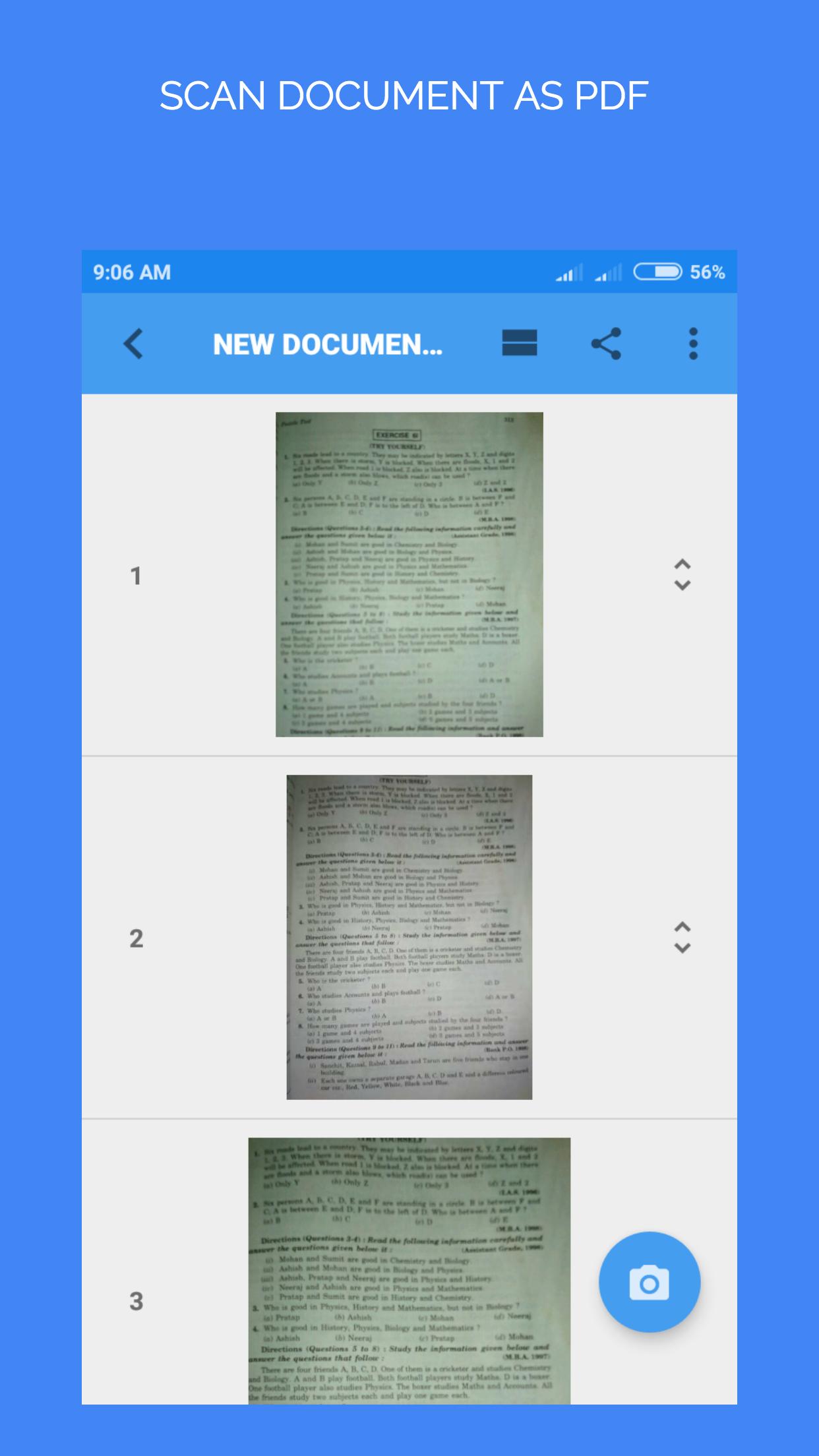
This Document Scanner app efficiently scan paper documents such as receipts, notes, whiteboard discussions, business cards, certificates, etc using your phone camera .You can create digital PDF documents of your paper documents then save or share in your local or cloud storage.
Our smart enhancing feature make the texts on document photo look clear and sharp.
Main Features:
• Automatically detect edges of document frame.
• Re-crop, rotate and straighten scans.
• Apply the filter such as color, grayscale, or black & white on document photo.
• Edit, rename & reorder documents any time.
• Export & share your scans as PDF or JPG.
• Multi-Page scans.
• Quickly extract and use text from scanned documents (OCR) .
• Make draw or highlights over image.
• Multi page OCR (Batch Mode).
• Set PDF page sizes (Letter, Legal, A4, and more)
• Backup and restore.
• Protect your documents by app passcode lock.
Latest Version
2.5.3Uploaded by
ጦይባ ሙሐመድ
Requires Android
Android 4.1+
Category
Free Productivity AppContent Rating
Everyone
Report
Flag as inappropriateLast updated on Jan 29, 2020
v2.5.3
1. Document edge detection improved.
2. UI Changes and Bug fixes.





APKPure - A multi-platform app store primarily focused on Android, providing extensive app-related content. Discover the app you want easier, faster, and safer, with quick and efficient downloads and installations.