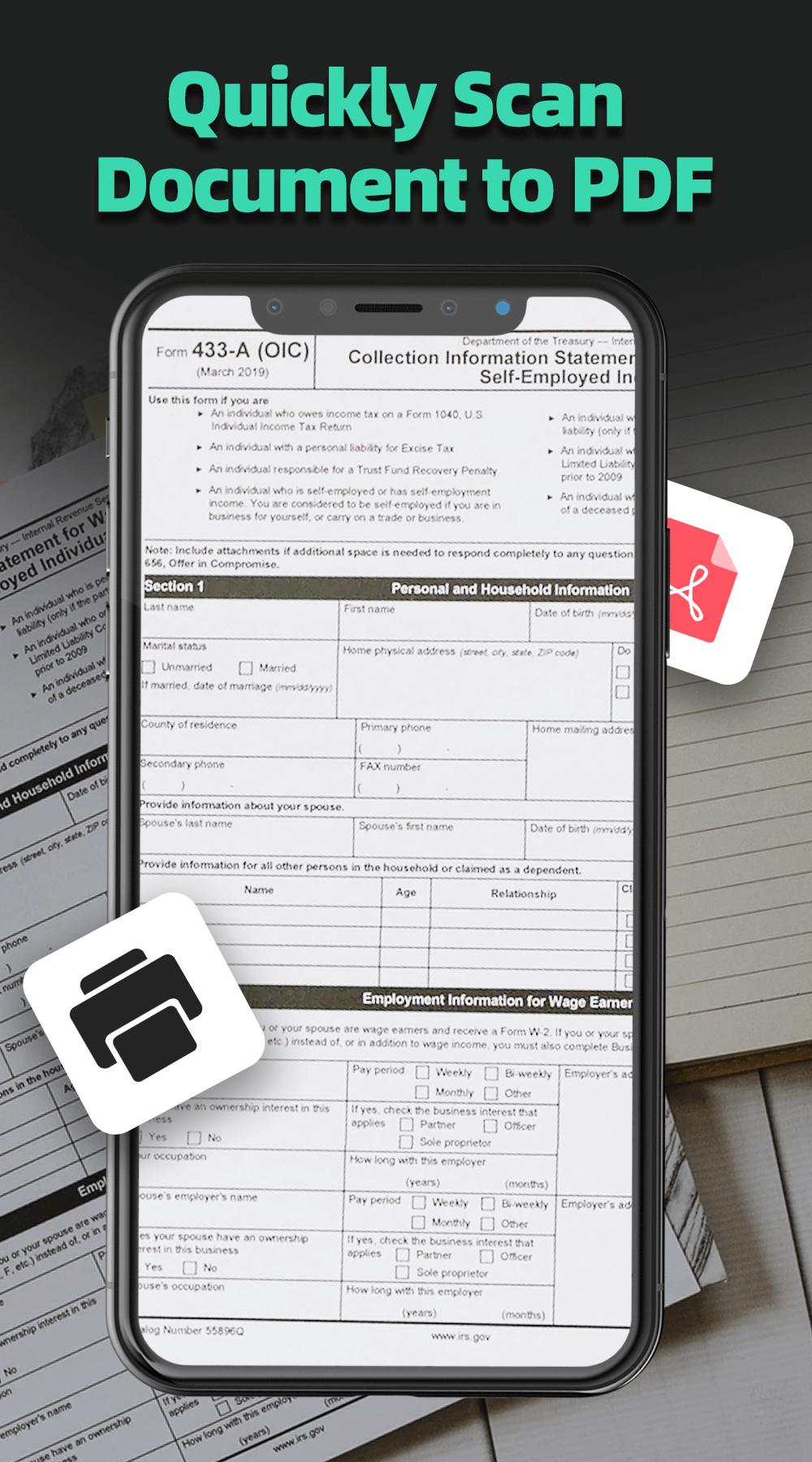
Doc Scanner is a fast mobile scan app that helps you with scanning different documents - No Watermark. A PDF Scanner application that turns your phone into a portable scanner. Fast easy way to scanner, professional pdf documents. Support SD card, send fax and print PDF files. You can scan documents, photos, receipts, reports, or just about anything.
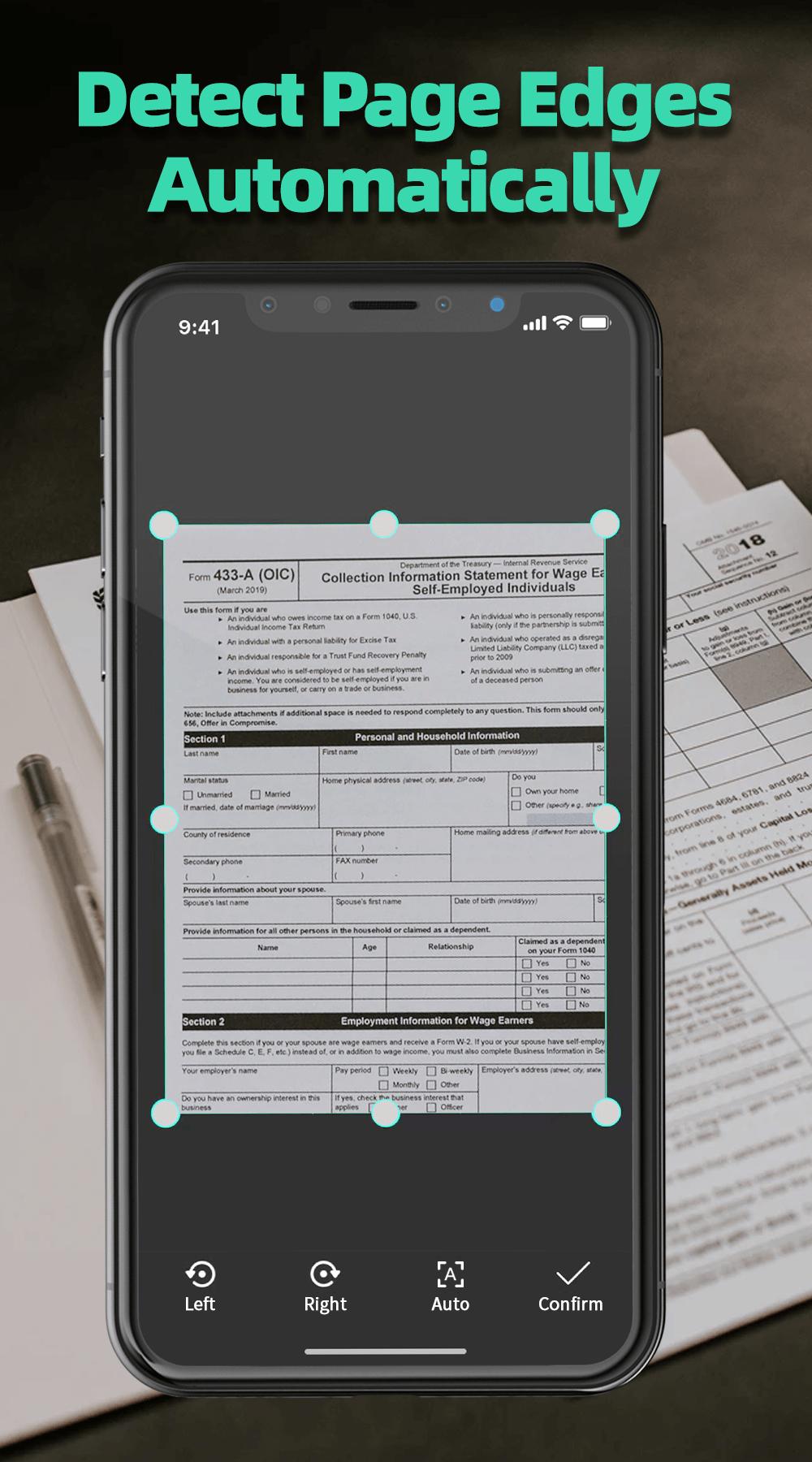
An amazing PDF Scanner tool to boost your productivity. Just aim at the document and take a picture, you will get a beautiful PDF file. Edge detection will help you crop photos immediately. Support crop photo, add a signature, Anti-counterfeit. You can also set a password to protect your pdf files.
A Text Scanner [OCR] - convert any images to text. Scan text in more than 50 languages and translate it to over 100 languages(by Google translate). OCR Scanner helps you easily to convert image to text: scan and translate text, document, scan and detect phone number, email, website URL, books, business card, etc... with high accuracy in a second!
This Doc Scanner application has all the features you need:
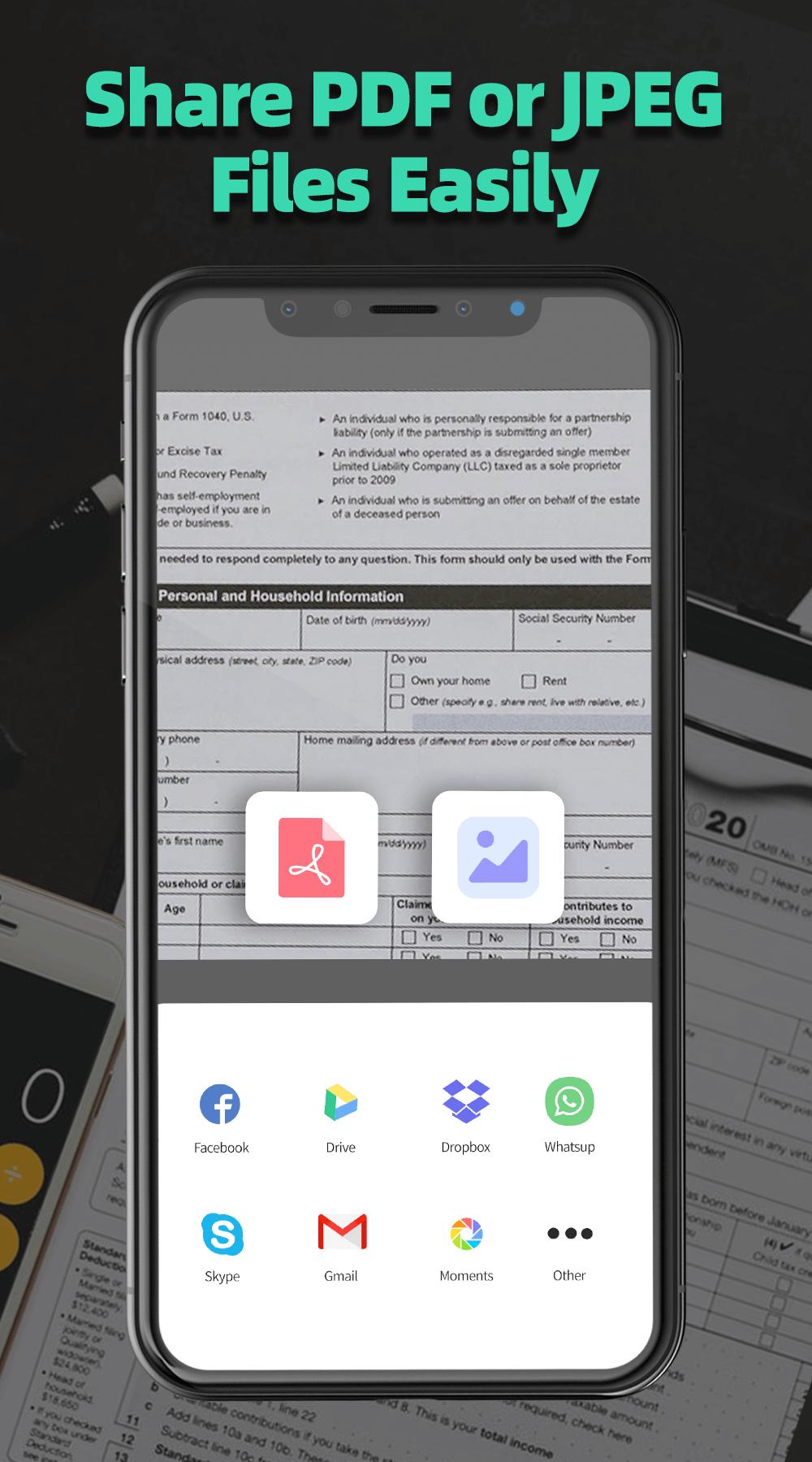
1. Mobile phone document, generate high-definition JPEG pictures or PDF files.
2. OCR(Convert Image to TXT, Image to PDF)
3. ID Mode Scan, Book Mode Scan, Card Scan
4. Automatically detects page edges.
5. A variety of image filters for PDF files, you can adjust the image style, color, quickly turned into a clear electronic draft.
6. Arrange your PDF files in folders
7. Use a password to protect your documents.
8. PDF creator can create PDF in different sizes from A1 to B5 and like postcards, letters, notes, etc.
9. Muti-page PDF and scan to PDF by using the PDF documents scanner app.
10. E-signature, Sign & Send documents to others for signing with an electronic signature.
Permission Overview:
1. Storage: Doc Scanner needs permission to store docs in your phone.
2. Camera: Doc Scanner needs permission to use the camera to scan docs.
If you like Doc Scanner or have any other comments, please take a moment to write us a comment, or simply email us at world.skyapp@gmail.com, which will help us improve our products and give you a better experience.
Latest Version
2.3.5Uploaded by
Zoe Lay Zoe Lay
Requires Android
Android 5.0+
Category
Free Productivity AppContent Rating
Everyone
Report
Flag as inappropriateLast updated on May 10, 2021
Free PDF Scanner, OCR(Convert image to text) Scanner, QR Scanner
- Bug fixes and performance improvements






APKPure - A multi-platform app store primarily focused on Android, providing extensive app-related content. Discover the app you want easier, faster, and safer, with quick and efficient downloads and installations.