Scan Date:Apr 8, 2026
Show More

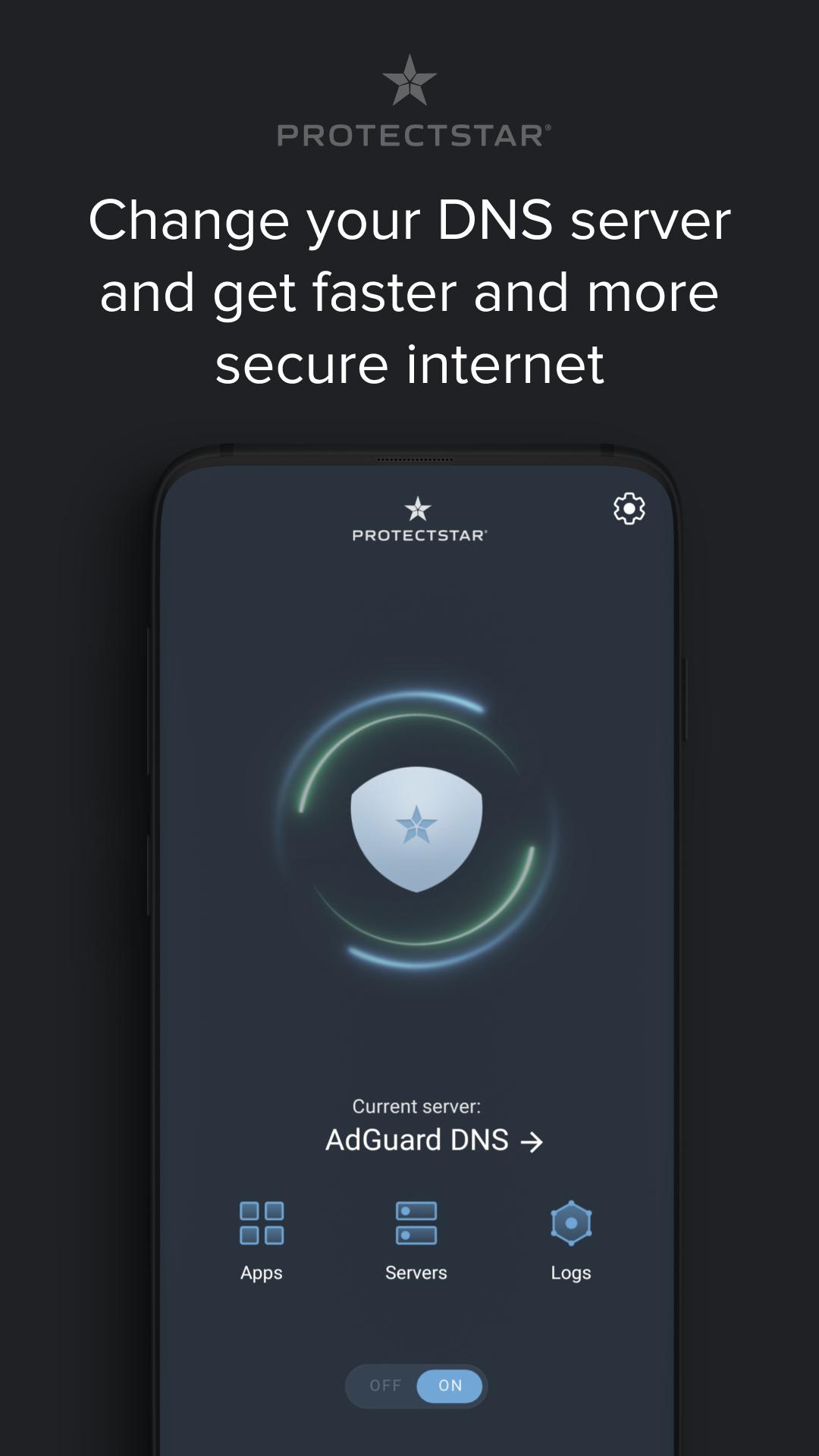
Change DNS without root for faster internet, lower ping and safer browsing.
DNS Changer by Protectstar™ is a simple Android app for changing the DNS server on your phone or tablet in seconds. Use fast, privacy‑friendly DNS on Wi‑Fi and mobile data (3G/4G/5G) to reduce DNS lookup time, improve website and app loading, and help stabilize latency for online gaming. You can also choose DNS providers that can filter many advertising, tracking and malicious domains at DNS level, and enable family‑safe DNS profiles for kids – no root, no router changes, no complex setup.
Why change your DNS?
• Your ISP default DNS can be slow, overloaded or unreliable.
• A faster DNS can make browsing, search, streaming and social apps feel more responsive.
• Security‑focused DNS can help block phishing, malware and suspicious domains before pages load.
• Better DNS routing can help reduce ping spikes and lag in many online games.
• Private DNS providers can reduce some tracking and unwanted traffic analysis.
Key features
• Change DNS without root on Android.
• Works with Wi‑Fi and mobile data.
• Supports IPv4 and IPv6 DNS servers.
• Ready profiles: Fast DNS, Private DNS, Security DNS, Gaming DNS and Family filter DNS.
• Choose Cloudflare, Google Public DNS, AdGuard DNS, Quad9, CleanBrowsing, NextDNS or add your own custom DNS (IPv4/IPv6).
• One‑tap connect/disconnect and clear connection status.
• DNS speed test to find a responsive DNS for your current network (PRO).
• Save profiles like Home, Work, Gaming, Kids and Travel (PRO).
Gaming DNS
Use Gaming DNS profiles to help reduce latency and ping fluctuations. DNS can affect how quickly your device reaches game services, logins and matchmaking. Results depend on your network, region and DNS provider, so the DNS speed test (PRO) helps you compare options for Wi‑Fi and 5G.
Privacy, security and family filter
• Privacy‑friendly DNS can reduce tracking by selected third parties.
• DNS filtering can limit access to many suspicious or harmful domains, especially on public Wi‑Fi in hotels, airports, cafés or shared networks.
• Family‑safe DNS can help restrict adult content, gambling and other unsuitable categories across the whole device.
• Filtering results depend on the DNS provider you choose.
Best use cases
• Faster daily browsing: news, search, shopping and social media.
• Streaming and video calls: better responsiveness on busy networks.
• Gaming: lower ping spikes and more stable matchmaking.
• Public Wi‑Fi: extra protection with a Security DNS profile.
• Kids’ devices: use a Family filter DNS profile on phones and tablets.
PRO features
• Per‑app control: decide which apps use DNS Changer (PRO).
• Optional DNS logs and monitoring to see which domains apps connect to (PRO).
• WHOIS tool with map view for deeper domain analysis (PRO).
• Advanced DNS speed test and saved profiles (PRO).
Important technical note
DNS Changer uses Android’s VpnService API to create a local VPN interface and change only the DNS server used by your device. It is not a full VPN service: your traffic is not tunnelled through remote VPN servers and your public IP address does not change. You generally cannot run another VPN app at the same time. No browsing history is required to change DNS.
Quick tips
• If a site or app does not load with one DNS, switch profile or return to system DNS.
• Test more than one DNS: the fastest option can change by network and time of day.
• Keep separate profiles for Home Wi‑Fi, mobile data and Gaming.
• Some apps cache network results; restarting the app or reconnecting Wi‑Fi can help.
Transparency
DNS filtering is controlled by the DNS provider you select. DNS Changer gives you an easy way to choose, test and manage those DNS settings on Android.
Latest Version
1.5Uploaded by
Chen Ge
Requires Android
Android 6.0+
Category
Free Tools AppContent Rating
Everyone
Security Report
Report
Flag as inappropriateLast updated on Apr 8, 2026
+ Adjusted for Android 16
+ Added support for tablets
Thank you for using DNS Changer and for being part of the Protectstar community!



APKPure - A multi-platform app store primarily focused on Android, providing extensive app-related content. Discover the app you want easier, faster, and safer, with quick and efficient downloads and installations.