Scan Date:Mar 3, 2026
Show More
The DMXcat® makes it easy for anyone to control, analyze, or test any DMX lighting fixture, whether it’s a simple LED PAR or a complex moving light. The system consists of a small hardware dongle (purchased separately) and a suite of free mobile applications. Together, they combine to bring wireless DMX and RDM control plus other useful lighting functions to the user’s smartphone. The DMXcat solves the problem faced by all users of modern lighting equipment: How to turn on and test DMX lighting gear without using a complicated lighting console.
Software Applications
There are currently seven apps available for use with the DMXcat system:
•DMX Controller: A single universe (512) DMX channel controller with two user interfaces (sliders or keypad).
•Fixture Controller: Controls multi-attribute fixtures from a built in database.
•RDM Controller: For bi-directional communication and control of RDM enabled devices.
•DMX Tester: Analyze and adjust settings for transmitting or receiving DMX.
•DIP switch calculator: Simplifies the configuring of DIP switches used for setting DMX addresses.
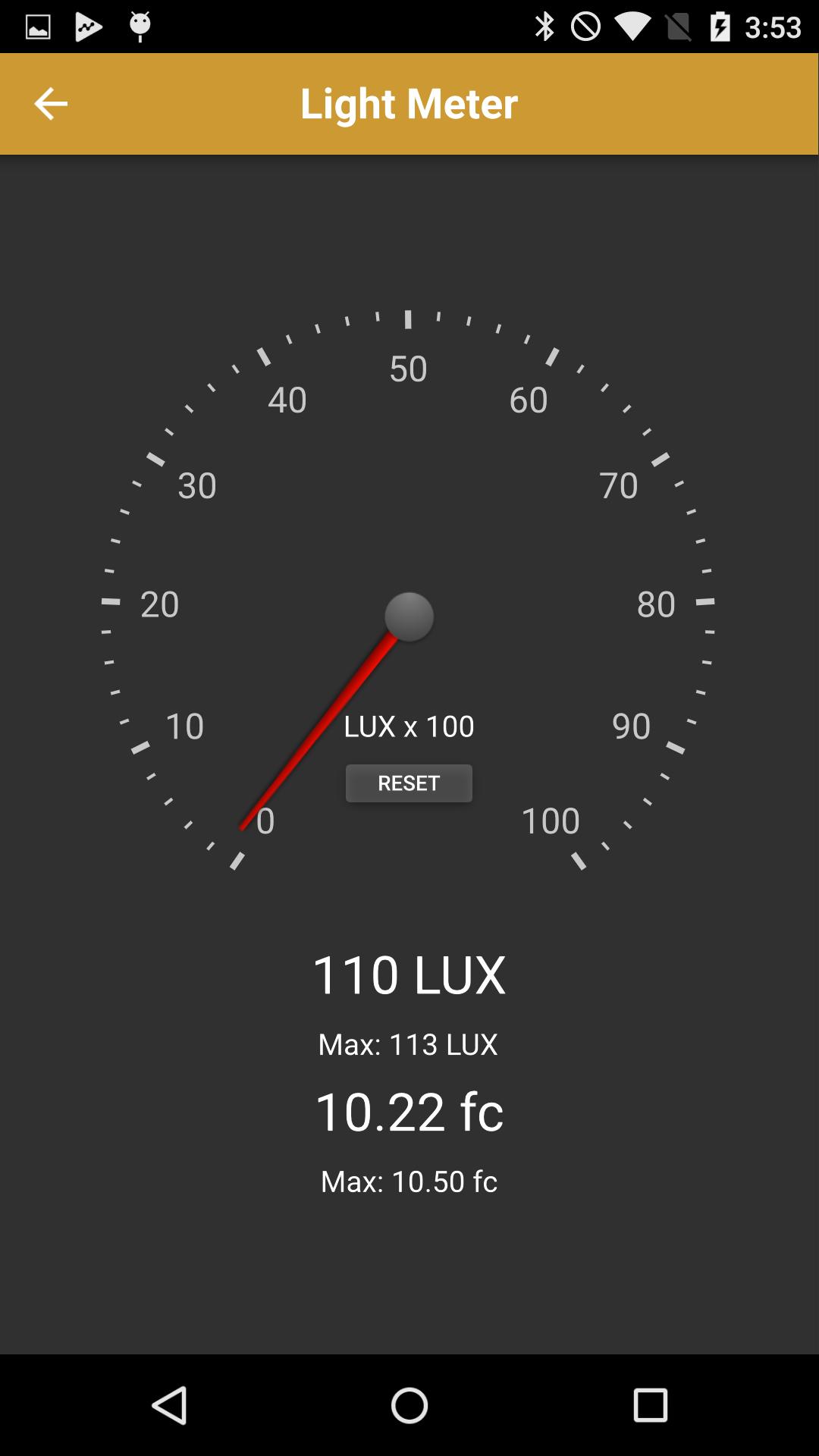
•Light Meter: Useful for setting light levels for on-camera use (requires light sensor).
•RF Spectrum Analyzer: For surveying and visualizing Wi-Fi networks in the 2.4GHz spectrum
Hardware
The DMXcat’s hardware interface is a compact battery powered device which fits easily in a pocket or tool pouch or may be worn on a belt. It uses Bluetooth LE technology for communication with the smartphone applications (up to 50’ range). Without the limitations of being physically connected, the user can move about the workspace as needed with their smartphone and run the various apps while still using the phone for on-the-job communication. The device’s five pin XLRF connector/cable assembly allows it to be connected to a point in a DMX data chain to test or control of the various DMX/RDM functions. It is charged using a standard USB to Micro-USB cable and charger. Other features include a built-in LED flashlight, an audible alarm for locating a misplaced unit, XLR5M to XLR5M Turnaround, LED status indicator, and a removable belt clip with a split ring safety point. Optional accessories include XLR5M to RJ45 Adapter, XLR5M to XLR3F Adapter, XLR5M to XLR3M Turnaround, and a Belt Pouch.
Requirements
Android OS version 5.1 or above
Bluetooth 4.0 compatible device
Latest Version
2.1.0.9.0.0Uploaded by
San Veer
Requires Android
Android 6.0+
Category
Free Art & Design AppContent Rating
Everyone
Security Report
Report
Flag as inappropriateLast updated on Apr 10, 2025
Fixed issues:
Renaming dongle causes the dongle to disappear from connection scans
App would ask for a PIN when none is required
App would allow duplicate channel names in personality editor
Not all files types were sharable in the file share screen
New Features:
Redesigned File Share Screen to list view so file names are more readable
Flicker Finder is now implemented




APKPure - A multi-platform app store primarily focused on Android, providing extensive app-related content. Discover the app you want easier, faster, and safer, with quick and efficient downloads and installations.