this is the list of supported drones:
-Mavic Mini
-Mavic Air 2
-Mavic 2 Enterprise Advanced
-Matrice 300 RTK
-Matrice 200 V2
-Matrice 210 V2
-Matrice 210 RTK V2
-Phantom 4 RTK
-Mavic 2 Enterprise
-Mavic 2 Pro
-Mavic 2 Zoom
-Spark
-Matrice 210
-Matrice 210RTK
-Matrice 200
-Inspire 2
-Mavic Pro
-Mavic Air
-Phantom 4
-P4 Multispectral
-Matrice 600
-Phantom 3
-Inspire 1
-Matrice 100
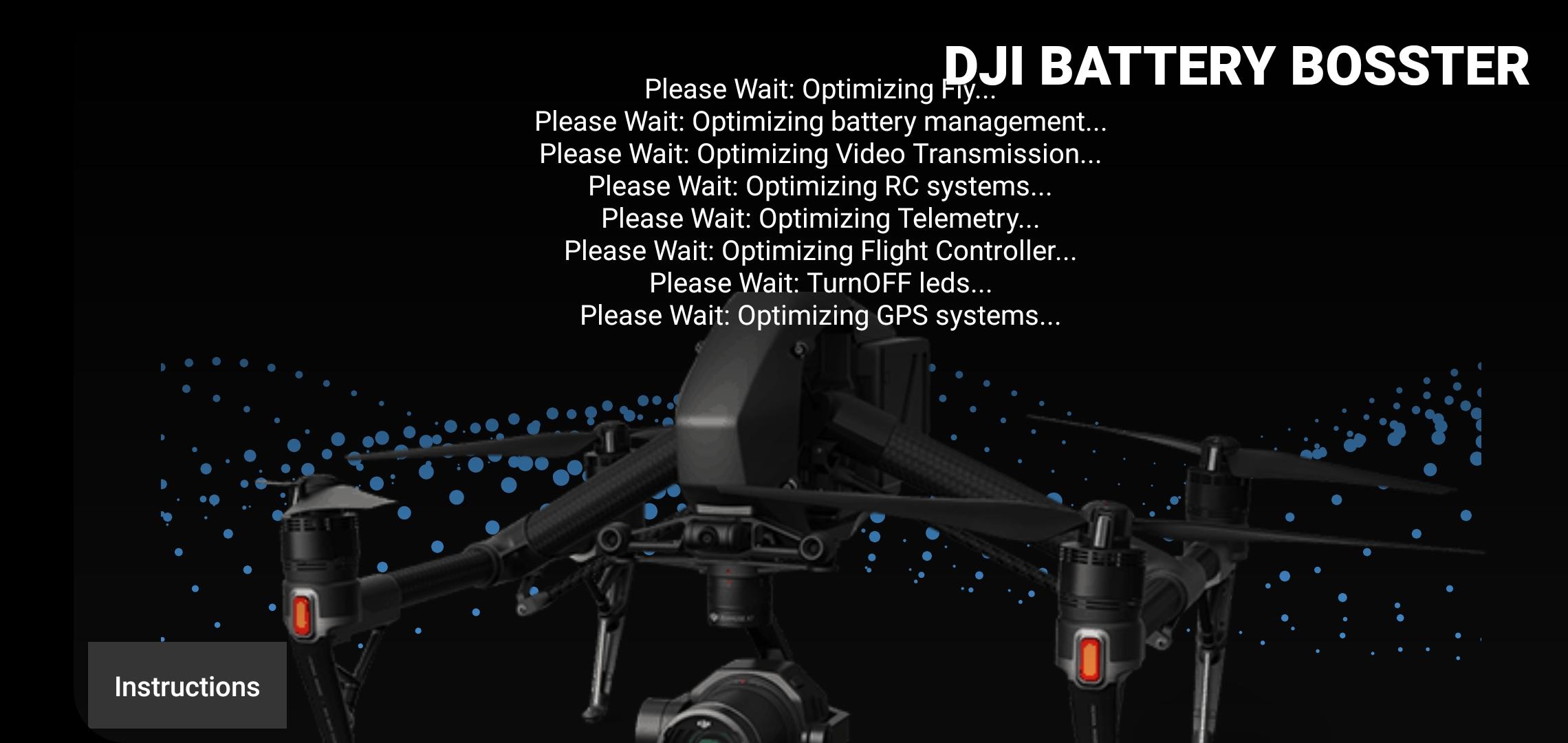
Instructions
1 connect your controller to your android
2 turn on your controller and your drone
3 close the DJI Fly app
4 open this app
5 optimize your drone
6 close this app and open DJI Fly
7 Enjoy
note: you can only use one app connected to your drone at a time
Latest Version
1.0.8Requires Android
5.0
Category
Tools AppContent Rating
Everyone
Report
Flag as inappropriateLast updated on Feb 10, 2022
Minor bug fixes and improvements. Install or update to the newest version to check it out!




APKPure - A multi-platform app store primarily focused on Android, providing extensive app-related content. Discover the app you want easier, faster, and safer, with quick and efficient downloads and installations.