Package Name:com.watchfacestudio.myapplication
SHA-256:c6e99cb445826a493315af39db399cfc02157a375117cb977bca344c264e0079
Show More

=======================================================
NOTICE: READ THIS ALWAYS BEFORE AND AFTER DOWNLOADING OUR WATCH FACE TO AVOID ANY SITUATION YOU DON'T LIKE.
=======================================================
a. This watch face For WEAR OS 4+ contains a lot of options in customization menu.If for some reason it takes time to load customization options in Wearable app wait for at least 8 secs to let load up all customization menu options while opening on Galaxy wearable app.
b. INSTALL GUIDE , An effort has be done to make it which is attached as an image with screen previews.It is the 1st image in previews for newbie Android Wear OS Users or for those who do not know how to install the watch face to your connected device. So it is requested to users to read it before posting cannot install statements reviews. If you do not understand it still watch this official video on how to install.
Still cannot Install email be for refund.
https://youtu.be/vMM4Q2-rqoM
c. When installing via Phone Helper App DO NOT PAY TWICE FROM WATCH PLAY STORE . Its a bug in play store just click on watch face when it is opened by helper app. it will say error wait for your purchase to sync and then install button will appear.
The install guide image attached with watch face preview in phone play store app in center shows the method to install the watch face via drop down download button in phone play store app to directly install watch face on your watch.3 x methods 100 percent working to install both phone app and watch app are shown in this install guide image .
=======================================================
FEATURES AND FUNCTIONS
=======================================================
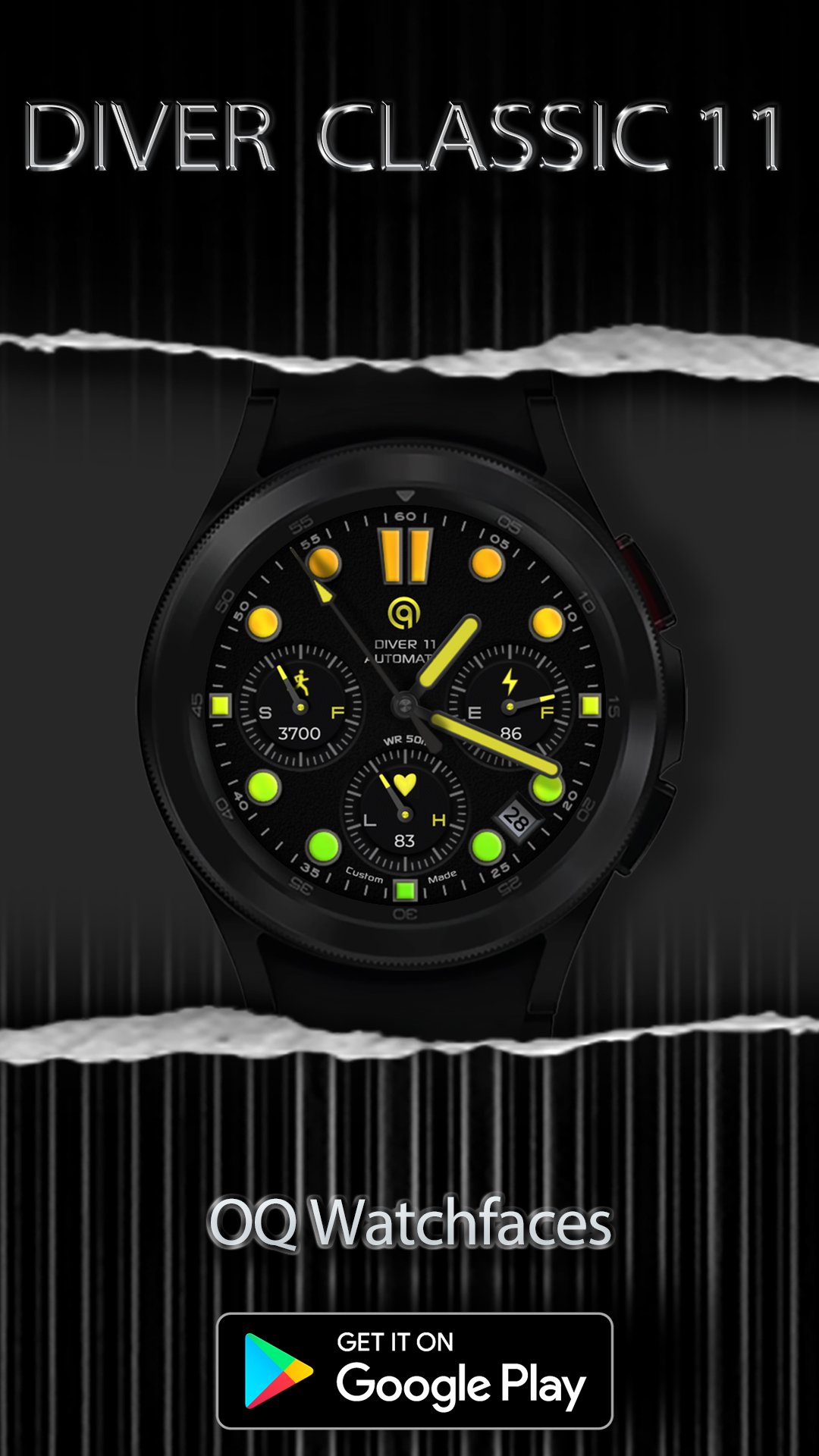
The watch face has following features:-
1. Tap on 6 o clock hour square below heart rate chronometer to open watch Google Play Store App.
2. Tap on 12 o clock hour index bars to open watch Google Maps app.
3. Tap on 5 o clock hour index circle to open watch dial app.
4. Tap on 7 o clock hour index circle to open watch messaging app.
5. Tap on Date Text to open watch Calendar app.
6. 3 x customizable complication for main are also available in customization menu
8. 1 x visible complication shortcut is also available via customization menu which you can set for any other shortcut you want.
9. 3 x invisible complication shortcuts are also available via customization menu which you can set for any other shortcuts you want.
10. Dim Modes are available for main and aod display separately.
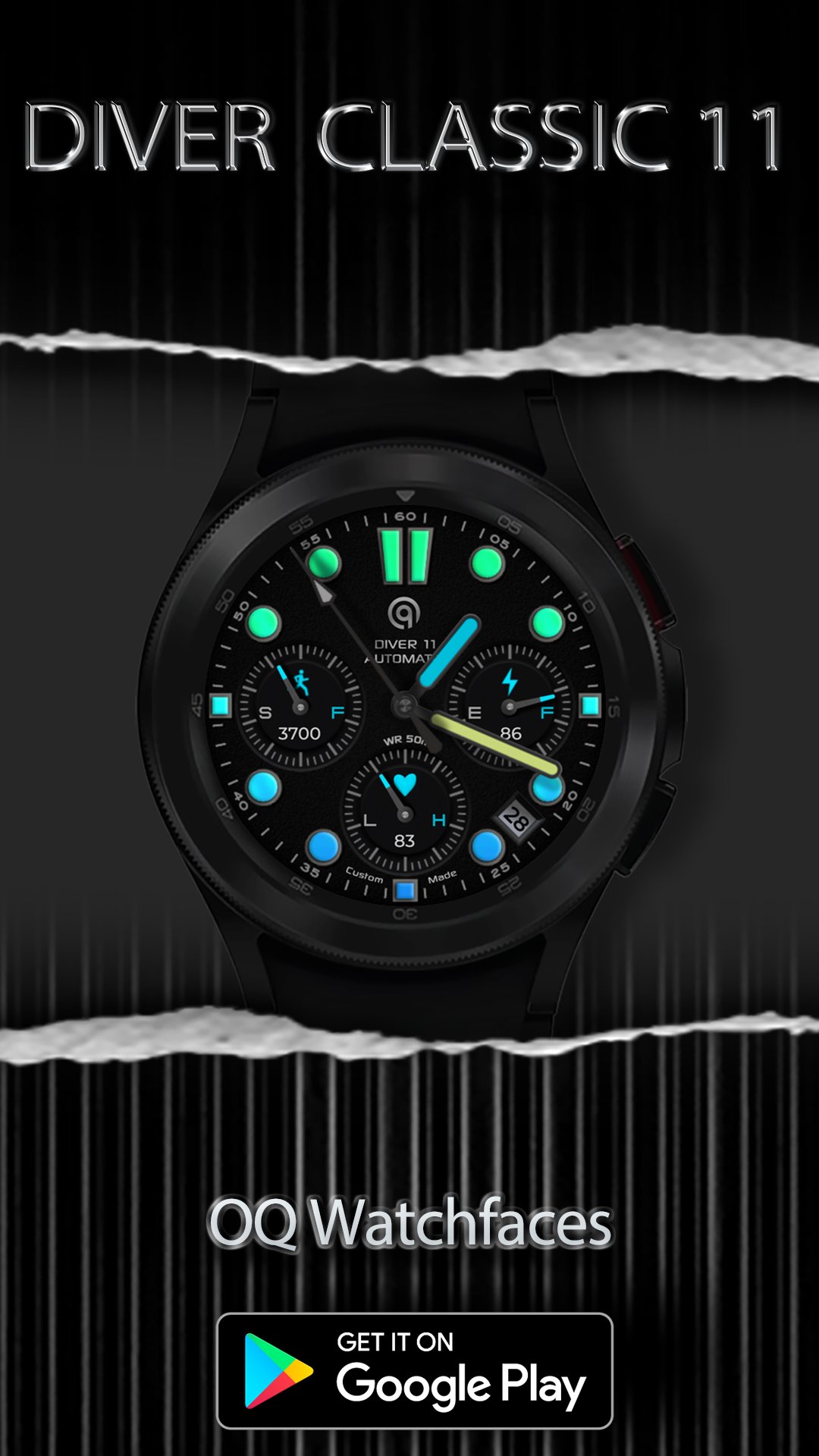
11. Outer index minutes color on main and aod is off by default but you can also set it on from customization menu.
12. Chronometer Index color on main and aod is off by default but you can also set it on from customization menu.
13. Tap on 3 o clock hour index square to open watch alarm settings menu.
14. Tap on 9 o clock hour index square to open watch main settings menu.
Latest Version
Varies with deviceUploaded by
Hamza Qajni
Requires Android
Category
Personalization AppContent Rating
Everyone
Security Report
Check Now
Report
Flag as inappropriateLast updated on Dec 27, 2025
V1.0.5 Change Log:-
1. Watch face updated with Samsung Latest Watch Studio V1.6.10 released on Jul-23-2024 as per Google New Policy To target Android 13 (API level 33) or higher.
2. Step Chronometer needle rotation corrected now whatever step target is selected in Samsung Health App, The needle will auto adjust accordingly.
3. Helper companion app for phone updated. Thanks to Bredlix @ Github for source code.



APKPure - A multi-platform app store primarily focused on Android, providing extensive app-related content. Discover the app you want easier, faster, and safer, with quick and efficient downloads and installations.