
To view the subjects offered by your department, follow these steps:
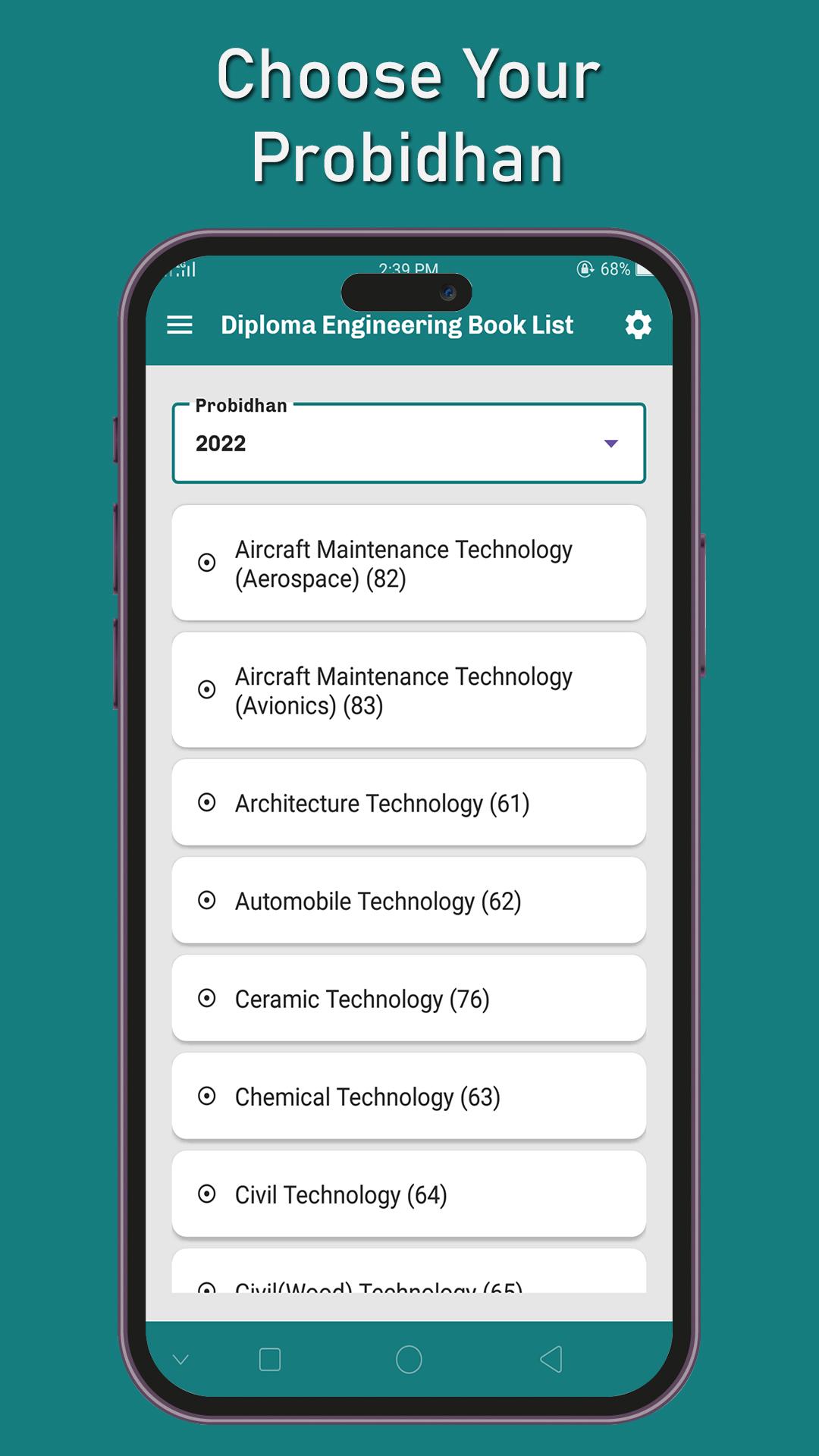
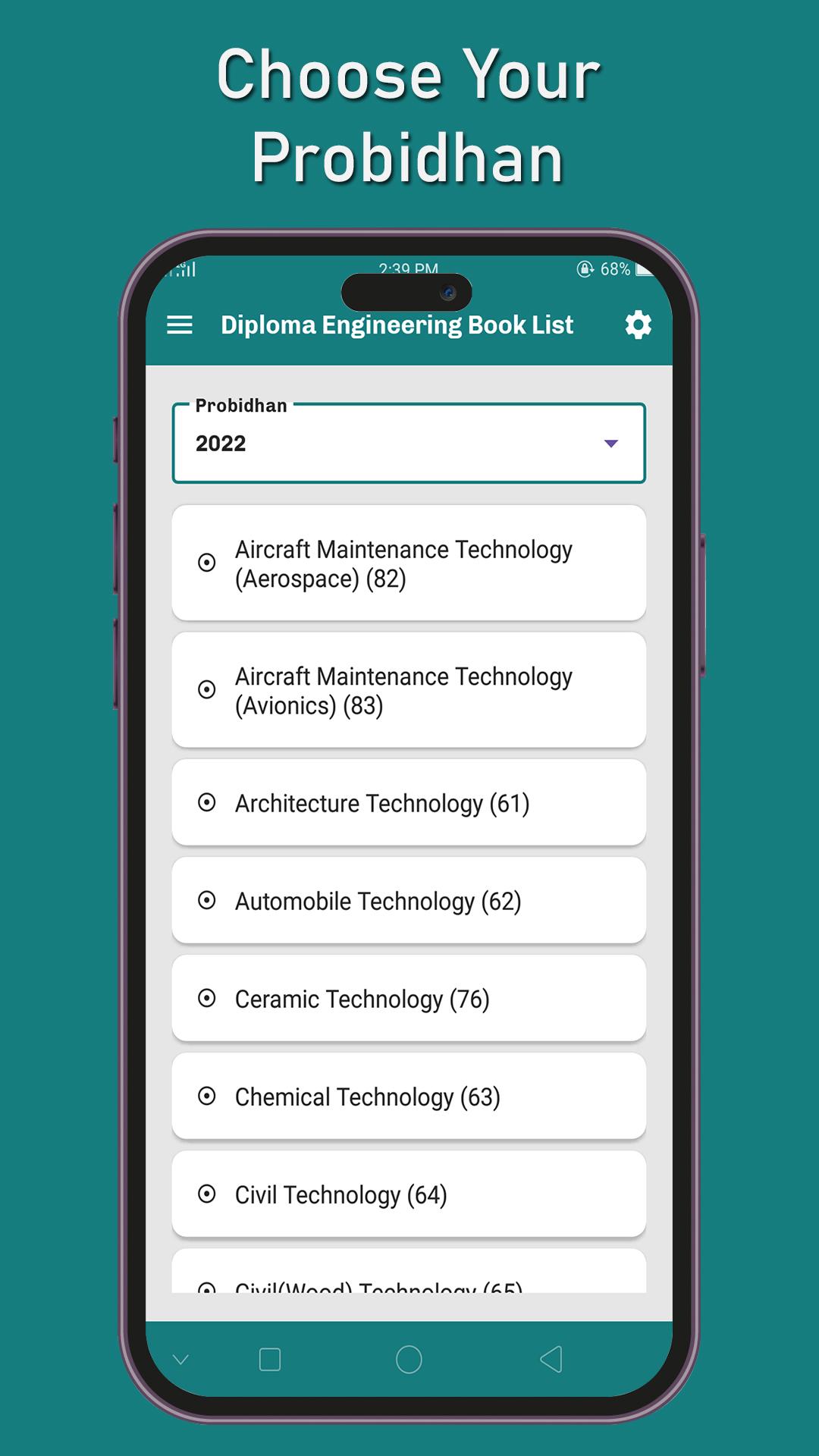
Select Your Department: Choose the department you are enrolled in from the available options.
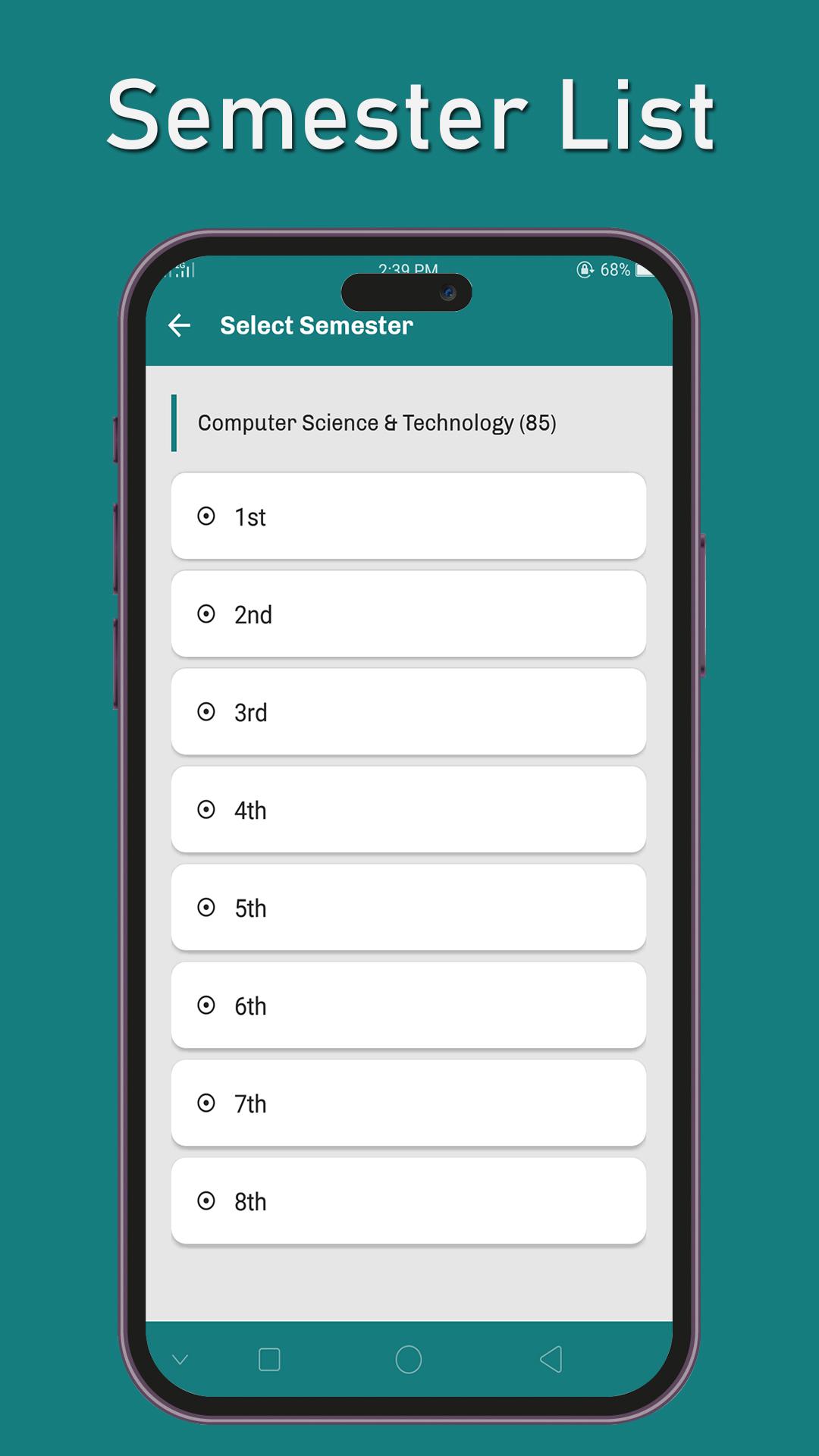
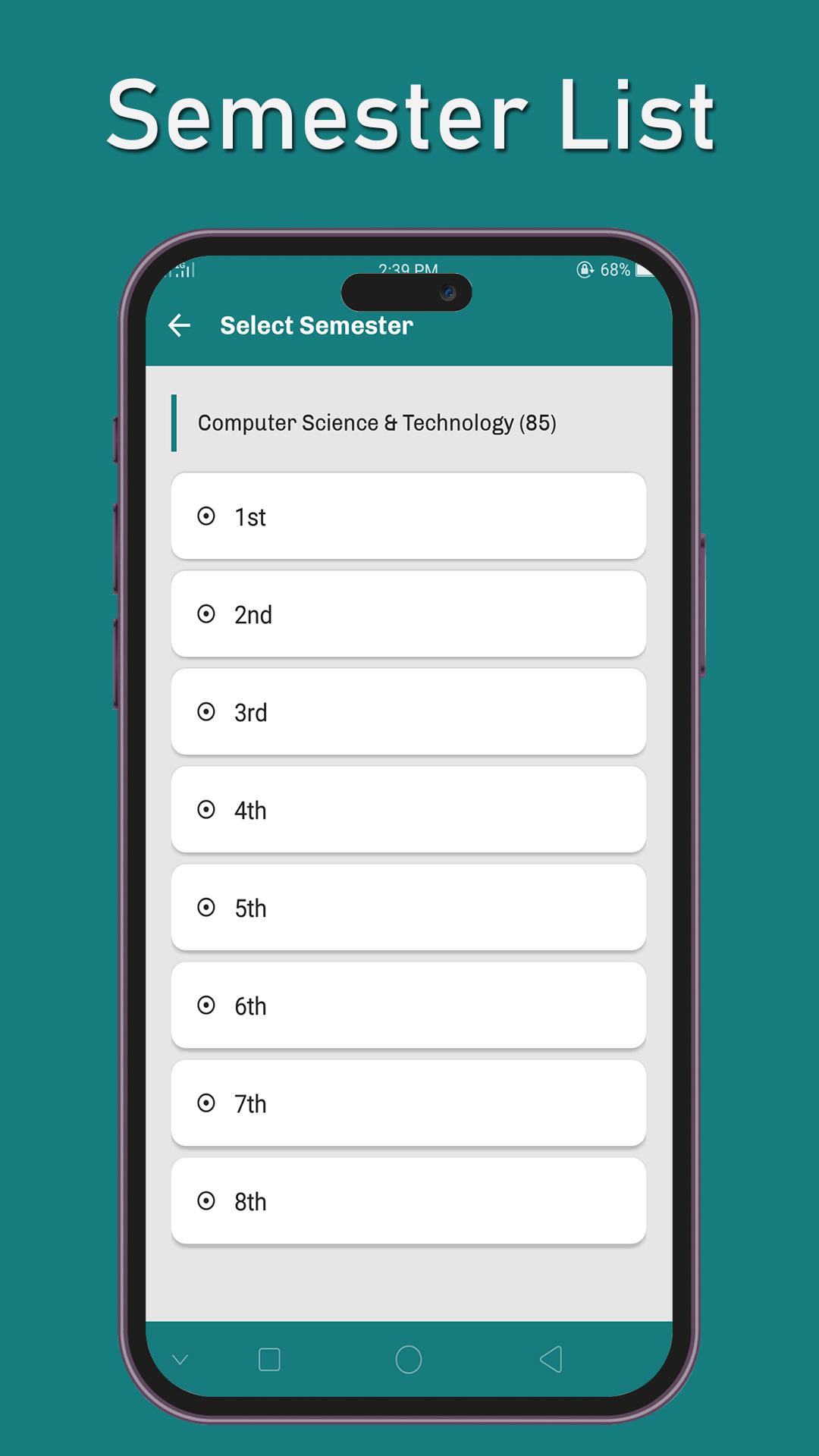
Select Semester: Pick the semester you want to view from the list.
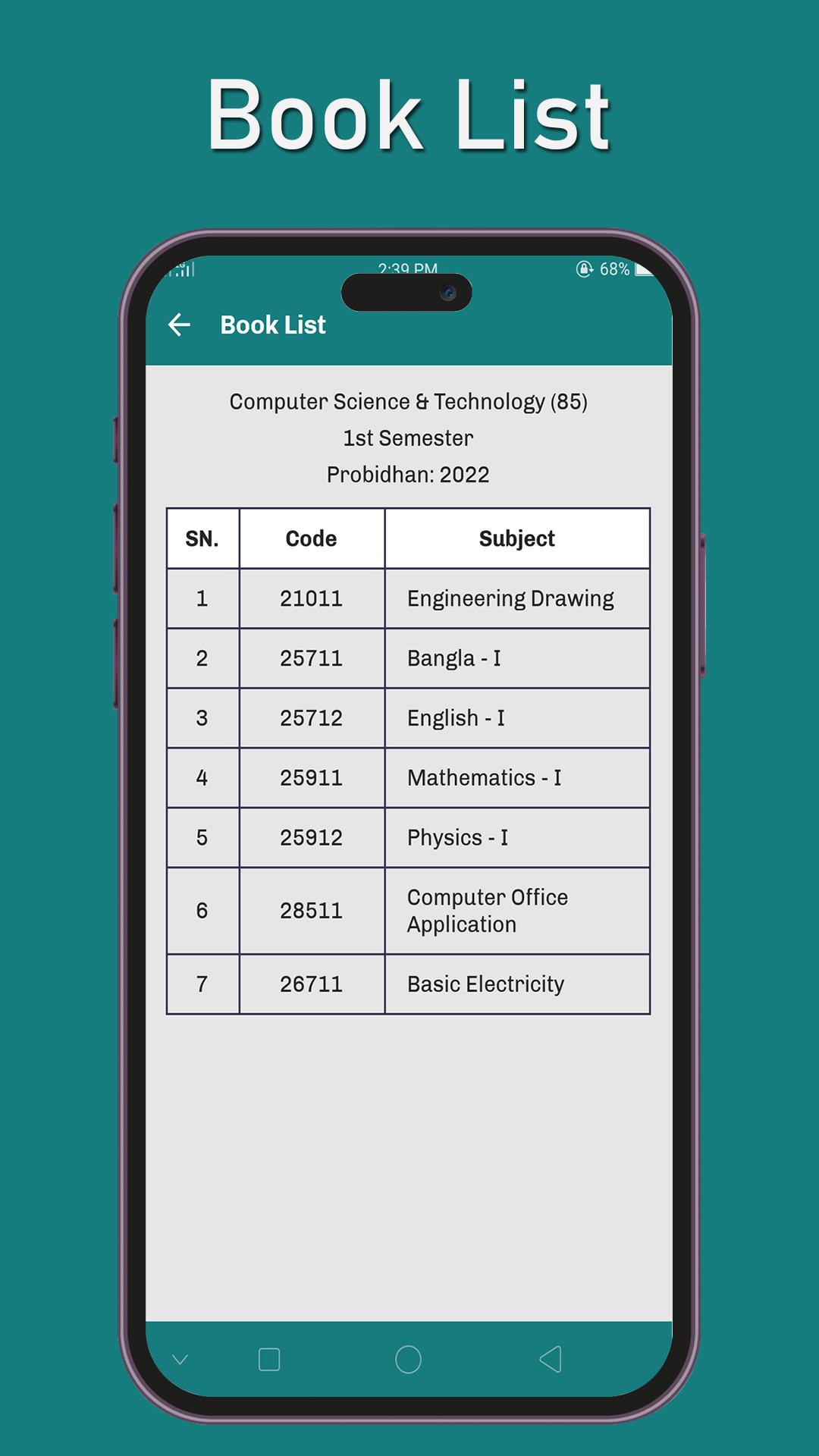
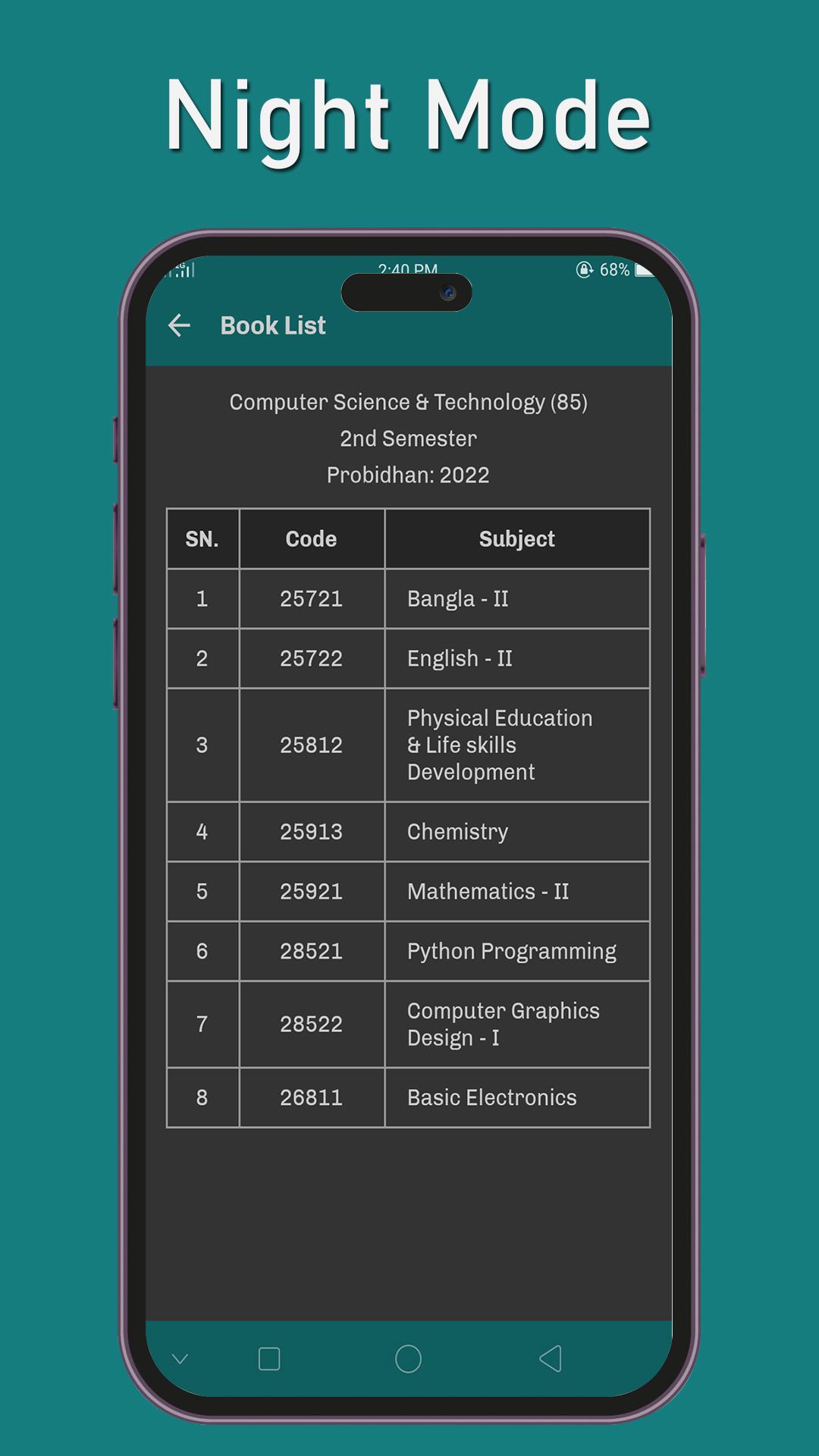
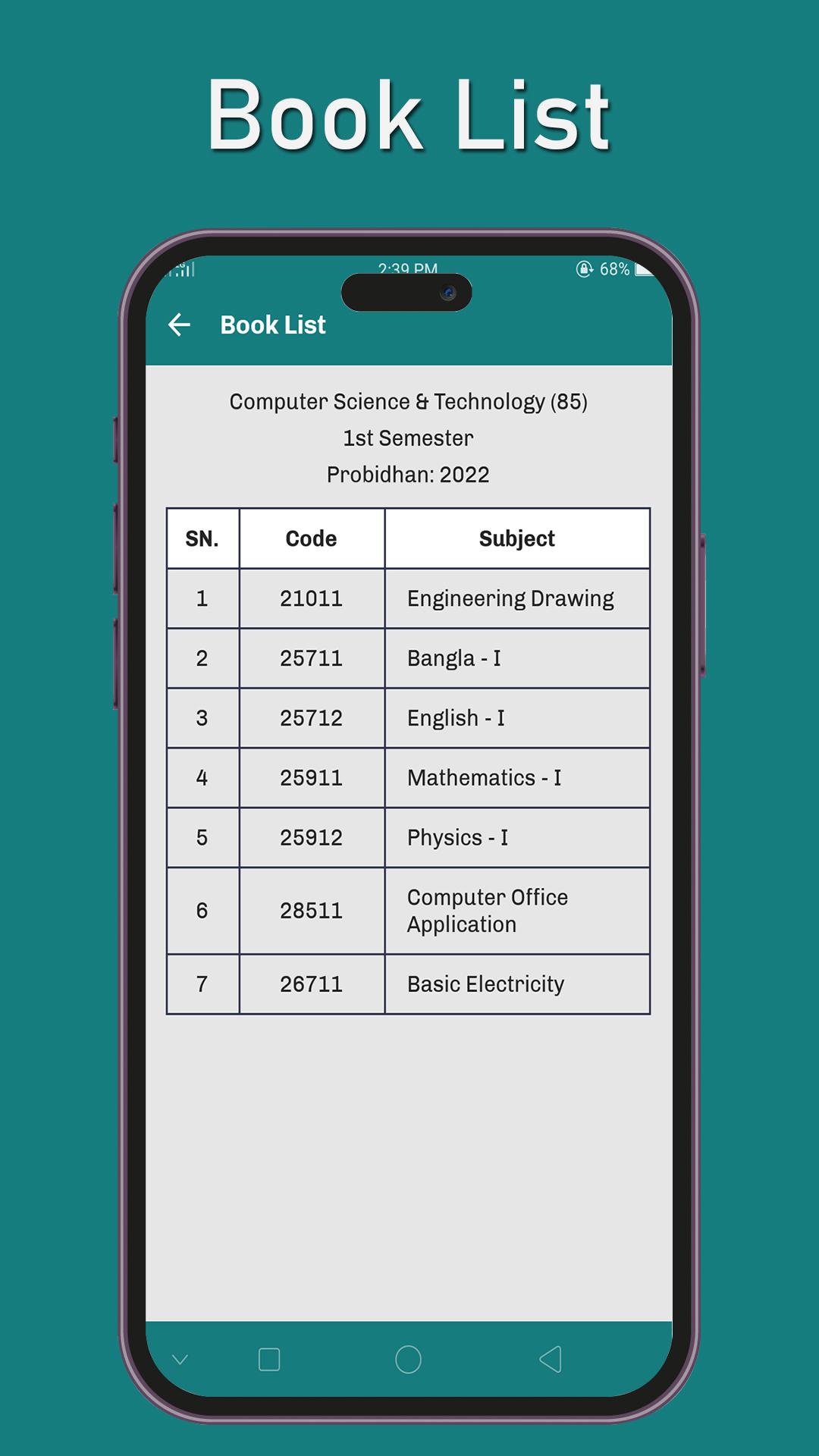
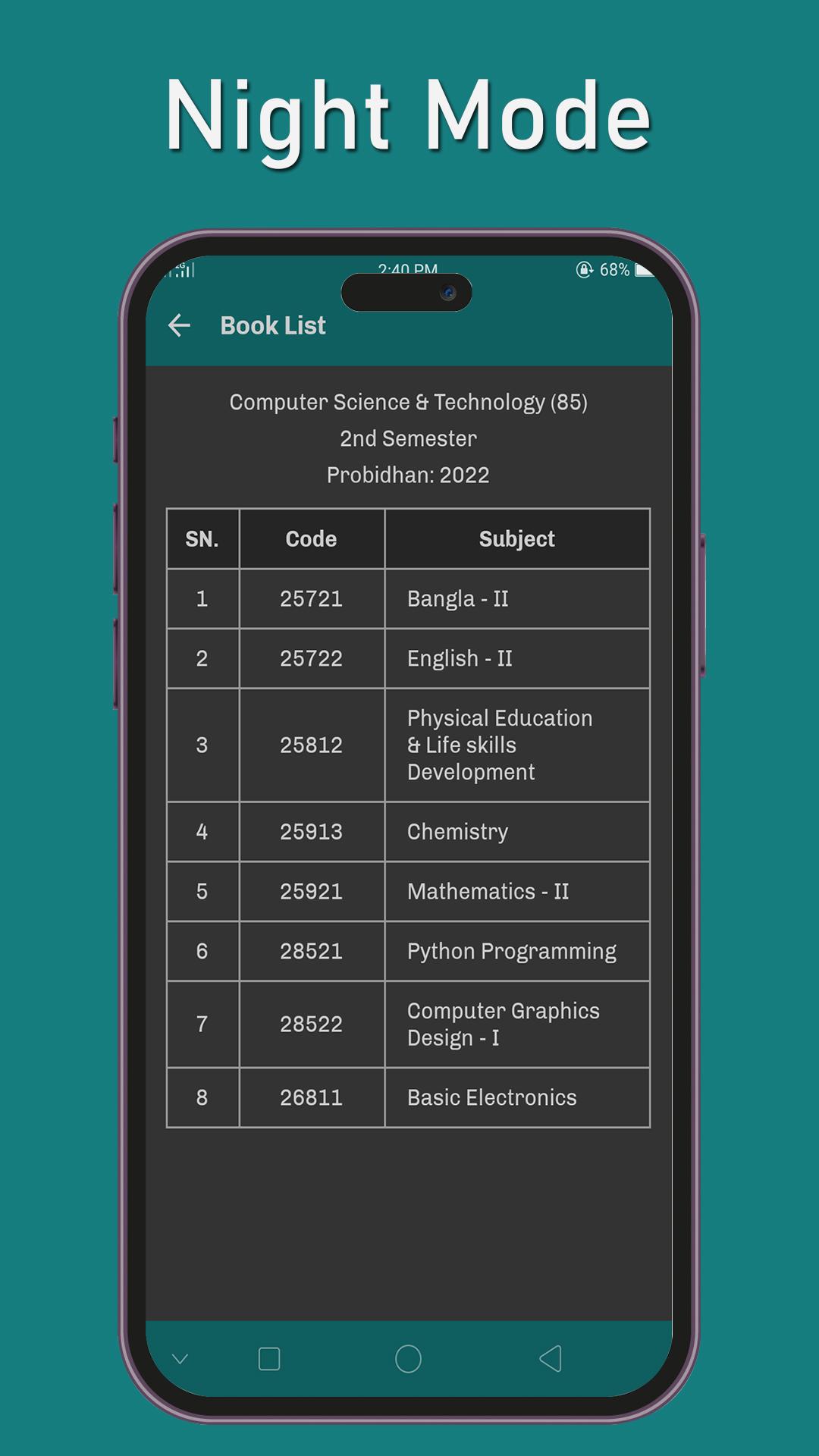
View Subjects: Once you have selected your department and semester, the system will display a comprehensive list of all the subjects available for that particular semester.
Latest Version
6.0Uploaded by
حسوني قاهرهم
Requires Android
Android 5.0+
Category
Free Books & Reference AppContent Rating
Everyone
Report
Flag as inappropriateLast updated on Jul 1, 2024
Updated UI with night mode and all semester book list.


APKPure - A multi-platform app store primarily focused on Android, providing extensive app-related content. Discover the app you want easier, faster, and safer, with quick and efficient downloads and installations.











